
Linux · Internet
Loomfy
Loomfy is a Linux app that records and locally transcribes meetings using GPU acceleration.
- License
- LicenseRef-proprietary=https://loomfy.ai…
- Latest version
- 1.10.1 (November 21, 2026)
- Developer
- Loomfy
- Installs
- 435 (Flathub, 30 days)
What is Loomfy?
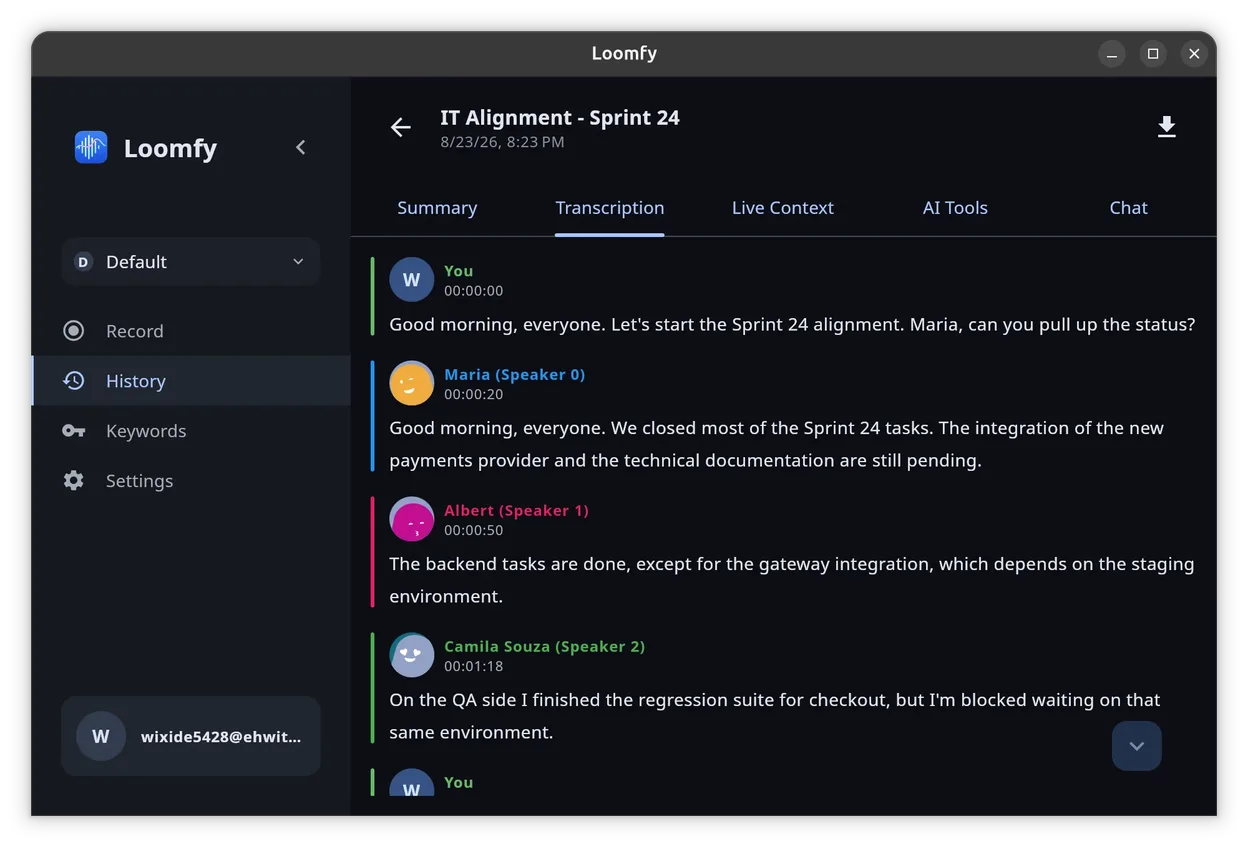
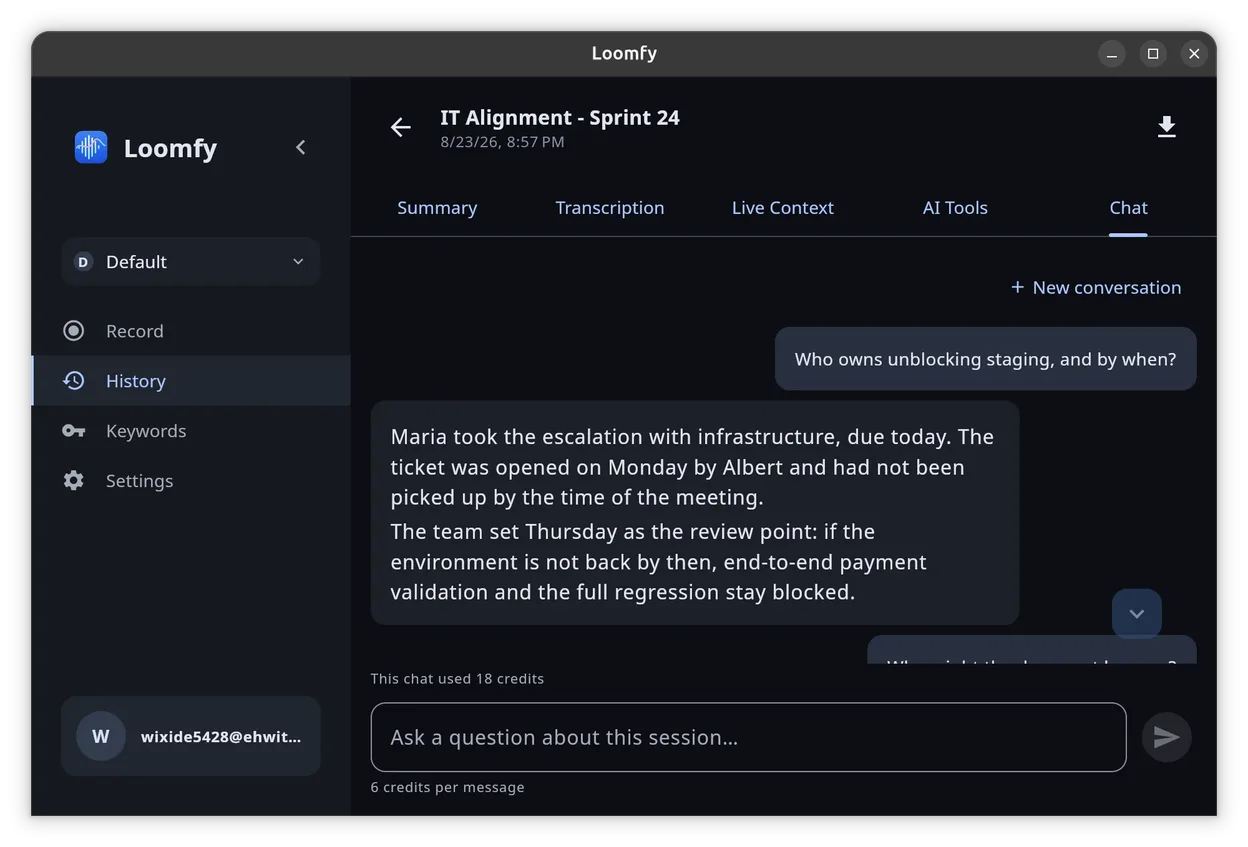
Loomfy is a relatively new tool, with its latest release in November 2026, that focuses on on‑device meeting transcription. It captures both microphone and system audio, runs speaker diarization and AI‑generated summaries locally, and only requires an account for optional cloud features. The app is built around privacy‑first principles, keeping audio on your machine and using Vulkan for GPU acceleration.
The software targets users who need reliable, real‑time meeting notes without sending data to the cloud—especially remote workers, journalists, and developers who already rely on Slack or similar collaboration tools. Its interface feels like a lightweight desktop client: start a recording, watch live captions, and export the result when you’re done.
Compared with Slack Desktop, Loomfy does not provide chat or integration features; instead, it replaces the note‑taking part of meetings. It feels more like a dedicated transcription workstation than a full‑blown communication suite, which can be refreshing if you only need accurate, private meeting records.
Best for: Users who need private, on‑device meeting transcription and summary generation.
Key features of Loomfy
- Real‑time transcription with speaker diarization
- GPU‑accelerated processing via Vulkan
- Captures microphone and system audio simultaneously
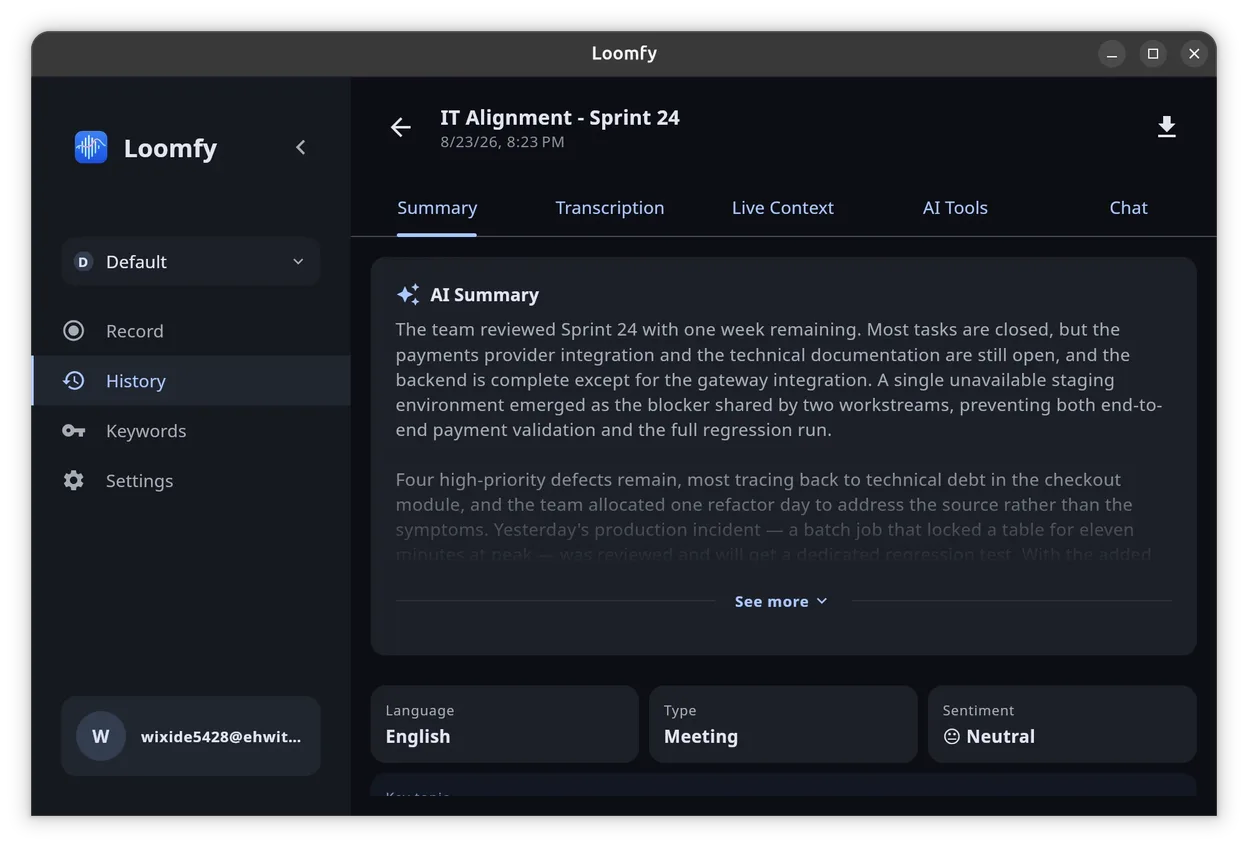
- AI‑generated summaries, action items, and decisions
- Keyword alerts during meetings
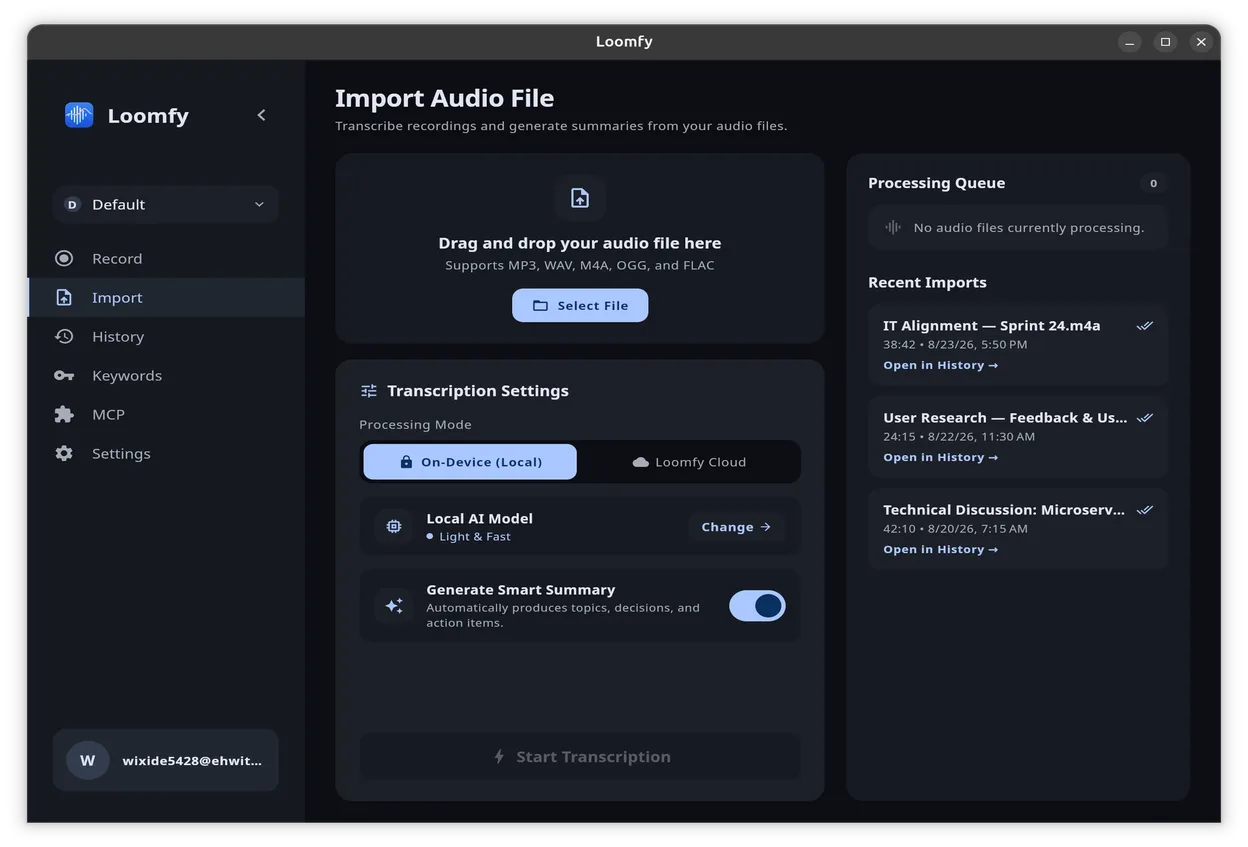
- Import of common audio formats (MP3, WAV, FLAC, etc.)
- Export to PDF and Markdown
- Optional cloud AI features with paid account
Pros
- Audio never leaves the machine, strong privacy
- Fast GPU‑based transcription
- Supports multiple audio sources
- Export options cover most workflow needs
- Free local recording and transcription
Cons
- Proprietary license, no source code access
- Cloud AI features require paid account
- Limited to transcription; no chat or collaboration tools
How to install Loomfy on Linux
flatpak install flathub ai.loomfy.LoomfyTips for Windows users
When moving from Slack Desktop, install Loomfy from Flathub and start a recording before your meeting. Export the transcript as Markdown to keep a text version you can paste into Slack channels. Keyboard shortcuts for start/stop are configurable in Loomfy's settings; you may want to map them to familiar keys you used in Slack's call controls. Audio files can be imported directly, so you can process recordings saved from other tools.
Recent releases
- 1.10.1 —
- 1.10.0 —
- 1.9.1 —
Improves audio capture reliability with actionable device initialization diagnostics and smart alerts for system audio silence during meetings.
- 1.9.0 —
Adds audio file import with drag-and-drop support, introduces a redesigned recording cockpit with unified engine selection, and includes general stability and performance improvements.
Loomfy: frequently asked questions
Does Loomfy work without an internet connection?
Yes, all core transcription, speaker separation, and export functions run locally without internet.
Can I use Loomfy with a non‑GPU system?
It will fall back to CPU processing, but performance will be slower and real‑time transcription may lag.
How do I export a transcript for use in Slack?
Use the Export to Markdown option, then copy‑paste the file into a Slack channel or upload it as a file.
Is there a free tier?
Local recording and transcription are free; cloud AI summaries and document generation require a paid plan.
Updated