

Linux · Internet
Pidgin
Pidgin is a free, multi‑protocol instant messaging client for Linux, Windows and macOS.
- License
- GPL-2.0
- Latest version
- 2.14.14 (January 23, 2025)
- Developer
- Gary Kramlich
- Installs
- 599 (Flathub, 30 days)
What is Pidgin?
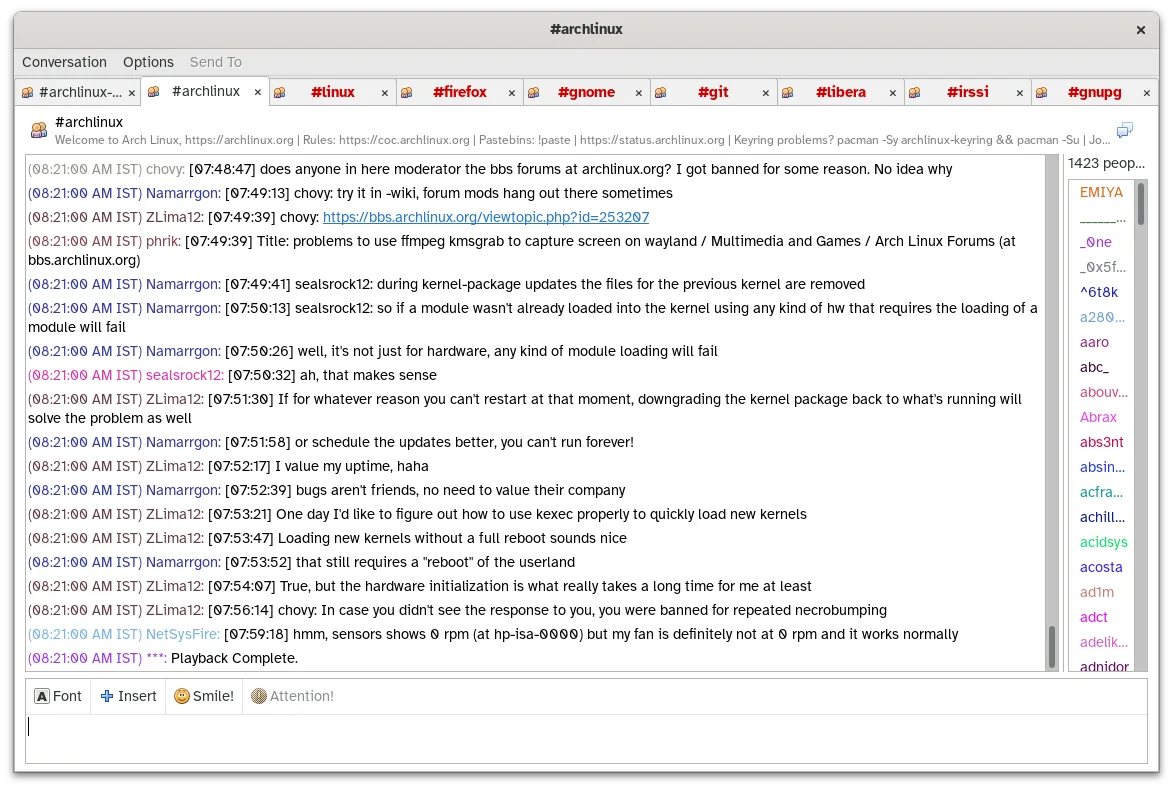
Pidgin has been around since the early 2000s, built on the libpurple library that abstracts dozens of chat protocols. It is packaged in the major Linux distributions and receives regular updates, the latest being 2.14.14 in early 2025. The client lets you stay logged into XMPP, IRC, MSN, AIM, Yahoo! and many others from a single window.
It targets users who need to keep contacts across several legacy and modern services without juggling separate programs. If you used AOL AIM, Yahoo! Messenger, or Windows Live Messenger on Windows, Pidgin offers a familiar contact list and chat windows while consolidating everything.
Compared to the Windows tools, Pidgin feels more utilitarian: the UI is simple, not flashy, and relies on plugins for extra features. It lacks the integrated media calls of newer messengers, but it excels at handling multiple text‑based networks simultaneously.
Best for: Users who need a single, reliable client for many text‑based chat services, especially legacy networks.
Key features of Pidgin
- Supports over 30 chat protocols via libpurple
- Simultaneous login to multiple accounts
- Plugin system for extensions (e.g., OTR encryption, spell‑check)
- Buddy grouping and status messages
- File transfer for supported protocols
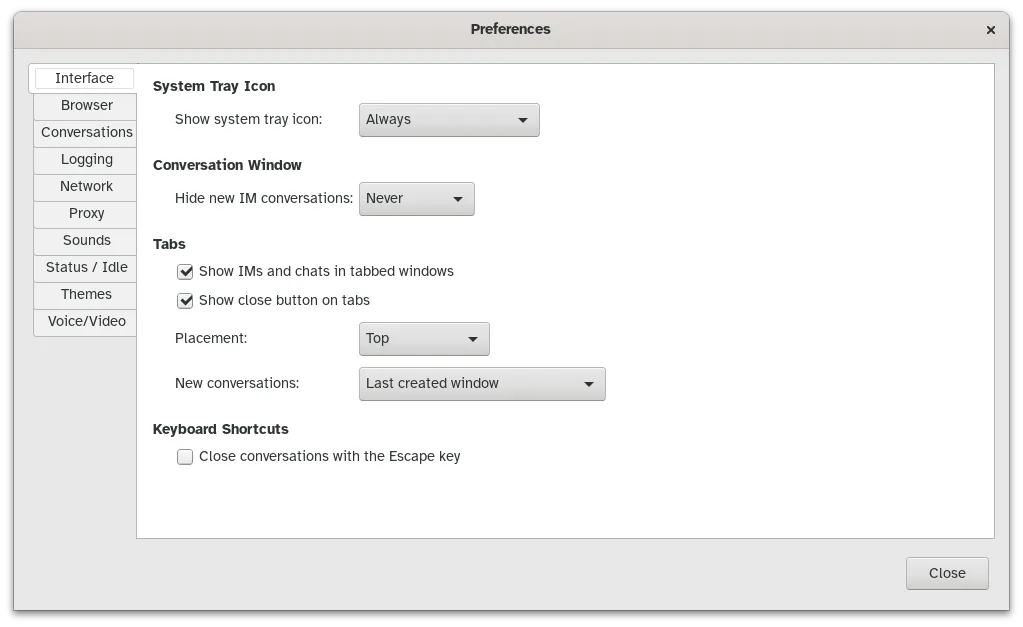
- Customizable themes and emoticons
- Logging of chats to local files
- Portable version via Flatpak
Pros
- One interface for many networks
- Lightweight and fast
- Highly extensible with plugins
- Available in all major distro repos
Cons
- No native video or voice calling support
- Interface looks dated compared to modern messengers
- Some newer protocols require third‑party plugins
Windows programs Pidgin replaces
 AOL Instant Messenger (AIM)
 Digsby
 Google Talk (GTalk)
 ICQ
ICQ Miranda IM
 Quiet Internet Pager (QIP)
 Windows Live Messenger (MSN)
 Yahoo! Messenger
How to install Pidgin on Linux
flatpak install flathub im.pidgin.Pidginsudo apt install pidginsudo apt install pidginsudo dnf install pidginsudo zypper install pidginTips for Windows users
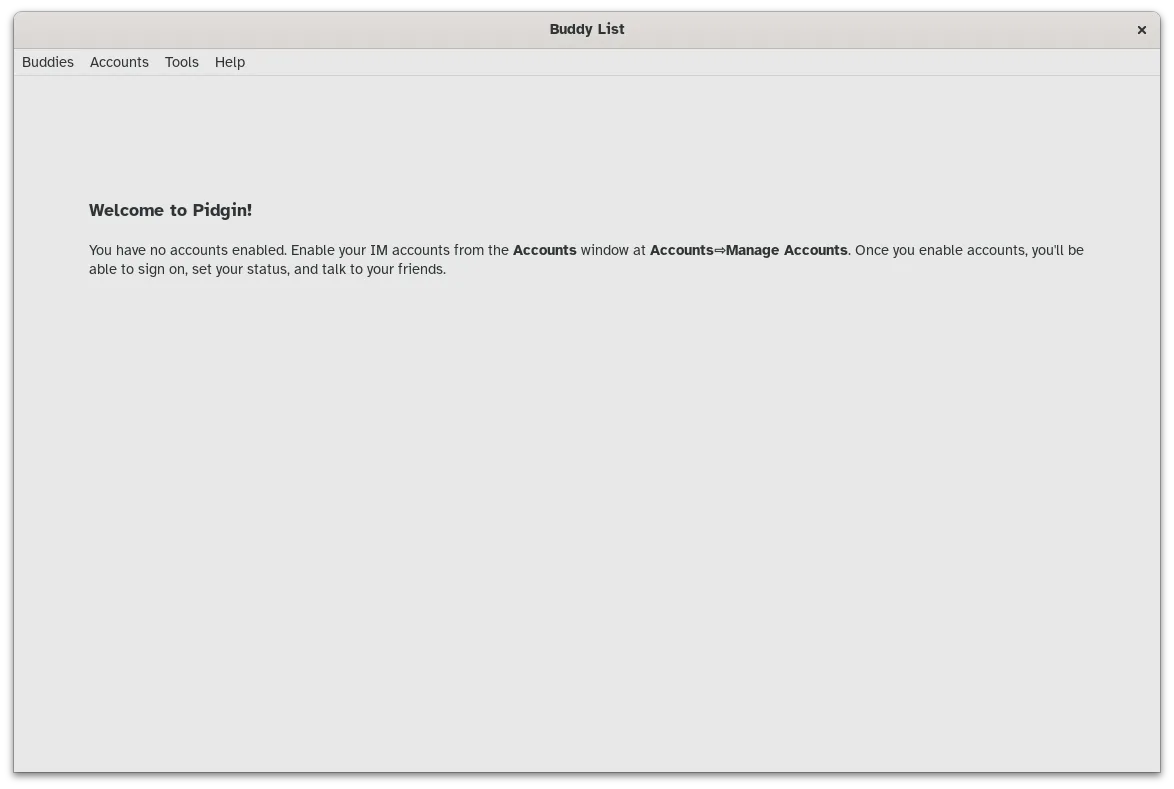
Pidgin stores contacts and logs in ~/.purple, so you can copy that directory from a Windows install (if you used the portable version) to preserve buddy lists. Keyboard shortcuts are similar: Ctrl+N for new chat, Ctrl+W to close a window, and Ctrl+L to open the log viewer. Expect to configure each account manually in Preferences → Accounts, as there is no automatic import from Windows clients.
Recent releases
- 2.14.14 —
- 2.14.13 —
- 2.14.12 —
- 2.14.10 —
Pidgin: frequently asked questions
Can Pidgin connect to Google Hangouts?
Official support was dropped, but third‑party plugins may still work for XMPP‑based Hangouts.
How do I enable encrypted chats?
Install the OTR plugin from your distro’s repository and enable it per account in the plugin settings.
Is there a way to sync contacts across devices?
Pidgin itself does not sync contacts; you can export the buddy list to a file and import it on another machine.
Why does Pidgin not show my avatar?
Avatars are fetched per protocol; ensure the account settings allow image retrieval and that the server supports avatars.
Updated