

Linux · Sound & Video
Plex
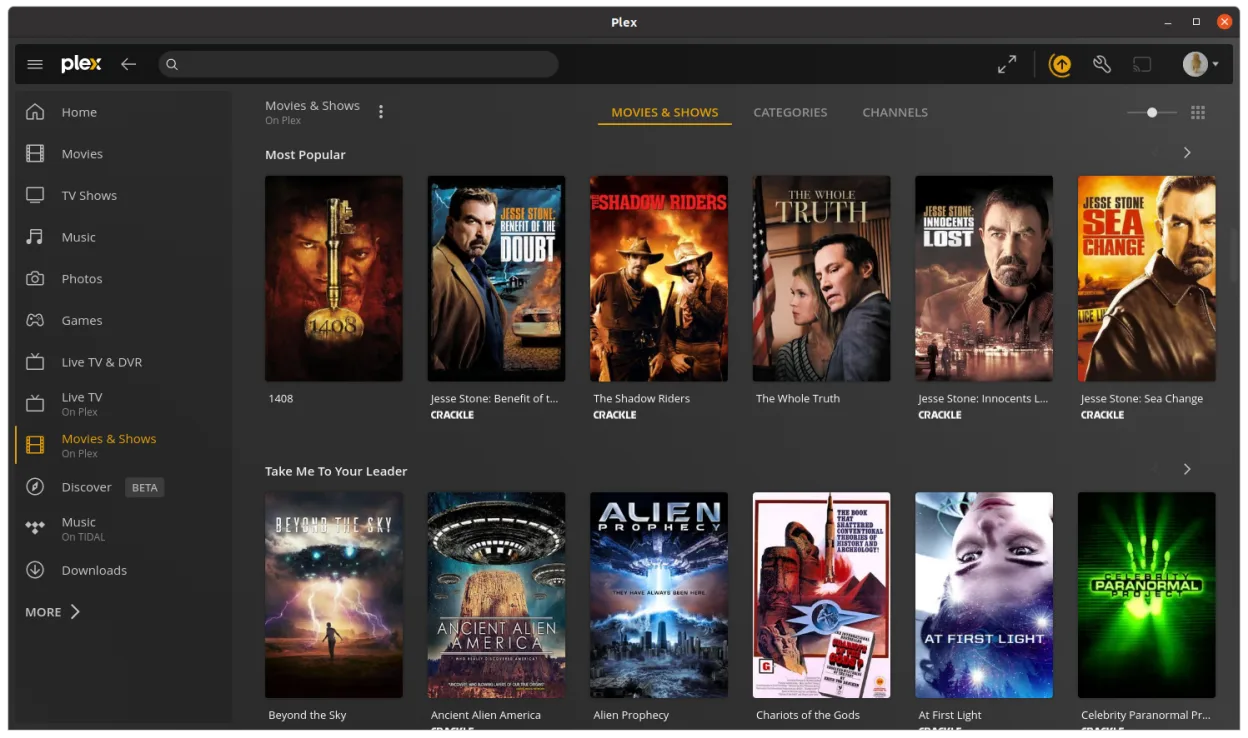
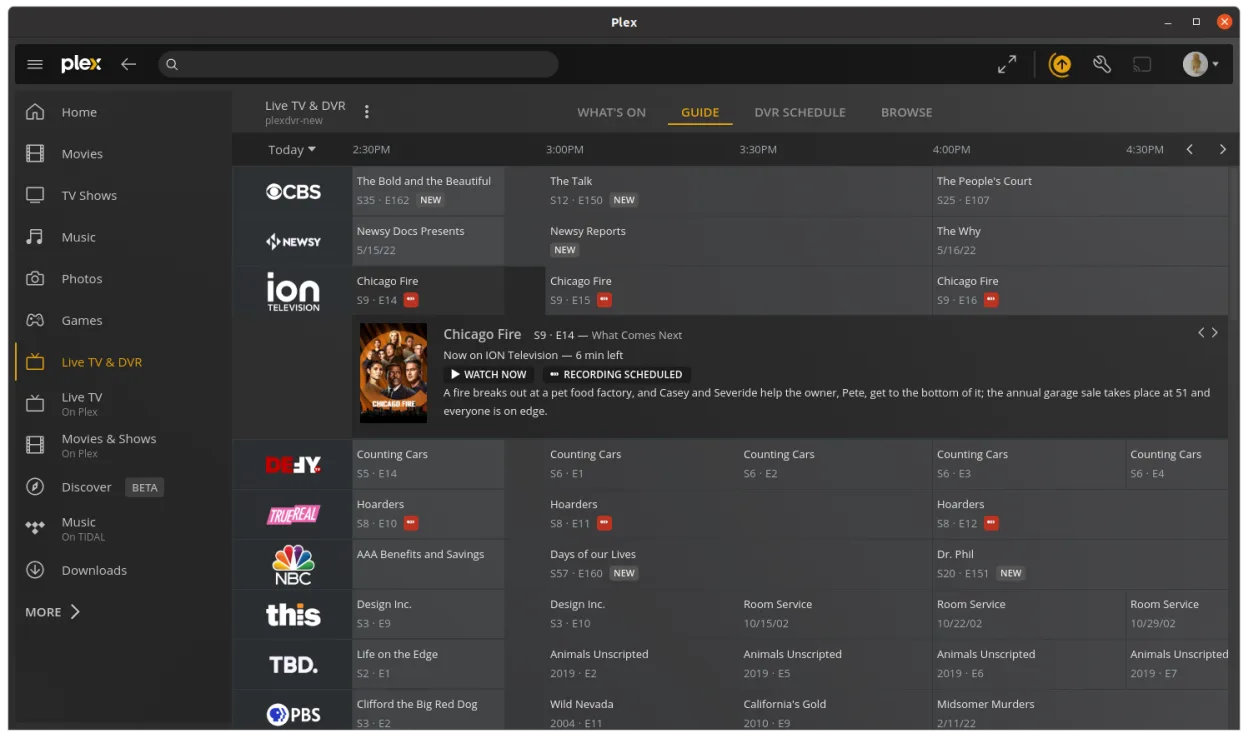
Plex is a desktop media player for Linux that streams local and networked content with a browser‑style interface.
- License
- LicenseRef-proprietary=https://www.plex…
- Latest version
- 1.115.0 (September 9, 2026)
- Developer
- Plex
- Installs
- 8,124 (Flathub, 30 days)
What is Plex?
Plex started as a simple media server for Windows and Mac, but its Linux client has grown into a full‑featured player. The latest build, 1.115.0, adds a more powerful playback engine and several advanced features, keeping it current with the Windows Stream ecosystem.
The client is aimed at users who already own a Plex Media Server or want a unified way to watch local libraries, TV shows, movies, and music. It supports most common video and audio codecs and can pull subtitles from the server.
Compared to Microsoft Stream, Plex feels more like a traditional media player than a web‑based viewer. It offers a richer set of playback controls, better hardware acceleration, and a more polished UI, but it requires a Plex account and a running server to access cloud content.
Best for: Users who already use Plex Media Server and want a dedicated Linux client with advanced playback options.
Key features of Plex
- Supports MP4, MKV, AVI, MP3, FLAC, and more
- Hardware‑accelerated decoding via VA‑API, NVDEC, or QuickSync
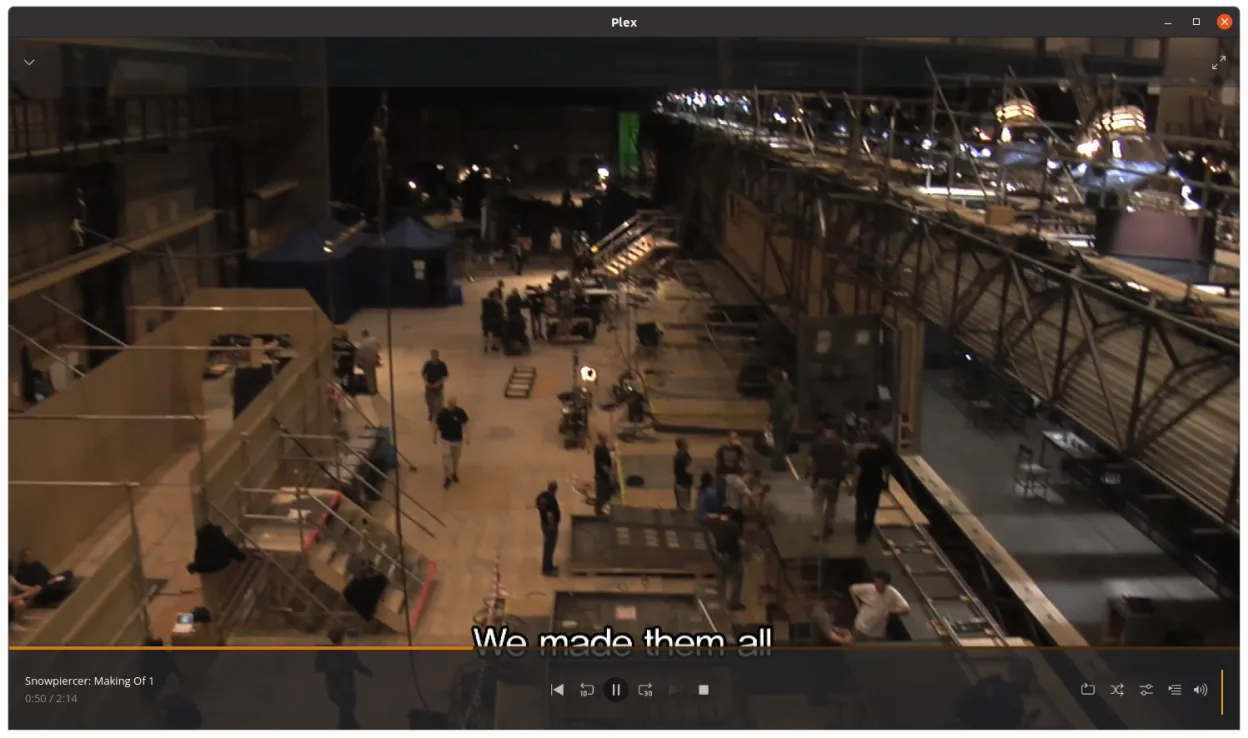
- Automatic subtitle download and sync
- Customizable playback settings (speed, quality, audio track)
- Cross‑device sync via Plex account
- Built‑in media library management
- Dark and light themes
- Keyboard shortcuts for fast navigation
Pros
- Wide codec support
- Fast, responsive UI
- Strong community and frequent updates
Cons
- Requires a Plex account for full features
- Proprietary license limits transparency
- No built‑in transcoding on the client
- Occasional bugs with high‑resolution streams
Windows programs Plex replaces
How to install Plex on Linux
flatpak install flathub tv.plex.PlexDesktopTips for Windows users
If you’re coming from Microsoft Stream, you’ll notice Plex expects a Plex Media Server to fetch libraries. Your local files will work out of the box, but you’ll need to add them to a server or point the client to a shared folder. Keyboard shortcuts differ: use Ctrl+Shift+Right/Left for chapter navigation, and Ctrl+Shift+Up/Down for volume. The UI is point‑and‑click, so you’ll spend less time editing XML or HTML files. File formats are the same as any media player; just drag‑and‑drop or use the library import feature.
Recent releases
- 1.115.0 —
- 1.112.0 —
- 1.110.0 —
- 1.109.0 —
Plex: frequently asked questions
Does Plex work offline on Linux?
Yes, you can play local media files without a server. For cloud libraries you need an active Plex account and a running server.
Can I use Plex with a free account?
A free Plex account gives you access to local libraries and basic streaming, but premium features like offline downloads and higher quality streams require a Plex Pass subscription.
Is Plex safe to install from Flathub?
Flathub provides a sandboxed Flatpak that isolates Plex from the rest of the system, reducing risk.
What if I encounter a codec error?
Check that the required codec libraries are installed (e.g., libavcodec). Plex will usually fall back to a software decoder if hardware acceleration fails.
Updated