

Linux · System Tools
Podman Desktop
A graphical interface for managing Podman, Docker, and other container engines on Linux.
- License
- Apache-2.0
- Latest version
- 1.30.5 (October 13, 2026)
- Developer
- Red Hat, Inc.
- Installs
- 12,731 (Flathub, 30 days)

What is Podman Desktop?
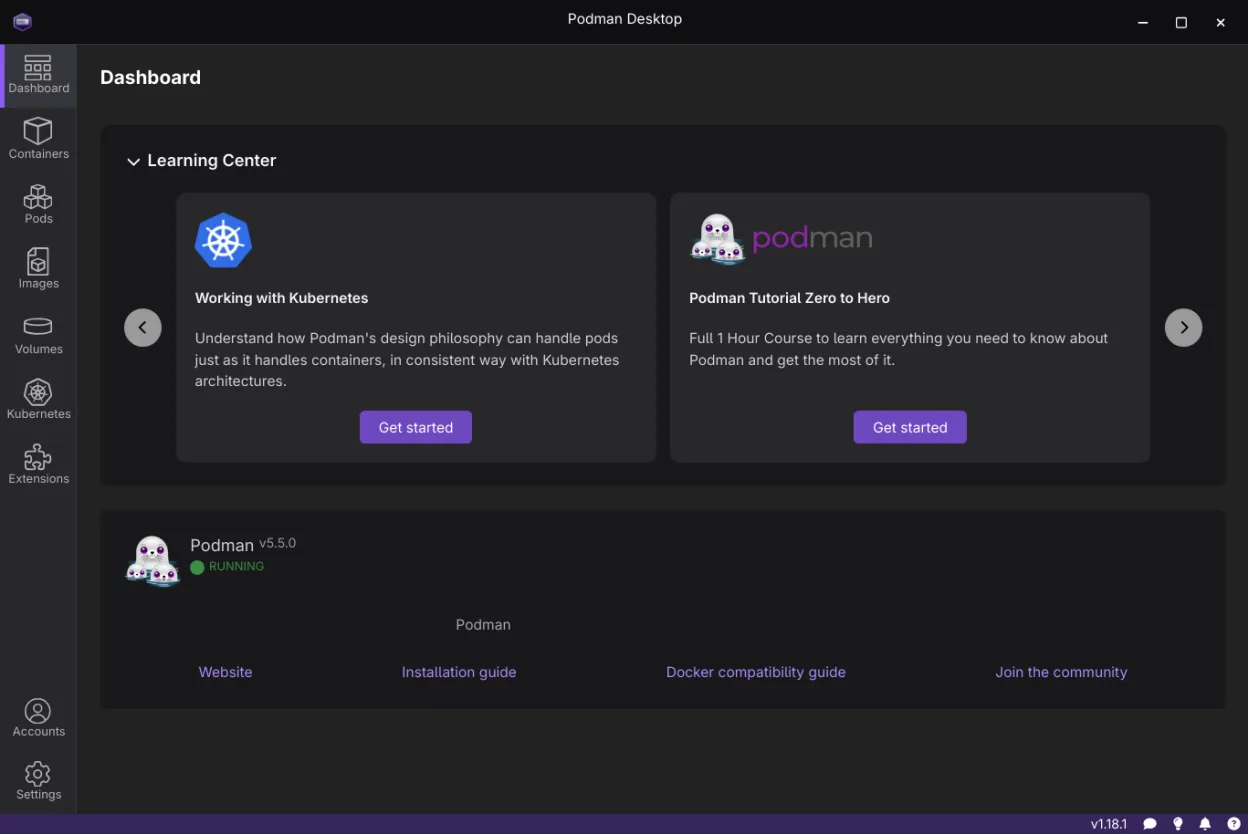
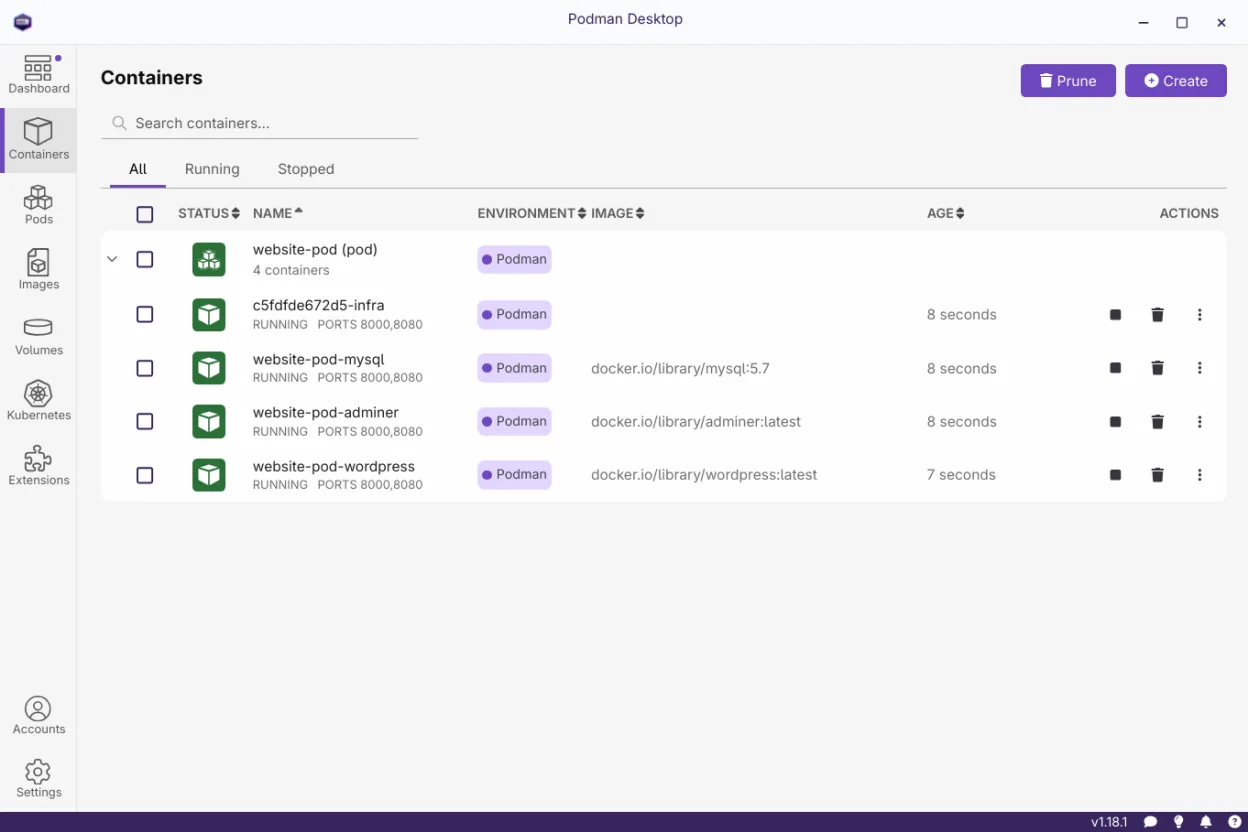
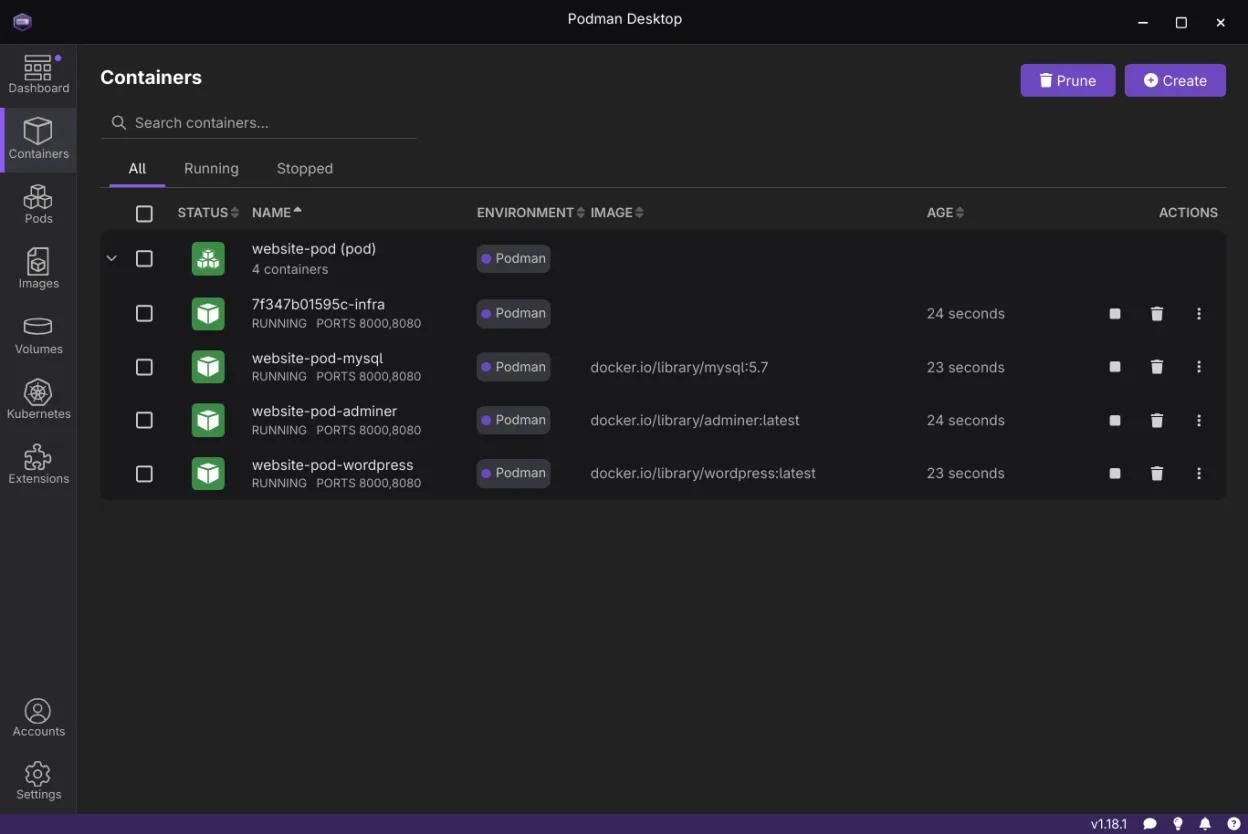
Podman Desktop is an open-source GUI built by Red Hat to simplify container management. It evolved from the original Podman Desktop project to become a universal interface for OCI-compliant engines. It handles building images, pulling from registries, and running containers without requiring a system-wide Docker daemon. The project is mature, with regular releases and a growing plugin ecosystem that extends its core functionality.
It targets developers who need a visual alternative to the command line but want to avoid the overhead of Docker Desktop. It is ideal for those using Podman for rootless containers or teams needing to test against multiple container runtimes. If you are comfortable with the CLI but want quick access to logs, terminals, and image layers, this tool saves significant time and reduces context switching.
Compared to Docker Desktop, Podman Desktop feels lighter and more focused on the engine itself rather than a heavy virtualization layer. It does not bundle a proprietary VM, which means less resource consumption on Linux. The interface is clean and functional, though some advanced configuration options are still marked as work in progress. It feels like a native Linux tool rather than a ported Windows application.
Best for: Developers who want a visual container manager on Linux without installing Docker Desktop.
Key features of Podman Desktop
- Manage multiple container engines (Podman, Docker, Lima) simultaneously
- Build images from Containerfile or Dockerfile
- Pull and push images to OCI registries
- Start, stop, and restart containers and pods
- Access container terminals and inspect logs directly
- Deploy and test images on Kubernetes clusters
- Support for Podman Desktop plugins and Docker Desktop extensions
Pros
- No dependency on a system-wide Docker daemon
- Open source and free to use
- Supports multiple container engines in one UI
- Lighter resource footprint than Docker Desktop
Cons
- Some configuration options are still work in progress
- Less extensive plugin ecosystem than Docker Desktop
- Interface can feel sparse for advanced Kubernetes tasks
Windows programs Podman Desktop replaces
How to install Podman Desktop on Linux
flatpak install flathub io.podman_desktop.PodmanDesktopsudo pacman -S podman-desktopTips for Windows users
If you are coming from Docker Desktop, note that Podman Desktop does not require a background VM service. Your existing Dockerfiles and Containerfiles will work as-is. You may need to adjust your registry authentication settings, as credentials are stored differently in the Podman context. The workflow is similar, but you will interact with 'pods' more frequently if using Podman, which groups containers together. Check your proxy settings manually, as automatic configuration is still being refined.
Recent releases
- 1.30.5 —
- 1.30.0 —
- 1.29.0 —
- 1.28.0 —
Podman Desktop: frequently asked questions
Does Podman Desktop replace Docker Desktop on Linux?
Yes, it serves as a direct GUI alternative. It manages containers via Podman or other OCI engines, removing the need for the Docker Engine daemon and its associated virtualization layer.
Can I use Docker images with Podman Desktop?
Yes. Podman is compatible with Docker images. You can pull, build, and run Docker images directly in Podman Desktop without any conversion.
Is Podman Desktop free?
Yes, it is completely free and open source under the Apache-2.0 license. There are no paid tiers or subscription requirements for using the software.
Does it support Kubernetes?
Yes, you can deploy and test images on Kubernetes clusters directly from the interface. It integrates with local and remote K8s environments for testing workflows.
Updated