

Linux · System Tools
Mission Center
A GTK4-based system monitor for Linux that tracks CPU, RAM, disk, network, and GPU usage with per-process breakdowns.
- License
- GPL-3.0-or-later
- Latest version
- 1.2.0 (July 24, 2026)
- Developer
- Mission Center Developers
- Installs
- 42,715 (Flathub, 30 days)
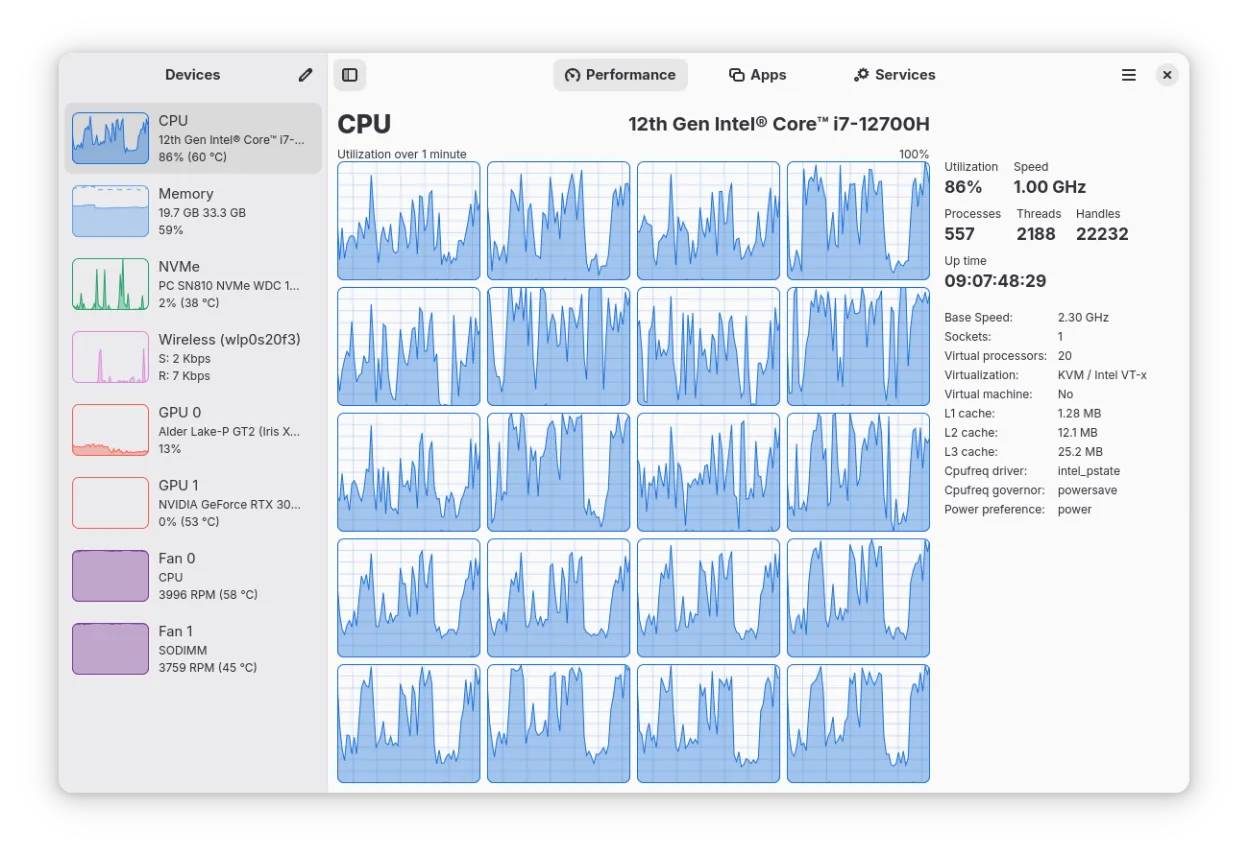
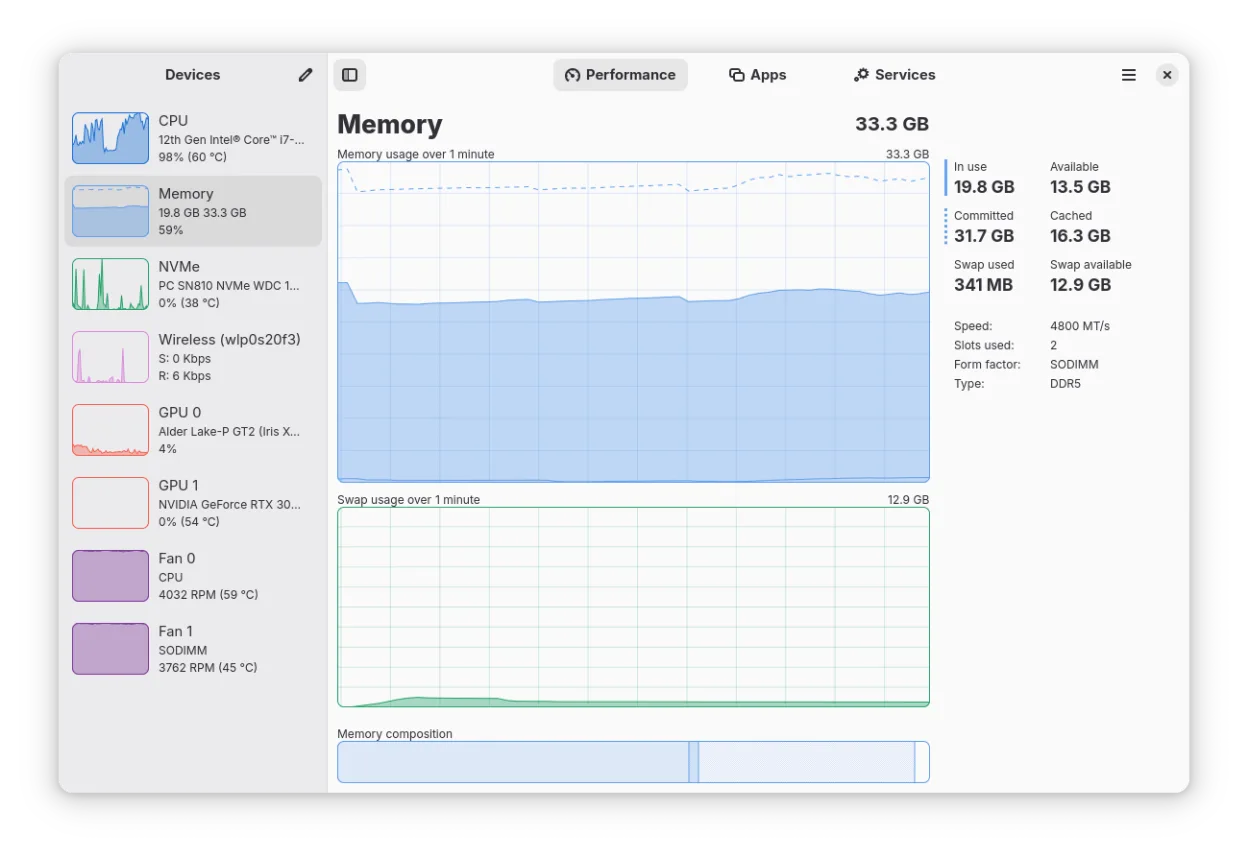
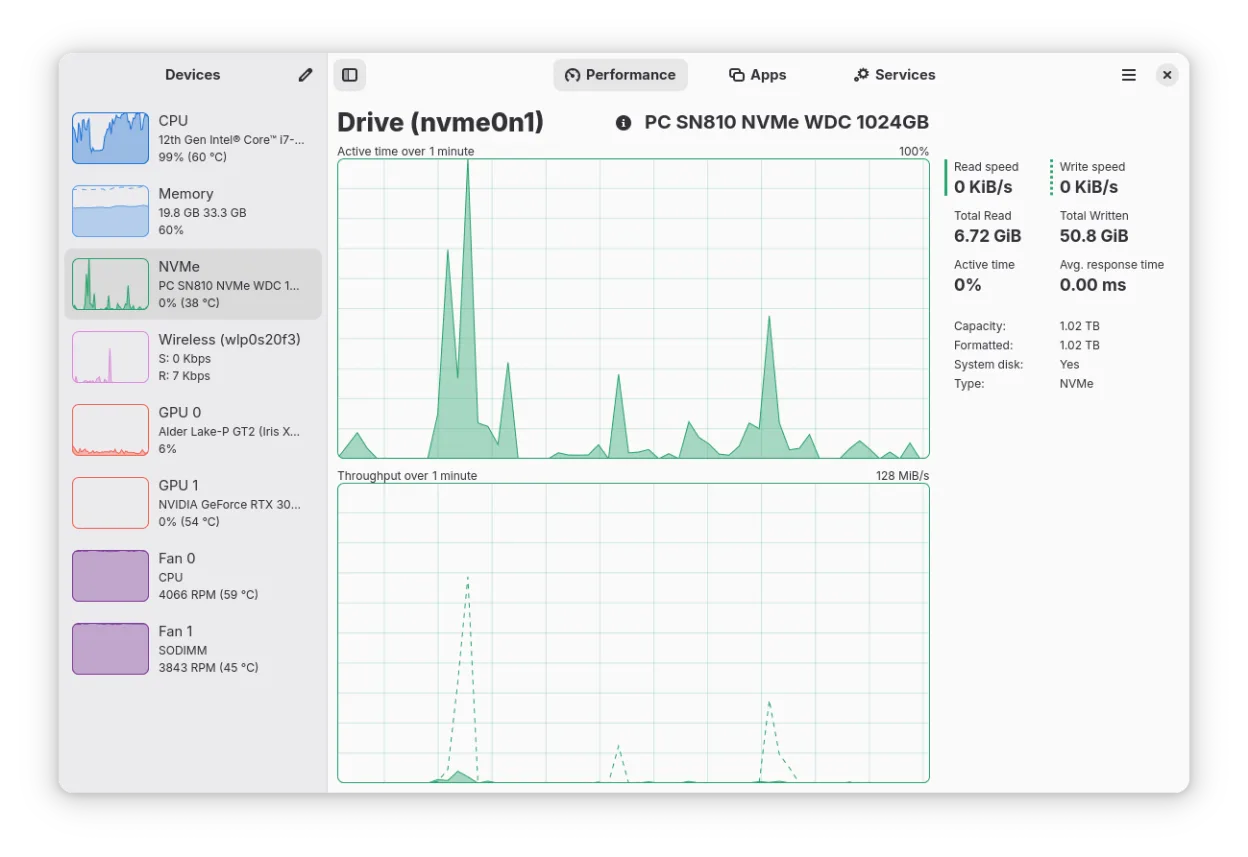
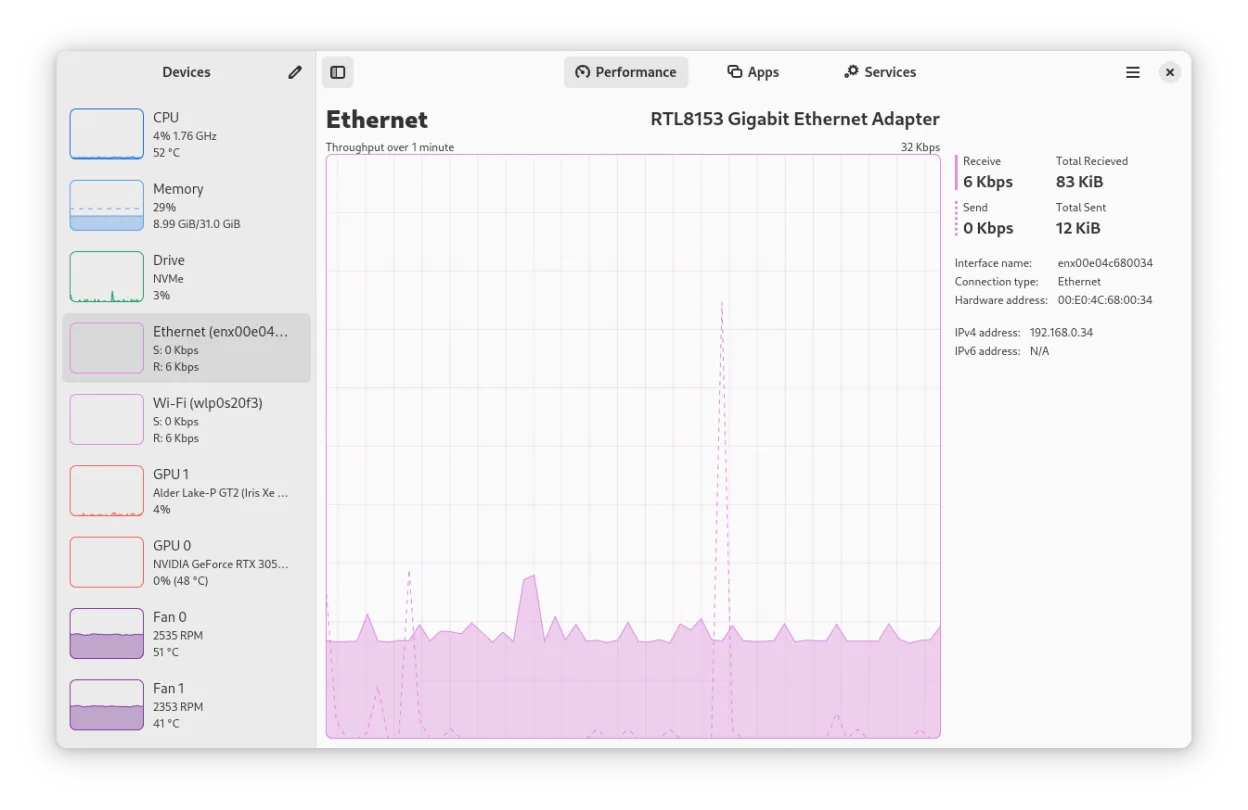
What is Mission Center?
Mission Center is a modern system monitor written in Rust using GTK4 and Libadwaita. It provides detailed views of CPU, memory, disk, network, and GPU performance, powered by NVTOP for graphics data. The project is actively maintained, with the latest release being version 1.2.0, and is available via Flathub and Arch repositories.
This tool is ideal for Linux users who need a reliable alternative to Windows Task Manager or Process Explorer. It suits both desktop users checking basic system health and developers or enthusiasts who require granular per-thread and per-process metrics. Its hardware-accelerated graphs keep the monitor itself lightweight on system resources.
Compared to Windows Task Manager, Mission Center offers a more modern interface with deeper GPU and network details. Unlike Process Explorer, it is a general-purpose system monitor rather than a focused process explorer, but it covers the essential diagnostics most users need. It feels like a polished, native Linux application rather than a port.
Best for: Linux users seeking a modern, low-overhead system monitor with detailed GPU and network statistics.
Key features of Mission Center
- Monitors CPU, RAM, Swap, Disk, Network, and GPU usage
- Provides per-app and per-process resource breakdowns
- Displays detailed network interface info including Wi-Fi stats
- Shows GPU encoder/decoder usage and power via NVTOP
- Tracks system fans, uptime, and clock speeds
- Hardware-accelerated graph rendering to reduce CPU load
- Supports a minified summary view for quick checks
- Built with Rust, GTK4, and Libadwaita
Pros
- Modern UI built with GTK4 and Libadwaita
- Low resource overhead due to hardware-accelerated rendering
- Comprehensive GPU monitoring via NVTOP integration
- Active development with recent updates
Cons
- Intel GPU monitoring limited to Broadwell and newer chips
- May not show launched apps in the Applications section on Linux Mint/Cinnamon
- Intel GPU monitoring lacks VRAM, power, and temperature data
Windows programs Mission Center replaces
 Windows Task Manager
How to install Mission Center on Linux
flatpak install flathub io.missioncenter.MissionCentersudo pacman -S mission-centerTips for Windows users
If you are coming from Windows Task Manager or Process Explorer, note that Mission Center does not use .etl or .csv formats for data export in the same way Process Explorer might. Instead, it focuses on real-time visualization. Your workflow will shift from right-clicking processes to kill them (which is still supported) to using the per-app breakdowns to identify resource hogs. There are no direct file format migrations, but the metric labels are standard Linux terminology (e.g., Swap instead of Paging File).
Recent releases
- 1.2.0 —
Noteworthy changes: - Add a new Battery page to the Performance tab, with charge graphs and detailed battery information (@jlo62) - Show per-partition usage details on the disk page, including used and free space (@jojo2357) - Overhaul the graphing backend…
- 1.1.0 —
Noteworthy changes: - Overhaul Services Page to include viewing child processes, user services, filtering on status, and a more efficient backend - Add an About System dialog that can be accessed from the context menu Minor features: - Update to GNOME 49…
- 1.0.2 —
- Fix a crash that occurs on some systems due to an integer overflow
- 1.0.1 —
Noteworthy changes: - Refactor SMART dialog design Minor features: - Show an error when the app cannot read SMART data - Show total number of available RAM slots - Try to show drive SMART status more accuratly - Show maximum PCIe speed if availble and differs…
Mission Center: frequently asked questions
Does Mission Center work with Intel GPUs?
Yes, but only for Broadwell and later generations. It does not support VRAM, power, or temperature monitoring for Intel GPUs.
Is Mission Center available in my distro's repositories?
It is packaged in Arch Linux. For other distributions, it is best installed via Flathub to ensure you get the latest version.
Why don't my apps show up in the Applications section on Mint?
This is a known upstream issue with Linux Mint/Cinnamon where launched applications may not appear in the monitor's application list.
Does Mission Center use a lot of CPU itself?
No, it uses hardware-accelerated rendering for its graphs, which is designed to minimize its own CPU and resource usage.
Updated