

Linux · Sound & Video
Quod Libet
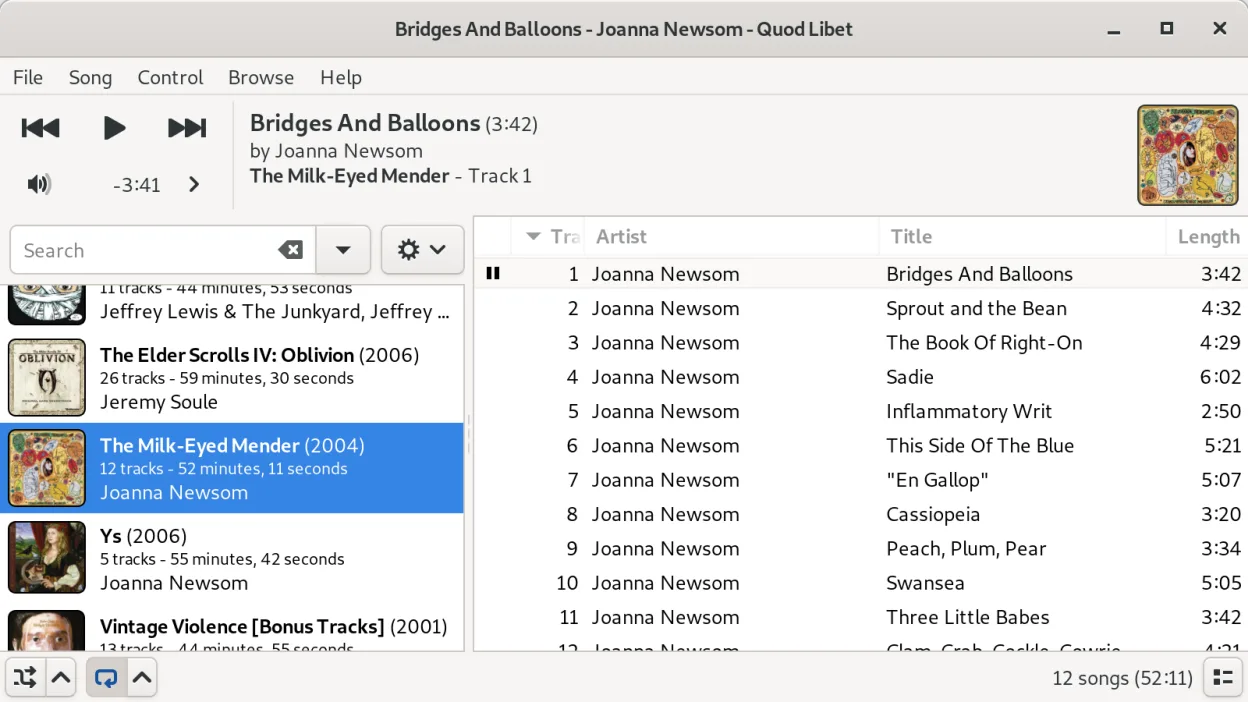
Quod Libet is an open‑source music manager and player for Linux with powerful tag editing and flexible library views.
- License
- GPL-2.0-or-later
- Latest version
- 4.7.1 (May 31, 2025)
- Developer
- The Quod Libet Development Team
- Installs
- 952 (Flathub, 30 days)
What is Quod Libet?
Quod Libet started as a simple tag editor and has grown into a full‑featured music management program. It is maintained by the Quod Libet Development Team and sees regular releases, the latest being 4.7.1 in 2025. The software is packaged for the major distros (Arch, Debian, Fedora, Ubuntu) and is mature enough for daily use.
The program targets users who want deep control over their audio collection. It supports a wide range of formats—from MP3 and FLAC to MOD/XM and MIDI—plus Internet radio and audio feeds. Its tag‑editing engine is extremely flexible, allowing complex searches and batch operations.
Compared with Windows tools like MusicBee or MediaMonkey, Quod Libet feels more like a traditional Linux application: keyboard‑centric, scriptable, and integrated with the desktop environment. It lacks some of the glossy UI polish of its Windows counterparts but makes up for it with speed, configurability, and a strong focus on metadata handling.
Best for: Users who need precise control over large music collections and prefer a keyboard‑driven workflow.
Key features of Quod Libet
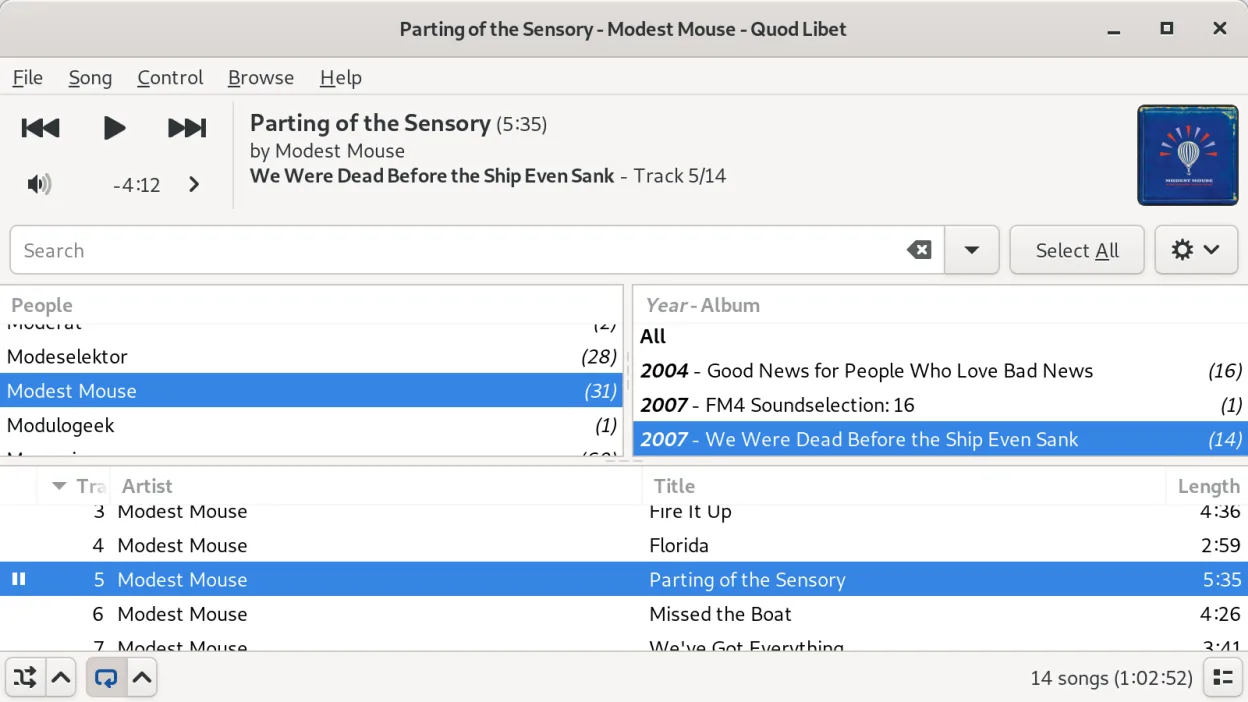
- Multiple library views (list, album, tree, smart playlists)
- Advanced tag editing with regex support
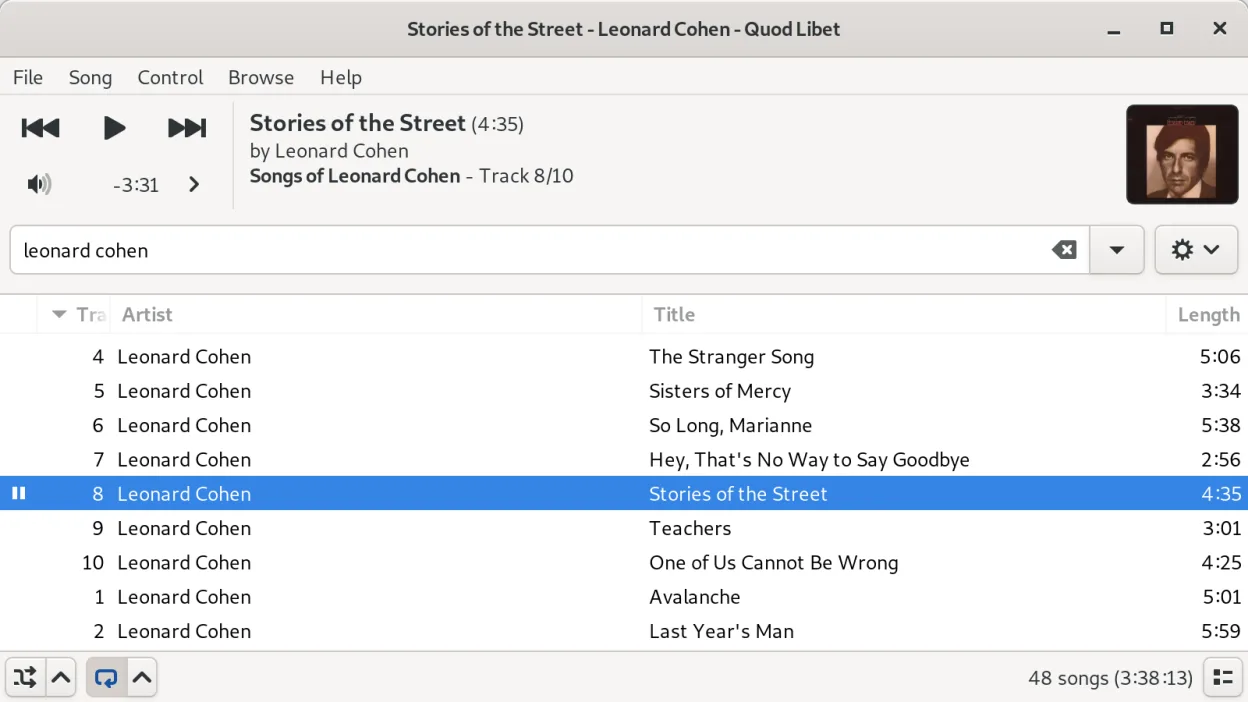
- Search across tags, filenames, and lyrics
- Internet radio and podcast feeds
- Wide codec support including Ogg, FLAC, MP3, AAC, MOD, MIDI
- Customizable keyboard shortcuts
- Plugin system for extensions
- Cross‑platform (Linux, macOS, Windows via source)
Pros
- Very flexible metadata handling
- Lightweight and fast
- Works well with large libraries
- Highly configurable via plugins and shortcuts
Cons
- UI is utilitarian, not as polished as MusicBee
- Learning curve for advanced tag features
- No built‑in visualizations
Windows programs Quod Libet replaces
How to install Quod Libet on Linux
flatpak install flathub io.github.quodlibet.QuodLibetsudo apt install quodlibetsudo apt install quodlibetsudo dnf install quodlibetsudo pacman -S quodlibetTips for Windows users
Quod Libet reads the same file formats as MusicBee and MediaMonkey, so you can point it at your existing library folder and it will index everything automatically. Familiarize yourself with the default shortcuts (e.g., Ctrl+F for search, Ctrl+E for tag editing) and consider creating smart playlists to replace MediaMonkey’s auto‑playlist rules. The UI relies more on right‑click context menus than ribbon bars, so a bit of mouse‑over exploration helps.
Recent releases
- 4.7.1 —
- 4.7.0 —
- 4.6.0 —
- 4.5.0 —
Quod Libet: frequently asked questions
Can Quod Libet import playlists from iTunes or Windows players?
Yes, it can read M3U, PLS and other common playlist formats; just place the files in your library folder and import them via the File menu.
Does Quod Libet support ReplayGain?
It can read ReplayGain tags and apply volume normalization during playback.
How do I edit tags in bulk?
Select multiple tracks, press Ctrl+E to open the tag editor, then use the regex or replace functions to apply changes across the selection.
Is there a way to control Quod Libet from the command line?
Yes, the quodlibet command offers options for playing, pausing, and queuing tracks, useful for scripting or hotkeys.
Updated