

Linux · Internet
Waterfox
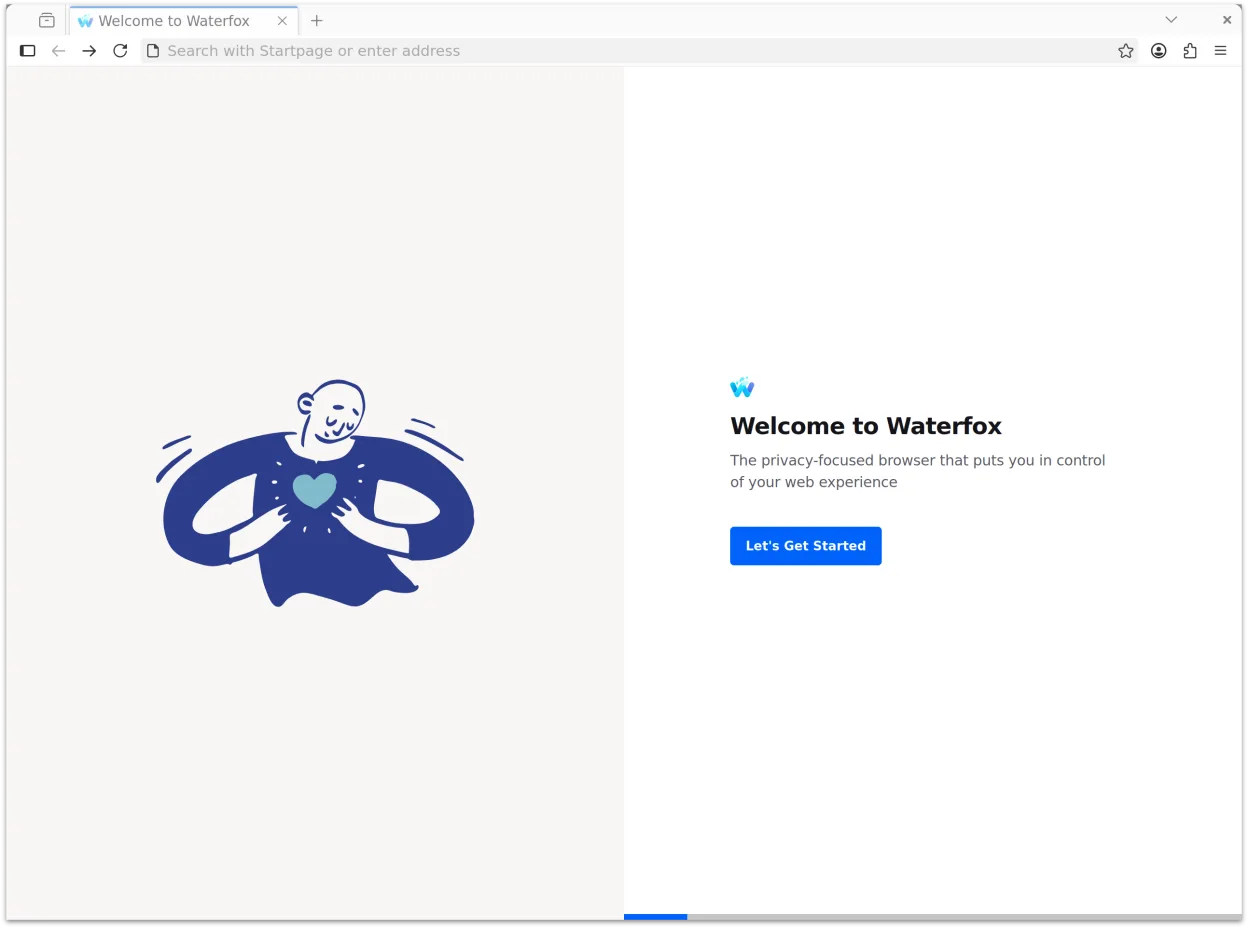
Waterfox is a privacy-focused, customizable web browser built for users who want control over their browsing experience.
- License
- MPL-2.0
- Latest version
- 6.7.8 (November 7, 2026)
- Developer
- BrowserWorks
- Installs
- 12,015 (Flathub, 30 days)
What is Waterfox?
Waterfox started as a Firefox fork aimed at preserving user choice and privacy, evolving into a standalone browser that prioritizes customization and modern web standards. It’s mature, actively maintained, and built on a foundation that removes telemetry and tracking by default. Unlike legacy browsers tied to outdated tech, Waterfox embraces modern APIs while maintaining a familiar interface.
It's for Linux users who want more control than mainstream browsers offer—especially those coming from Windows environments where Edge or IE provided specific workflows. Power users appreciate its lack of imposed tracking, deep privacy defaults, and ability to tweak layout and behavior without extensions or advanced CSS.
Compared to Microsoft Edge with IE mode and Collections, Waterfox doesn’t emulate old sites directly, but it offers stronger privacy and modern rendering. The feel is closer to a stripped, focused Firefox with added privacy layers. Tab handling, status bar previews, and session isolation give a sense of control missing in Edge’s more locked-down design.
Best for: Users who want a private, customizable browser with modern features and no forced tracking.
Key features of Waterfox
- DNS-over-HTTPS via Fastly-hosted Oblivious HTTP relay
- Private Tabs with isolated sessions for history and cookies
- HTTPS-First mode enforced, Global Privacy Control enabled
- No telemetry, ads, or analytics; Safe Browsing disabled by default
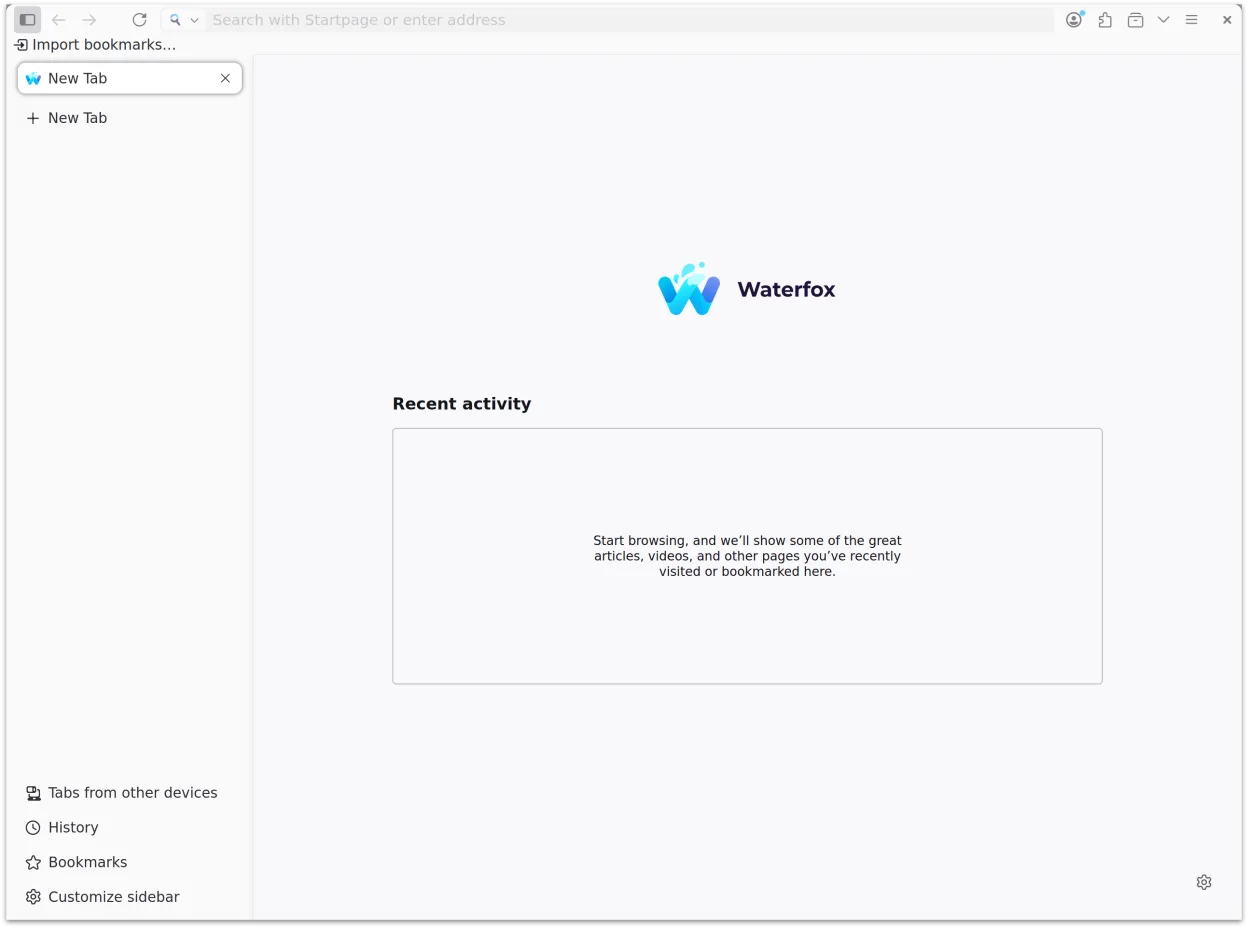
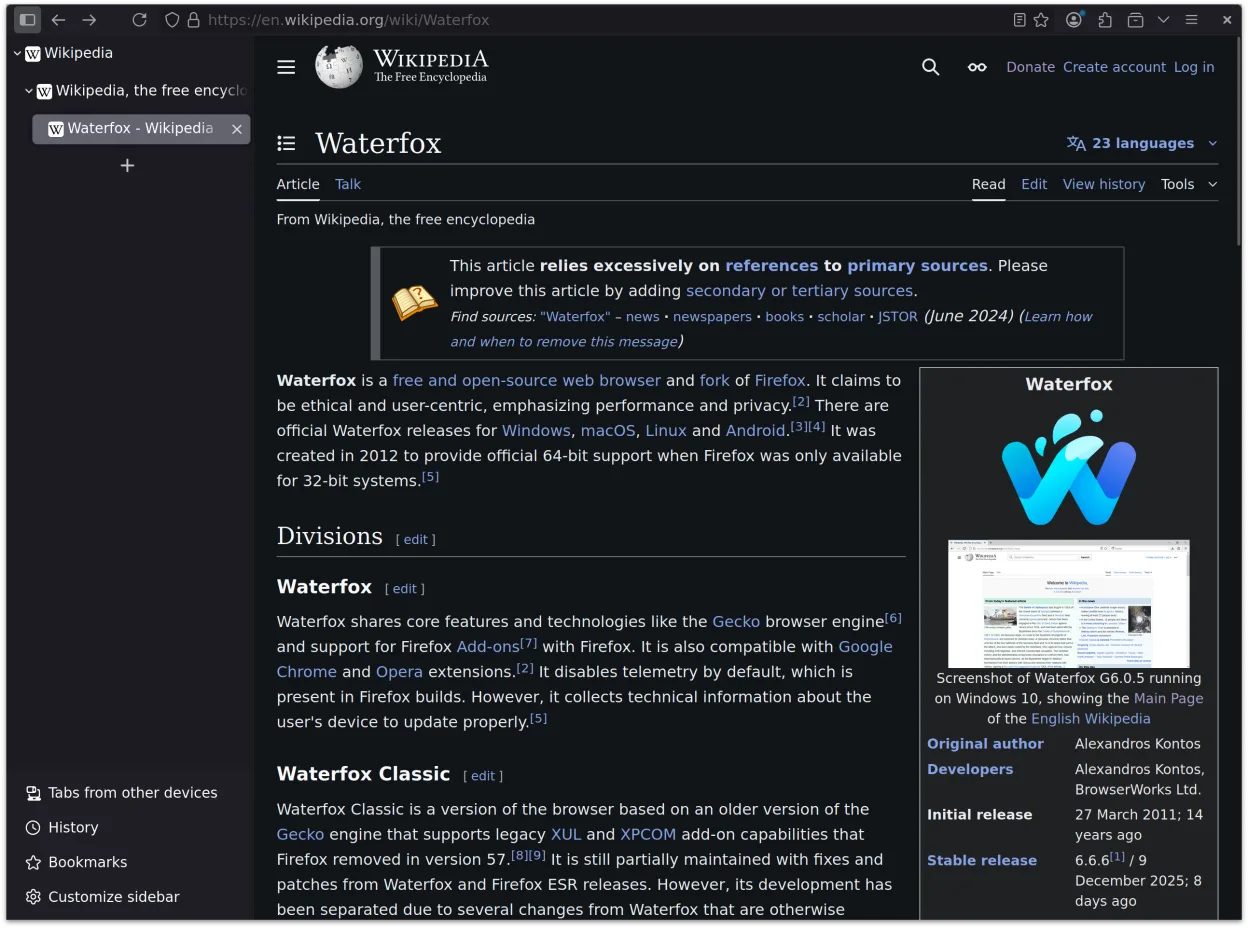
- Customizable UI layout without userChrome.css
- Modern web APIs enabled: WebGPU, WebCodecs H.265, JPEG XL
- Startpage and Waterfox Private Search as default engines
- Tab context shortcuts with cache-purge and reload options
Pros
- Strong privacy defaults with no tracking or telemetry
- Highly customizable interface without requiring advanced tweaks
- Supports modern web standards out of the box
- Private Tabs allow session separation without multiple profiles
- Familiar browser layout with optional classic elements like status bar
Cons
- No built-in IE compatibility mode—legacy site support depends on modern rendering
- Smaller extension ecosystem compared to Firefox or Chrome
How to install Waterfox on Linux
flatpak install flathub net.waterfox.waterfoxTips for Windows users
If you're used to Edge’s Collections or IE mode, know that Waterfox doesn’t support either directly. Save collections manually or use bookmark folders. IE-mode sites may not render correctly—test compatibility. Use Private Tabs for isolated sessions instead of separate browser instances. Most Ctrl+ shortcuts (like Ctrl+T for new tab) work the same.
Recent releases
- 6.7.8 —
- 6.7.7 —
- 6.7.6 —
- 6.7.5 —
Waterfox: frequently asked questions
Is Waterfox safe to use?
Yes. It’s built with strong privacy defaults, no telemetry, and secure DNS handling. Being based on Firefox’s trusted foundation adds to its reliability.
Can Waterfox run Chrome extensions?
No. Waterfox supports Firefox add-ons only. You’ll need to find equivalents in the Firefox Add-ons store or use built-in features.
Does Waterfox support legacy websites like Internet Explorer?
No. It doesn’t include an IE rendering engine. For legacy sites, consider a dedicated Windows VM or compatibility layer like Wine with IE.
How does Waterfox handle cookies and tracking?
It blocks DNS prefetching, disables Safe Browsing lookups, and rejects cookie banners automatically. Third-party tracking is limited by default.
Updated