

Linux · Internet
Proton Mail
Proton Mail is a free, end‑to‑end encrypted email client for Linux, available as a Flathub app.
- License
- GPL-3.0
- Latest version
- 1.16.1 (November 2, 2026)
- Developer
- Proton AG
- Installs
- 12,682 (Flathub, 30 days)
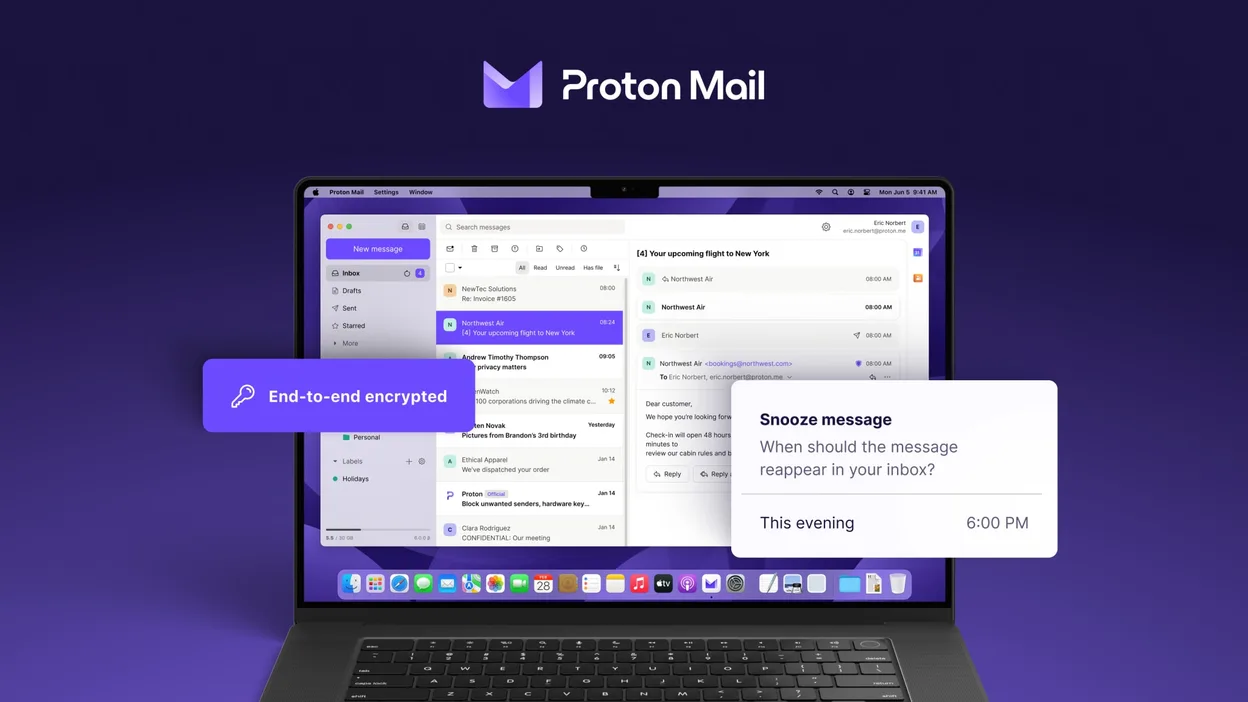
What is Proton Mail?
Proton Mail’s Linux client is a relatively new offering, first released in early 2024 and updated regularly, the latest being 1.16.1. It provides the same encrypted email service that the web and mobile apps have, but packaged for desktop Linux via Flatpak, making installation straightforward on most distributions.
The app targets users who need strong privacy guarantees without the overhead of configuring PGP manually. It’s aimed at privacy‑conscious individuals, journalists, and anyone who wants an alternative to mainstream email clients that store data unencrypted.
Compared with Mozilla Thunderbird, Proton Mail feels tighter and more focused: the UI is minimalist, dark‑mode ready, and built around Proton’s web service. Thunderbird offers extensive plugin support and local IMAP/POP handling, while Proton Mail is a dedicated front‑end for Proton’s cloud service only.
Best for: Users who rely on Proton’s encrypted email service and want a native Linux client without extra configuration.
Key features of Proton Mail
- Create and manage @proton.me or @protonmail.com addresses
- End‑to‑end encryption for messages and attachments
- Multiple account support with easy switching
- Conversation view, folders, and labels
- Dark mode and swipe‑gesture navigation
- Password‑protected email sending
- Built‑in phishing and spam protection
Pros
- Strong zero‑access encryption by default
- No ads or tracking; privacy‑first design
- Simple, clean interface that works well on Linux
- Automatic sync across devices via Proton’s servers
Cons
- Works only with Proton’s own service; no generic IMAP/POP support
- Limited extensibility compared to Thunderbird’s add‑on ecosystem
- Feature set is smaller than full‑featured desktop clients
Windows programs Proton Mail replaces
How to install Proton Mail on Linux
flatpak install flathub me.proton.MailTips for Windows users
When moving from Thunderbird, you won’t need to import local mbox files because Proton Mail stores everything on its servers. Set up your Proton account in the app, then use the built‑in search and label system instead of Thunderbird’s filters. Keyboard shortcuts differ – most actions are accessible via the top‑right menu or standard GTK shortcuts, so give yourself a few minutes to learn the new layout.
Recent releases
- 1.16.1 —
- 1.16.0 —
- 1.14.0 —
- 1.13.4 —
Proton Mail: frequently asked questions
Can I use Proton Mail with other email providers?
The Linux client only works with Proton’s own servers; it cannot connect to generic IMAP or POP accounts.
Is the app available as a native package?
It is distributed as a Flatpak from Flathub, which runs on most major Linux distributions.
How do I export my emails?
Export is done through the web interface; the desktop client does not provide a local export function.
Does the client support PGP encryption?
Proton Mail handles encryption internally; you don’t need to manage PGP keys yourself.
Updated