
Windows · Sound & Video
Best Linux alternatives to MPC-HC
MPC‑HC is a lightweight, open‑source Windows media player that supports many formats with low resource use.
Updated
Quick answer
The best Linux alternative to MPC-HC is VLC media player. Other strong options: mpv, Celluloid, Haruna.
5 Linux alternatives to MPC-HC
-
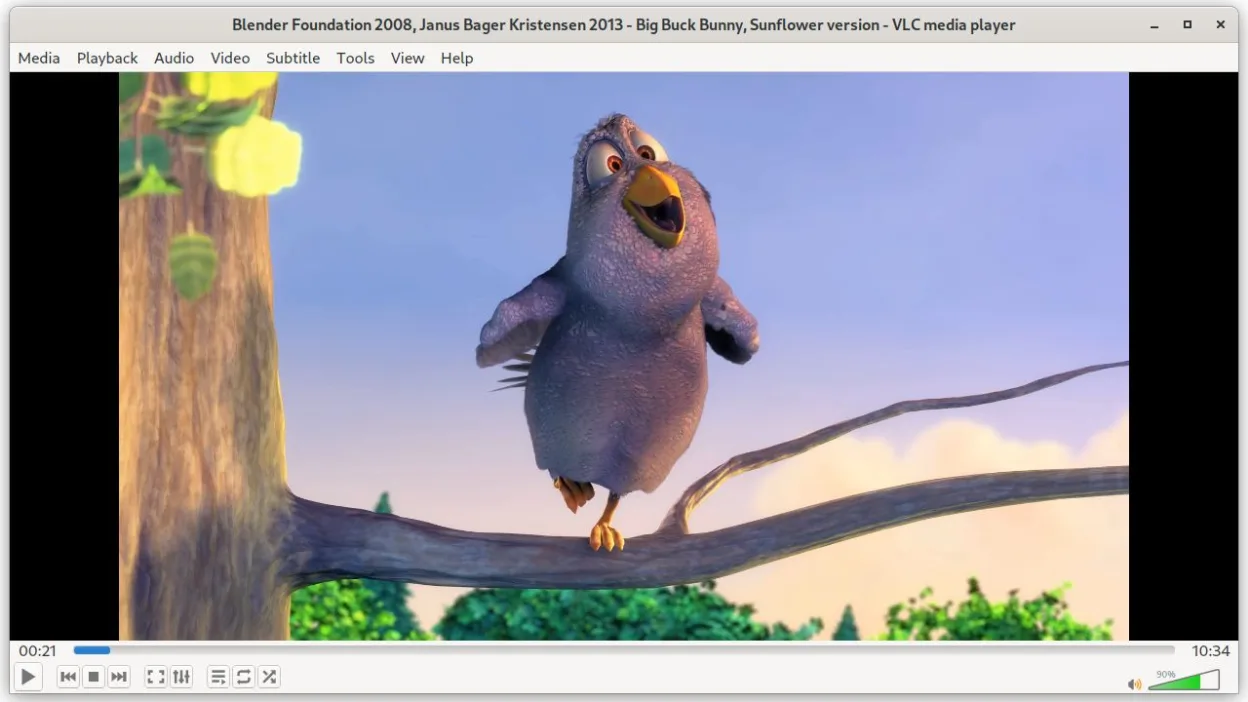
VLC is a free, open‑source multimedia player that runs on Linux and handles virtually any audio or video format.
VLC is a solid replacement for MPC‑HC on Linux. It can play the same wide range of audio and video formats, supports subtitles and external audio tracks, and is lightweight enough for most systems. It is best suited for users who want a single, cross‑platform player that handles almost everything…
Feature parity85% -

mpv is a free, open‑source, cross‑platform media player that plays almost any video or audio format.
mpv is a solid replacement for MPC‑HC for users who want a lightweight, keyboard‑driven player that supports almost all common video and audio formats. It is ideal for power users who appreciate scriptability and external configuration, and for those who prefer a minimal GUI. If you rely on a…
Feature parity85% -

Celluloid is a lightweight media player for Linux that uses the mpv engine and GTK for a clean GNOME‑style interface.
Celluloid can serve as a solid replacement for MPC‑HC for users who want a lightweight, GNOME‑style player that supports most common video and audio formats. It is ideal for Linux desktop users who prefer a simple interface, low resource usage, and the ability to use external mpv configuration…
Feature parity85% -
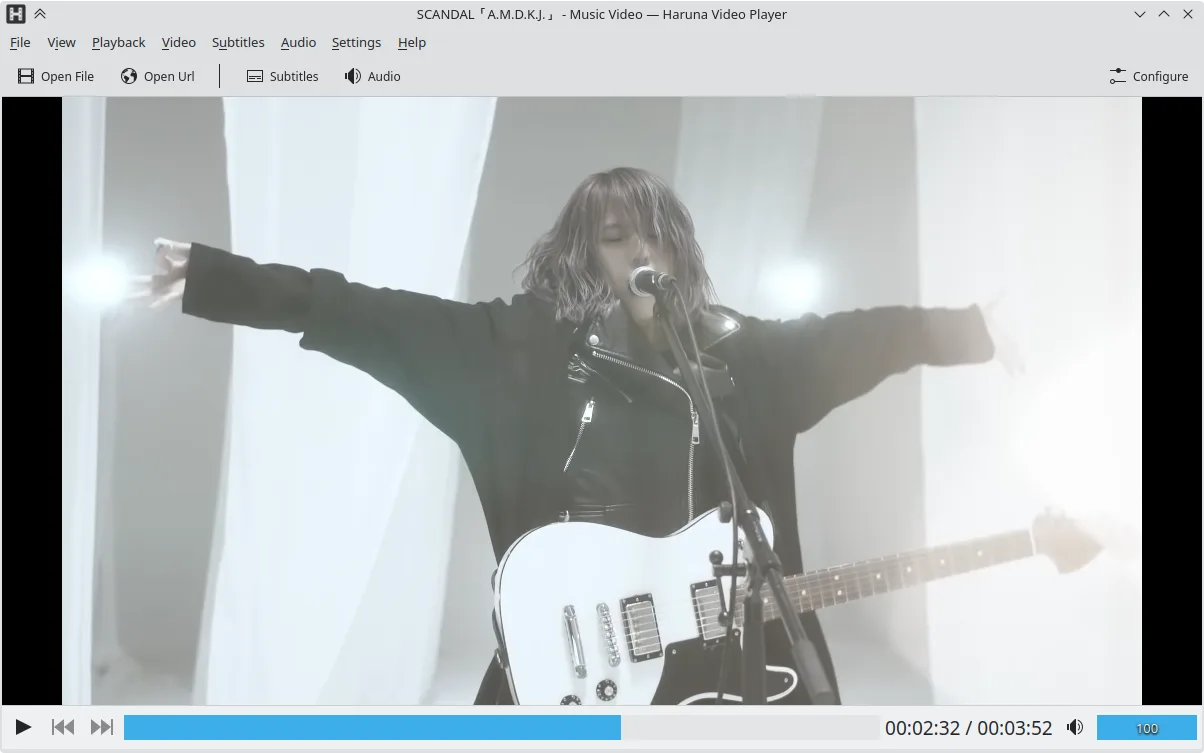
Haruna is a GPL‑licensed, open‑source media player that supports local and online playback with extensive customization.
Haruna can replace MPC‑HC for users who need a lightweight, customizable Linux media player that also handles online streams. It covers most local video and audio formats, supports subtitles and external audio, and offers a rich set of keyboard and mouse shortcuts. Users who rely heavily on YouTube…
Feature parity75% -
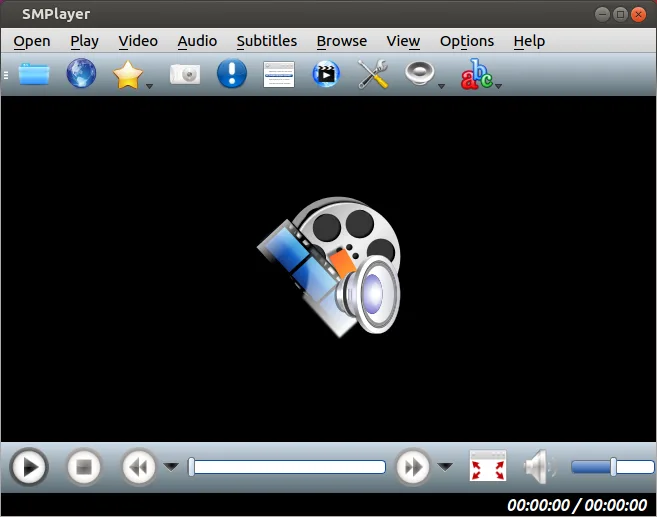
SMPlayer is a free, open-source media player with built-in codecs that handles nearly all video and audio formats without external dependencies.
SMPlayer is a solid replacement for MPC‑HC for most users. It plays the same wide range of video and audio formats, uses low memory and CPU, remembers per‑file settings, and handles subtitles and external audio streams. The main advantage is the built‑in codecs and YouTube support, eliminating the…
Feature parity85%





What is MPC-HC?
MPC‑HC is a media player for Windows that lets users play video and audio files with a simple interface similar to Windows Media Player 6.4. It is popular among users who need a fast, no‑frills player that still supports a wide range of codecs and formats. The project is released under the GPL license and is free to download and use.
Because Windows media players are often bundled with the OS or come with limited features, many users look for a Linux alternative that offers comparable format support, low memory footprint, and a familiar UI.
Linux users want a native player that can handle the same file types without needing extra codecs or complex setups. They also value a lightweight footprint and straightforward configuration, just like MPC‑HC provides on Windows.
What a replacement for MPC-HC must do
- Play most common video and audio formats
- Low memory and CPU usage
- Customizable interface and settings
- Support for subtitle tracks and external audio streams
- Ability to use external codecs or libraries
Can you run MPC-HC on Linux?
There is no official native Linux build of MPC‑HC. Users typically run it through Wine or similar compatibility layers, which works for most media files but may require additional configuration for codecs. No web version exists.
Which alternative should you choose?
VLC media player is the most feature‑rich and works for most users. mpv is a lightweight, scriptable player ideal for power users. Celluloid offers a simple GTK interface for everyday use. Haruna is a minimalistic player for those who want the bare minimum. SMPlayer provides a Windows‑style UI and built‑in codec support.
Moving your MPC-HC files and habits
MPC‑HC does not store user data beyond playlists and settings files. Playlists can be exported as M3U or XSPF and opened by most Linux players. Settings are simple text files that can be copied if the user wants to replicate the exact configuration.
Side-by-side comparison
| App | License | Flatpak | Latest version | Feature parity | Rating |
|---|---|---|---|---|---|
| VLC media player | GPL-2.0+ | ✓ | 3.0.24 | 85% | — |
| mpv | GPL-2.0+ AND… | ✓ | v0.41.0 | 85% | — |
| Celluloid | GPL-3.0+ | ✓ | 0.30 | 85% | — |
| Haruna | GPL-3.0-or-later | ✓ | 1.9.0 | 75% | — |
| SMPlayer | GPL-2.0-or-later | ✓ | 25.6.0 | 85% | — |
MPC-HC: frequently asked questions
Is MPC‑HC still maintained?
The original project stopped in 2006, but the MPC‑HC fork is still actively maintained by the community on Doom9.
Can I use MPC‑HC on Linux without Wine?
No, there is no native Linux build; you need Wine or a similar layer to run it.
Does MPC‑HC support subtitles?
Yes, it supports most subtitle formats and can load external subtitle files.
What codecs does MPC‑HC rely on?
It uses built‑in codecs and can also use external libraries like FFmpeg if available.
How important is MPC-HC to you?
Know a better alternative? Suggest an alternative