
Windows · Games
Best Linux alternatives to NVIDIA GeForce NOW
NVIDIA GeForce NOW streams games from the cloud to Windows, letting users play without installing games locally.
Updated
Quick answer
The best Linux alternative to NVIDIA GeForce NOW is Lutris. Other strong options: Parsec, Moonlight, Sunshine.
4 Linux alternatives to NVIDIA GeForce NOW
-

Lutris is a free, open‑source platform that centralises installation and launching of PC and console games on Linux.
Lutris is not a direct replacement for NVIDIA GeForce NOW, but it serves a different purpose well. If you want to play locally installed or emulated games on Linux with better organisation and automation, Lutris excels. It doesn’t stream games from the cloud, so you need local storage and…
Feature parity30% -
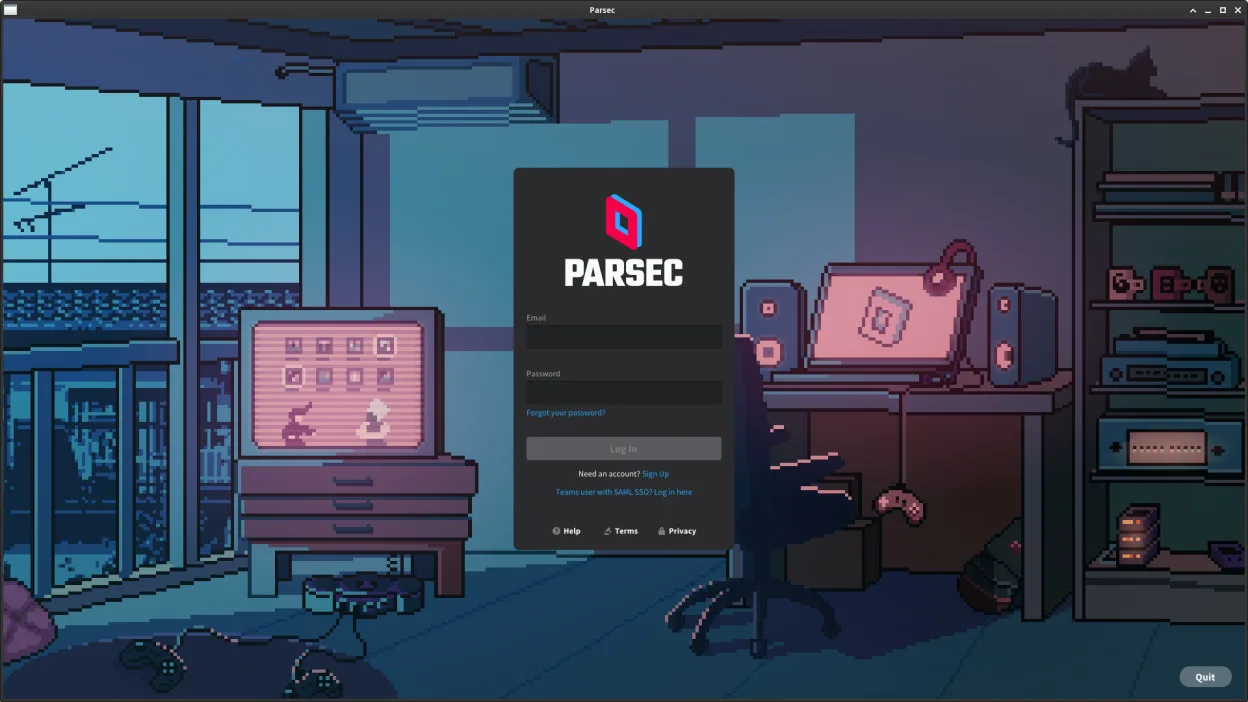
Parsec is a low-latency remote desktop tool designed primarily for streaming games from a Windows or macOS machine to another device.
Parsec can be a good replacement for NVIDIA GeForce NOW if you own a Windows or macOS gaming machine and want to stream games to your Linux device. It delivers low-latency, high-quality game streaming with strong controller and resolution support. However, it doesn't provide cloud-hosted games —…
Feature parity65% -
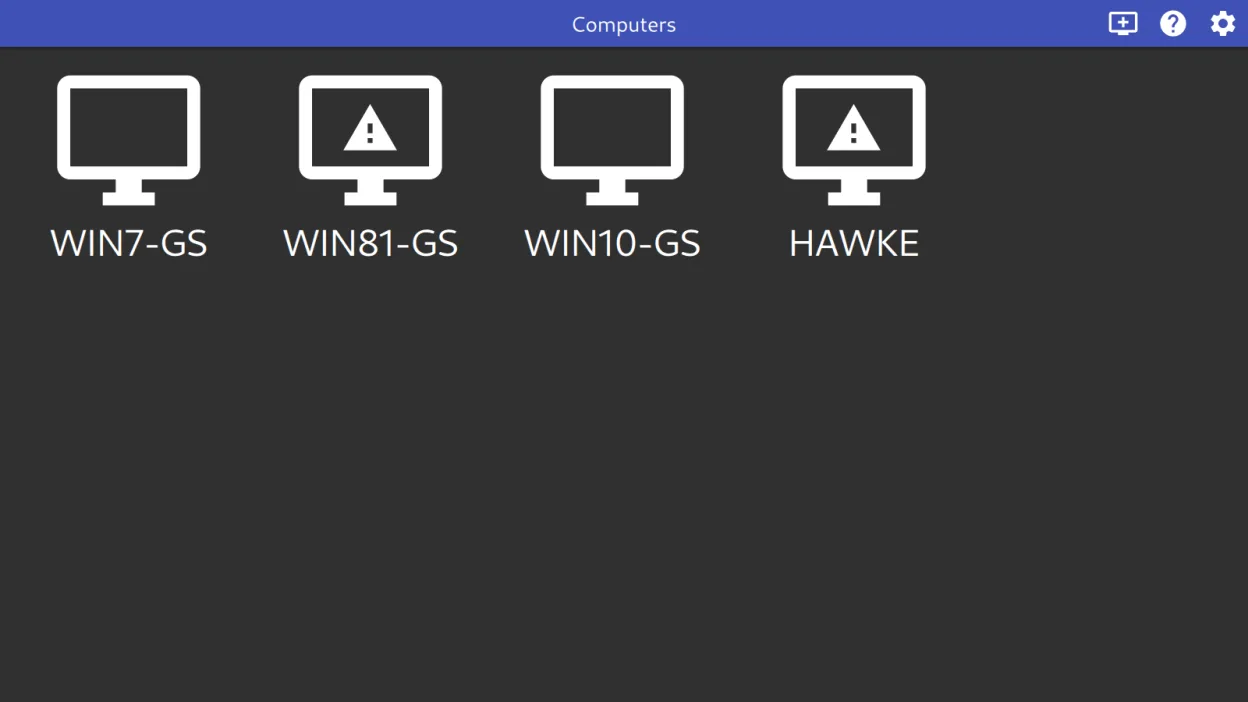
Moonlight streams games and apps from a Windows or Linux PC running Sunshine or GeForce Experience to your Linux machine.
Moonlight is a solid replacement for NVIDIA GeForce NOW if you already have a gaming PC running GeForce Experience or Sunshine. It doesn't stream from the cloud but instead from your own hardware, giving you full control and low-latency performance. It handles high-resolution streaming, gamepad…
Feature parity75% -
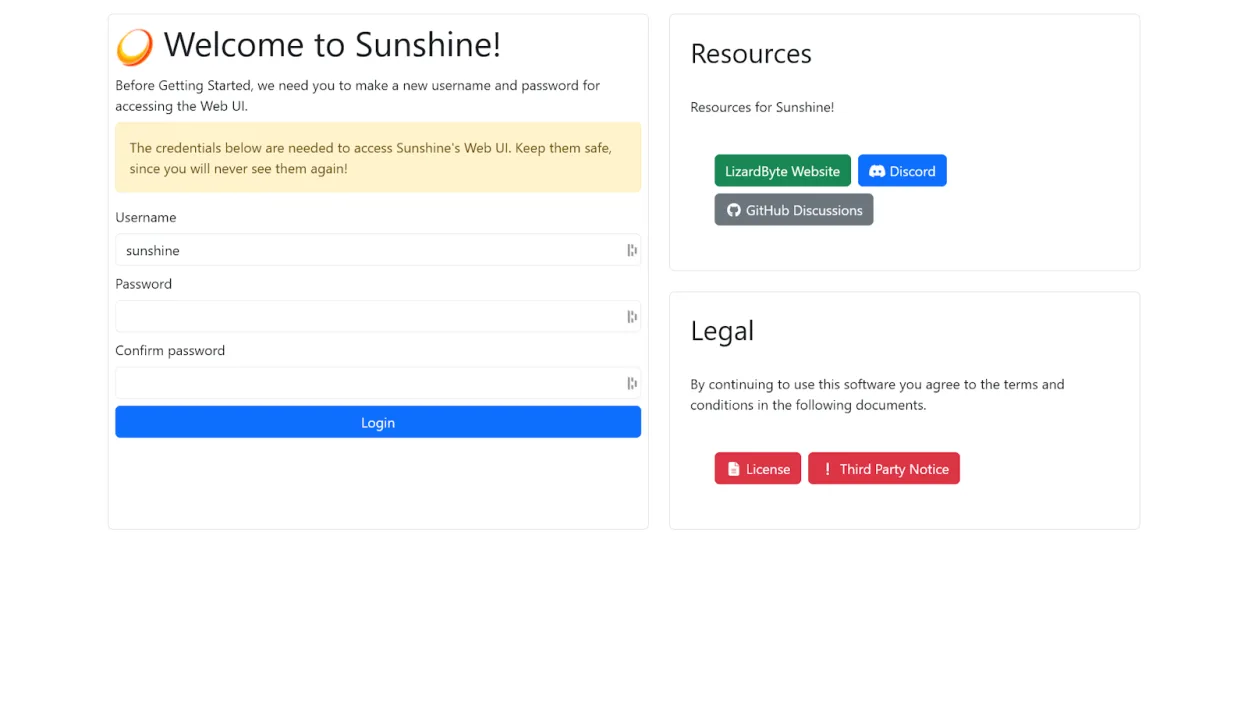
Sunshine is a self-hosted game streaming server that lets you play PC games on other devices using Moonlight.
Sunshine is a good replacement for NVIDIA GeForce NOW if you own a gaming PC and want to stream from it over a local network or remotely. Unlike GeForce NOW, it doesn’t provide cloud-hosted games—you need your own game library and host machine. Latency is low with proper hardware encoding, and it…
Feature parity70%




What is NVIDIA GeForce NOW?
GeForce NOW is a cloud gaming service that streams supported games from NVIDIA's servers to your PC. It's used by gamers who want high-end titles without powerful local hardware. The app handles authentication, game library syncing, and streaming setup.
The service operates on a freemium model: a free tier with limited session time and priority, and a paid 'Priority' or 'Ultimate' tier offering longer sessions, higher resolution, and better server access. Games themselves must be purchased separately through linked accounts like Steam or Epic.
People seek Linux alternatives because NVIDIA does not offer a native Linux client. Since GeForce NOW relies on proprietary streaming tech and Windows-only components, Linux users must find workarounds or alternative streaming solutions to access similar functionality.
What a replacement for NVIDIA GeForce NOW must do
- Stream games from a remote PC or server
- Low-latency video streaming
- Support for high-resolution output
- Gamepad and controller compatibility
- Access to a personal or cloud-based game library
- Cross-platform sync of game progress
- Easy setup and stable connection
Can you run NVIDIA GeForce NOW on Linux?
There is no native Linux version of GeForce NOW. The official web version works in Chrome or Edge on Linux but only streams games you've purchased through NVIDIA's platform, which has limited titles. Performance is acceptable on fast connections, but input lag and missing features like full controller support can be issues. It does not run reliably under Wine or Proton; Bottles or similar tools won't help since the app depends on deep system integration. Your best bet is the browser.
Which alternative should you choose?
Use Steam if you own games on Steam and want local or remote streaming via Steam Link. Sunshine paired with Moonlight is ideal for self-hosted game streaming from a Windows or Linux machine. Parsec works well for remote access to a gaming PC with low latency. Lutris helps manage and launch games from multiple sources, including cloud libraries, and simplifies setup for non-Steam titles.
Moving your NVIDIA GeForce NOW files and habits
You can't directly transfer GeForce NOW save data or settings to Linux. If you use linked accounts like Steam, progress syncs through the platform. For self-hosted solutions like Sunshine or Steam, your game saves move with the account or cloud sync. Moonlight and Parsec connect to existing setups, so no data migration is needed—just reconfigure clients. Always back up game configs locally if possible.
Side-by-side comparison
NVIDIA GeForce NOW: frequently asked questions
Can I use GeForce NOW on Linux with Proton?
No, GeForce NOW does not work reliably under Proton. The app depends on Windows-specific components and streaming protocols not supported in Wine.
Is there a native Linux client for GeForce NOW?
No, NVIDIA does not provide a native Linux client. The only option is the web version in Chrome or Edge on Linux.
Can I stream my own games library on Linux?
Yes, using Sunshine and Moonlight or Parsec. These let you stream games from a Windows or Linux host machine to another device.
Does Steam Link replace GeForce NOW?
Partially. Steam Link streams games from your own PC or a remote one, but only works with Steam games unless configured manually.
How important is NVIDIA GeForce NOW to you?
Know a better alternative? Suggest an alternative