
 Rocket.ChatLinux
vs
Discord CanaryWindows
Rocket.Chat as a Linux alternative to Discord Canary
Updated
Our verdict
Rocket.Chat is a strong replacement for Discord Canary if you prioritize self-hosting, privacy, and unlimited users over casual gaming social features. It handles real-time text, voice, and video calls effectively. However, it lacks the specific low-latency optimization and community server structure Discord is known for. It is ideal for teams or communities wanting full data control, but casual gamers may find the setup heavier and the voice experience less instant than Discord's native client.
- License
- MIT
- Price
- Free
- Latest version
- 4.19.3 (November 12, 2026)
- Rating
- —
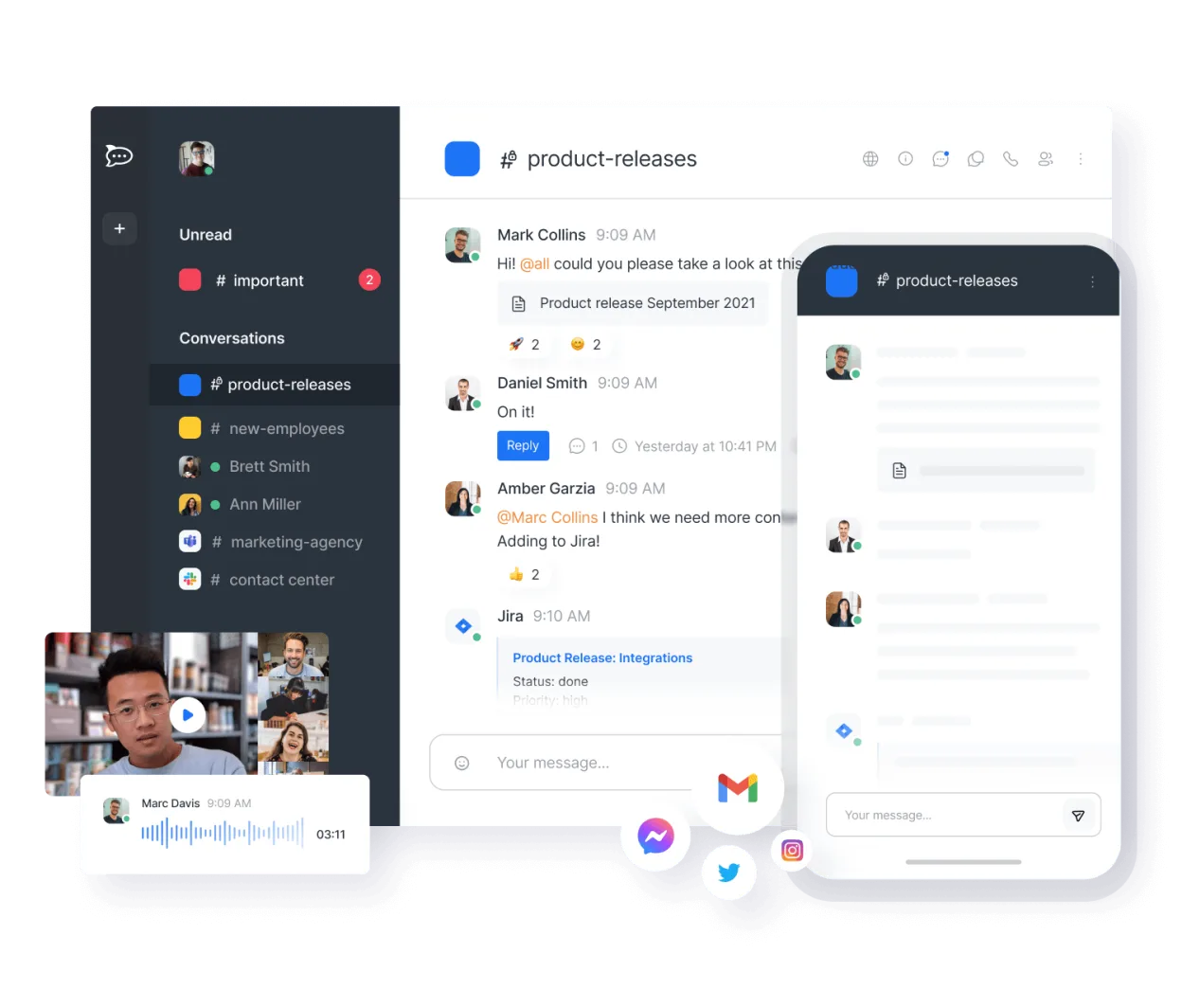
What works the same
- Real-time text chat with channels and direct messages
- Low-latency voice and video conferencing capabilities
- Screen sharing during calls
- Bot integration and automation support via API
- Cross-platform compatibility including Linux, Windows, and mobile
What is different
- Rocket.Chat is self-hosted or cloud-hosted, requiring more setup than Discord's cloud service
- Lacks Discord's specific 'Canary' pre-release testing environment for unstable features
- Community server management tools are structured differently, focusing on team hierarchy rather than guild roles
- No native support for Discord-specific bot ecosystems or integrations without custom development
Opening your Discord Canary files
There is no direct file compatibility between Discord Canary and Rocket.Chat. Discord does not export chat history, voice recordings, or server configurations in a format Rocket.Chat can import. You will need to manually recreate channels and invite users. Any files stored in Discord's cloud storage must be downloaded separately and re-uploaded to Rocket.Chat if needed.
Switching from Discord Canary to Rocket.Chat, step by step
- Install Rocket.Chat via Flathub or your distribution's package manager
- Set up a self-hosted instance or sign up for a cloud-hosted account
- Create channels and invite users via email or link
- Configure bots using the Rocket.Chat API or available marketplace apps
- Test voice and video calls to ensure network latency meets your needs
Key features of Rocket.Chat
- Unlimited users and channels by default
- Video and audio conferencing
- File sharing and live document editing
- Extensive API and bot integrations
- End-to-end encryption for private channels
- Self-hosted or cloud-hosted options
- Mobile apps for iOS and Android
- Customizable themes and layouts
How to install Rocket.Chat on Linux
flatpak install flathub chat.rocket.RocketChatFrequently asked questions
Is Rocket.Chat free to use?
Yes, Rocket.Chat is open-source under the MIT license and free to use. You can self-host it for free or use their paid cloud hosting service.
Can I import my Discord servers directly?
No, there is no direct import tool. You must manually recreate your server structure and invite members to the new Rocket.Chat workspace.
Does Rocket.Chat support screen sharing?
Yes, Rocket.Chat supports screen sharing during video and audio calls, allowing you to share your entire screen or specific windows.
4 other alternatives to Discord Canary
 ElementElement is an open‑source, matrix‑based chat and video‑conference client for Linux.Open sourceFreeFlatpakElement vs Discord Canary
 SlackSlack is a proprietary team communication app for Linux that centralizes conversations, tools, and workflows…FlatpakSlack vs Discord Canary
 MattermostMattermost is an open-source, self-hosted collaboration platform for developer teams, offering a secure…Open sourceFreeFlatpakMattermost vs Discord Canary
 ZulipZulip is an open-source group chat application that uses threaded conversations to manage high-volume team…Open sourceFreeFlatpakZulip vs Discord Canary