
 Rocket.ChatLinux
vs
Microsoft Teams (Linux native)Windows
Rocket.Chat as a Linux alternative to Microsoft Teams (Linux native)
Updated
Our verdict
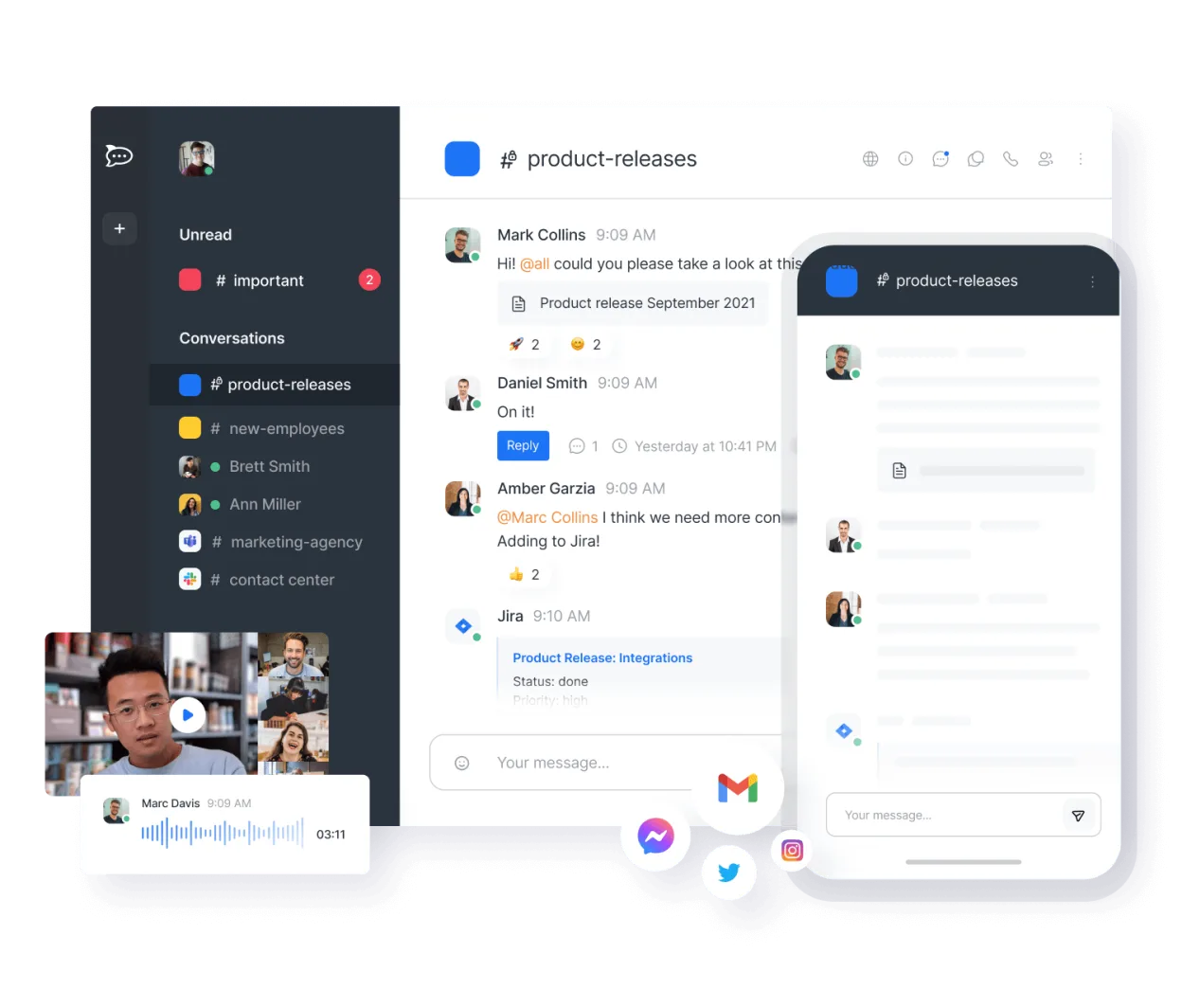
Rocket.Chat can serve as a solid replacement for Microsoft Teams on Linux for organisations that value open‑source software, self‑hosting, and extensive customization. It covers the main collaboration needs—chat, audio/video calls, file sharing and basic document collaboration—though it lacks deep integration with the Microsoft 365 suite. Teams‑centric environments that rely heavily on Outlook calendar sync, SharePoint document co‑authoring, or built‑in compliance features may find Rocket.Chat lacking, while teams looking for a flexible, cost‑free solution will benefit.
- License
- MIT
- Price
- Free
- Latest version
- 4.19.3 (November 12, 2026)
- Rating
- —
What works the same
- Real‑time group chat with channels and direct messages
- Audio and video conferencing
- File sharing with preview support
- Mobile clients for iOS and Android
- Cross‑platform desktop clients (Linux, Windows, macOS)
What is different
- No native integration with Microsoft 365 calendar, Outlook, or SharePoint
- Limited built‑in collaborative document editing compared to Teams' Office integration
- Enterprise‑grade compliance and e‑Discovery features are not provided out of the box
- Teams offers tighter control via Azure AD and Microsoft security policies, which Rocket.Chat must replicate via external plugins
- Video conferencing in Rocket.Chat may require additional server resources for large meetings
Opening your Microsoft Teams (Linux native) files
Rocket.Chat can receive and store files that originate from Teams, but there is no direct import of Teams‑specific file formats or metadata. Exported Teams chat logs or meeting recordings will need to be handled manually, and any proprietary Teams file types (e.g., .teams) are not recognized. In practice you can upload the files to Rocket.Chat, but expect no automatic conversion or preservation of Teams‑specific attributes.
Switching from Microsoft Teams (Linux native) to Rocket.Chat, step by step
- Set up a Rocket.Chat server (cloud or on‑premise) and create user accounts.
- Export Teams data (chat history, files) using Microsoft’s export tools or SharePoint download.
- Import files into Rocket.Chat channels via the web UI or bulk upload scripts.
- Recreate Teams channels as Rocket.Chat rooms and assign appropriate permissions.
- Configure authentication (e.g., LDAP, SSO) to match your existing directory.
- Notify users and provide brief training on Rocket.Chat UI and features.
Key features of Rocket.Chat
- Unlimited users and channels by default
- Video and audio conferencing
- File sharing and live document editing
- Extensive API and bot integrations
- End-to-end encryption for private channels
- Self-hosted or cloud-hosted options
- Mobile apps for iOS and Android
- Customizable themes and layouts
How to install Rocket.Chat on Linux
flatpak install flathub chat.rocket.RocketChatFrequently asked questions
Can Rocket.Chat use my existing Microsoft 365 accounts for login?
Yes, you can connect Rocket.Chat to Azure AD or use SAML/LDAP to authenticate against the same directory, but the integration is not as seamless as Teams' native sign‑in.
Will video calls work with the same quality as Teams?
Video and audio work, but large group calls may need more server capacity, and some advanced Teams features like live captions are missing.
Is there a way to sync my Outlook calendar with Rocket.Chat?
Rocket.Chat does not provide built‑in calendar sync; you would need a third‑party integration or custom bot to pull events from Outlook.
4 other alternatives to Microsoft Teams (Linux native)
 SlackSlack is a proprietary team communication app for Linux that centralizes conversations, tools, and workflows…FlatpakSlack vs Microsoft Teams (Linux native)
 MattermostMattermost is an open-source, self-hosted collaboration platform for developer teams, offering a secure…Open sourceFreeFlatpakMattermost vs Microsoft Teams (Linux native)
 ZulipZulip is an open-source group chat application that uses threaded conversations to manage high-volume team…Open sourceFreeFlatpakZulip vs Microsoft Teams (Linux native)
 ElementElement is an open‑source, matrix‑based chat and video‑conference client for Linux.Open sourceFreeFlatpakElement vs Microsoft Teams (Linux native)