
Windows · Sound & Video
Best Linux alternatives to VLC
VLC Media Player is a free, open‑source, cross‑platform multimedia player that plays almost any audio or video file without extra codecs.
Updated
Quick answer
The best Linux alternative to VLC is mpv. Other strong options: Celluloid, Haruna, SMPlayer.
5 Linux alternatives to VLC
-

mpv is a free, open‑source, cross‑platform media player that plays almost any video or audio format.
mpv can replace VLC for users who want a lightweight, keyboard‑driven player that handles almost every format without extra codecs. It works well for casual playback, streaming, and subtitle support, but lacks VLC’s built‑in transcoder, extensive GUI options, and some advanced streaming protocols…
Feature parity75% -

Celluloid is a lightweight media player for Linux that uses the mpv engine and GTK for a clean GNOME‑style interface.
Celluloid is a solid replacement for VLC if you prioritize a clean, native GNOME experience over raw feature bloat. It handles nearly all common audio and video formats via the mpv engine, which is highly efficient. However, it lacks VLC’s built-in streaming server and complex transcoding tools. If…
Feature parity85% -
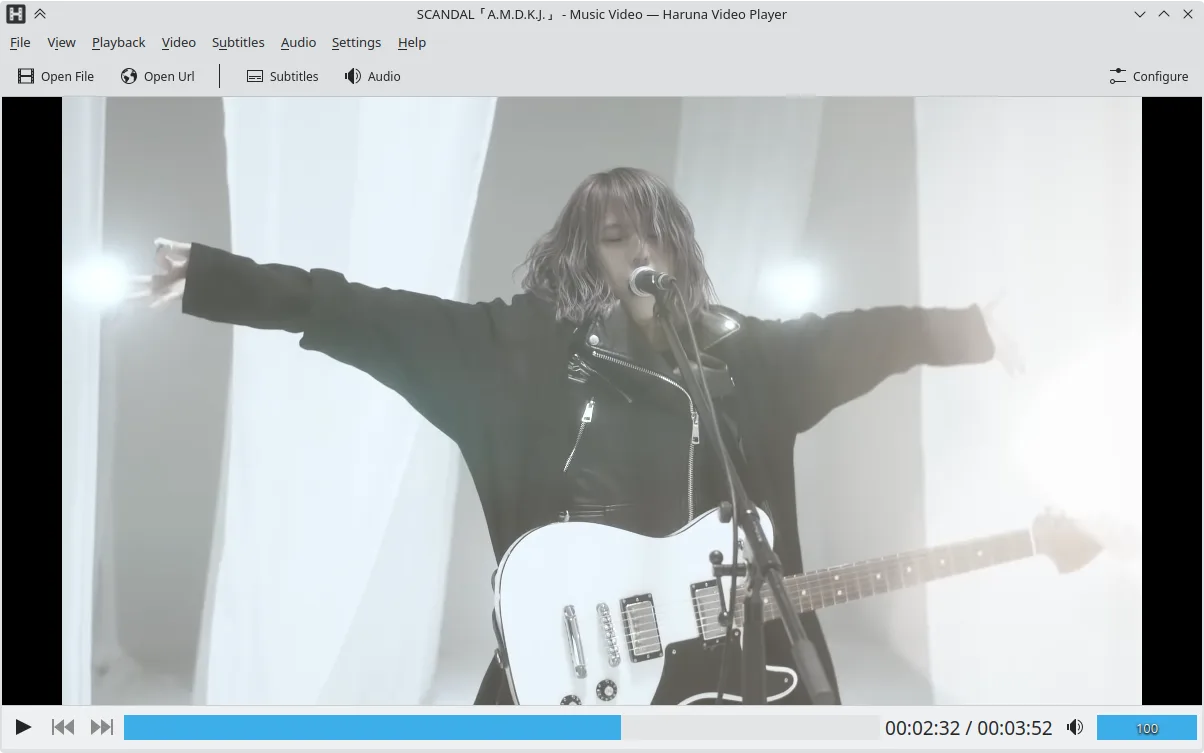
Haruna is a GPL‑licensed, open‑source media player that supports local and online playback with extensive customization.
Haruna can replace VLC for users who mainly play local files and want a lightweight player with custom keyboard shortcuts and online video support. It lacks many of VLC’s advanced features such as full streaming protocol support, transcoding, and extensive subtitle management, so it is best suited…
Feature parity60% -
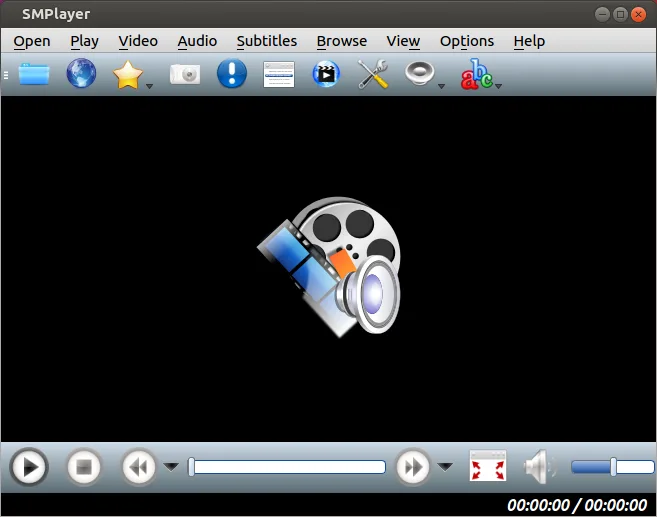
SMPlayer is a free, open-source media player with built-in codecs that handles nearly all video and audio formats without external dependencies.
SMPlayer is a solid replacement for VLC for most everyday users who want a single‑package player that works out of the box. It covers the core tasks of playing almost any audio or video file, streaming, subtitles, and casting, and adds YouTube playback and automatic subtitle download. It is best…
Feature parity85% -

Totem (GNOME Videos) is the default GNOME video player built on GStreamer.
Totem can replace VLC for users who need a straightforward GNOME‑styled player and are comfortable with the default codec set provided by GStreamer. It handles the most common audio and video containers out of the box and integrates well with the desktop, but it lacks many of VLC’s advanced…
Feature parity70%





What is VLC?
VLC Media Player is a versatile tool used by home users, educators, and professionals to play, stream, and convert media. It runs on Windows, macOS, Linux, Android, and iOS, and is distributed through app stores and official downloads. The software is free and open‑source, released under the GPL license.
Users often seek a Linux alternative because they want a native application that integrates with their desktop environment, avoids the overhead of running Windows through compatibility layers, and prefers open‑source solutions. Linux users also value the ability to customize playback settings via command line or scripts.
The primary reason for migration is to keep the media experience consistent across devices while benefiting from Linux’s stability and security. A native player also reduces memory usage and improves battery life on laptops.
What a replacement for VLC must do
- Play almost any audio or video format without extra codecs
- Support for streaming and transcoding
- Customizable playback controls (keyboard shortcuts, scripts)
- Subtitle handling and external subtitle files
- Cross‑platform availability and regular updates
Can you run VLC on Linux?
VLC has a native Linux version available for most distributions; it can be installed from package managers or downloaded as a flatpak/ snap. There is no web version. Running VLC through Wine or Proton is unnecessary and not recommended because the native binary is fully functional.
Which alternative should you choose?
If you want a lightweight, scriptable player, mpv is ideal. For a simple, GTK‑based interface, Totem works well. Celluloid offers a minimal, modern UI. Haruna is good for users who need a media center feel. SMPlayer provides advanced playback features and a built‑in video converter.
Moving your VLC files and habits
All media files are just files; you can copy them directly to Linux. VLC playlists (.xspf) and preferences can be exported and imported, but most users simply start a new playlist. No special data export is required.
Side-by-side comparison
VLC: frequently asked questions
Is VLC free on Linux?
Yes, VLC is free and open‑source on Linux, released under the GPL.
Can I use VLC on a server?
Yes, VLC can run headless for streaming or transcoding tasks.
Does VLC support DRM‑protected content?
VLC does not support DRM; it plays only non‑DRM media.
What is the difference between VLC and mpv?
VLC offers a graphical interface and extensive codec support out of the box, while mpv is a command‑line player focused on performance and scriptability.
How important is VLC to you?
Know a better alternative? Suggest an alternative