
Windows · Programming
Best Linux alternatives to Android Studio
Android Studio is the official IDE for Android, but Linux users can use VS Code, Eclipse, or NetBeans for similar development tasks.
Updated
Quick answer
The best Linux alternative to Android Studio is Visual Studio Code. Other strong options: Eclipse IDE for Java Developers.
2 Linux alternatives to Android Studio
-

A lightweight, extensible code editor that supports debugging, Git, and many languages.
Visual Studio Code can serve as a lightweight alternative for Android development, but it only fits developers who are comfortable assembling their toolchain with extensions and command‑line utilities. It provides decent Java/Kotlin editing, Gradle integration and debugging when the right…
Feature parity55% -
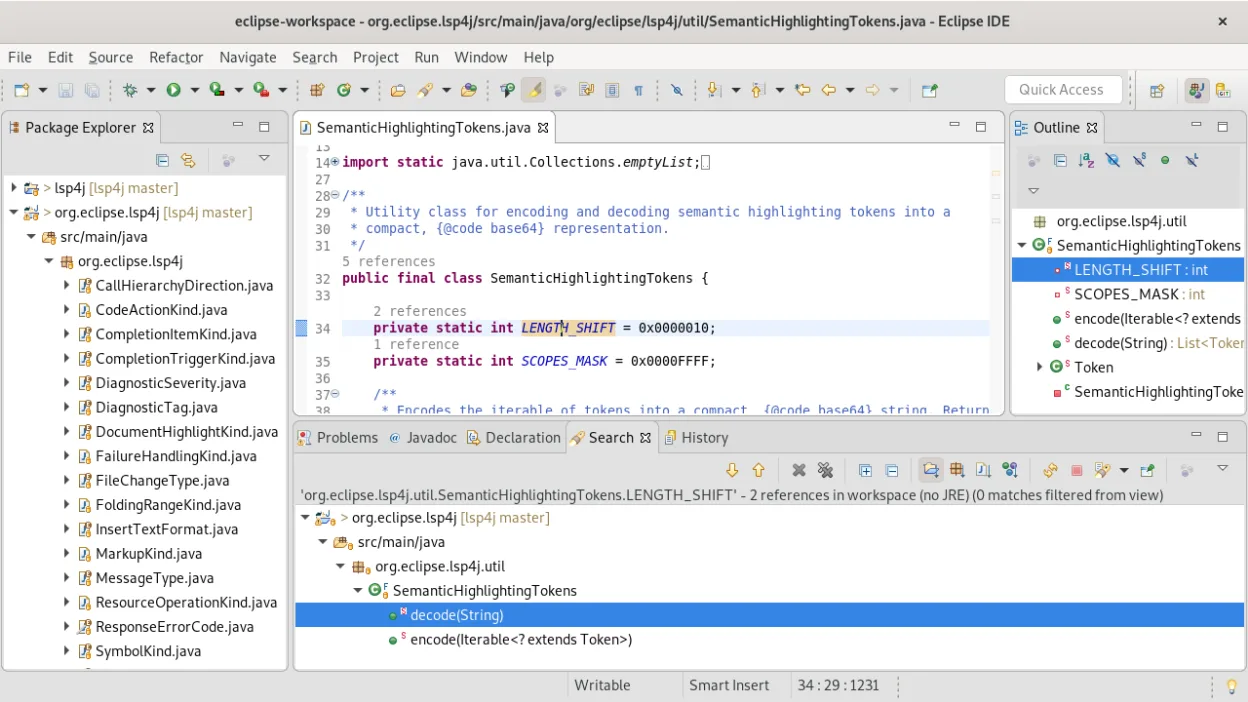
A free, open-source Java IDE with built-in Git, Maven, and Gradle support, ideal for enterprise and standard Java development.
Eclipse IDE is a solid, mature Java environment, but it is not a direct drop-in replacement for Android Studio. It lacks the native Android SDK integration, specific Android debugging tools, and emulator management that make Android Studio the industry standard. For pure Java or Kotlin backend…
Feature parity40%


What is Android Studio?
Android Studio is the primary environment for building applications for Android devices. It is used by mobile developers, hobbyists, and enterprise teams to write, test, and deploy code. The tool integrates a code editor, build system, and debugging tools into a single package, making it the standard choice for most Android projects.
The software is free to download and use. It is based on IntelliJ IDEA and includes the Android SDK. While the core IDE components are open-source under the Apache License, the SDK has its own specific licensing terms. There are no subscription fees for using the development environment itself.
Many developers prefer Linux for its stability, customization, and performance in server and desktop environments. Since Android Studio already supports Linux natively, the search for alternatives usually stems from a desire for a lighter editor, a different ecosystem, or to avoid the resource intensity of the full IDE.
What a replacement for Android Studio must do
- Java and Kotlin language support
- Android SDK integration
- Gradle build system support
- Code editor with syntax highlighting
- Debugger for Android applications
- Emulator or device management tools
Can you run Android Studio on Linux?
Android Studio has a native Linux version. You do not need Wine, Proton, or Bottles to run it. Google provides direct downloads for Linux distributions. It runs well on most modern Linux systems, though it can be resource-heavy. If you are using a lightweight desktop environment, ensure you have enough RAM allocated for the IDE and any running emulators.
Moving your Android Studio files and habits
Migrating from Android Studio to another IDE mostly involves moving your project files. Since Android projects use standard Java/Kotlin structures and Gradle build scripts, they are largely compatible. You will need to import your project into the new IDE and ensure the Android SDK path is correctly configured. Your code, resources, and build logic should transfer without modification, but you may need to adjust IDE-specific settings or plugins.
Side-by-side comparison
| App | License | Flatpak | Latest version | Feature parity | Rating |
|---|---|---|---|---|---|
| Visual Studio Code | LicenseRef-proprietary=https… | ✓ | 1.139.1 | 55% | — |
| Eclipse IDE for Java Developers | EPL-2.0 | ✓ | 4.41 | 40% | — |
Android Studio: frequently asked questions
Can I use VS Code with the Android SDK?
Yes, by installing Java and Kotlin extensions and configuring the Android SDK path in your settings. It requires more manual setup than Android Studio but works well for many developers.
Is Eclipse still supported for Android development?
Eclipse can be used for Android development, but it is no longer the primary recommended tool. You will need to install the Android Development Tools (ADT) plugin or use modern Gradle integration.
Do I need to install the Android SDK separately?
If you use Android Studio, the SDK is bundled. If you use VS Code, Eclipse, or NetBeans, you must download and install the Android SDK separately and point your IDE to its location.
Which IDE is best for beginners?
Android Studio is the most beginner-friendly due to its integrated setup. If you must use an alternative, NetBeans or Eclipse with proper plugins are more straightforward than configuring VS Code from scratch.
How important is Android Studio to you?
Know a better alternative? Suggest an alternative