
Windows · Programming
Best Linux alternatives to Microsoft Visual Studio 2022
Microsoft Visual Studio 2022 is a commercial Windows IDE for .NET, C++, and web development.
Updated
Quick answer
The best Linux alternative to Microsoft Visual Studio 2022 is Visual Studio Code. Other strong options: KDevelop, Eclipse CDT, Qt Creator.
5 Linux alternatives to Microsoft Visual Studio 2022
-

A lightweight, extensible code editor that supports debugging, Git, and many languages.
Visual Studio Code is a strong replacement for many developers, but not a direct one-to-one swap for heavy .NET or C++ enterprise users. It excels at web development, scripting, and lightweight C++ work. If you rely on Visual Studio 2022's deep .NET integration, complex solution management, or…
Feature parity65% -
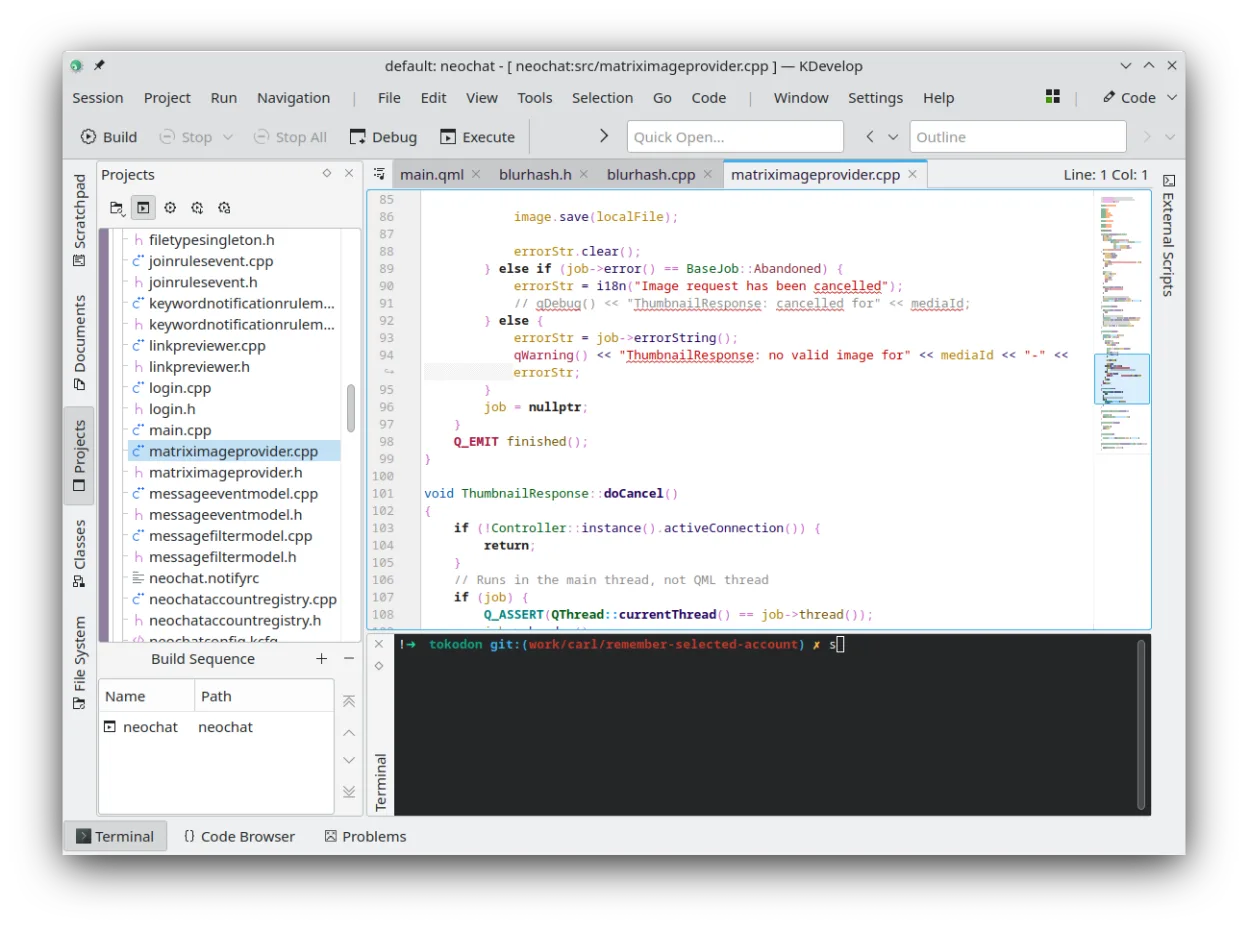
KDevelop is a free, plugin-based IDE for KDE supporting C++, Python, PHP, and other languages with strong debugging tools.
KDevelop can serve as a Linux replacement for Visual Studio 2022 for developers who work mainly with C++, Python, PHP or JavaScript and need a free, plugin‑based IDE. It lacks first‑class .NET and C# support, and its UI is less polished than Visual Studio, so it fits well for open‑source or…
Feature parity55% -
Eclipse CDT is a mature, open-source IDE for C and C++ development, offering project management, debugging, and code analysis tools.
Eclipse CDT is a solid replacement if your work is strictly C or C++. It handles building, debugging, and refactoring well with GDB integration. However, it is not a general-purpose IDE like Visual Studio. If you rely heavily on C#, .NET, or JavaScript tooling, Eclipse CDT will not cover those…
Feature parity40% -
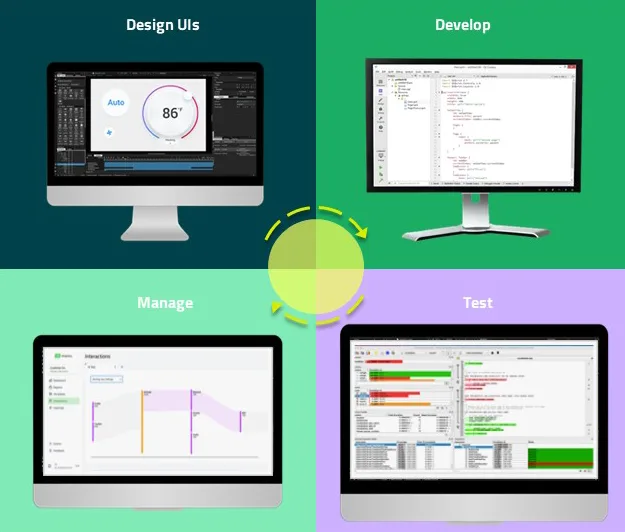
Qt Creator is a cross‑platform IDE for developing Qt applications on Linux, Windows, and macOS.
Qt Creator can replace Visual Studio 2022 for developers whose primary work is C++/Qt or cross‑platform projects. It offers a solid C++ editor, integrated debugger, profiling, and version‑control support, but it lacks native .NET/C# tooling and the extensive ecosystem of Visual Studio extensions…
Feature parity55% -
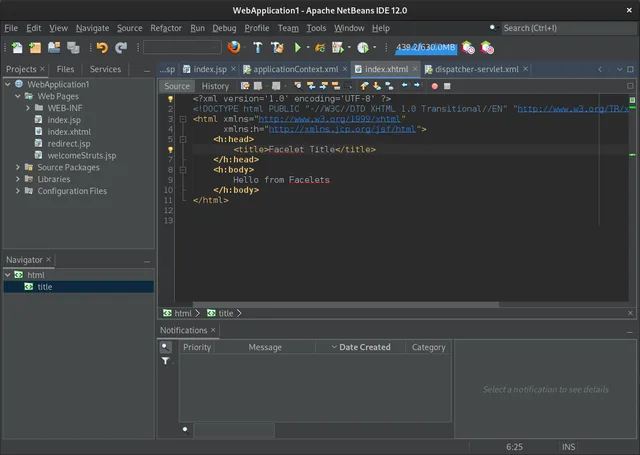
NetBeans is an open‑source IDE from Apache that supports Java, JavaScript, PHP, C/C++ and more.
NetBeans is a solid replacement for developers focused on Java, C/C++, or web technologies, offering a robust, modular IDE with strong debugging and version control support. However, it is not a direct substitute for .NET or C# developers, as it lacks native C# and .NET Framework support. If your…
Feature parity45%




What is Microsoft Visual Studio 2022?
Visual Studio 2022 is a full‑featured integrated development environment that targets professional developers working on Windows. It bundles compilers, debuggers, designers, and a rich set of extensions for .NET, C++, JavaScript, and many other languages.
The IDE is sold under a subscription model, with options for individual, enterprise, and educational licenses. The price varies by edition, but the community edition is free for open‑source and small‑team use.
Linux users look for alternatives because the Windows‑only Visual Studio does not run natively on Linux, and many developers want a comparable feature set without switching operating systems.
What a replacement for Microsoft Visual Studio 2022 must do
- Multi‑language support (C++, C#, JavaScript, etc.)
- Integrated debugging and profiling
- Extensible via plugins or extensions
- Version control integration (Git, etc.)
- Project and solution management
- Build system integration
Can you run Microsoft Visual Studio 2022 on Linux?
Visual Studio 2022 itself has no native Linux build. It can be run under Wine or Proton, but stability is limited and many features (especially the designer tools) do not work reliably. There is no official web version of the full IDE.
Which alternative should you choose?
For C++ and Qt developers, Qt Creator offers tight integration with Qt libraries and a native Linux UI. KDevelop is a good all‑purpose IDE with strong C/C++ and Python support. Eclipse CDT is suitable for large C/C++ projects and Java developers. NetBeans works well for Java, PHP, and C/C++ with a familiar interface. Visual Studio Code is a lightweight editor that can be turned into a full IDE with extensions.
Moving your Microsoft Visual Studio 2022 files and habits
Projects created in Visual Studio use .sln and .csproj files, which are plain text and can be opened by many editors. For pure C/C++ projects, the Makefile or CMake files can be reused. Most code files (.cs, .cpp, .h, .js) are portable. However, designer files and some project‑specific settings may need manual adjustment.
Side-by-side comparison
| App | License | Flatpak | Latest version | Feature parity | Rating |
|---|---|---|---|---|---|
| Visual Studio Code | LicenseRef-proprietary=https… | ✓ | 1.139.1 | 65% | — |
| KDevelop | GPL-2.0-or-later | ✓ | 6.5.260403 | 55% | — |
| Eclipse CDT | EPL-2.0 | — | 11.4.0 | 40% | — |
| Qt Creator | GPL-3.0 | ✓ | 20.0.1 | 55% | — |
| NetBeans | Apache-2.0 | ✓ | 31 | 45% | — |
Microsoft Visual Studio 2022: frequently asked questions
Can I run Visual Studio 2022 on Linux with Wine?
It can be installed, but many features, especially the designer and some debugging tools, do not work reliably.
Is there a free Linux version of Visual Studio?
No, the full Visual Studio IDE is Windows only. The free Visual Studio Code editor is available for Linux.
Do Visual Studio Code extensions provide full IDE functionality?
Yes, extensions such as C/C++ IntelliSense, .NET Core, and Python add most IDE features, but some advanced debugging or designer tools are still limited.
What about licensing for Visual Studio Code?
Visual Studio Code is free and open source under the MIT license.
How important is Microsoft Visual Studio 2022 to you?
Know a better alternative? Suggest an alternative