
Windows · Programming
Best Linux alternatives to Visual Studio
Visual Studio is a Windows IDE for .NET, C++, and more, widely used by professional developers.
Updated
Quick answer
The best Linux alternative to Visual Studio is Visual Studio Code. Other strong options: MonoDevelop, Eclipse, NetBeans.
6 Linux alternatives to Visual Studio
-

A lightweight, extensible code editor that supports debugging, Git, and many languages.
Visual Studio Code can replace Visual Studio for many developers who need a lightweight, cross‑platform editor with good .NET and C++ support via extensions. It works well for scripting, web, and small to medium projects, but it lacks the full IDE features of Visual Studio such as advanced project…
Feature parity45% -
MonoDevelop is an open‑source IDE for .NET and C# development on Linux.
MonoDevelop can serve as a replacement for Visual Studio for developers who work mainly with C# and .NET Core on Linux, especially for small to medium projects or when targeting Xamarin mobile apps. It lacks the deep Windows‑only tooling, extensive extension marketplace, and the full C++ feature…
Feature parity55% -

Eclipse is a free, Java‑centric integrated development environment that runs natively on Linux.
Eclipse is a solid, free alternative for C/C++ and Java development on Linux, but it is not a direct replacement for Visual Studio if you rely heavily on .NET or C#. While Eclipse offers robust debugging, Git integration, and a vast plugin ecosystem, its C# support is limited to third-party plugins…
Feature parity60% -
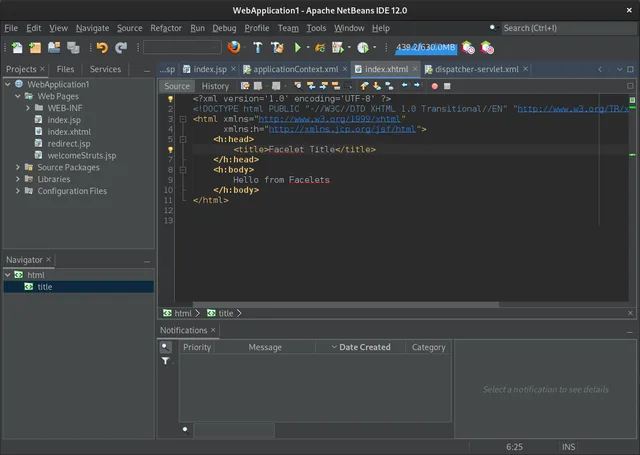
NetBeans is an open‑source IDE from Apache that supports Java, JavaScript, PHP, C/C++ and more.
NetBeans is a solid, mature IDE for Java, JavaScript, and C/C++ development on Linux, but it is not a direct replacement for Visual Studio if your primary focus is .NET or C# development. While it offers excellent debugging, refactoring, and Git integration, it lacks native support for the .NET…
Feature parity40% -
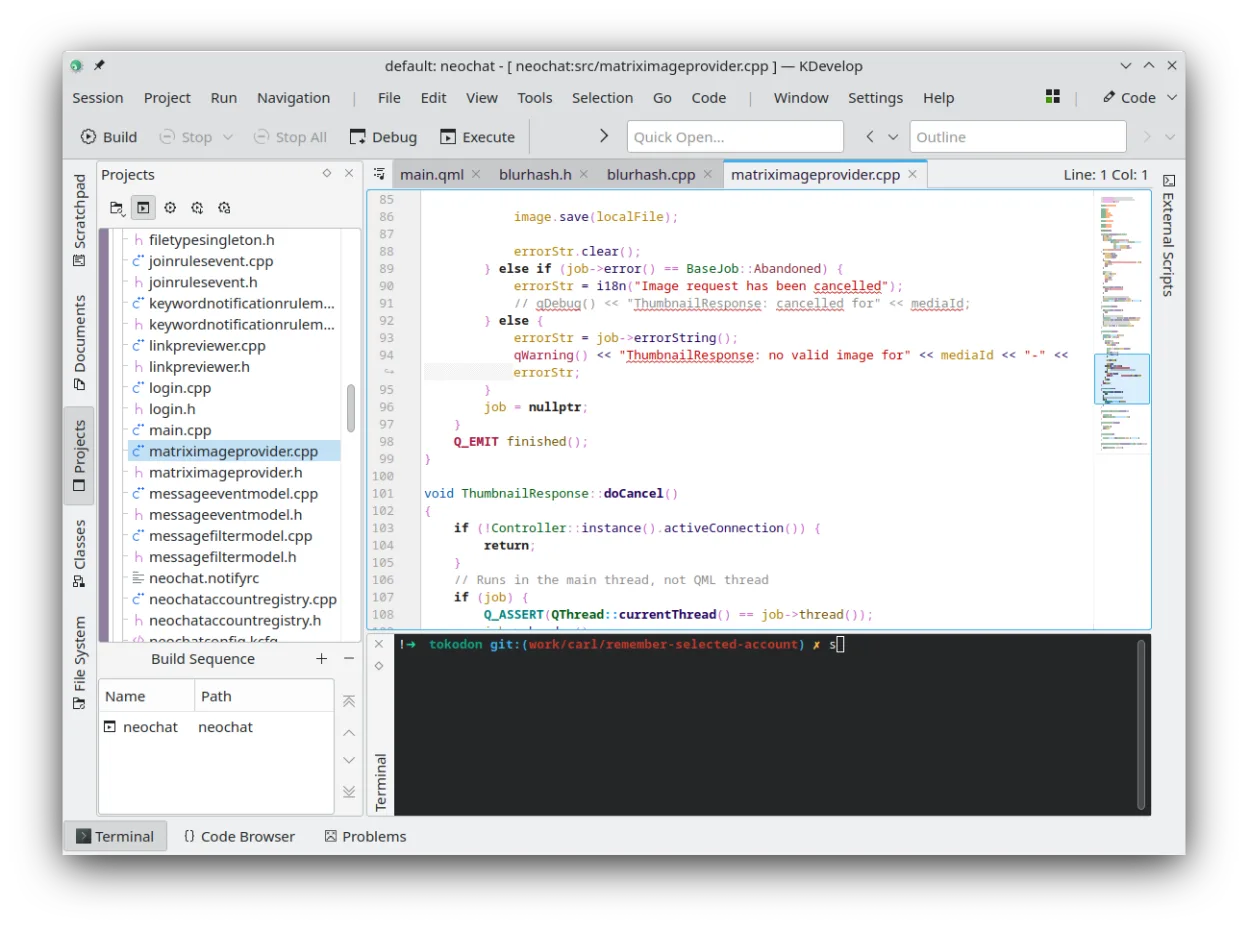
KDevelop is a free, plugin-based IDE for KDE supporting C++, Python, PHP, and other languages with strong debugging tools.
KDevelop is a strong alternative for C++ developers moving from Visual Studio, offering a native Linux environment with robust debugging and refactoring tools. However, it is not a direct replacement for .NET or C# work, as it lacks native support for those ecosystems. If your primary focus is…
Feature parity45% -
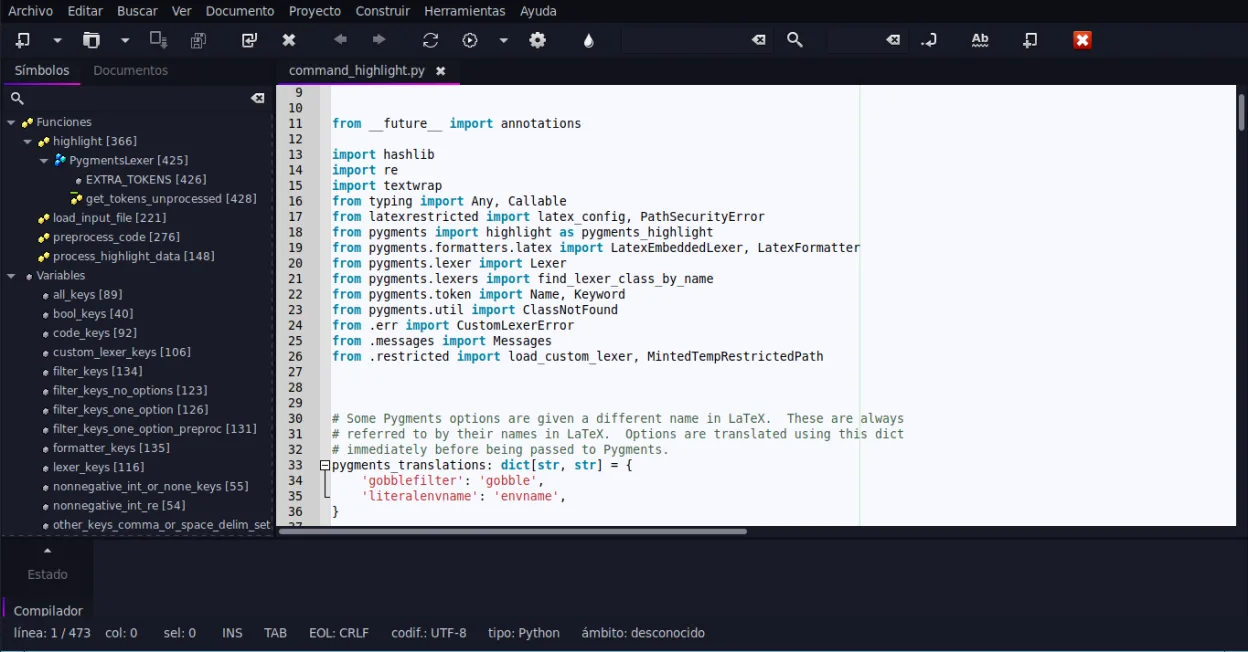
Geany is a lightweight, fast IDE that supports many languages and plugins out of the box.
Geany is not a direct replacement for Visual Studio if you rely on .NET, C#, or complex C++ project management. It is a lightweight IDE suited for scripting, C, and C++ without heavy build systems. For professional .NET development, Geany lacks the necessary tooling. However, for simple C/C++…
Feature parity25%





What is Visual Studio?
Visual Studio is a full‑featured integrated development environment that supports .NET, C++, C#, F#, and other languages. Developers use it to write, debug, test, and deploy applications on Windows, Azure, and other platforms. The product is sold in several editions, from a free Community edition for individuals and small teams to paid Professional and Enterprise editions with additional enterprise features.
The IDE is tightly integrated with Microsoft’s ecosystem, offering advanced debugging, refactoring, and code analysis tools. It also provides a rich set of extensions and a built‑in Git client. The interface is highly configurable, with themes, keyboard shortcuts, and a powerful search system.
Because many developers want to work on Linux or prefer open‑source tools, they look for alternatives that can handle the same languages, provide similar debugging and refactoring support, and integrate with Git and other version‑control systems.
What a replacement for Visual Studio must do
- Language support for .NET, C++, C#, and others
- Integrated debugger and code analysis
- Extension ecosystem for added functionality
- Version control integration (Git)
- Project management and build tools
- Customizable UI and keyboard shortcuts
- Cross‑platform project compatibility
Can you run Visual Studio on Linux?
Visual Studio itself has no native Linux version. A web‑based version (Visual Studio Online) exists but is limited to cloud‑hosted environments. On Linux you can run the full Windows IDE through Wine, but stability varies and some features may not work. The lightweight Visual Studio Code, which is available for Linux, is a separate product and not a direct replacement for the full IDE.
Which alternative should you choose?
For developers who need a lightweight editor with IDE features, Visual Studio Code is a good fit. MonoDevelop is suitable for .NET developers on Linux who want a more traditional IDE feel. Eclipse and NetBeans work well for Java and C++ projects. KDevelop is ideal for C++ and Qt development. Geany offers a very light, fast option for quick scripting or small projects.
Moving your Visual Studio files and habits
Projects written in Visual Studio can be opened in Visual Studio Code or MonoDevelop if they use standard .NET or C++ project files. .csproj, .sln, and .vcxproj files are generally readable. For C++ projects, CMake or Makefile can be used to rebuild on Linux. Code files (.cs, .cpp, .h) are plain text and can be opened in any editor. Some project‑specific settings may need manual adjustment.
Side-by-side comparison
| App | License | Flatpak | Latest version | Feature parity | Rating |
|---|---|---|---|---|---|
| Visual Studio Code | LicenseRef-proprietary=https… | ✓ | 1.139.1 | 45% | — |
| MonoDevelop | GPL-3.0 | — | 8.4.3.12 | 55% | — |
| Eclipse | EPL-2.0 | ✓ | 3.1.0 | 60% | — |
| NetBeans | Apache-2.0 | ✓ | 31 | 40% | — |
| KDevelop | GPL-2.0-or-later | ✓ | 6.5.260403 | 45% | — |
| Geany | GPL-2.0+ | ✓ | 2.1.0 | 25% | — |
Visual Studio: frequently asked questions
Can I use Visual Studio Code as a full IDE for C++ on Linux?
Yes, with the C++ extension and a compiler like GCC or Clang, VS Code can provide debugging, IntelliSense, and build tasks for C++ projects.
Does MonoDevelop support .NET Core?
MonoDevelop supports .NET Core and .NET 5/6/7 projects through the .NET SDK and the C# extension.
Will my Visual Studio solution open in Eclipse?
Eclipse can import .NET projects via the C# plugin, but support is limited; it works best with Java or C++ solutions.
Is there a paid version of Visual Studio Code?
Visual Studio Code is free; extensions may be paid, but the core editor is open source.
How important is Visual Studio to you?
Know a better alternative? Suggest an alternative