
Windows · Graphics
Best Linux alternatives to Axure RP
Axure RP is a desktop tool for designing interactive web and mobile prototypes, used by UX/UI designers and product teams.
Updated
Quick answer
The best Linux alternative to Axure RP is Penpot Desktop. Other strong options: draw.io.
2 Linux alternatives to Axure RP
-
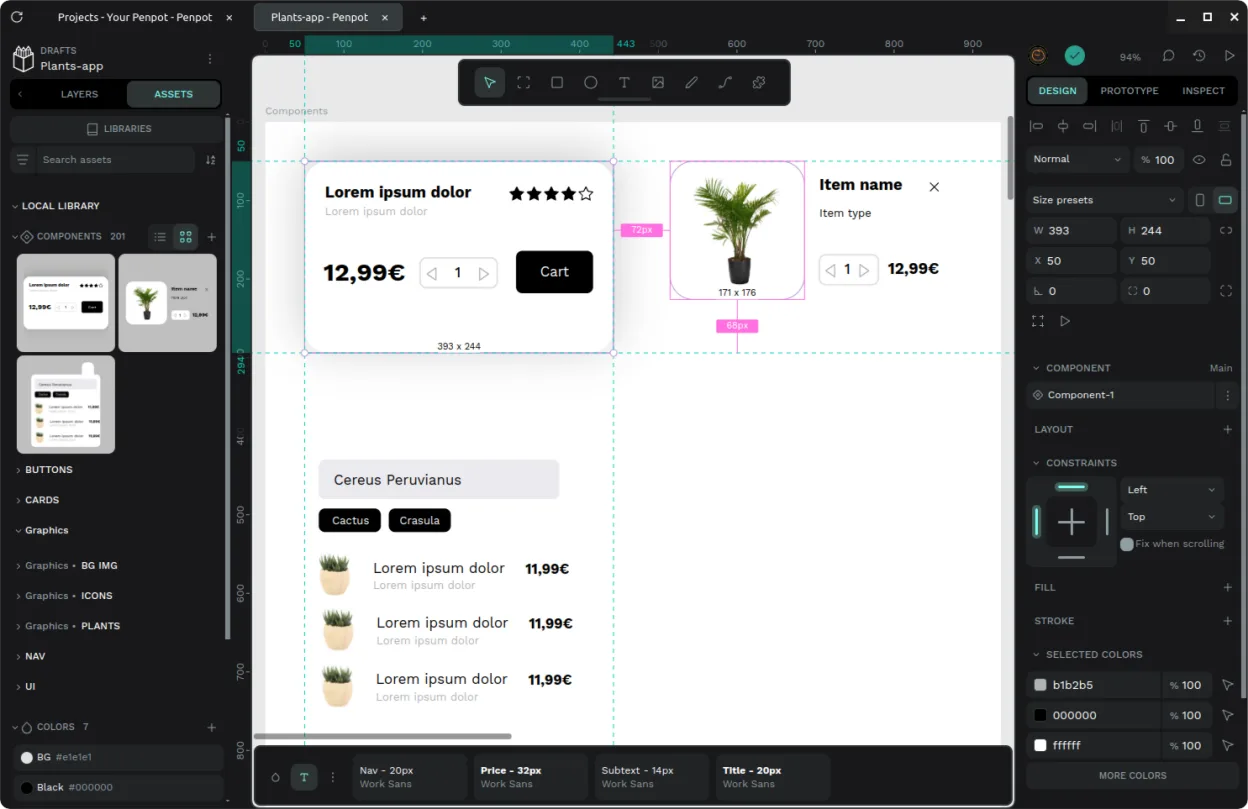
Unofficial desktop wrapper for the open-source Penpot design tool, offering native window management and offline instance support.
Penpot Desktop can replace Axure RP for teams that need an open‑source, cross‑platform design tool with basic prototyping features. It covers wireframing, responsive design, and exporting to HTML, PDF, or images, and it allows collaboration via shared instances. However, it lacks some of Axure’s…
Feature parity65% -
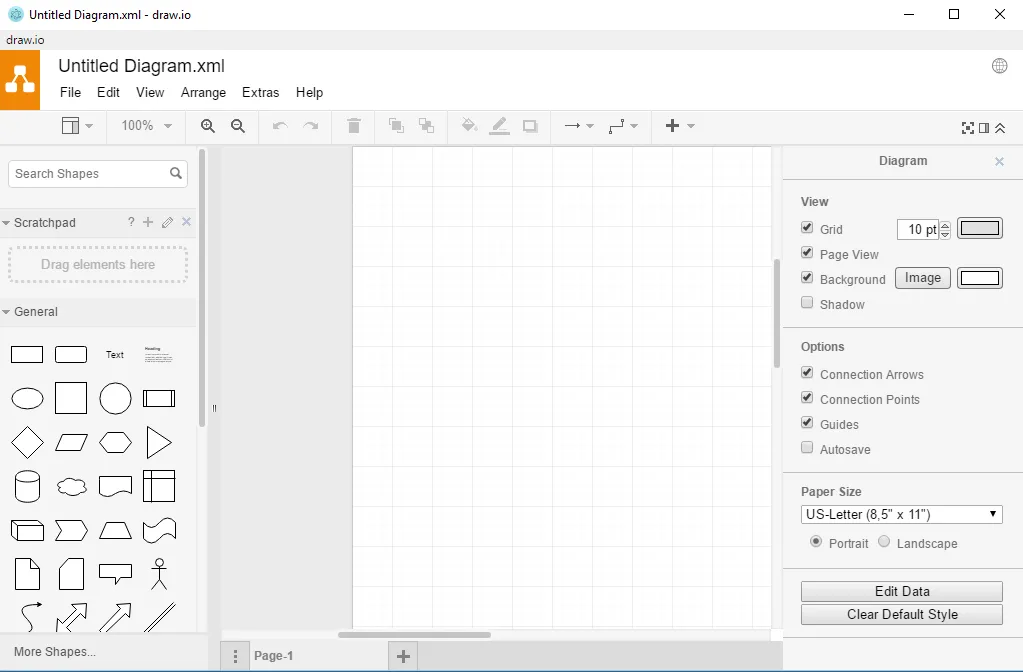
Create and share diagrams of all kinds, from flowcharts to UML, using a privacy‑focused, production‑grade tool.
draw.io is not a full replacement for Axure RP. It can create simple wireframes and diagrams, but it lacks the advanced prototyping features, animation controls, and responsive layout tools that Axure users rely on. It is suitable for designers who need quick diagramming or low‑fidelity mockups and…
Feature parity35%


What is Axure RP?
Axure RP lets designers build high‑fidelity prototypes with clickable interactions, animations, and responsive layouts. It’s popular in product development teams that need to showcase functionality before coding.
The software is sold as a subscription or perpetual license, with different tiers for individuals, teams, and enterprises. The cost can be significant for small studios or freelancers.
Because the tool is Windows‑only, many Linux users look for alternatives that let them create similar prototypes without relying on a virtual machine or remote service.
What a replacement for Axure RP must do
- Create wireframes and high‑fidelity mockups
- Add interactive elements and animations
- Support responsive design for multiple screen sizes
- Export to HTML, PDF, or image formats
- Collaborate or share prototypes with stakeholders
- Maintain a clean, user‑friendly interface
Can you run Axure RP on Linux?
Axure RP has no native Linux build. Users can run it through Wine or use a remote Windows machine, but stability varies. There is no official web version. The community sometimes reports partial success with Proton, but it’s not guaranteed.
Which alternative should you choose?
Penpot Desktop is the closest match for interactive prototyping and collaboration, with a modern UI and web‑based core. Inkscape and GIMP are vector and raster editors, respectively, and are better for static graphics rather than interactive prototypes. draw.io (now diagrams.net) is a diagramming tool that can handle simple interactive flows but lacks the depth of Axure’s animation features.
Moving your Axure RP files and habits
Axure files (.rp) cannot be opened directly by the listed Linux tools. Exporting from Axure to HTML, PNG, or SVG and then importing into Penpot or draw.io is the most reliable path. For static graphics, exporting to PDF or SVG and opening in Inkscape or GIMP works well.
Side-by-side comparison
| App | License | Flatpak | Latest version | Feature parity | Rating |
|---|---|---|---|---|---|
| Penpot Desktop | AGPL-3.0-or-later | ✓ | v1.0.0 | 65% | — |
| draw.io | Apache-2.0 | ✓ | 32.6.1 | 35% | — |
Axure RP: frequently asked questions
Is there a free version of Axure RP?
Axure offers a free trial, but the full product requires a paid license.
Can I run Axure RP on Linux via Wine?
It may run with Wine, but performance and feature support are inconsistent.
Which Linux alternative supports responsive design?
Penpot Desktop provides responsive layout tools similar to Axure.
Can I share prototypes from Penpot with an Axure user?
Yes, by exporting to HTML or PDF, which can be viewed in any browser or PDF viewer.
How important is Axure RP to you?
Know a better alternative? Suggest an alternative