

Linux · Graphics
Penpot Desktop
Unofficial desktop wrapper for the open-source Penpot design tool, offering native window management and offline instance support.
- License
- AGPL-3.0-or-later
- Latest version
- v1.0.0 (September 30, 2026)
- Developer
- Author More
- Installs
- 1,249 (Flathub, 30 days)
What is Penpot Desktop?
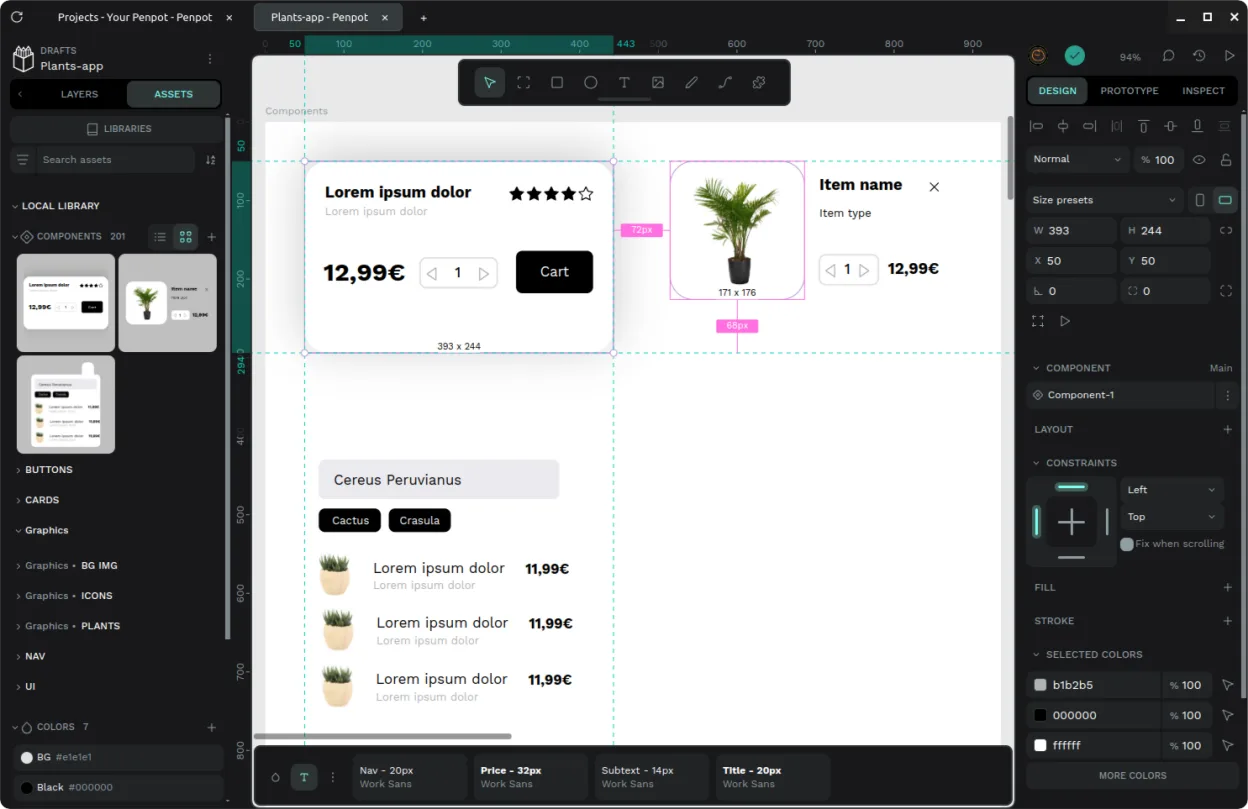
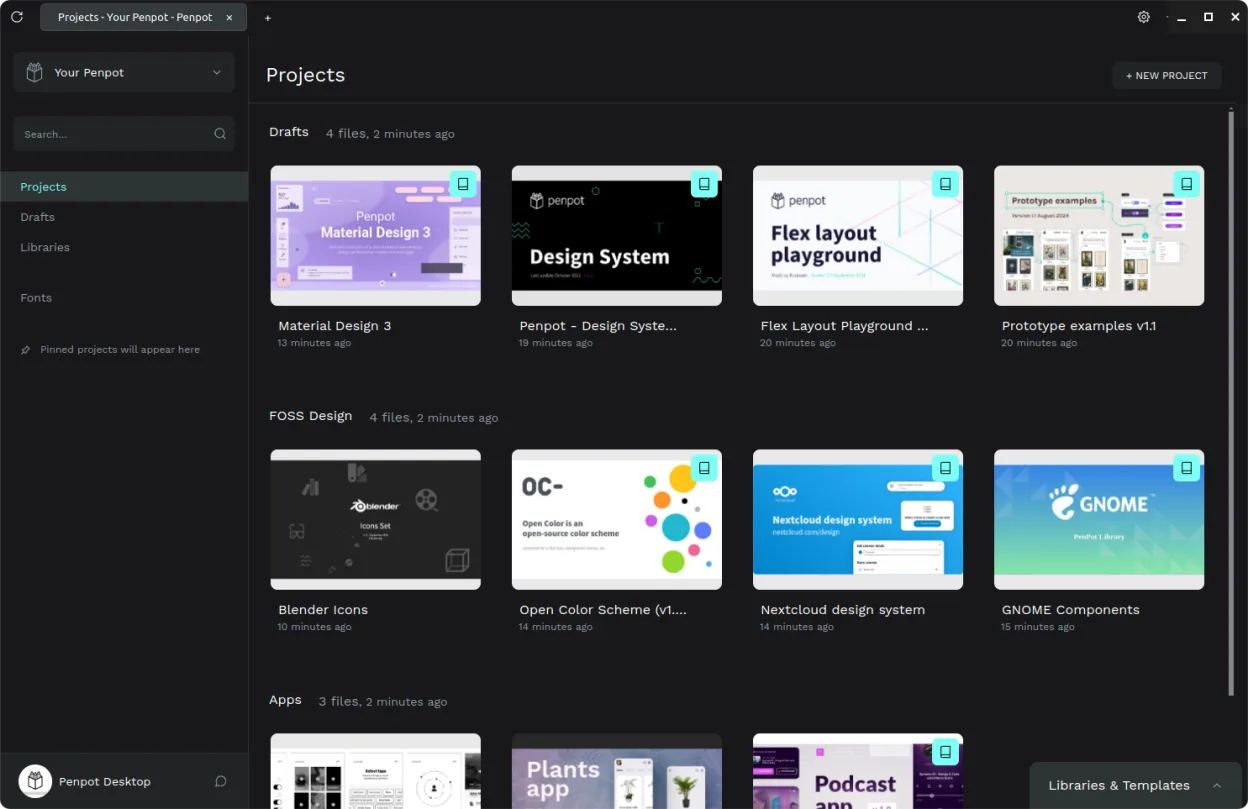
Penpot Desktop is an unofficial client for the open-source Penpot platform. It wraps the browser-based design tool in a native shell, providing dedicated windows, file association, and tabbed navigation. Released recently as v1.0.0, it aims to bridge the gap between web-based design tools and traditional desktop application expectations.
This tool targets UI/UX designers and developers who prefer the collaborative, browser-native nature of Penpot but want the convenience of a standalone app. It is particularly useful for teams using self-hosted Penpot instances or those who need offline access to their local design files without relying on a web browser session.
Compared to Figma, the experience is functionally similar but feels more integrated into the Linux desktop environment. You get system-level notifications and direct file opening, which reduces the friction of managing multiple browser tabs. The interface remains web-based, so you will not find native rendering performance, but the workflow is smoother for daily desktop use.
Best for: Designers who use self-hosted Penpot and want a dedicated desktop application experience on Linux.
Key features of Penpot Desktop
- Dedicated desktop window with system-level integration
- File extension association for direct opening
- Tab interface for switching between multiple projects
- Support for connecting to official, self-hosted, or local instances
- Versatile dark and light mode settings
- Unofficial wrapper for the open-source Penpot core
Pros
- Provides a native desktop feel for a web-based tool
- Supports offline work via local instance connection
- Open-source and free to use
- Simplifies navigation with built-in tabs
Cons
- Unofficial project, so support may be limited
- Performance depends on the underlying web engine
- Not the official client from the Penpot developers
Windows programs Penpot Desktop replaces
How to install Penpot Desktop on Linux
flatpak install flathub com.authormore.penpotdesktopTips for Windows users
If you are coming from Figma, note that Penpot uses its own file format (.penpot) rather than .fig. You will need to export or import projects via the web interface if moving between platforms. Shortcuts are largely standard for web apps, so Ctrl+Z and Ctrl+Shift+Z work for undo/redo. The main workflow difference is that you can now open files directly from your file manager instead of navigating through a browser tab.
Recent releases
- v1.0.0 —
Features - [BREAKING CHANGE] Added local instance resources clean-up on deletion. - Added instance removal confirmation. Fixes - Fixed dev tools to open for the application’s window. - Fixed abandoned partitions to be cleaned up. - Fixed derived instance…
- v0.25.0 —
Features - Added non-destructive settings. Improvements - Migrated window state persistence to Electron's built-in API. Fixes - Fixed instance creator to fit narrow application window.
- v0.24.0 —
Features - Added automatic Docker configuration update. Improvements - Updated the Docker Compose configuration template. Fixes - Fixed support for non-patch image tags in local instance creator. Security - Added content loading restrictions.
- v0.23.2 —
Fixes - Fixed tab title to skip redundant information. Deprecated - Added deprecation note for elevated access.
Penpot Desktop: frequently asked questions
Is Penpot Desktop the official client?
No, it is an unofficial desktop wrapper. The core Penpot tool is open-source and primarily browser-based, but this app adds native desktop features.
Can I use it for offline design?
Yes, you can connect it to a local Penpot instance to work offline, provided you have the server running locally.
Does it support the same features as the browser version?
Yes, it provides access to the full functionality of the browser version of Penpot, just wrapped in a desktop interface.
Is it available on Flathub?
Yes, Penpot Desktop is available as a Flatpak on Flathub, making it easy to install on most Linux distributions.
Updated