
 GIMPLinux
vs
Adobe Substance PainterWindows
GIMP as a Linux alternative to Adobe Substance Painter
Updated
Our verdict
GIMP is not a direct replacement for Adobe Substance Painter. It’s a 2D raster editor, so it lacks 3D model support and real-time painting on meshes. Artists needing to texture 3D models with PBR workflows will find GIMP insufficient. However, for post-processing exported texture maps (like tweaking albedo or normal maps), GIMP works well. It’s a solid free tool for 2D image work, but not for core Substance Painter tasks. Use it alongside 3D tools, not instead of them.
- License
- GPL-3.0+ AND LGPL-3.0+
- Price
- Free
- Latest version
- 3.2.8 (November 2, 2026)
- Rating
- —
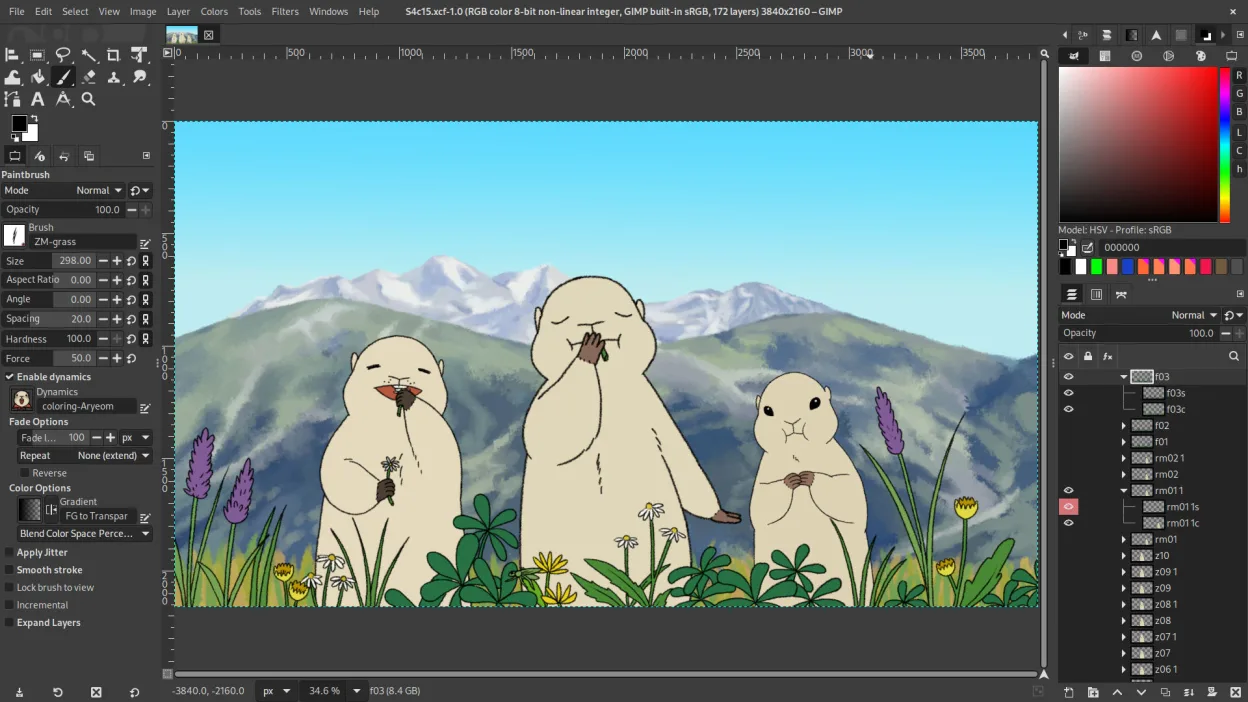
What works the same
- Layer-based editing with masks and blending modes
- Advanced brush engine for digital painting
- Support for texture map formats (PNG, TIFF, etc.)
- Non-destructive editing possible via plug-ins like G'MIC
- Customizable interface and scripting support
What is different
- No 3D model import or UV editing
- Cannot paint textures directly on 3D meshes
- Lacks PBR material system and smart materials
- No procedural texture layering on 3D surfaces
- Does not export texture sets (e.g. normal, roughness maps) in automated batches
Opening your Adobe Substance Painter files
GIMP can open common image formats like PNG, JPEG, and TIFF that Substance Painter exports, but it cannot open Substance Painter project files (.spp). There is no known method to directly import .spp files into GIMP. Users must export textures from Substance Painter as standard image files before editing in GIMP.
Switching from Adobe Substance Painter to GIMP, step by step
- Export texture maps from Substance Painter as PNG or TIFF
- Open the exported maps in GIMP for touch-ups or adjustments
- Use layers and masks in GIMP to edit albedo, roughness, or normal maps
- Save edited textures in a format compatible with your 3D pipeline
- Re-import updated textures into your 3D software if needed
Key features of GIMP
- Layer-based editing with masks, blending modes, and transparency
- Advanced brush engine for digital painting and retouching
- Support for Photoshop-compatible plug-ins (via compatibility layers)
- Batch processing and scripting with Script-Fu, Python, or GEGL
- Non-destructive editing possible through plug-ins like G'MIC
- Extensive format support: PNG, JPEG, TIFF, PSD, WebP, and more
- Customizable interface with dockable panels and themes
- Color management with ICC profile support
How to install GIMP on Linux
flatpak install flathub org.gimp.GIMPsudo apt install gimpsudo apt install gimpsudo dnf install gimpsudo pacman -S gimpsudo zypper install gimpFrequently asked questions
Can GIMP paint textures directly onto 3D models?
No, GIMP cannot display or paint on 3D models. It only edits 2D images. For 3D painting, consider free tools like Blender's texture painting or Material Maker.
Is there a free Linux alternative to Substance Painter?
Yes, Material Maker is a free, node-based PBR texture authoring tool for Linux that supports 3D-like workflows. Blender also includes 3D painting features and supports PBR materials.
Can I use GIMP for creating texture maps for games?
Yes, but only after generating or exporting them from a 3D texturing tool. GIMP is useful for final tweaks, resizing, or combining maps, but not for creating them from scratch in a PBR workflow.

