
Windows · Graphics
Best Linux alternatives to Adobe Substance Painter
Adobe Substance Painter is a 3D texture painting tool for artists creating materials and surface details on 3D models.
Updated
Quick answer
The best Linux alternative to Adobe Substance Painter is Krita. Other strong options: Blender, GIMP.
3 Linux alternatives to Adobe Substance Painter
-

Krita is a full‑featured open‑source digital painting and illustration program.
Krita is not a direct replacement for Adobe Substance Painter. While it excels at 2D digital painting and can be used to paint textures for 3D models, it lacks real-time 3D viewport painting, UV editing, and PBR material workflows. It’s suitable for artists who paint textures 2D-style and apply…
Feature parity30% -

Blender is a free, open-source 3D suite for modeling, animation, rendering, and video editing.
Blender is a capable replacement for Adobe Substance Painter for artists who need texture painting on 3D models and work within a free, open-source pipeline. It supports direct 3D painting, PBR materials, UV editing, and layer-based workflows using masks and stencils. While it lacks some of…
Feature parity75% -
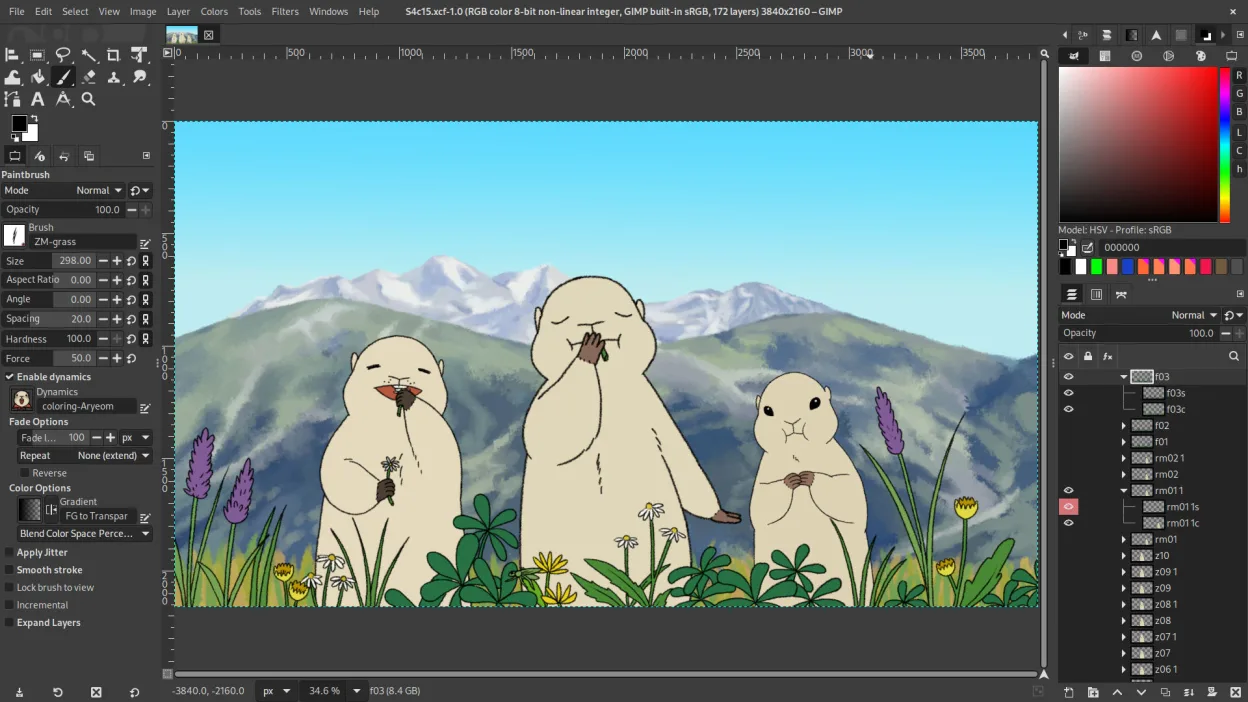
GIMP is a free, open-source raster graphics editor for photo editing, digital painting, and image composition.
GIMP is not a direct replacement for Adobe Substance Painter. It’s a 2D raster editor, so it lacks 3D model support and real-time painting on meshes. Artists needing to texture 3D models with PBR workflows will find GIMP insufficient. However, for post-processing exported texture maps (like…
Feature parity20%


What is Adobe Substance Painter?
Substance Painter is widely used by 3D artists in game development, film, and product design to paint textures directly onto 3D models. It supports smart materials, procedural effects, and real-time PBR rendering, making it ideal for high-quality asset creation. Professionals and indie developers rely on it for detailed, realistic surface work.
The software is part of Adobe's Creative Cloud suite and requires a paid subscription. There is no perpetual license; access stops if the subscription ends. This model can be costly over time, especially for freelancers or small studios needing multiple seats.
People seek Linux alternatives because Adobe does not offer a native Linux version. Users who have switched to Linux for stability, workflow, or preference want similar 3D texturing tools. They need capable, open or affordable software that supports their pipeline without relying on compatibility layers.
What a replacement for Adobe Substance Painter must do
- 3D model import and UV editing
- Texture painting directly on 3D meshes
- PBR (physically based rendering) material support
- Layer-based workflow with masks and stencils
- Smart materials and procedural textures
- Export maps (albedo, normal, roughness, etc.)
- Support for common 3D formats (FBX, OBJ)
Can you run Adobe Substance Painter on Linux?
There is no native Linux version of Substance Painter. It does not run reliably under Wine or Proton, and Adobe does not support these setups. Some users report partial success with complex Bottles configurations, but performance and stability are inconsistent. A web version does not exist. Most Linux users rely on alternatives rather than attempting to run it.
Which alternative should you choose?
Blender is the closest all-in-one alternative, with strong 3D painting and PBR support, ideal for artists already in the pipeline. Krita offers excellent painting tools and can handle texture work if paired with a 3D app. GIMP works for 2D texture editing but lacks 3D painting. MyPaint is best for hand-painted textures but has minimal 3D integration.
Moving your Adobe Substance Painter files and habits
Substance Painter projects (.spp) cannot be opened directly in Linux apps. Export texture maps (albedo, normal, roughness, etc.) in standard formats like PNG or EXR. These can be used in Blender, Krita, or GIMP. UV layouts can be exported for reference. While workflows differ, the output integrates well into Linux-based pipelines.
Side-by-side comparison
Adobe Substance Painter: frequently asked questions
Can I open .spp files in Blender or Krita?
No, .spp files are proprietary to Substance Painter. You must export texture maps to use them in Linux apps.
Does Blender support the same texture maps?
Yes, Blender supports albedo, normal, roughness, metallic, and other PBR maps used in Substance Painter.
Is there a free alternative with smart materials?
Blender’s Shader Editor allows procedural materials, though not as streamlined as Substance’s smart materials.
Can I use my Substance Painter textures in GIMP?
Yes, if exported as standard image files like PNG or TIFF, GIMP can edit them without issue.
How important is Adobe Substance Painter to you?
Know a better alternative? Suggest an alternative