

Linux · System Tools
Déjà Dup Backups
Déjà Dup is a simple, encrypted backup tool that uses Restic to provide local, remote, or cloud backups with scheduling and incremental restores.
- License
- GPL-3.0-or-later
- Latest version
- 50.2 (September 5, 2026)
- Developer
- Michael Terry
- Installs
- 6,077 (Flathub, 30 days)

What is Déjà Dup Backups?
Déjà Dup has been part of the GNOME ecosystem for years, evolving from a basic backup script to a polished GUI that hides the complexity of Restic. It is maintained by Michael Terry and released under GPL‑3.0, with regular updates such as version 50.2 in September 2026.
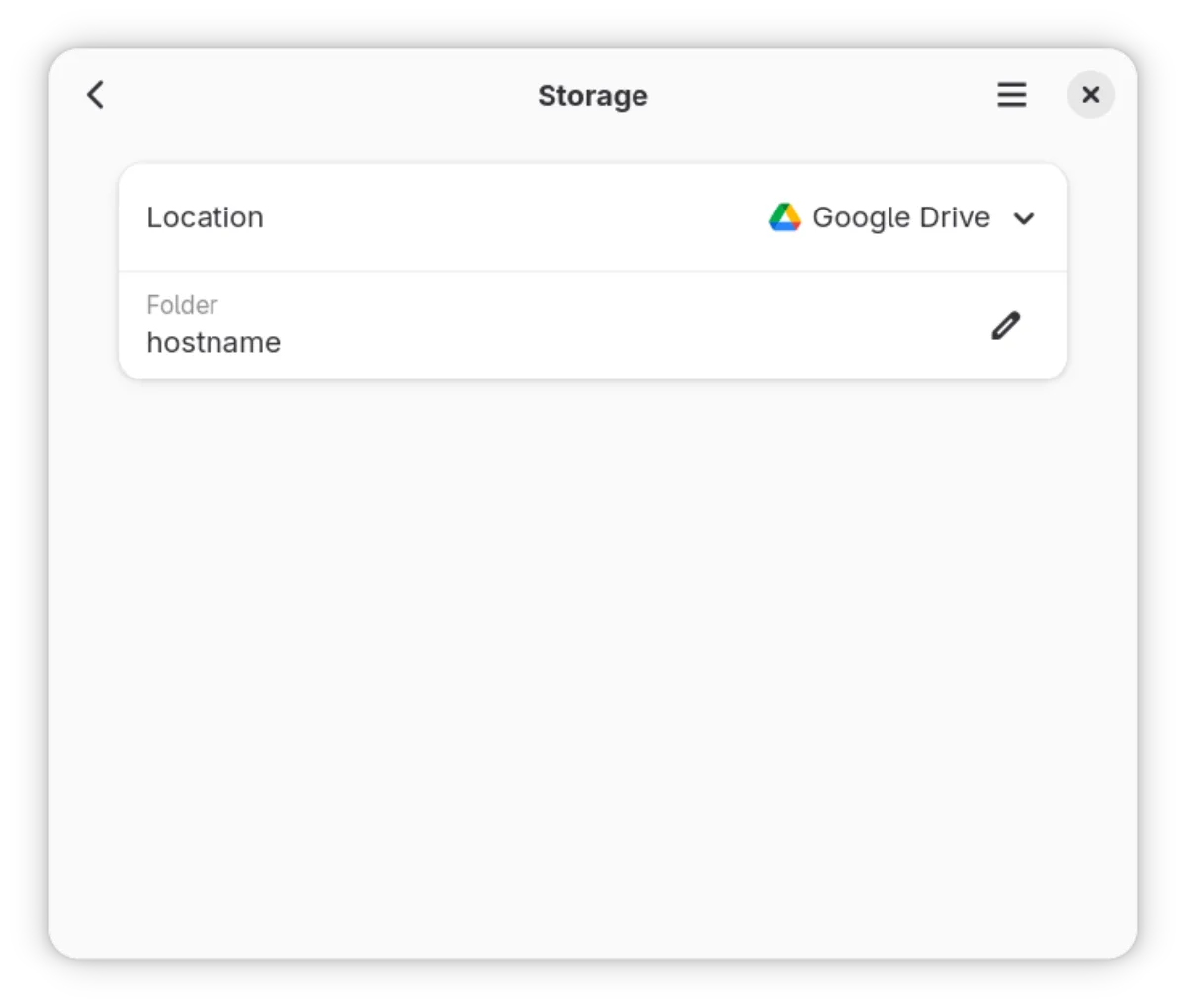
The tool is aimed at everyday Linux users who want a reliable way to protect personal files without dealing with command‑line intricacies. It supports local disks, network shares, and popular cloud services like Google Drive.
Compared with Windows solutions such as Acronis True Image, Déjà Dup feels lightweight and native to GNOME. It lacks the heavy imaging and disk cloning features of Acronis, but it covers the core need of backing up documents, photos, and settings with encryption and scheduling.
Best for: Users who need a straightforward, encrypted backup solution for personal data on GNOME desktops.
Key features of Déjà Dup Backups
- Uses Restic for incremental backups
- Encrypts and compresses data
- Supports local, network, and cloud destinations
- Schedules automatic backups
- Integrates with GNOME Files and Settings
- Offers easy restore from any point
- Simple GUI with minimal configuration
- Free and open‑source
Pros
- Easy to set up and use
- Strong encryption and compression
- Automatic scheduling
- Native GNOME integration
- Free and no licensing cost
Cons
- No full system imaging or cloning
- Limited advanced configuration options
- Requires GNOME environment for best experience
Windows programs Déjà Dup Backups replaces
How to install Déjà Dup Backups on Linux
flatpak install flathub org.gnome.DejaDupsudo apt install deja-dupsudo apt install deja-dupsudo dnf install deja-dupsudo pacman -S deja-dupsudo zypper install deja-dupTips for Windows users
If you’re moving from Acronis, note that Déjà Dup backs up files, not entire disks; you’ll need a separate tool for system imaging. The backup locations are chosen via a dialog, and the restore process is a simple file‑browser style. Shortcuts mirror GNOME’s file manager, so you’ll find the same key combos for navigation. The backup schedule is set in the Preferences dialog, and encryption keys are stored in your home directory, not a separate keyfile as in Acronis.
Recent releases
- 50.2 —
Fix overwriting when restoring with Duplicity, speed up verifies with Restic, and some minor fixes.
- 50.1 —
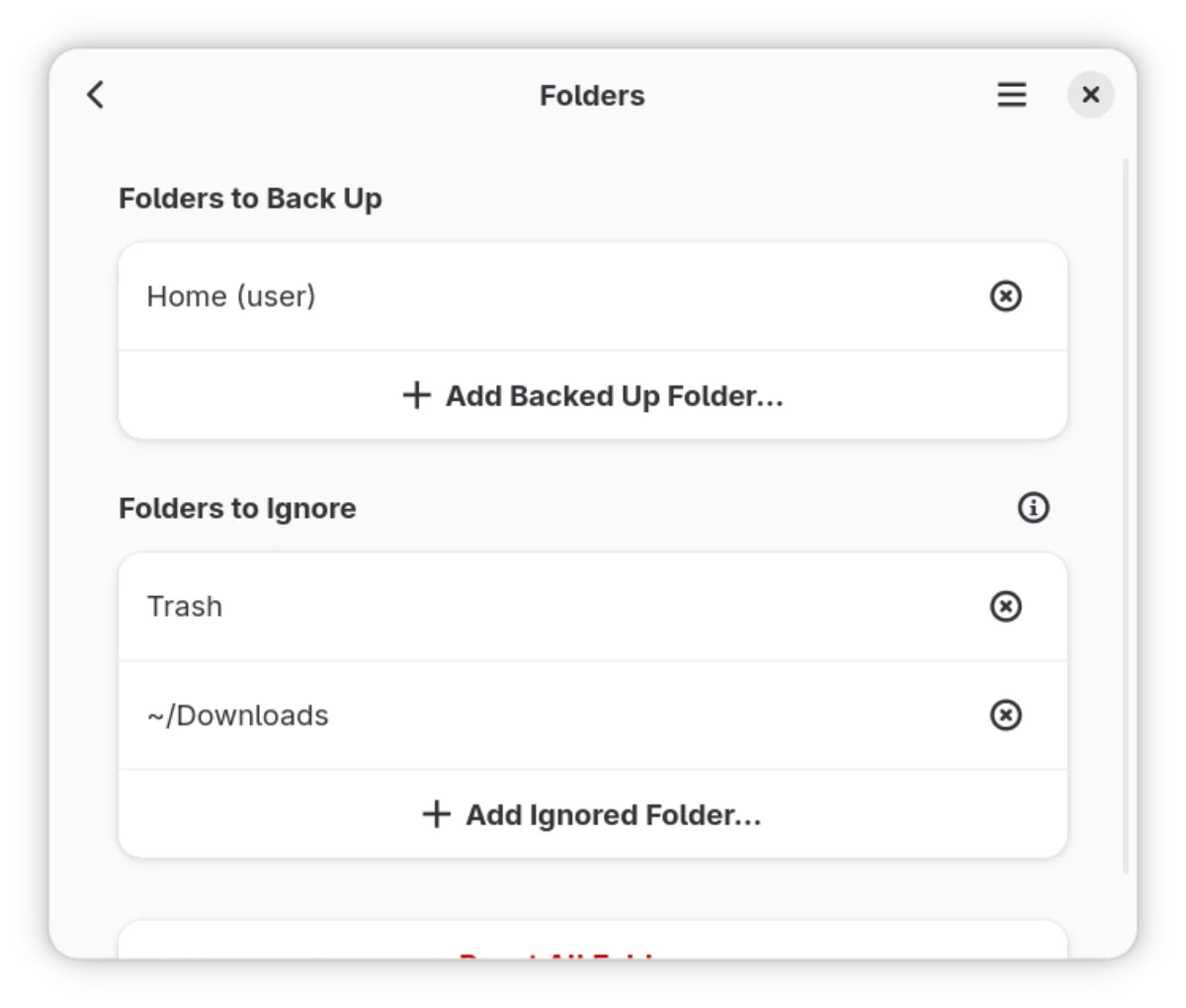
Adds sizes to folder include/exclude page, fixes a few bugs.
- 50.0 —
Improves some error messages around remote URLs, fixes a race condition with Duplicity, and stops Restic from backing up its own repository.
- 49.3 —
A few small fixes and improvements
Déjà Dup Backups: frequently asked questions
Can Déjà Dup back up my entire system?
No, it backs up files and folders. For full system images, use tools like Clonezilla or Timeshift.
Does it support cloud services other than Google Drive?
Yes, it supports any remote location accessible via SSH, SMB, or WebDAV, plus Google Drive and Dropbox.
Is my data encrypted during transfer?
Yes, Déjà Dup encrypts data before sending it, so the transfer itself is secure.
How do I restore a specific backup?
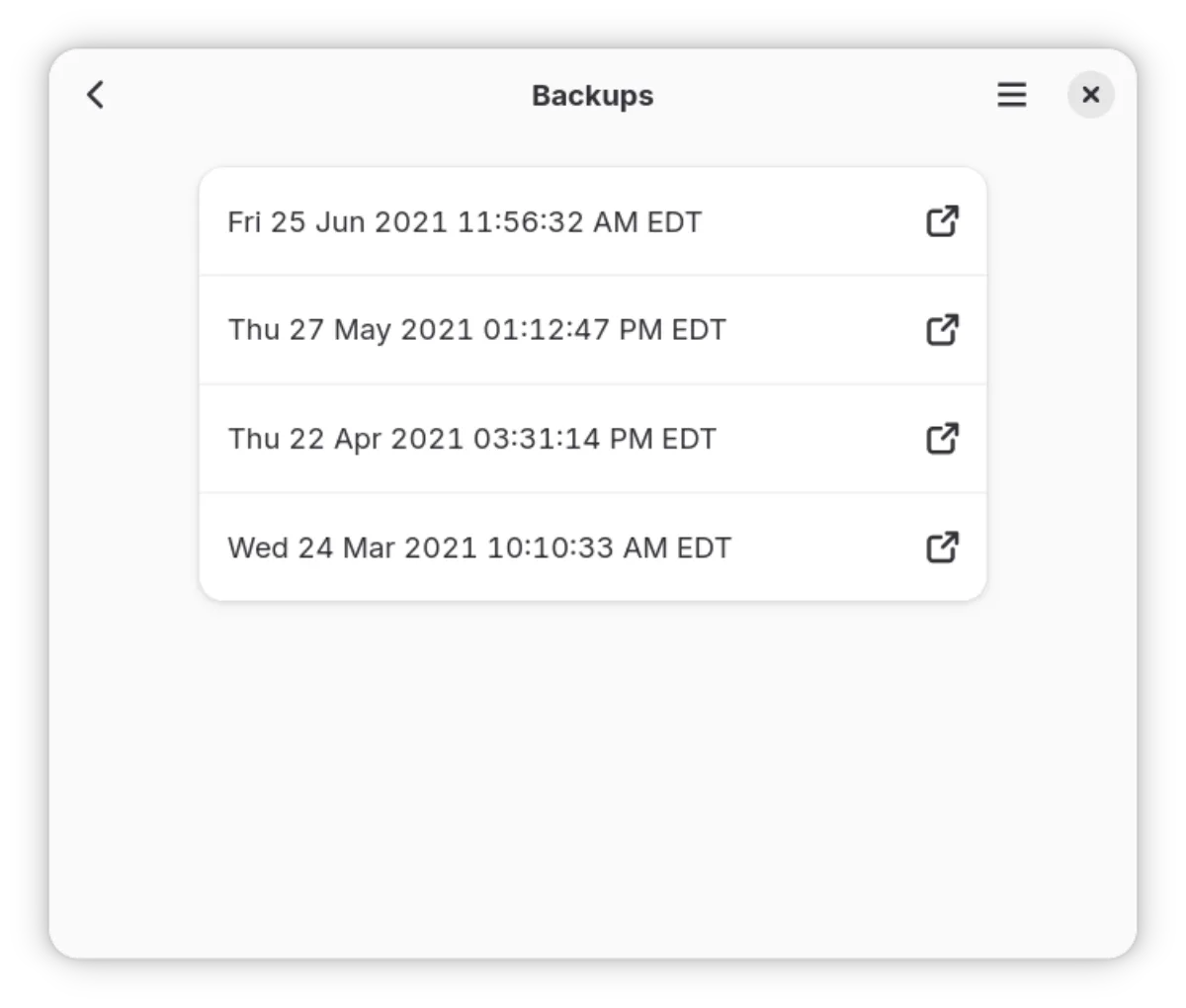
Open the backup folder, select the desired snapshot, and click Restore to copy files back to the chosen location.
Updated