

Linux · System Tools
Diffuse
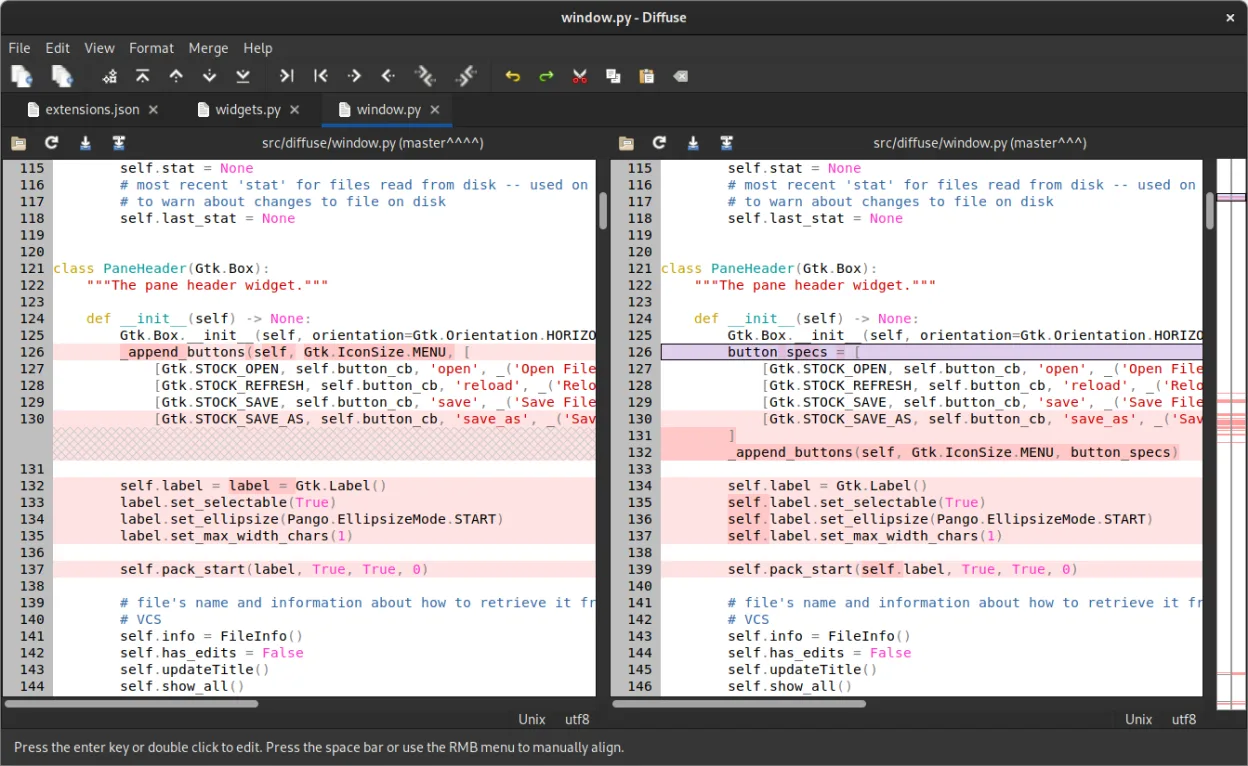
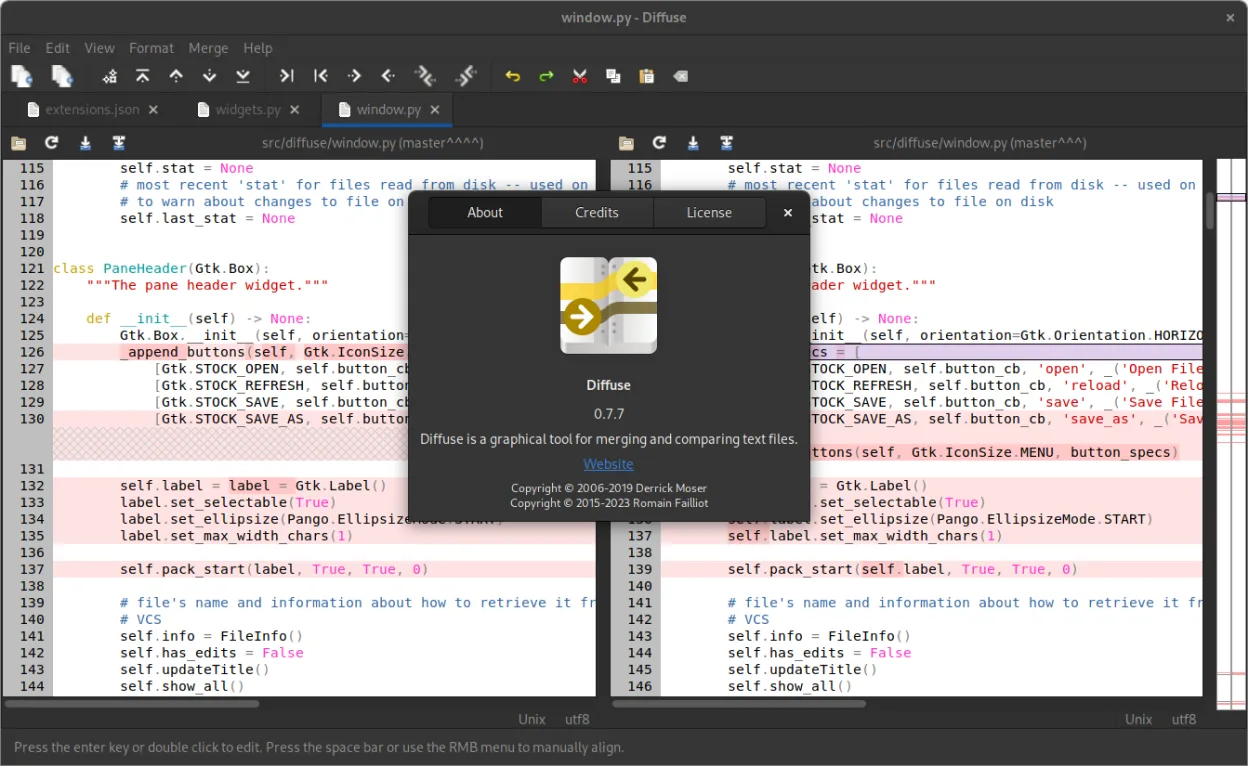
Diffuse is a free, open‑source graphical diff and merge tool for text files, supporting many VCS sources.
- License
- GPL-2.0-or-later
- Latest version
- 0.11.0 (March 12, 2026)
- Developer
- Romain Failliot
- Installs
- 344 (Flathub, 30 days)
What is Diffuse?
Diffuse was created by Romain Failliot and first released several years ago, steadily gaining a reputation among developers who need a visual comparison tool. Its integration with popular version control systems like Git, Mercurial, and Subversion makes it a practical choice for everyday code reviews.
The tool is aimed at programmers, system administrators, and anyone who needs to compare or merge plain‑text files. It works on Linux, macOS, and Windows, but here we focus on its Linux experience.
Compared with Windows‑centric utilities such as Beyond Compare, Diffuse offers a lightweight, native feel. It lacks some of the advanced scripting or folder‑comparison features of commercial tools, but it delivers a clean, straightforward interface that many users find easier to learn on Linux.
Best for: Users who need a simple, VCS‑aware text diff and merge tool on Linux.
Key features of Diffuse
- Two‑pane diff view with line‑by‑line highlighting
- Merge editor with conflict resolution controls
- Supports Bazaar, CVS, Darcs, Git, Mercurial, Monotone, RCS, SVN
- Keyboard shortcuts for navigation and merging
- Customizable color scheme
- Command‑line interface for scripting
Pros
- Free and open source
- Cross‑platform with consistent UI
- Deep VCS integration
- Easy to install via package managers
Cons
- No built‑in folder comparison
- Limited advanced merge options
- Learning curve for keyboard shortcuts
- No native support for binary files
Windows programs Diffuse replaces
How to install Diffuse on Linux
flatpak install flathub io.github.mightycreak.Diffusesudo apt install diffusesudo apt install diffusesudo dnf install diffusesudo pacman -S diffuseTips for Windows users
When moving from Beyond Compare, note that Diffuse uses the standard Ctrl+O to open files and Ctrl+S to save merges. It does not support folder‑to‑folder comparison; instead, open each file pair individually or use the command line to generate diffs. The merge editor behaves similarly, but conflict markers are resolved with the Merge button rather than a side‑by‑side editor. File formats are the same (plain text), so existing scripts that generate diff outputs will work without modification.
Recent releases
- 0.11.0 —
Summary: allow multiple `-r` flags in command-line, update to GNOME 49. Changed: - Update release process documentation (@MightyCreak) - Minimal Pytnon release is now 3.10 (@MightyCreak) - Update flatpak's GNOME runtime to 49 (@MightyCreak) - Update PyPi…
- 0.10.0 —
Summary: update to GNOME 48, updated a few translations. Changed: - Translation: update French translation (@WedoneOfficiel) - Translation: update Italian translation (@albanobattistella) - Translation: update Portuguese translation (@hugok79) - Translation…
- 0.9.0 —
Summary: remove support for SVK, update to GNOME 45, updated Turkish translation. Changed: - Update from GNOME 44 to 45 (@sabriunal) - Flatpak manifest now runs the tests (@sabriunal) - Use appstreamcli instead of the deprecated appstream-util to validate…
- 0.8.2 —
Use more modern, symbolic icons, add Dutch translation, and a couple of small fixes. Added: - Add link to the Matrix room in the README (@MightyCreak) - Add Dutch translation (@Vistaus) Changed: - Replace `_` by `-` in the action names to be compatible with…
Diffuse: frequently asked questions
Is Diffuse still maintained?
Yes, the latest release is 0.11.0 from March 2026, and it is available in major distributions' repositories.
Can I use Diffuse with Git?
Absolutely. It can pull files directly from Git repositories and display diffs for commits or branches.
Does it support merging binary files?
No, Diffuse only handles text files; binary files are not supported.
How do I install it on Ubuntu?
Use apt: sudo apt install diffuse. It will install the latest version from the Ubuntu repositories.
Updated