

Linux · Graphics
digiKam
digiKam is a comprehensive KDE photo manager for organizing, tagging, and editing digital photos with strong RAW support.
- License
- GPL-2.0+
- Latest version
- 9.1.0 (June 7, 2026)
- Developer
- digiKam Team
- Installs
- 4,797 (Flathub, 30 days)
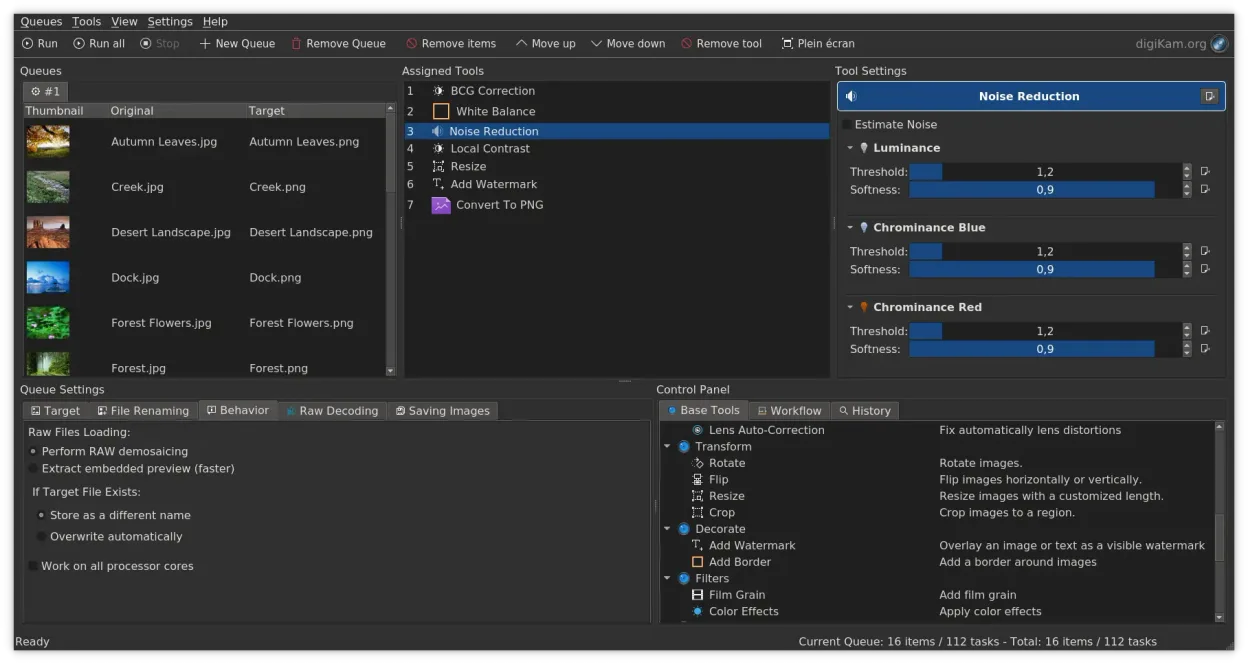
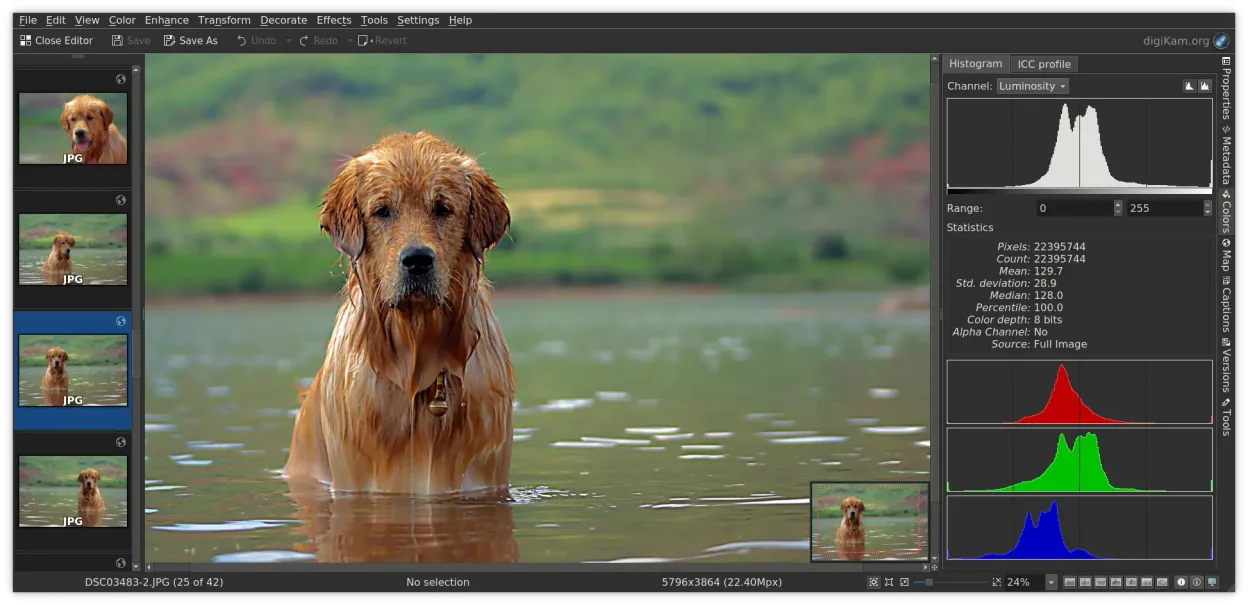
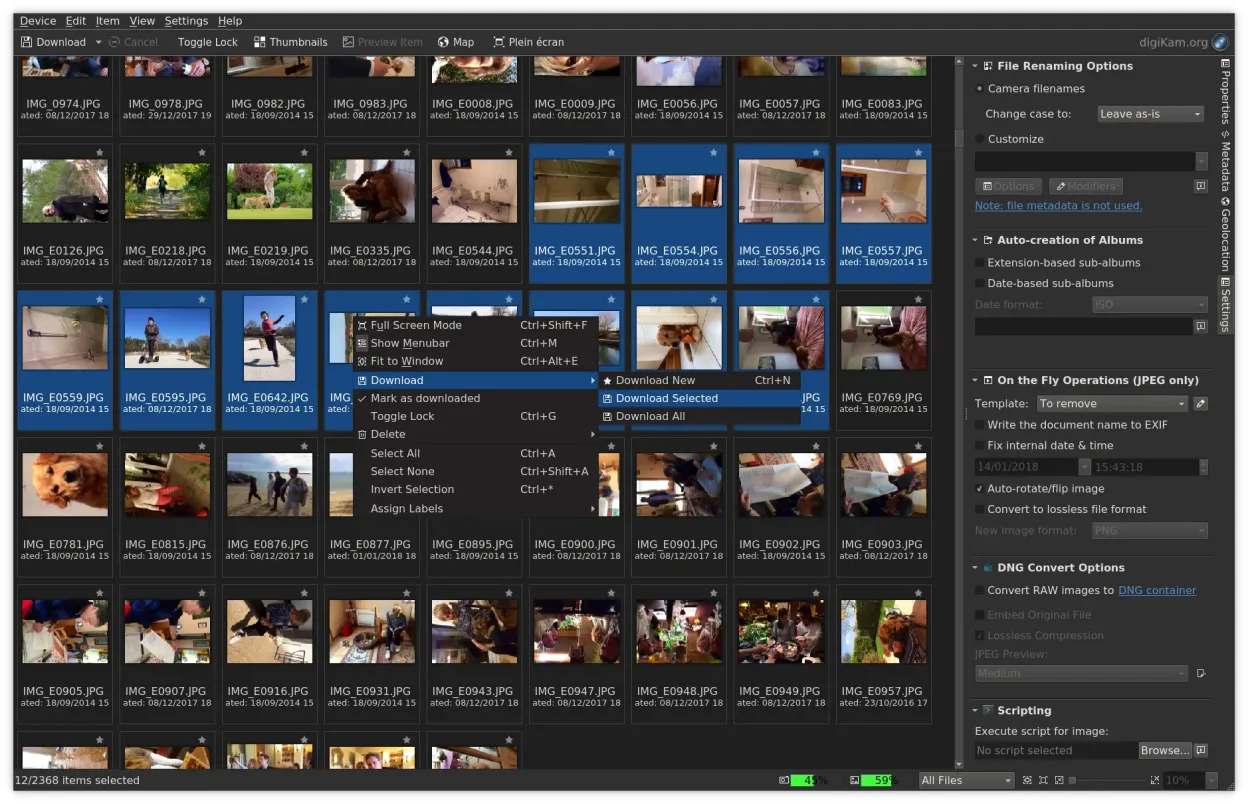
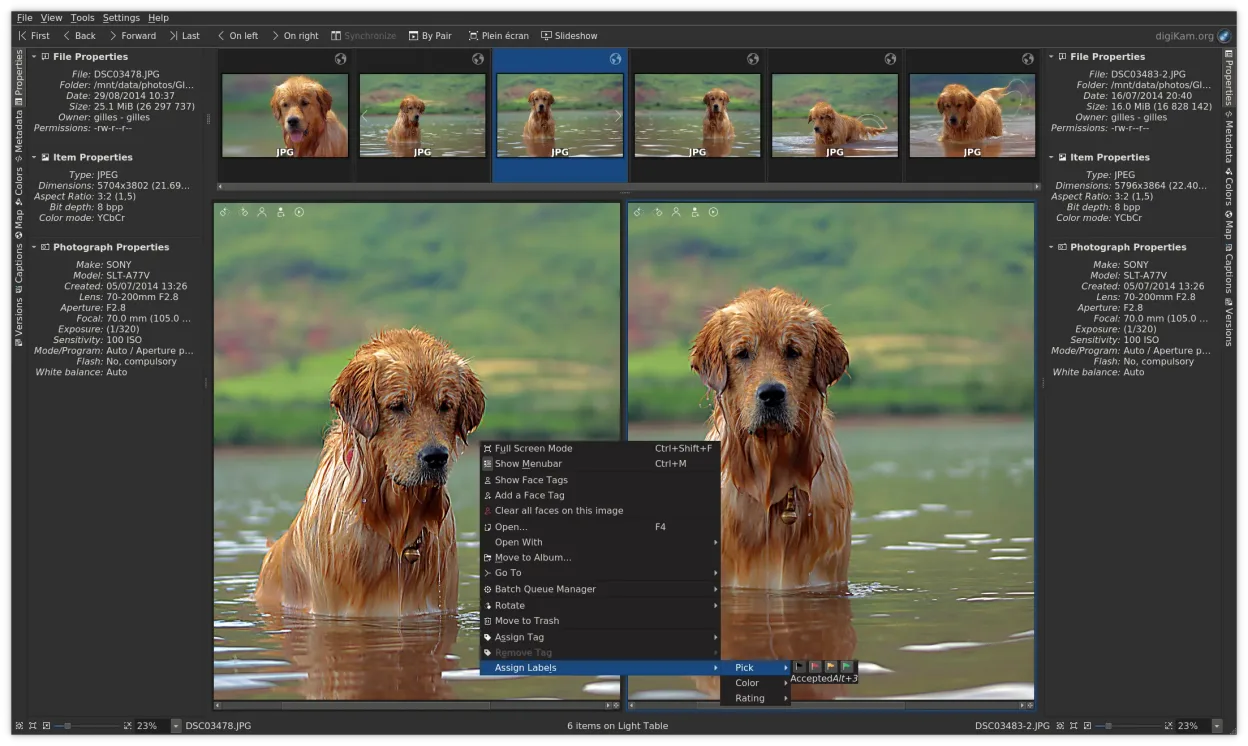
What is digiKam?
digiKam is a mature, open-source photo management suite built on KDE Frameworks. It has been developed for over a decade, offering a complete workflow from camera import to final export. The application handles large libraries efficiently, using Exiv2 and ExifTool for metadata and LibRaw for decoding raw files from a wide range of camera models.
It is designed for photographers and enthusiasts who need more than a basic file browser. If you manage thousands of images, digiKam provides the tagging, rating, and filtering systems required to keep that collection organized. It is particularly useful for those who work with raw files and need non-destructive editing capabilities alongside their organizational tools.
Compared to ACDSee or the discontinued Picasa, digiKam feels more integrated and less fragmented. While ACDSee is fast, digiKam offers deeper metadata control and a more consistent cross-platform experience. Coming from Picasa, you will find digiKam more powerful but with a steeper learning curve due to its extensive feature set and KDE-specific interface conventions.
Best for: Photographers who need a unified, open-source solution for managing large raw photo libraries with detailed metadata control.
Key features of digiKam
- Direct import from cameras, SD cards, and USB drives with configurable rules
- Advanced tagging, rating, and label systems for complex library organization
- Powerful search engine supporting EXIF, IPTC, and XMP metadata criteria
- Non-destructive editing with color adjustments, cropping, and sharpening
- Native RAW file support via LibRaw for decoding and preview
- Video cataloging and metadata extraction using FFmpeg backends
- Album organization with drag-and-drop interface
- Cross-platform availability for Linux, Windows, and macOS
Pros
- Comprehensive feature set covering import, management, and editing in one app
- Strong and active RAW support with frequent updates for new camera models
- Deep metadata handling allows for precise searching and organization
- Free and open-source with no feature locks or subscription models
Cons
- Steep learning curve due to the sheer number of features and settings
- KDE interface may feel unfamiliar to users coming from Windows-centric tools
- Can be resource-heavy when indexing very large libraries on slower hardware
- Some advanced editing tools are less polished than dedicated apps like Darktable
Windows programs digiKam replaces
 ACDSee
 Picasa
How to install digiKam on Linux
flatpak install flathub org.kde.digikamsudo apt install digikamsudo apt install digikamsudo dnf install digikamsudo pacman -S digikamsudo zypper install digikamTips for Windows users
When moving from ACDSee or Picasa, start by importing your existing folders into digiKam rather than copying files into a new database, as it can index existing structures. Note that digiKam uses a database to track metadata; if you delete files outside the app, you must refresh the database to keep it accurate. Keyboard shortcuts differ significantly from Windows tools, so take time to review the 'Shortcuts' settings to map your preferred commands. Unlike Picasa, digiKam encourages using tags and ratings for organization rather than relying solely on folder structures, so invest time in learning its filtering system.
Recent releases
- 9.1.0 —
- 9.0.0 —
- 8.8.0 —
- 8.7.0 —
digiKam: frequently asked questions
Does digiKam support RAW files from modern cameras?
Yes, digiKam uses the LibRaw library, which is actively maintained and regularly updated to support the latest camera models and RAW formats.
Can I use digiKam to edit photos like Photoshop or Lightroom?
It includes basic and intermediate editing tools for color, cropping, and sharpening, but it is primarily a manager. For heavy retouching, users often pair it with GIMP or Darktable.
Is digiKam available in standard Linux repositories?
Yes, it is packaged in major distributions including Debian, Fedora, Arch, openSUSE, and Ubuntu, making it easy to install via your system package manager.
How does digiKam handle video files?
It can catalog video files, extract metadata using FFmpeg, and play media, though its primary focus remains on still image management.
Updated