

Linux · Programming
gitg
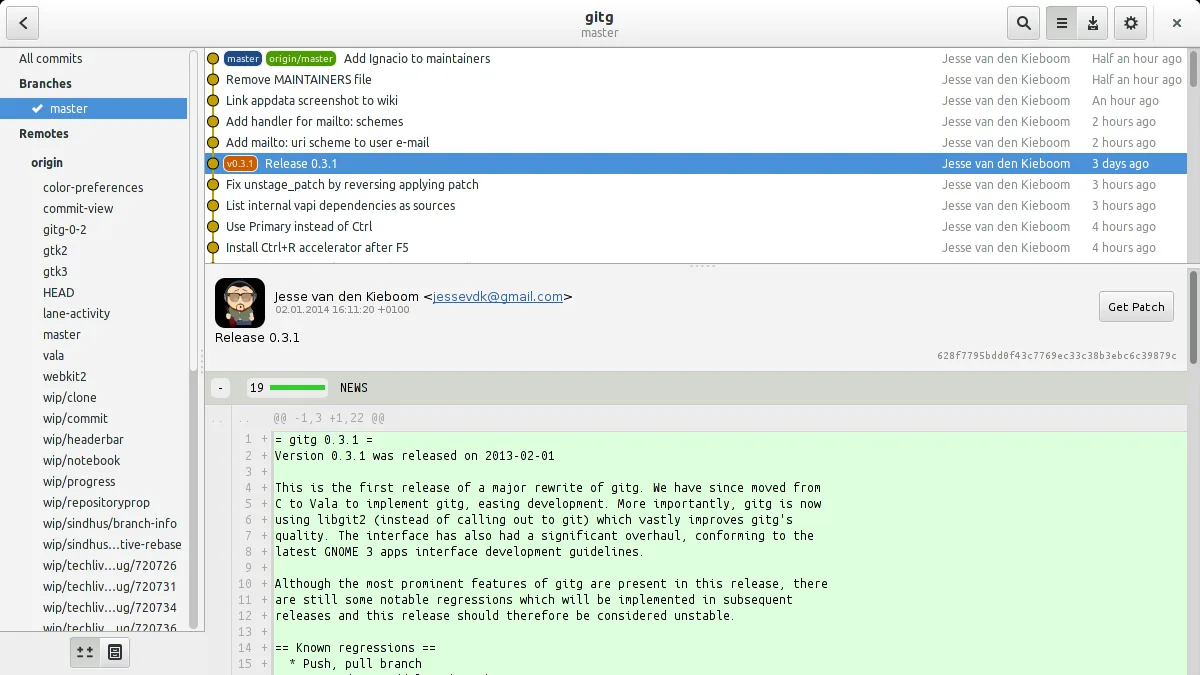
Gitg is a lightweight graphical interface for Git that visualizes commit history and manages repositories.
- License
- GPL-2.0+
- Latest version
- 50 (July 1, 2026)
- Developer
- The Gitg Team
- Installs
- 619 (Flathub, 30 days)
What is gitg?
Gitg is a small, fast tool that lets you explore Git repositories visually. It has been around since the early 2010s and is maintained by the Gitg Team, making it a mature choice for developers who prefer a native Linux GUI.
The application is aimed at programmers who already use Git from the command line but want a quick way to see branches, commits, and diffs without leaving their desktop. It works well on GNOME, KDE, and other X11 environments.
Compared to Windows tools like GitHub Desktop, Gitg feels more lightweight and integrates directly with the Linux file system. It lacks some cloud‑centric features but offers a straightforward, no‑frills experience that many developers appreciate.
Best for: Developers who need a quick, native Git GUI on Linux without cloud integration.
Key features of gitg
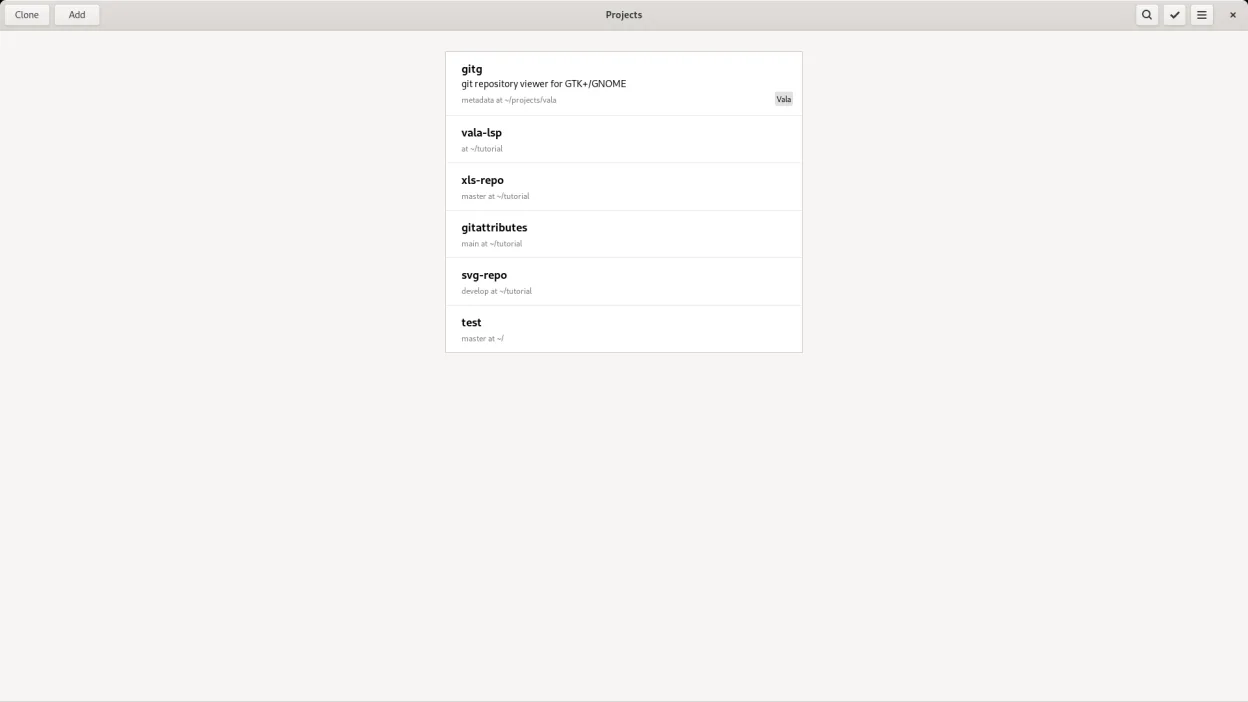
- Browse local and remote repositories
- Clone repositories from URLs
- Visualize commit history and branches
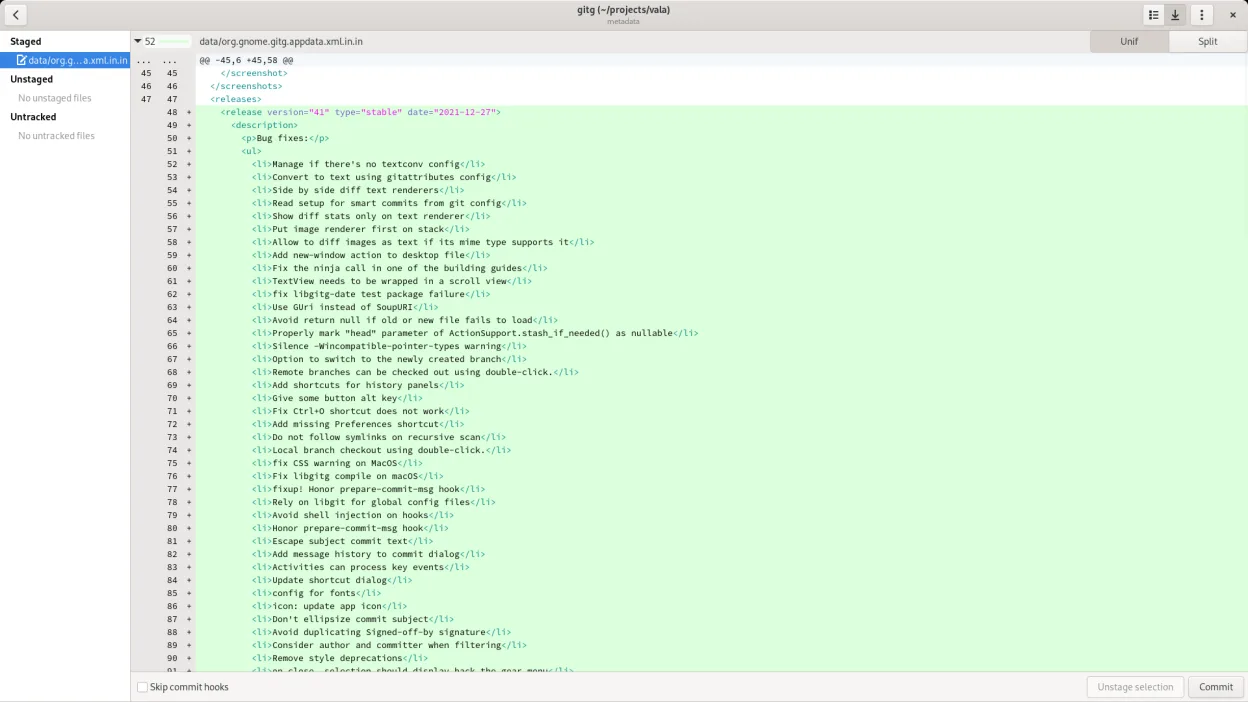
- View diffs and patches
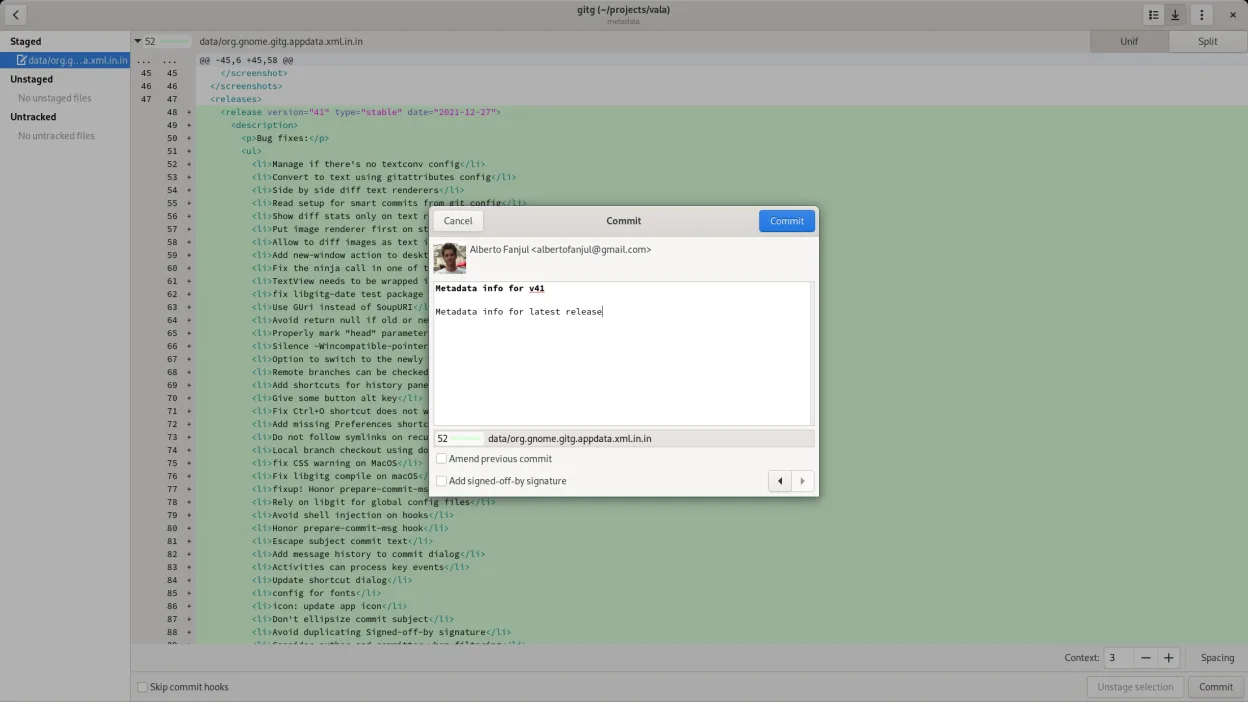
- Commit staged changes
- Undo commits
- Search commit messages
Pros
- Free and open source
- Runs natively on Linux
- Fast and responsive
- No external dependencies
Cons
- No built‑in remote repository hosting integration
- Limited advanced Git features (e.g., rebase GUI)
- Learning curve for new users
- No support for Windows‑specific file formats
Windows programs gitg replaces
How to install gitg on Linux
flatpak install flathub org.gnome.gitgsudo apt install gitgsudo apt install gitgsudo dnf install gitgsudo pacman -S gitgsudo zypper install gitgTips for Windows users
If you’re used to GitHub Desktop, remember that Gitg doesn’t sync with GitHub directly; you’ll need to clone the repo manually or use the command line to push/pull. Shortcuts differ: use Ctrl+S to stage, Ctrl+Shift+S to commit, and Ctrl+R to refresh. The workflow is more manual but gives you full control over the repository.
Recent releases
- 50 —
Features: - Customizable column visibility and order in history - New preferences general tab - Custom actions - Delete remote branches - Full feature push action - Checkout detached action - Show HEAD in history view - Edit upstream branch on local branches…
- 44 —
Bug fixes: - args to build libgit2 - Linter fixes - Bundle git in flatpak distro - Fix flatpak dependencies - Add sha1 and committer name to history view - Control available lanes to paint - Gitg mainline needs to be explicitly set - Insert lanes directly in…
- 41 —
Bug fixes: - Manage if there's no textconv config - Convert to text using gitattributes config - Side by side diff text renderers - Read setup for smart commits from git config - Show diff stats only on text renderer - Put image renderer first on stack -…
- 3.32.1 —
Bug fixes: - Support repository being null - Allow copying file names
gitg: frequently asked questions
Can I use Gitg with GitHub repositories?
Yes, clone the GitHub repo locally and use Gitg to manage it. You’ll still need to push and pull via the command line or another tool.
Does Gitg support submodules?
Gitg can display submodule commits but does not provide a dedicated UI for adding or updating submodules.
Is Gitg available on all Linux distributions?
It is packaged for Arch, Debian, Fedora, openSUSE, and Ubuntu, and can also be installed via Flathub.
What license is Gitg released under?
Gitg is distributed under the GPL-2.0+ license.
Updated