

Linux · Programming
GitKraken
GitKraken is a cross‑platform Git client with integrated issue tracking and code editing.
- License
- LicenseRef-proprietary
- Latest version
- 12.6.0 (October 1, 2026)
- Developer
- Axosoft
- Installs
- 1,424 (Flathub, 30 days)
What is GitKraken?
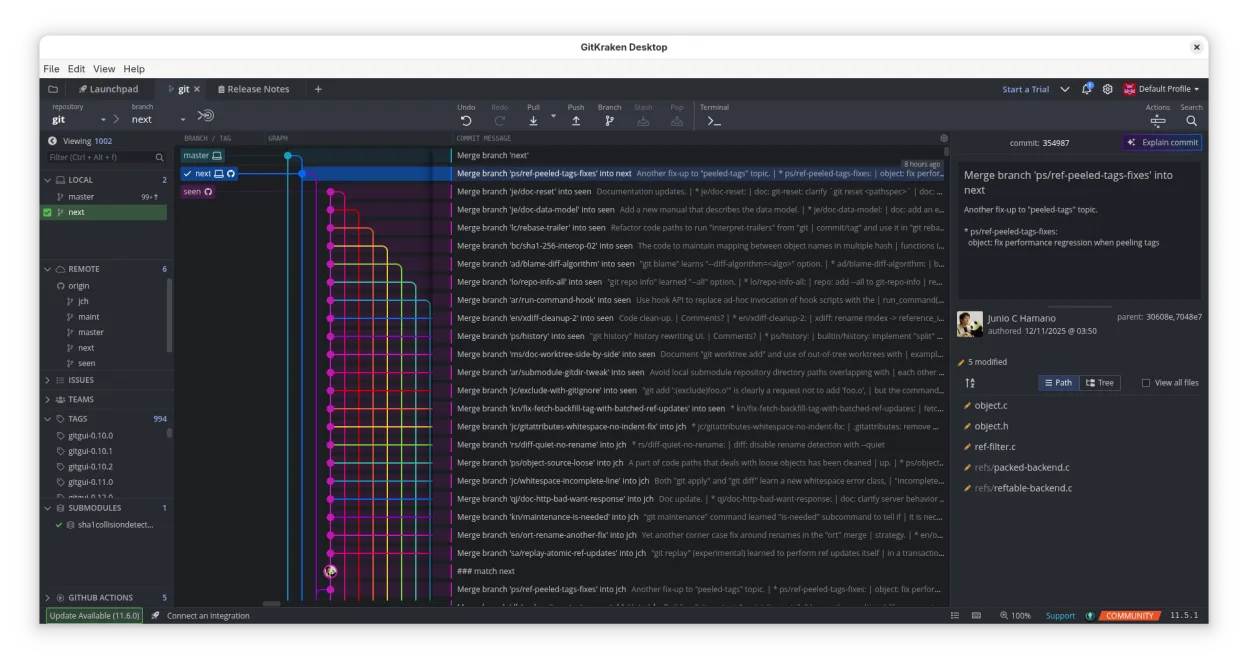
GitKraken has been around since 2014 and has grown into a full‑featured Git GUI that runs on Linux, macOS, and Windows. It bundles a visual client, a built‑in editor, and a task board that syncs with GitHub, GitLab, Bitbucket, and Azure DevOps. The developer, Axosoft, keeps it updated with new Git features and UI improvements.
The tool targets developers who want a single application for repository management, code editing, and issue tracking. It is popular among teams that use GitHub or GitLab and want a visual workflow without leaving the IDE.
Compared with GitHub Desktop, GitKraken offers a richer graph, drag‑and‑drop merge/rebase, and an integrated board. It feels heavier but provides more power for complex branching and task management.
Best for: Teams that need a visual Git client with built‑in issue tracking and a single application for code editing.
Key features of GitKraken
- Visual Git history with dark/light themes
- Drag‑and‑drop merge, rebase, push
- Built‑in code editor with diff and syntax highlighting
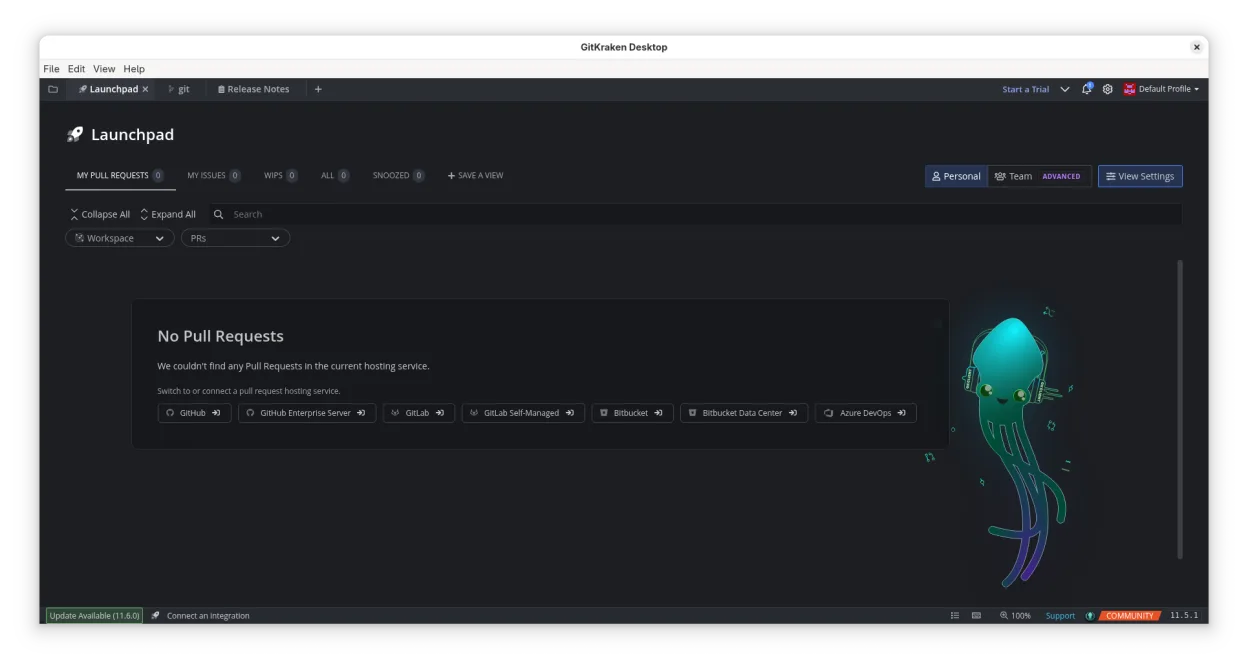
- Glo Boards for issue tracking across services
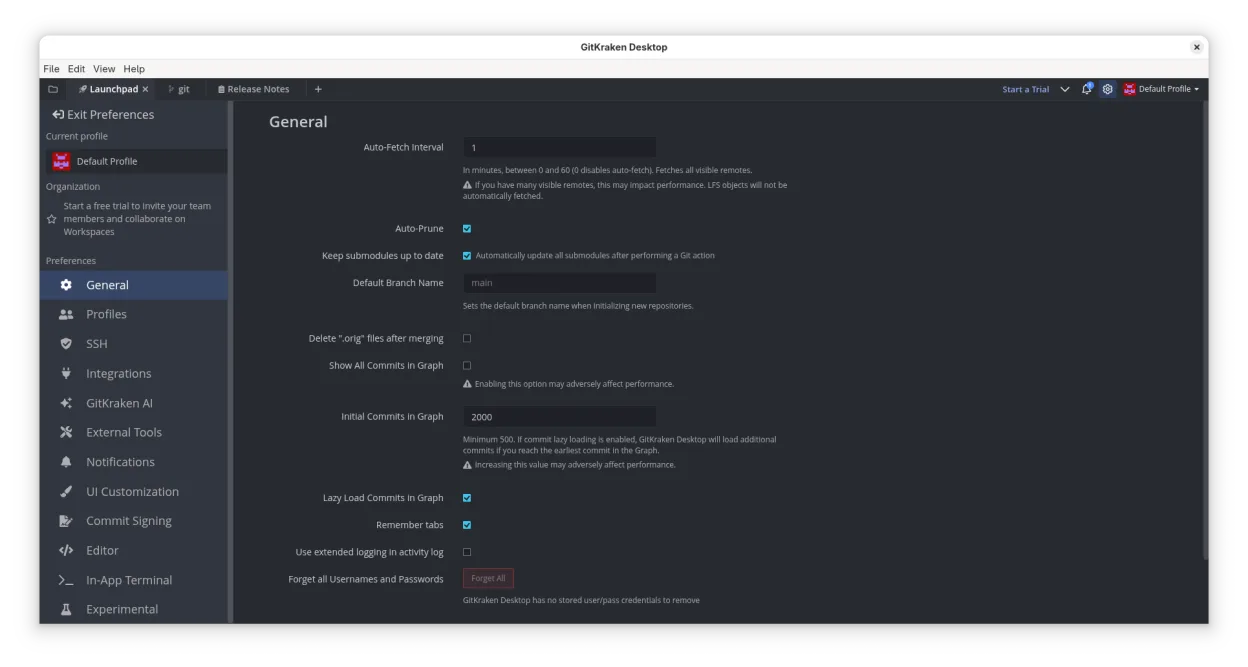
- Multiple profiles for work and personal projects
- Gitflow, LFS, submodules support
Pros
- Intuitive visual interface
- Integrated issue board reduces context switching
- Cross‑platform with consistent experience
- Regular updates and active support
Cons
- Proprietary license
- No open‑source core
- Requires installation via Flatpak or manual download
- Limited free tier for teams
Windows programs GitKraken replaces
How to install GitKraken on Linux
flatpak install flathub com.axosoft.GitKrakenTips for Windows users
From GitHub Desktop, you’ll find that GitKraken uses the same .git folder and remote URLs, so cloning a repo is identical. Keyboard shortcuts differ: for example, Ctrl+Shift+G opens the graph, and Ctrl+E opens the editor. The drag‑and‑drop merge is a visual alternative to the command line rebase. Workflow changes: you’ll use Glo Boards instead of the separate GitHub Issues UI, and pull requests can be created directly from the client.
Recent releases
- 12.6.0 —
- 12.5.0 —
- 12.4.1 —
- 12.4.0 —
GitKraken: frequently asked questions
Is GitKraken free on Linux?
It offers a free tier for individuals; team features require a paid license.
Can I use GitKraken with GitLab?
Yes, it integrates with GitLab, GitLab Self‑Hosted, and GitLab Enterprise.
Does it support submodules?
Submodule management is built into the client and can be added or updated via the UI.
How do I edit a file in GitKraken?
Double‑click the file in the file tree to open the built‑in editor; changes are staged automatically.
Updated