

Linux · Programming
GitKraken
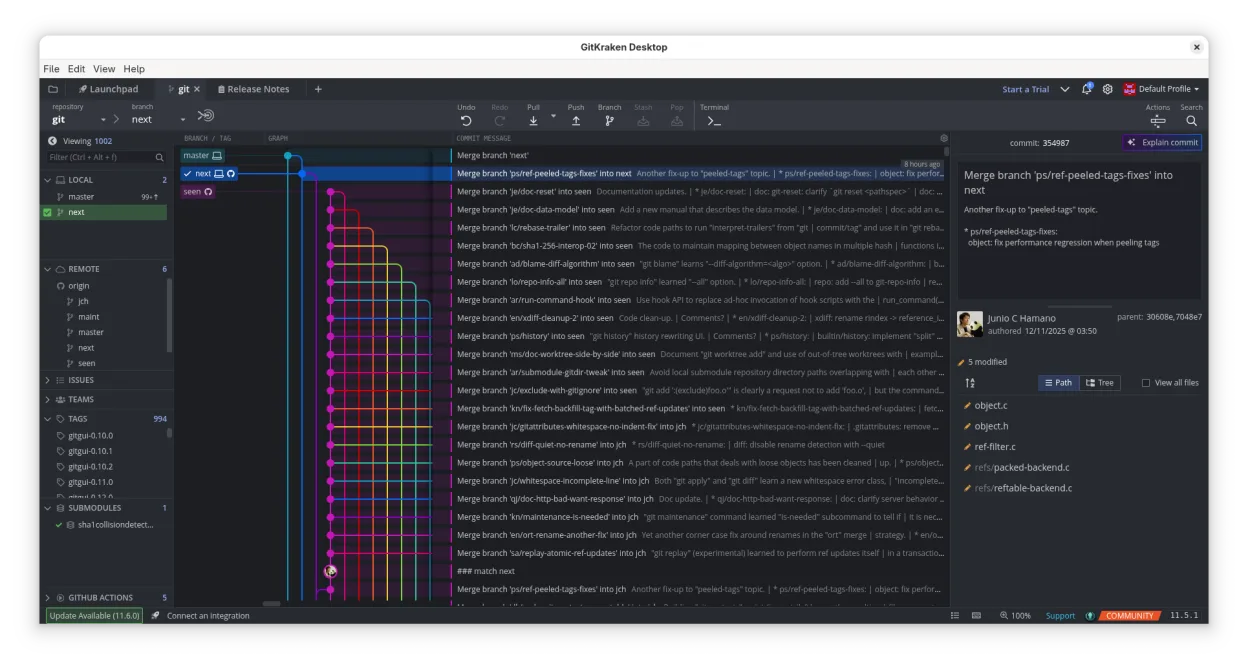
GitKraken is a cross‑platform Git client with visual history, built‑in editor and integrated issue board.
- License
- LicenseRef-proprietary
- Latest version
- 12.6.0 (October 1, 2026)
- Developer
- Axosoft
- Installs
- 1,424 (Flathub, 30 days)
What is GitKraken?
GitKraken launched in 2014 by Axosoft and has grown into a popular GUI for Git on Linux, Windows and macOS. It bundles a powerful graph view, drag‑and‑drop Git operations and a lightweight code editor, all wrapped in a single application. The product is mature, with regular releases and a strong community of developers who rely on it for day‑to‑day repo management.
The tool targets developers who prefer visual workflows over command‑line Git. It is especially useful for teams that need to see branching, merging and pull requests at a glance, and for solo coders who want a quick way to edit files without leaving the client.
Compared with GitHub Desktop, GitKraken offers a richer feature set: a full Git flow implementation, integrated issue boards (Glo Boards), and support for multiple hosting services. The interface is more complex but provides deeper control and a more polished visual experience.
Best for: Teams and solo developers who need a visual, all‑in‑one Git client with built‑in issue tracking.
Key features of GitKraken
- Visual commit graph with dark/light themes
- Drag‑and‑drop merge, rebase, push
- Built‑in code editor with syntax highlighting
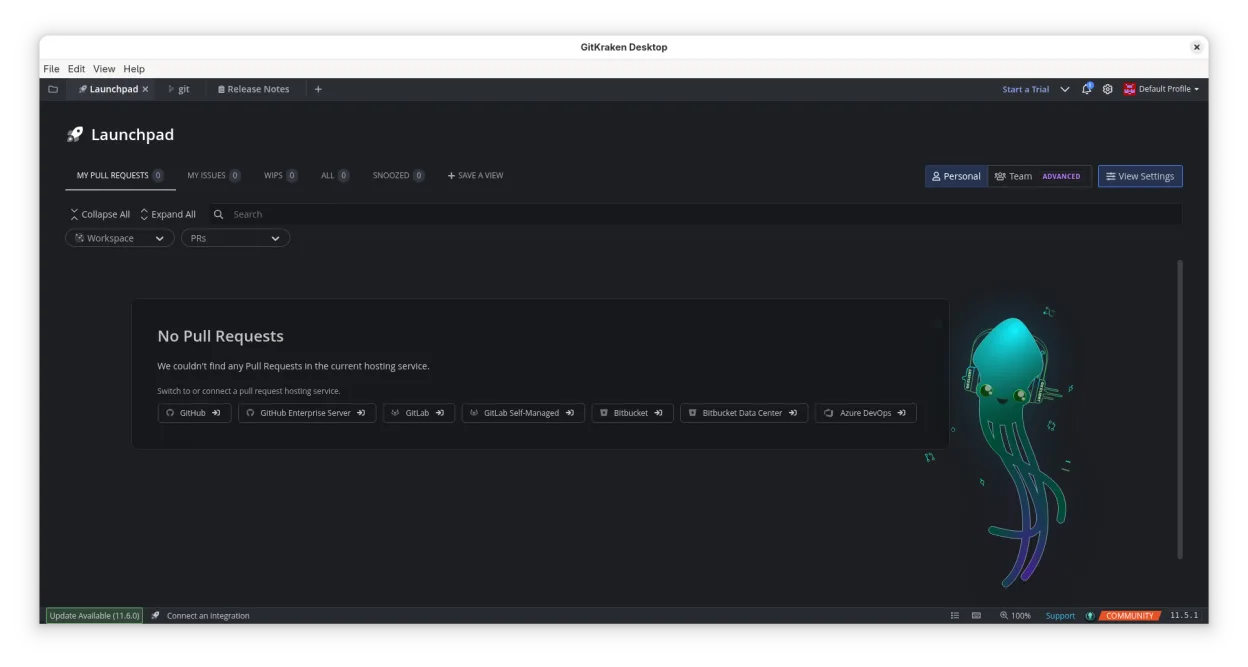
- Integrated pull‑request workflow
- Glo Boards for task tracking
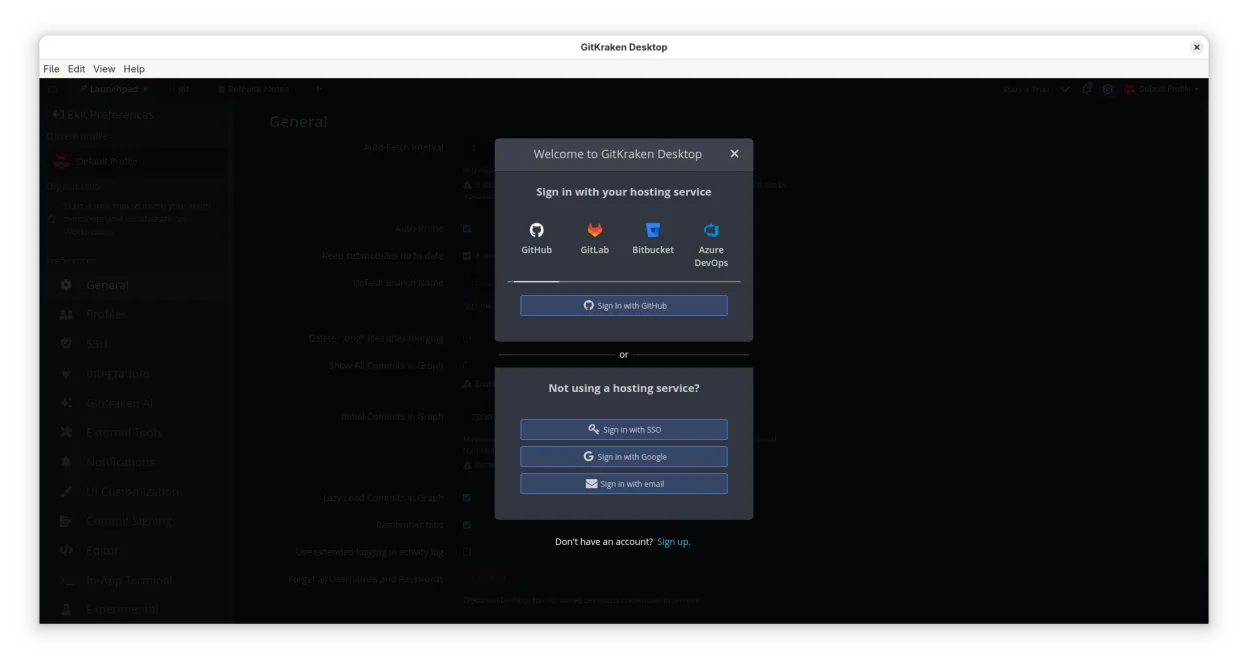
- Support for GitHub, GitLab, Bitbucket, VSTS
- Multiple user profiles
- Gitflow, LFS, submodules
Pros
- Intuitive visual Git operations
- All‑in‑one editor and issue tracker
- Cross‑platform consistency
- Regular updates
- Strong community support
Cons
- Proprietary license
- Resource usage higher than lightweight clients
- Learning curve for new users
- Limited customization of UI
Windows programs GitKraken replaces
How to install GitKraken on Linux
flatpak install flathub com.axosoft.GitKrakenTips for Windows users
When moving from GitHub Desktop, you’ll find that GitKraken uses the same Git config files, so your repos and credentials transfer automatically. The shortcut set differs: for example, Ctrl+Shift+M opens the merge dialog instead of the command line. Workflow changes include using the drag‑and‑drop interface for rebase and merge, and editing files directly inside the client. File formats are unchanged; you can still commit .gitignore, README.md, etc. The Glo Boards feature replaces separate issue trackers, so you’ll need to migrate any existing issue data into GitKraken’s board system if you want a unified view.
Recent releases
- 12.6.0 —
- 12.5.0 —
- 12.4.1 —
- 12.4.0 —
GitKraken: frequently asked questions
Is GitKraken free on Linux?
The core client is free for personal use; paid plans unlock advanced features like Glo Boards and multiple profiles.
Can I use GitKraken with GitLab?
Yes, GitKraken supports GitLab, GitLab Self‑Hosted, and GitLab Enterprise via the same interface as GitHub.
Does GitKraken support Git LFS?
GitKraken includes built‑in support for Git LFS, allowing large file handling without extra configuration.
How do I resolve merge conflicts in GitKraken?
Open the conflicted file in the built‑in editor, use the split view to see changes, and click the resolve buttons to accept or reject changes.
Updated