

Linux · Graphics
Image Viewer
GNOME Image Viewer is a lightweight tool for viewing, managing, and performing quick edits on image files.
- License
- GPL-3.0-or-later
- Latest version
- 51.rc (September 1, 2026)
- Developer
- The GNOME Project
- Installs
- 12,142 (Flathub, 30 days)
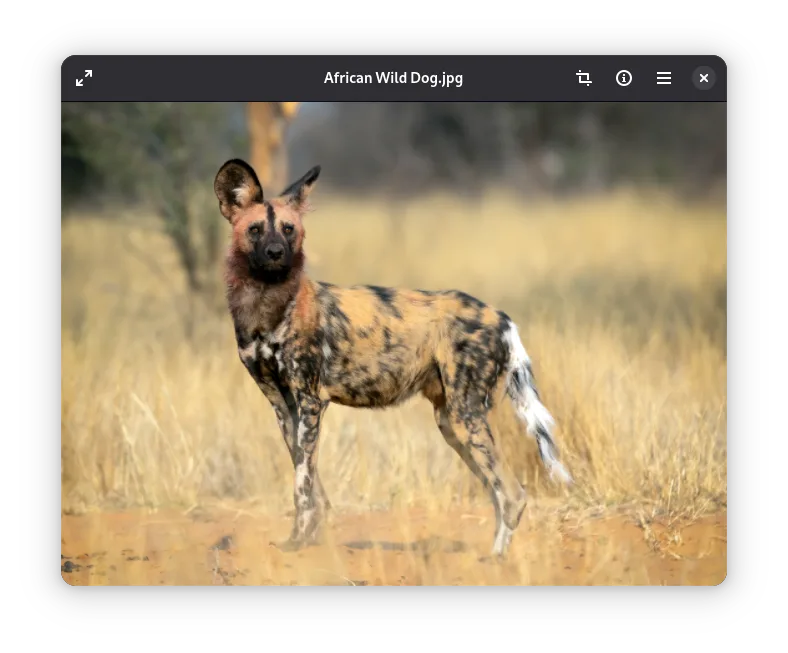
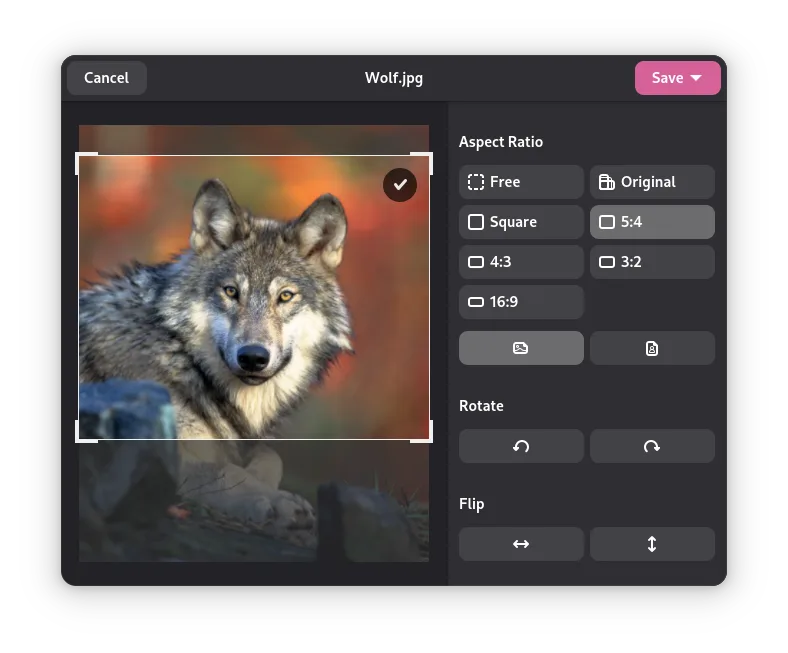
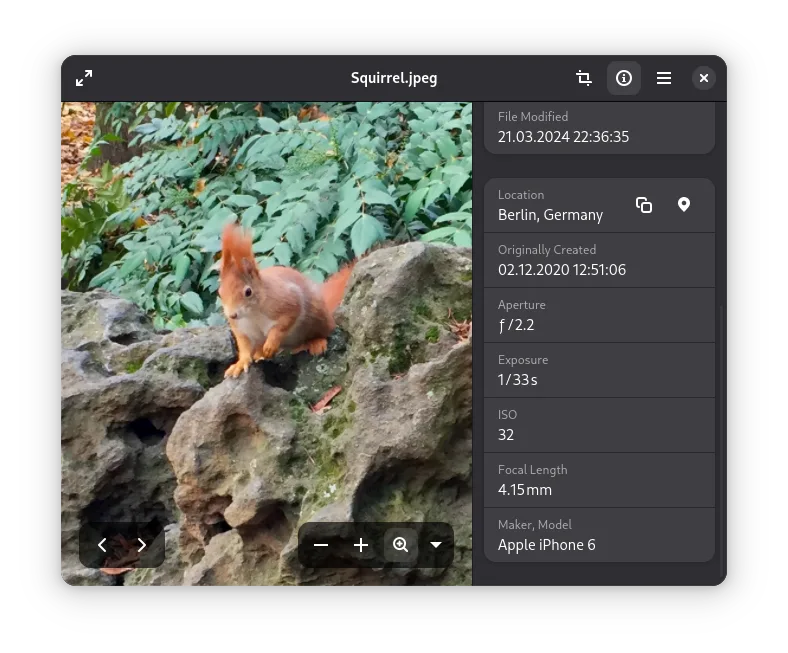
What is Image Viewer?
Image Viewer is the default image application for the GNOME desktop environment. It has been a staple of Linux distributions for years, evolving from the older Eye of GNOME (eog). It focuses on stability and speed rather than complex editing, making it a reliable choice for daily use. The project is actively maintained by the GNOME team, ensuring it stays compatible with modern file systems and standards.
This app is ideal for users who need to quickly browse folders of photos, check metadata, or perform basic adjustments without opening a heavy editor like GIMP. It suits photographers who want a fast way to review shots and casual users who just need to see what is in an image file. It is not designed for professional retouching or batch processing, so heavy users may still need dedicated software for those tasks.
Compared to Adobe Bridge, Image Viewer is significantly lighter and faster to launch. Bridge offers deep cataloging, metadata editing, and plugin support, which Image Viewer lacks. However, for simple viewing and quick crops, Image Viewer is more responsive and integrates tightly with the GNOME file manager. It does not replace Bridge for professional workflows but serves as a sufficient alternative for casual image management.
Best for: Casual users and GNOME enthusiasts who need a fast, reliable tool for viewing and minor image adjustments.
Key features of Image Viewer
- View images in various common formats
- Display EXIF and other metadata
- Crop, rotate, and flip images
- Zoom and pan for detailed inspection
- Slideshow mode for presentations
- Thumbnail generation for file managers
- Support for high-resolution displays
Pros
- Extremely fast startup and navigation
- Low resource usage
- Tight integration with GNOME desktop
- Stable and actively maintained
- Simple, uncluttered interface
Cons
- Lacks advanced metadata editing
- No support for RAW file conversion
- Limited batch processing capabilities
- No plugin system for extensions
How to install Image Viewer on Linux
flatpak install flathub org.gnome.Loupesudo apt install loupesudo apt install loupesudo dnf install loupesudo pacman -S loupesudo zypper install loupeTips for Windows users
Coming from Adobe Bridge, you will notice the lack of a deep cataloging system; Image Viewer relies on the file system rather than a proprietary database. For quick edits, use the on-screen controls for cropping and rotating. Note that it does not support non-destructive editing or complex layer management. If you need to manage large libraries with detailed metadata, consider using a dedicated database tool or GIMP for heavier tasks. File format support is broad for standard images, but check for specific RAW support in your distribution’s package.
Recent releases
- 51.rc —
Loupe now presents more metadata, like the creator and copyright information, the images color profile, as well as camera lens information and information about the used software.
- 50.0 —
Added support for the JPEG 2000, XBM, and XPM image formats. The app now also provides better error messages if an image file can't be read.
- 49.1 —
The 300% keyboard shortcut now actually zooms to 300%. The "Replace Original" save option for image editing is now deactivated if the original file can't be moved to the trash.
- 49.0 —
Improved support for more rare and damaged variations of image formats like JPEG, PNG, and TIFF. Improved performance for loading JPEG XL images.
Image Viewer: frequently asked questions
Can Image Viewer edit RAW files?
It can view RAW files if the underlying libraries support them, but it does not perform full RAW conversion or editing. For that, use GIMP or Darktable.
Is Image Viewer the same as Eye of GNOME?
Yes, it is the modern successor to Eye of GNOME (eog). It shares the same codebase and functionality but has been updated for current GNOME standards.
Does it support plugins?
No, Image Viewer does not have a plugin system. It is designed to be a simple, standalone application without extensibility.
Can I use it as a slideshow presenter?
Yes, it has a built-in slideshow mode that cycles through images in a folder, useful for quick presentations.
Updated