

Linux · Sound & Video
Plex
Plex client for Linux provides a desktop interface for streaming media from a Plex server with enhanced playback features.
- License
- LicenseRef-proprietary=https://www.plex…
- Latest version
- 1.115.0 (September 9, 2026)
- Developer
- Plex
- Installs
- 9,117 (Flathub, 30 days)

What is Plex?
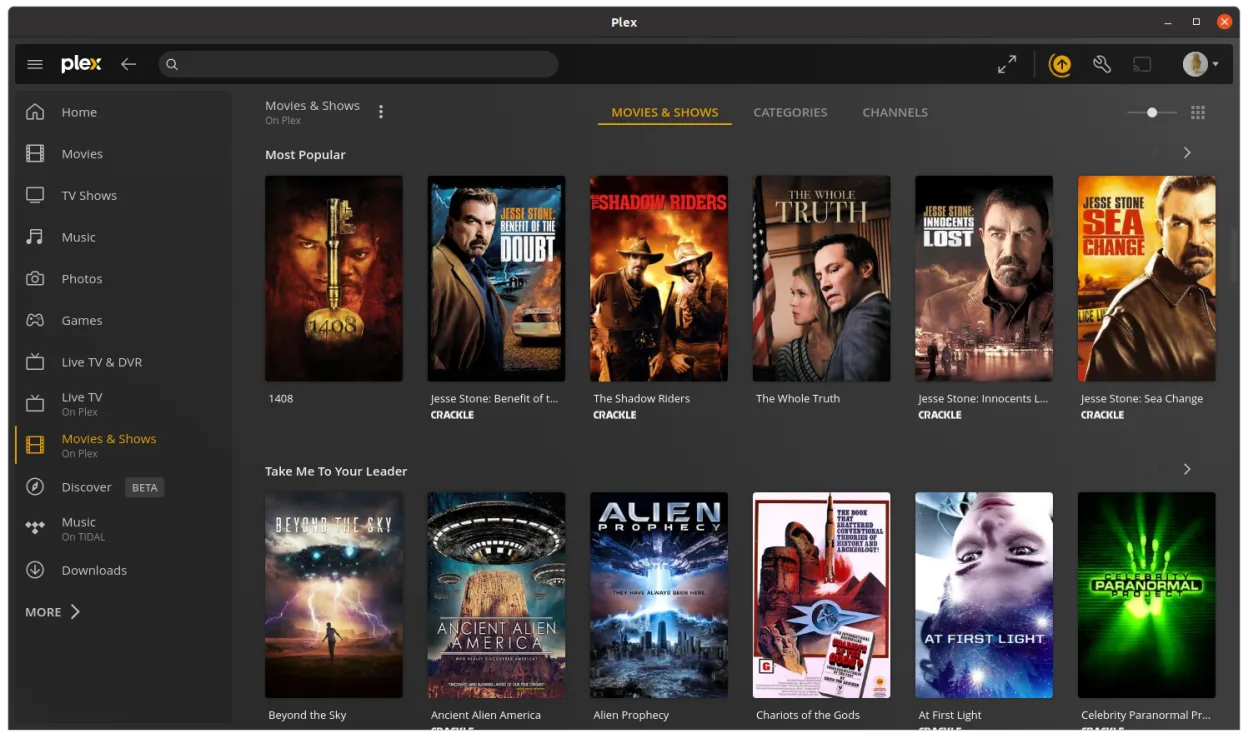
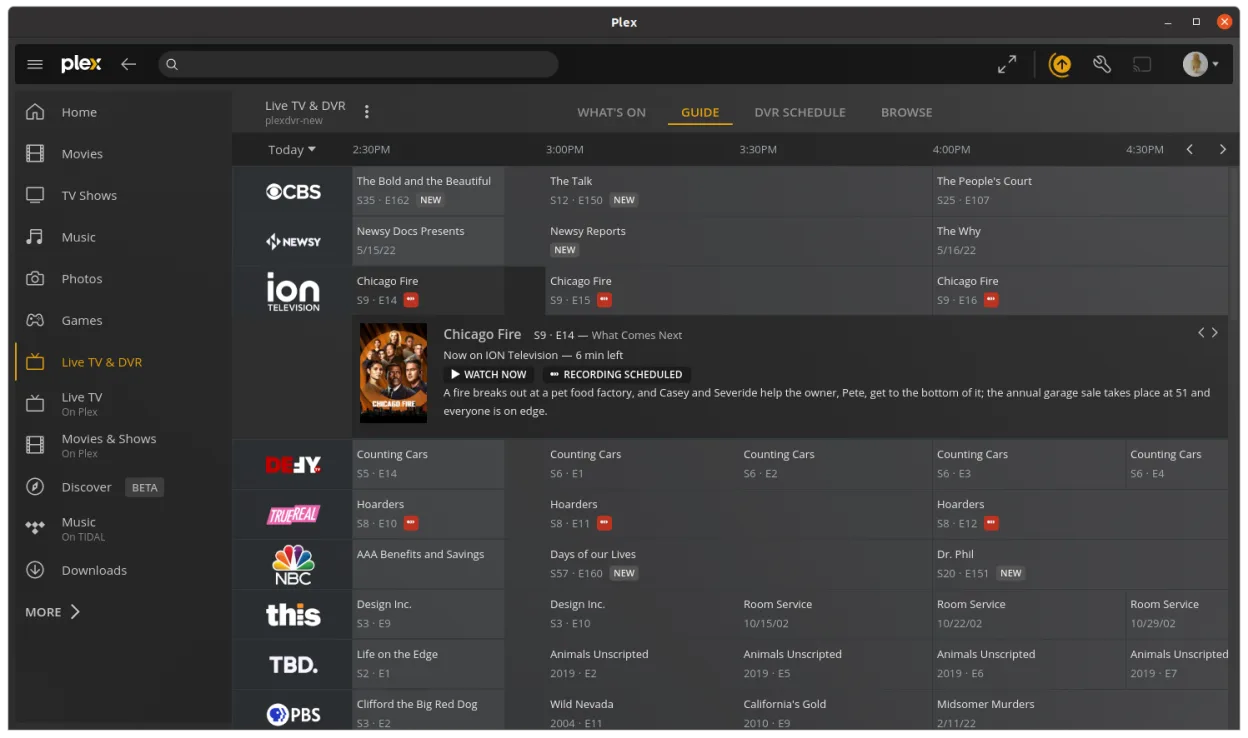
Plex for Linux is a dedicated desktop client that connects to a Plex media server, allowing you to browse and play your personal media library. Unlike server software, this client focuses on playback and user experience, offering a polished interface similar to the web version but optimized for the desktop. It's been stable and regularly updated, though it remains proprietary.
This app suits Linux users who already run a Plex server and want a reliable, no-fuss desktop player. It's ideal for people transitioning from Windows who used Kodi or Plex Web, but prefer a standalone application over browser-based access. You need a working Plex library and server setup to get value from it.
Compared to Kodi, Plex offers a cleaner, more curated experience with less manual configuration. It doesn't double as a file browser or media organizer. If you're used to Kodi's flexibility, Plex feels more restrictive but also more consistent and easier for non-technical users to navigate daily.
Best for: Linux users who want a simple, reliable desktop client for streaming from a Plex server.
Key features of Plex
- Stream media from your Plex server to the Linux desktop
- Uses a native playback engine for smoother performance
- Includes a point-and-click interface similar to the web client
- Supports hardware acceleration where available
- Maintains watch progress and metadata across devices
- Runs as a standalone desktop application, not a browser tab
- Auto-syncs with your Plex account and other clients
Pros
- Polished, intuitive interface with minimal setup
- Reliable playback with good codec support
- Syncs playback status and collections across devices
- Active development and regular updates
- Less resource-heavy than running a full browser
Cons
- Proprietary software with limited customization
- Requires a working Plex server and account
- Fewer local file management features than Kodi
Windows programs Plex replaces
How to install Plex on Linux
flatpak install flathub tv.plex.PlexDesktopTips for Windows users
If you're switching from Kodi, note that Plex doesn't browse local files directly — your media must be indexed in a Plex server. You won't need to manage NFO files or folder structures. Keyboard shortcuts are similar, but playback is managed server-side, so transcoding settings live in the server dashboard. Use the same media formats you did before; Plex handles most common containers like MKV, MP4, and AVI.
Recent releases
- 1.115.0 —
- 1.112.0 —
- 1.110.0 —
- 1.109.0 —
Plex: frequently asked questions
Can I use Plex for Linux without a Plex server?
No, the desktop client requires a running Plex server with your media library. It doesn't play local files directly like Kodi.
Does Plex for Linux support hardware acceleration?
Yes, it supports hardware decoding on many systems, but depends on your GPU drivers and server configuration for transcoding.
Is the Linux client the same as the web interface?
It's similar in layout but uses a dedicated playback engine, often resulting in smoother performance than the browser version.
Can I install plugins or add-ons like in Kodi?
No, the Plex client doesn't support third-party plugins. All features are built-in and managed through the Plex ecosystem.
Updated