

Linux · System Tools
Podman Desktop
Podman Desktop is a graphical tool for managing Podman, Docker, and other container engines from one interface.
- License
- Apache-2.0
- Latest version
- 1.30.5 (October 13, 2026)
- Developer
- Red Hat, Inc.
- Installs
- 12,796 (Flathub, 30 days)
What is Podman Desktop?
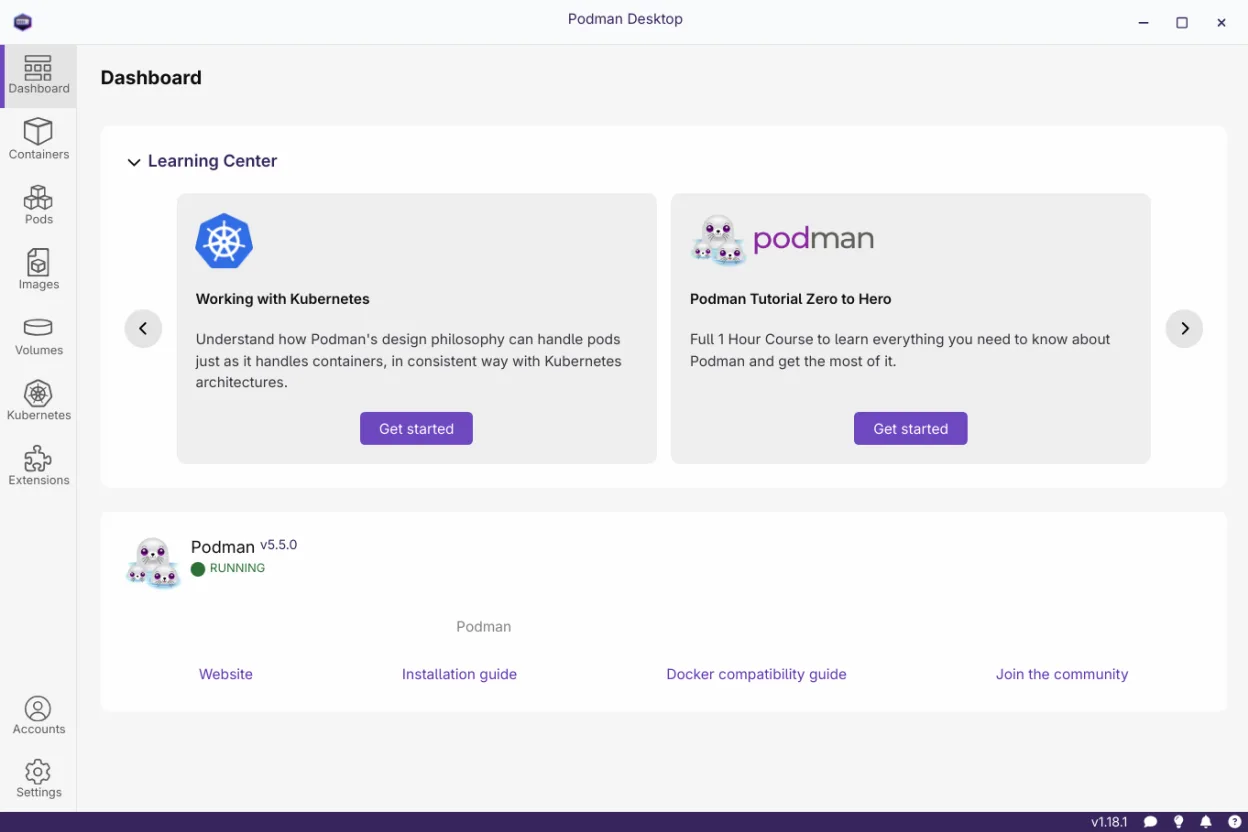
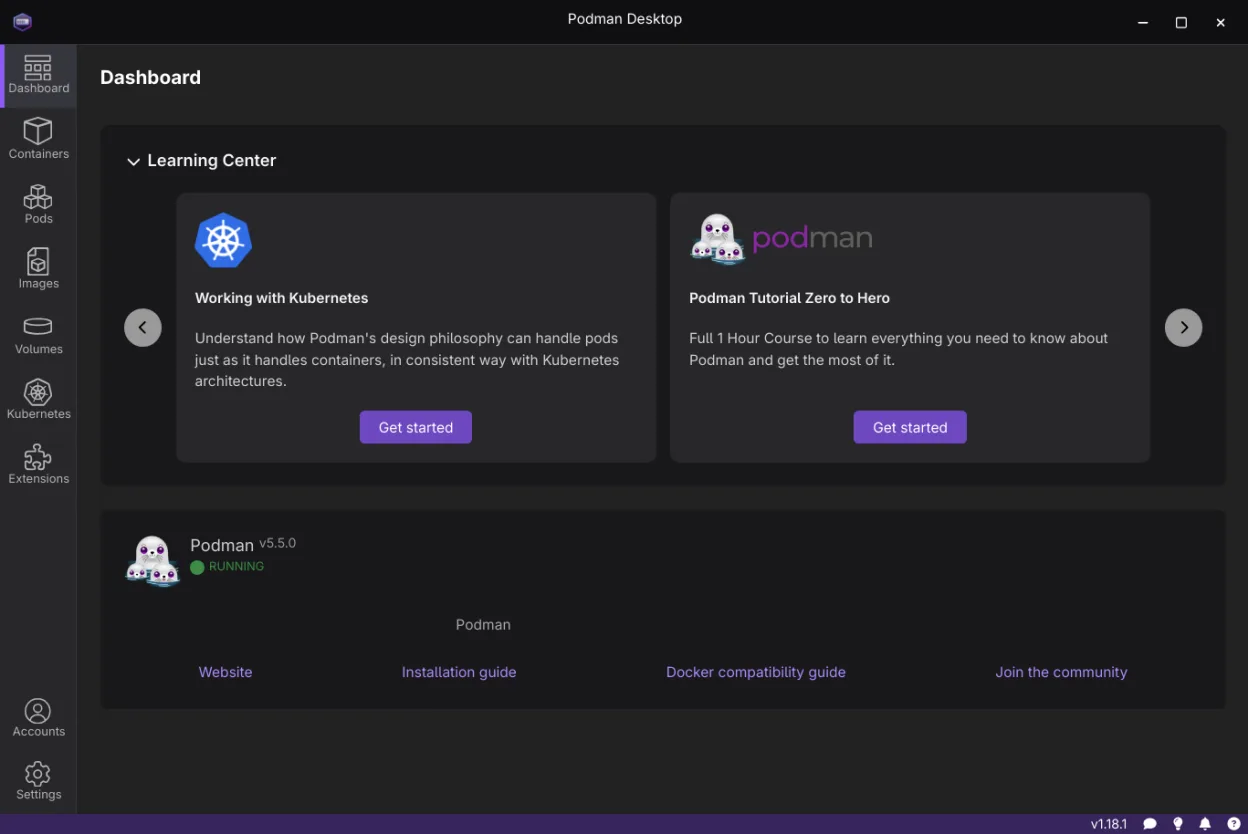
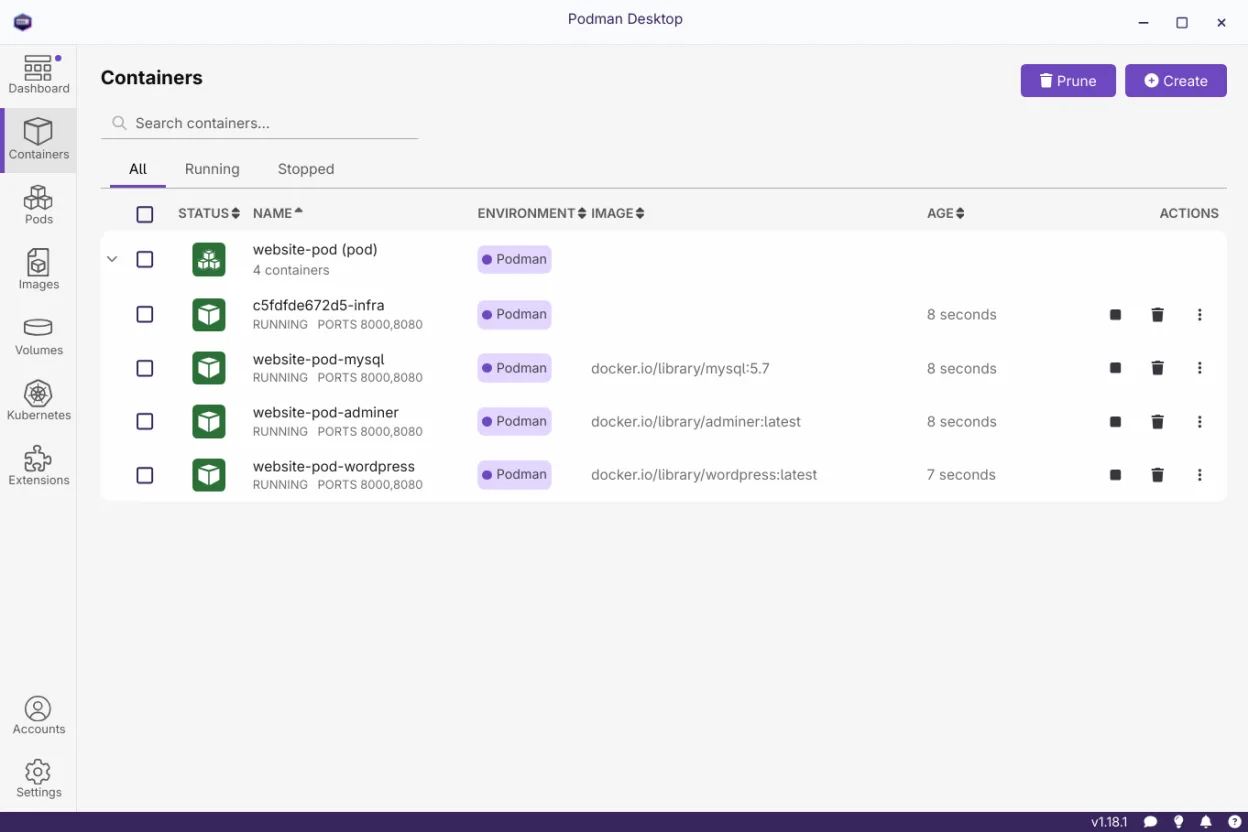
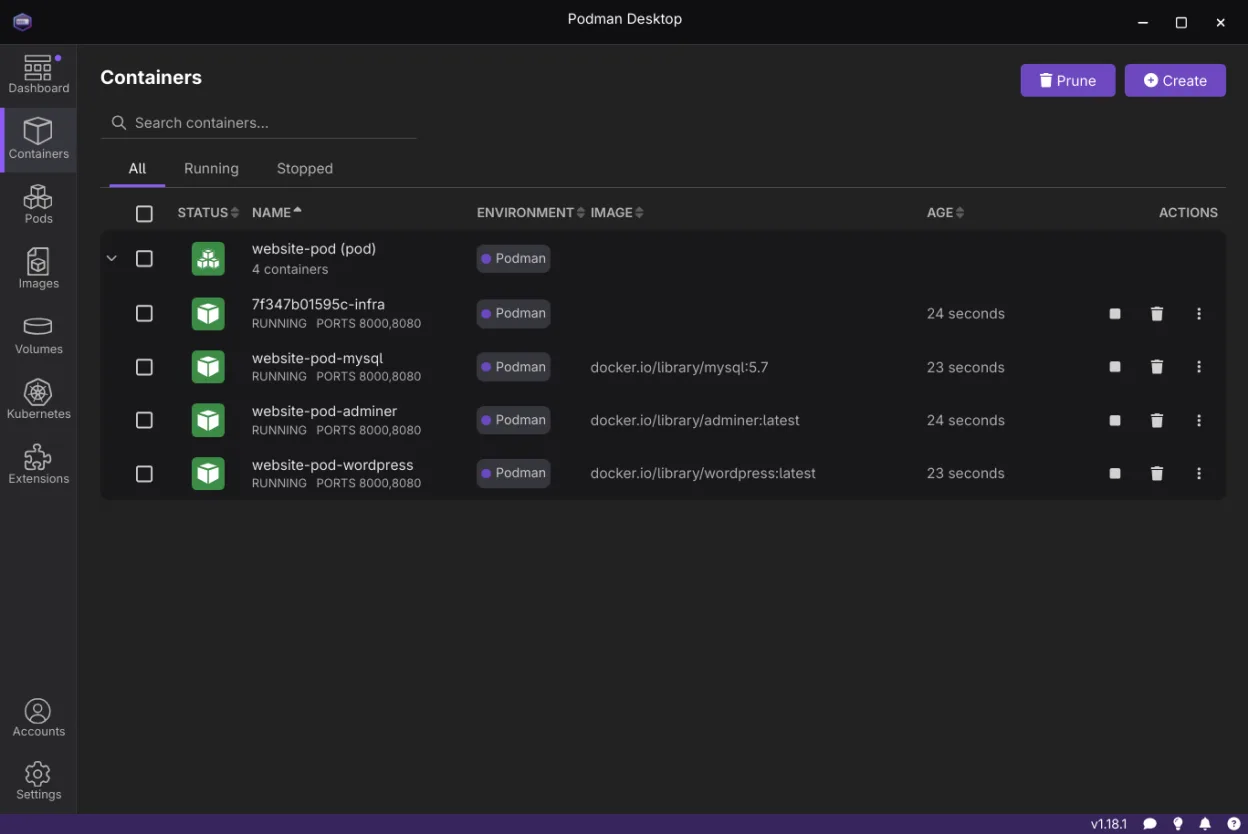
Podman Desktop, released by Red Hat, builds on the Podman project that has been part of Fedora and RHEL for years. The desktop client first appeared in 2024, bringing a unified UI to what was previously a command‑line experience. It supports building images, running containers, and deploying to Kubernetes.
It targets developers, sysadmins, and power users who need a quick way to prototype containers without learning complex CLI commands. The interface is clean, with tabs for images, containers, pods, and registries.
Compared to Windows Subsystem for Linux, Podman Desktop feels more native: it runs on Linux, uses local resources, and integrates directly with the host’s container runtime. It removes the need for a virtual machine and gives you instant terminal access inside containers.
Best for: Developers who want a single, GUI‑based way to manage local containers and test Kubernetes deployments.
Key features of Podman Desktop
- Build images from Containerfile or Dockerfile
- Pull and push images to OCI registries
- Start, stop, restart containers and pods
- Terminal access inside containers
- Inspect logs and resource usage
- Manage multiple container engines (Podman, Docker, Lima)
- Configure registries and proxy settings
- Support for plug‑ins and Docker Desktop extensions
Pros
- Open source and free
- Unified UI for multiple engines
- Direct terminal access
- Extensible via plug‑ins
- Active community support
Cons
- Some configuration options still in progress
- Limited GPU support for containers
- Requires recent Linux kernel for full Podman features
Windows programs Podman Desktop replaces
How to install Podman Desktop on Linux
flatpak install flathub io.podman_desktop.PodmanDesktopsudo apt install libpodsudo apt install podmansudo dnf install podmansudo pacman -S podman-dockersudo zypper install podmanTips for Windows users
When moving from WSL, note that Podman Desktop works directly on your Linux host, so you won’t need a separate virtual machine. Container images are stored in ~/.local/share/containers, not in a Windows‑style WSL distro folder. Use the built‑in terminal to run commands that would normally go in a WSL shell. Shortcuts are similar to most Linux GUIs; for example, Ctrl‑C stops a container, and the UI offers a button to kill all running containers. Workflow changes: you’ll manage images through the UI instead of docker pull/push commands, and you can test Kubernetes locally with the built‑in Minikube‑like support.
Recent releases
- 1.30.5 —
- 1.30.0 —
- 1.29.0 —
- 1.28.0 —
Podman Desktop: frequently asked questions
Does Podman Desktop replace Docker Desktop on Linux?
Yes, it can manage Docker containers as well as Podman, so it serves a similar purpose to Docker Desktop but without the proprietary components.
Is Podman Desktop compatible with older Linux distributions?
It requires a recent kernel (≥5.10) for full Podman support; older distros may need kernel upgrades or may not support all features.
Can I use Podman Desktop with Kubernetes?
Yes, it can deploy images to a local Kubernetes cluster and offers a simple UI to test deployments.
How do I install Podman Desktop on Ubuntu?
Install the .deb package from Flathub or use the official repository; it will pull dependencies automatically.
Updated