

Linux · Graphics
ScummVM
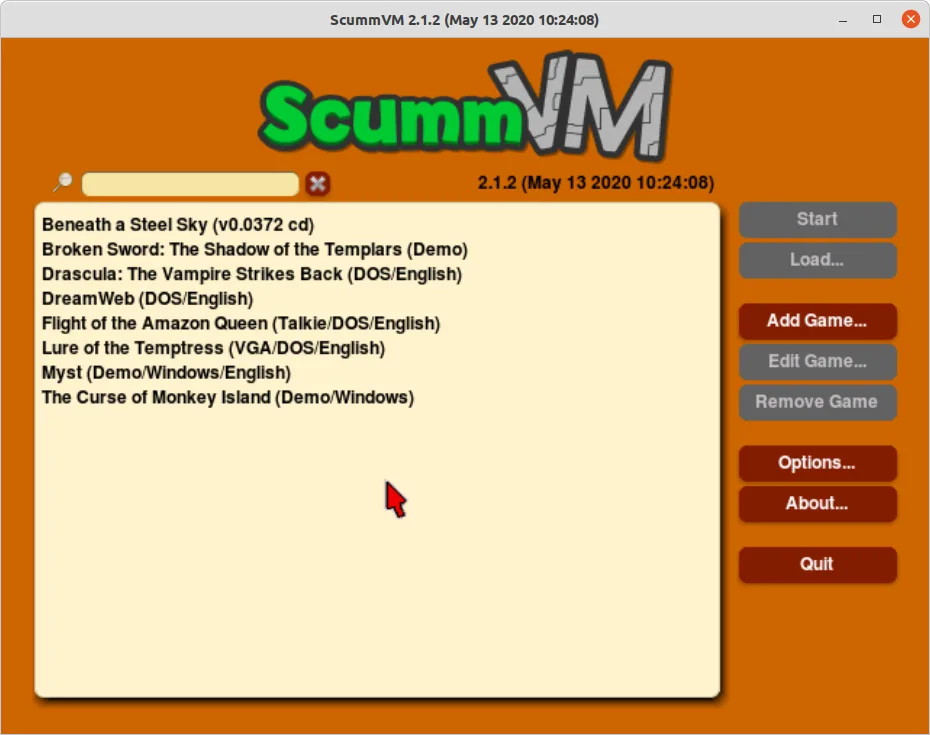
ScummVM runs classic point‑and‑click adventure and RPG titles on modern Linux systems by replacing the original game executables.
- License
- GPL-3.0-or-later
- Latest version
- 2026.4.0 (October 11, 2026)
- Developer
- The ScummVM Team
- Installs
- 31,737 (Flathub, 30 days)
What is ScummVM?
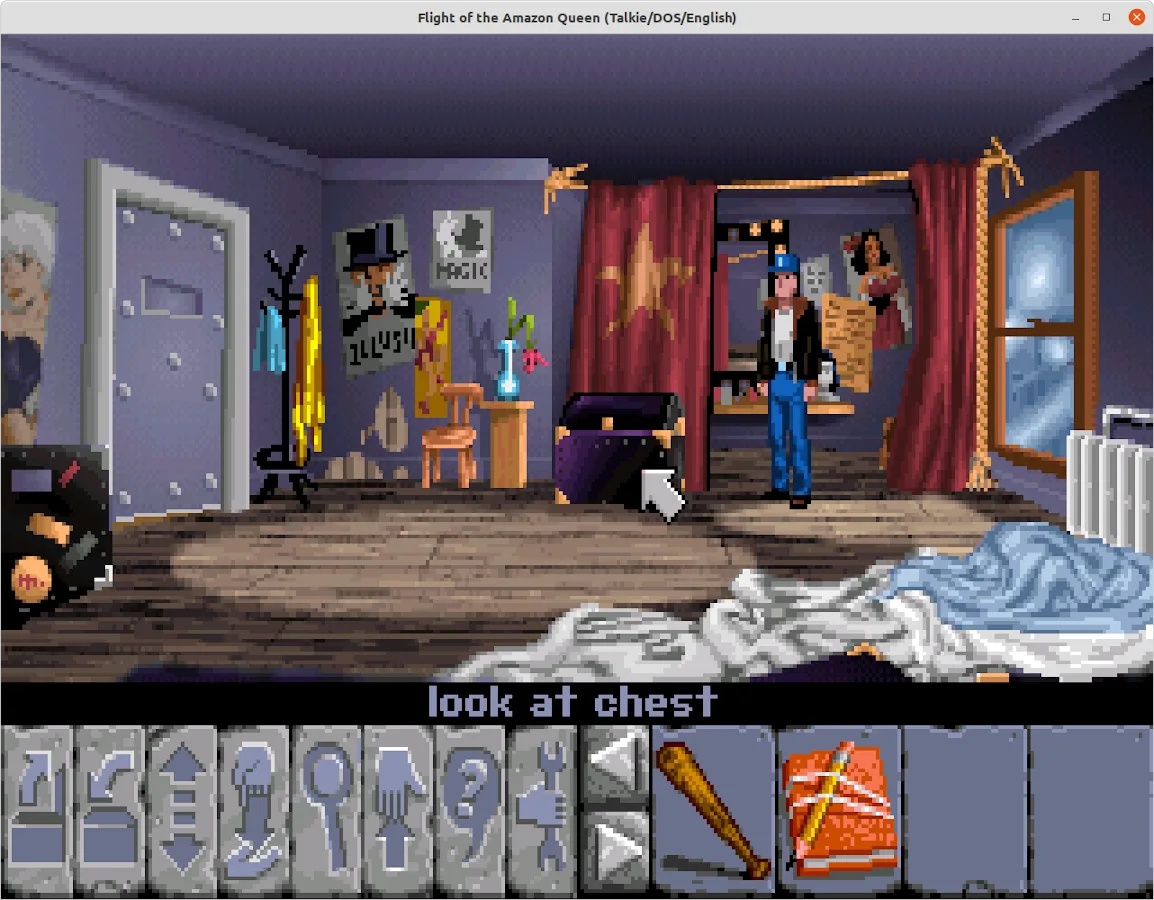
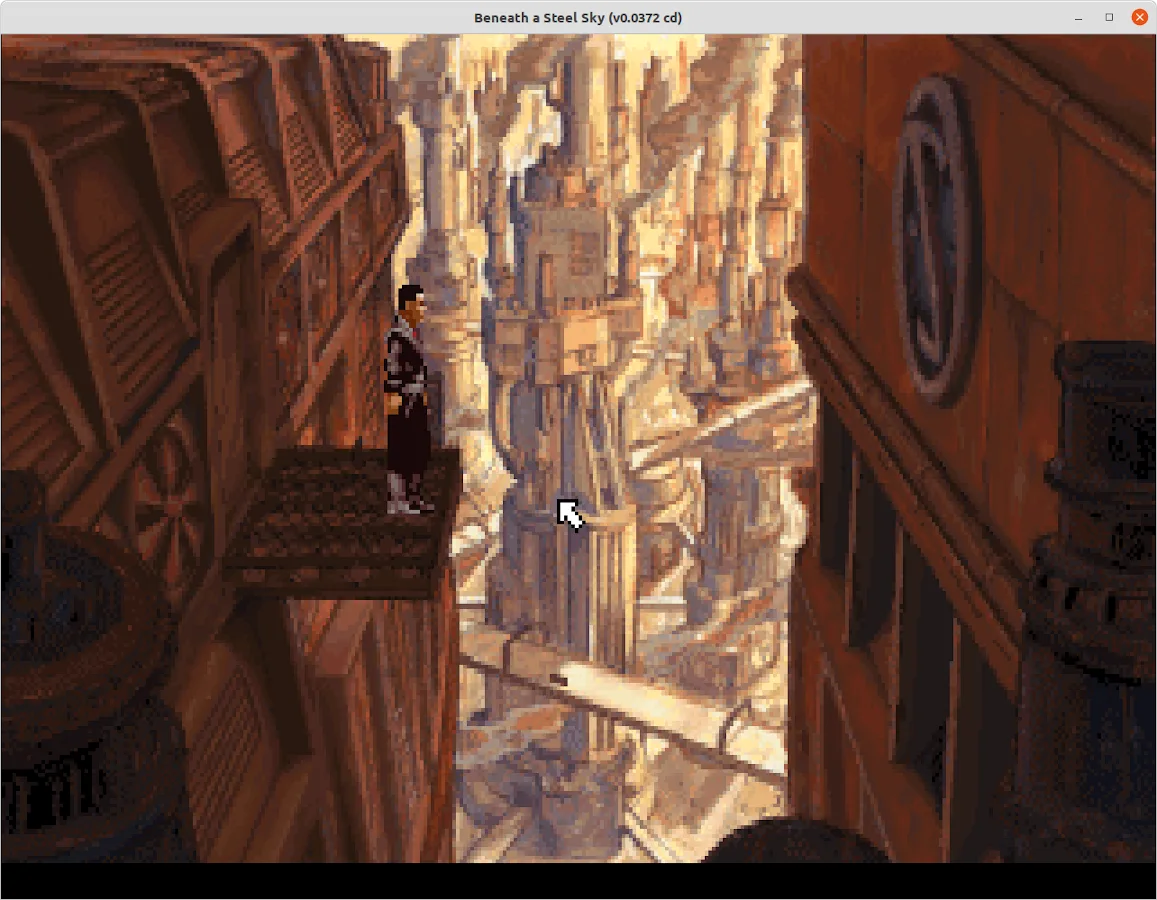
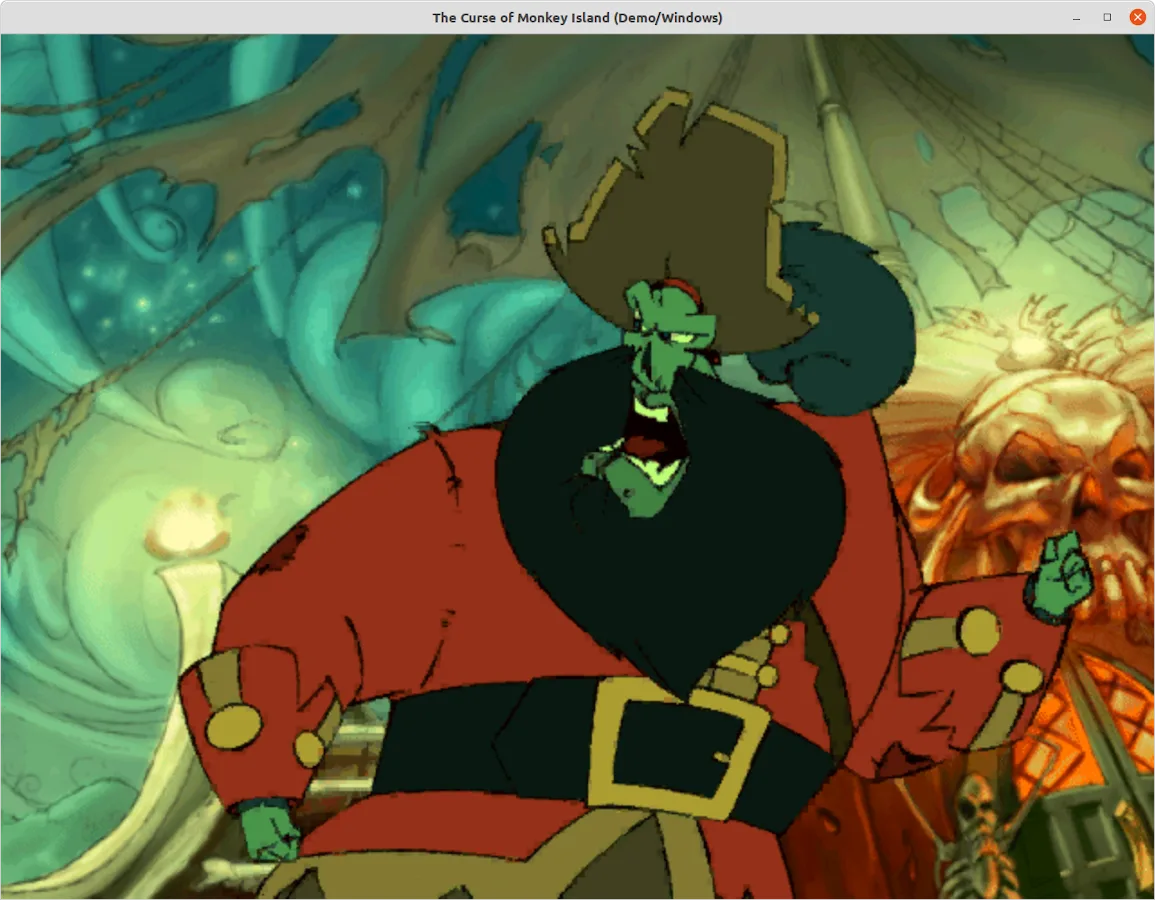
ScummVM started in 2001 as a hobby project to preserve classic adventure games. Over the years it grew into a mature, community‑driven engine that now supports more than 250 titles from studios like LucasArts, Sierra, and Revolution. It is aimed at gamers who own the original game data files but want to play them on Linux, macOS, or other non‑Windows platforms. Compared to Windows Flash or other legacy tools, ScummVM feels like a lightweight, dedicated emulator: no browser, no plugin, just a clean launcher that runs the game natively with modern graphics and sound support.
Best for: Gamers who own classic adventure or RPG titles and want to play them on Linux without a Windows environment.
Key features of ScummVM
- Runs 250+ classic adventure and RPG games
- Supports Windows, Mac, Linux, and mobile platforms
- Uses original game data files, no emulation required
- Customizable graphics and audio settings
- Keyboard, mouse, and gamepad support
- Integrated language packs
- Regular updates via package managers
- Open‑source code base
Pros
- Free and open source
- Wide game library
- Regular updates
- Cross‑platform compatibility
- No need for legacy Windows installations
Cons
- Requires owning original game data
- Some games need manual configuration
- Limited support for newer titles
- No built‑in DRM removal
How to install ScummVM on Linux
flatpak install flathub org.scummvm.ScummVMsudo apt install scummvmsudo apt install scummvmsudo dnf install scummvmsudo pacman -S scummvmsudo zypper install scummvmTips for Windows users
If you’re used to Windows Flash, remember that ScummVM does not run Flash content directly; it runs the game’s executable. Keep your original game files in a folder, then point ScummVM to that folder. Use the built‑in keyboard shortcuts (e.g., F1 for help, F5 to pause) and the configuration file for custom controls. The workflow is similar to launching a native Linux game, but you must manage the data files separately.
Recent releases
- 2026.4.0 —
- 2026.3.0 —
- 2026.2.0 —
- 2026.1.0 —
ScummVM: frequently asked questions
Do I need to buy ScummVM?
No, ScummVM is free and open source. You only need the original game data files, which you must own legally.
Can I play games that are not listed in the ScummVM database?
ScummVM supports any game that uses the SCUMM engine or compatible engines. If a game isn’t listed, you can try adding it manually, but success varies.
How do I install ScummVM on Ubuntu?
Use the official package: sudo apt install scummvm. Alternatively, install via Snap or Flatpak from Flathub.
Does ScummVM support modern graphics resolutions?
Yes, you can set custom resolution and scaling in the graphics settings, and it supports high DPI displays.
Updated