

Linux · Games
Space Cadet Pinball
A Linux port of the classic Space Cadet Pinball engine, reverse‑engineered from the Windows version.
- License
- MIT
- Latest version
- 2.1.0 (October 16, 2023)
- Developer
- Andrey Muzychenko
- Installs
- 36,449 (Flathub, 30 days)
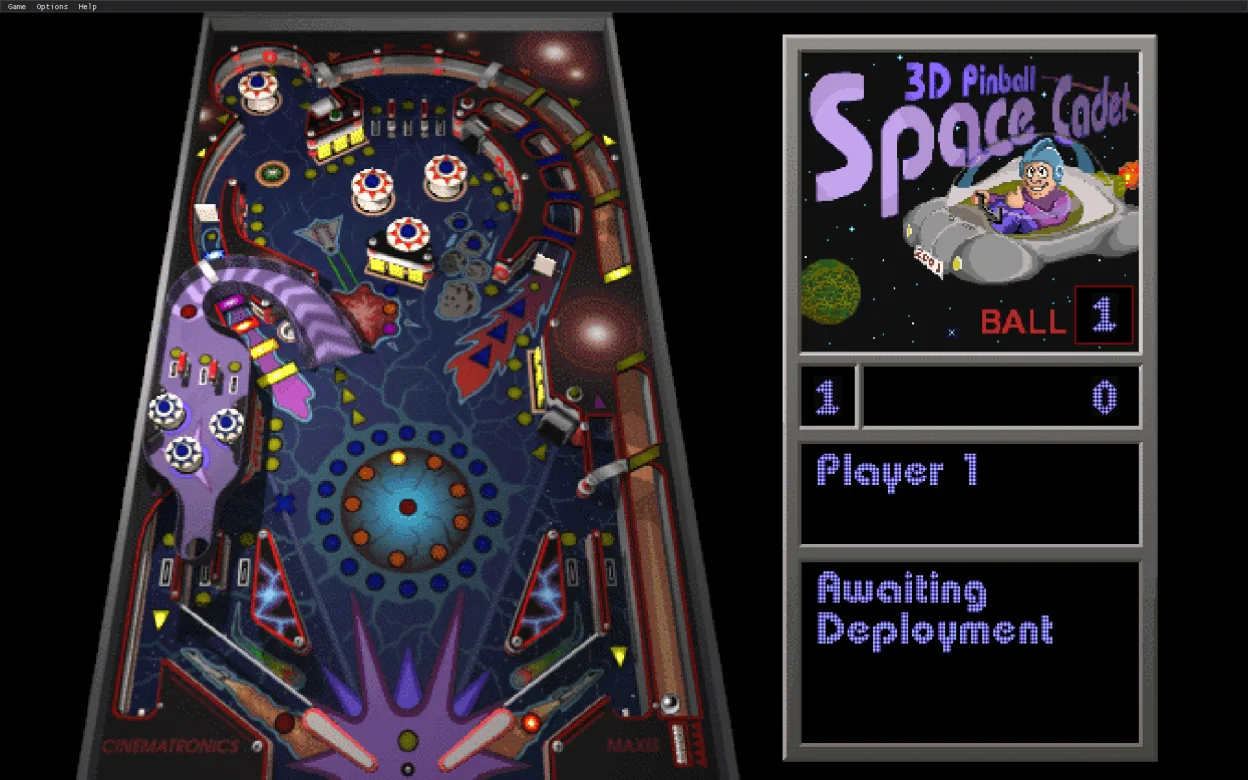
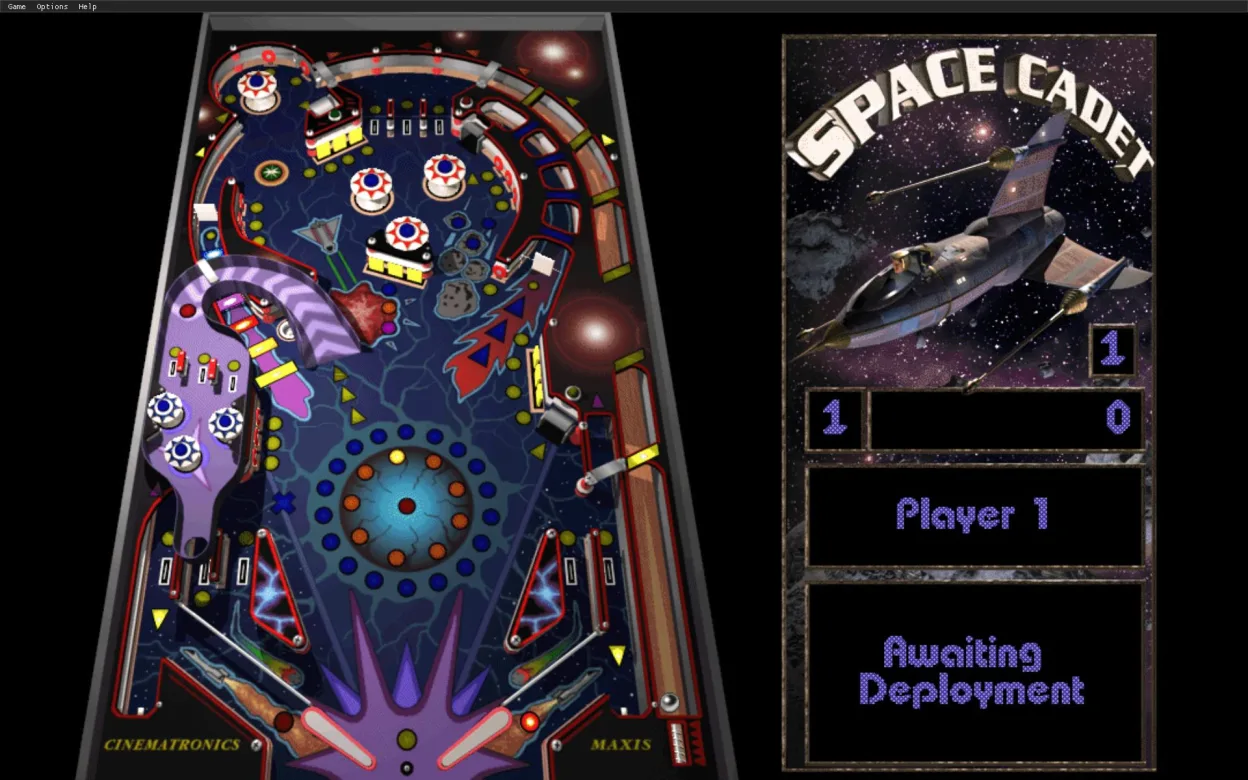
What is Space Cadet Pinball?
Space Cadet Pinball is a faithful recreation of the 3D Pinball engine that shipped with older Windows releases. The project was started by Andrey Muzychenko and released under the MIT license, with the latest update (2.1.0) arriving in October 2023. It runs on modern Linux distributions via Flatpak, providing a straightforward way to play the old pinball tables.
The target audience is anyone who wants to revisit the nostalgic tables without the hassle of Windows emulation. It works out of the box on most desktop environments, and the installation is as simple as a single Flatpak command.
Compared to the original Windows tools, the Linux version feels very similar; the tables render the same way and the controls are identical. The only noticeable difference is the lack of bundled table packs – you need to supply your own .pin files, but the core engine runs flawlessly.
Best for: Users who want a quick, authentic Space Cadet Pinball experience on Linux without extra setup.
Key features of Space Cadet Pinball
- MIT‑licensed open source
- Flatpak distribution for easy installation
- Supports original .pin table files
- Keyboard and mouse controls identical to Windows
- Runs on X11 and Wayland
- No external dependencies beyond Flatpak runtime
Pros
- Free and open source
- No need for Windows or Wine
- Stable and maintained
- Consistent performance across distros
Cons
- No bundled tables – you must import them yourself
- Limited documentation on table import
- No graphical editor for creating tables
Windows programs Space Cadet Pinball replaces
 3D Pinball for Windows: Space Cadet
 Full Tilt! Pinball
How to install Space Cadet Pinball on Linux
flatpak install flathub com.github.k4zmu2a.spacecadetpinballTips for Windows users
If you’re moving from 3D Pinball for Windows, keep your .pin table files; they load directly in the Linux engine. Use the same keyboard shortcuts (Space to launch, arrow keys for flippers). The only workflow change is installing via Flatpak: flatpak install flathub com.github.andreymuzychenko.spacecadetpinball. There’s no built‑in table editor, so any custom tables must be added manually to the ~/.config/SpaceCadetPinball directory.
Recent releases
- 2.1.0 —
Feature release focusing on FT compatibility. Main highlights: - FT: collision system changes, table control changes, multiball, three MIDI tracks. - Work in progress: localization support. Depends on external font selection for most languages. - HW…
- 2.0.1 —
First bug fix release of cross-platform port. Main highlights: - Improved Linux support: install target, icons, desktop shortcut, alternative data paths. - Improved game controller support. - High precision sleep mode for ~0 frame time jitter. - Integer image…
- 2.0.0 —
First release of cross-platform port. Main highlights: - Windows dependencies removed. - Graphics and sounds rendered with SDL. - Dear ImGui GUI. - CMake build script, compiles on a lot of platforms. - A number of 3rd party source ports. All features of v1.x…
Space Cadet Pinball: frequently asked questions
Can I play the Windows tables on Linux?
Yes, the engine accepts the original .pin files. Just copy them into the appropriate folder and launch the game.
Is the game compatible with Wayland?
It runs under Wayland through Flatpak, but some users report minor rendering glitches; X11 works reliably.
Do I need to install Wine?
No. The Linux port is native and does not require Wine or any Windows compatibility layer.
Where can I find new tables?
You can download community‑shared tables from pinball forums or create your own using the original Windows editor and then import the .pin files.
Updated