
Linux · Science & Education
Zotero
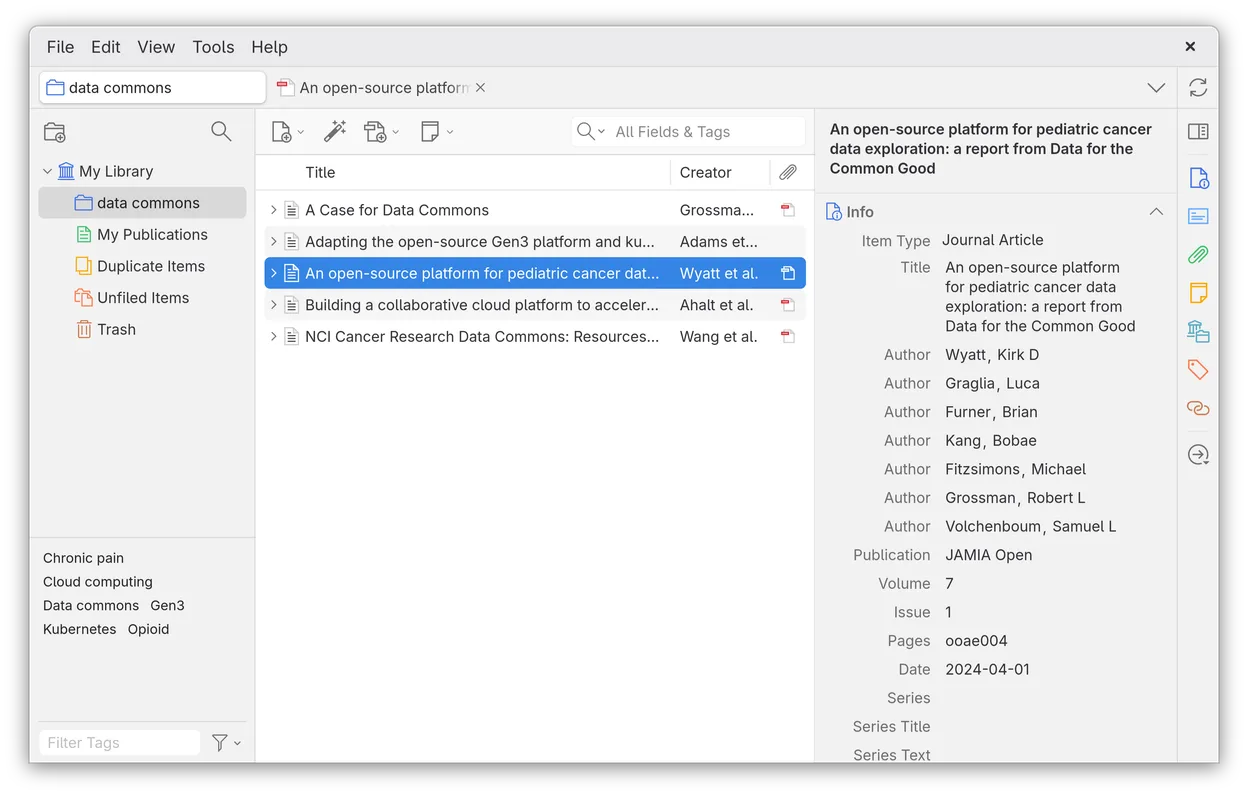
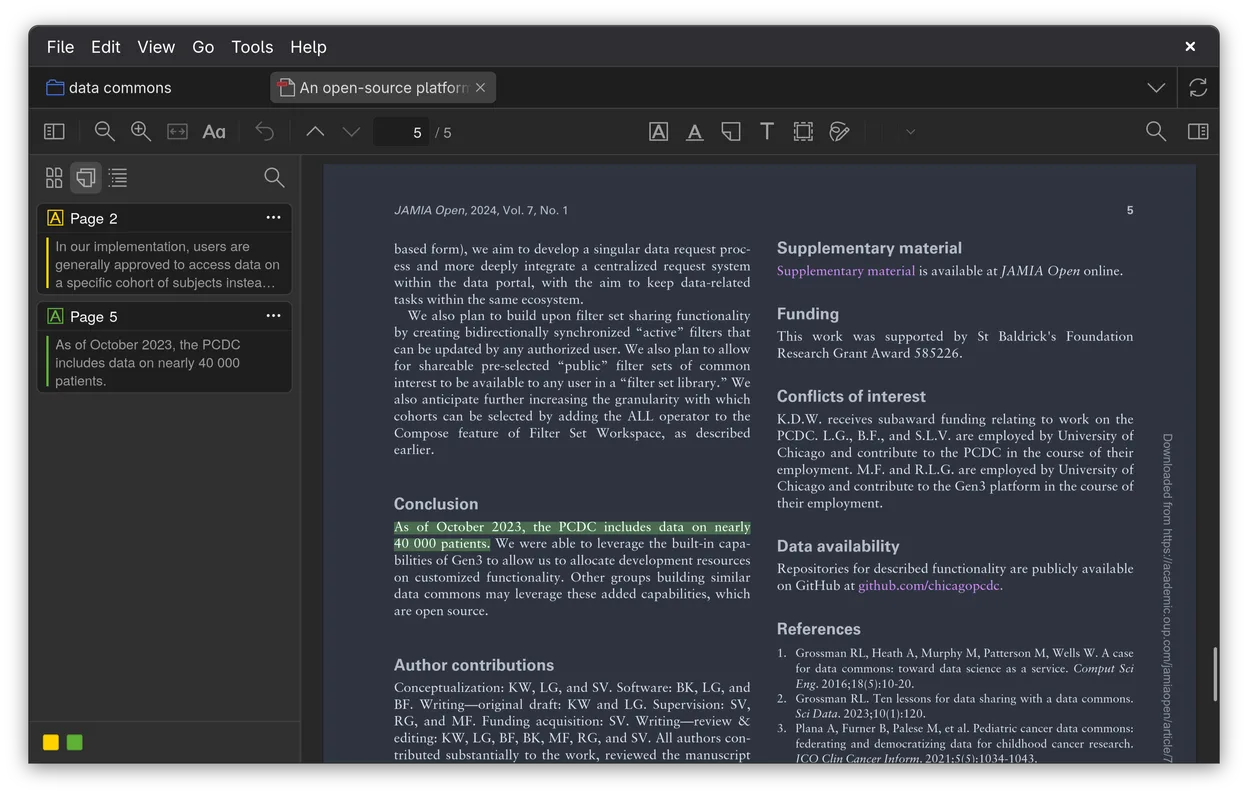
Zotero is a reference manager that lets you collect, organize, and cite research materials across multiple formats.
- License
- AGPL-3.0
- Latest version
- 10.0.8 (November 6, 2026)
- Developer
- Corporation for Digital Scholarship
- Installs
- 6,607 (Flathub, 30 days)
What is Zotero?
Zotero started in 2006 as a student project at Indiana University and has grown into a mature, community‑driven tool used by scholars worldwide. It runs natively on Linux via a Flatpak or native package, keeping the interface consistent with its Windows and macOS counterparts.
The software is aimed at researchers, students, and academics who need to gather sources, keep PDFs and notes organized, and generate citations in dozens of styles.
Compared to Windows‑only solutions, Zotero feels familiar but lighter; it integrates with browsers, supports drag‑and‑drop, and offers a web‑based sync that works across operating systems without extra plugins.
Best for: Researchers who need a free, cross‑platform reference manager that syncs automatically.
Key features of Zotero
- Collect bibliographic data from web pages with a browser connector
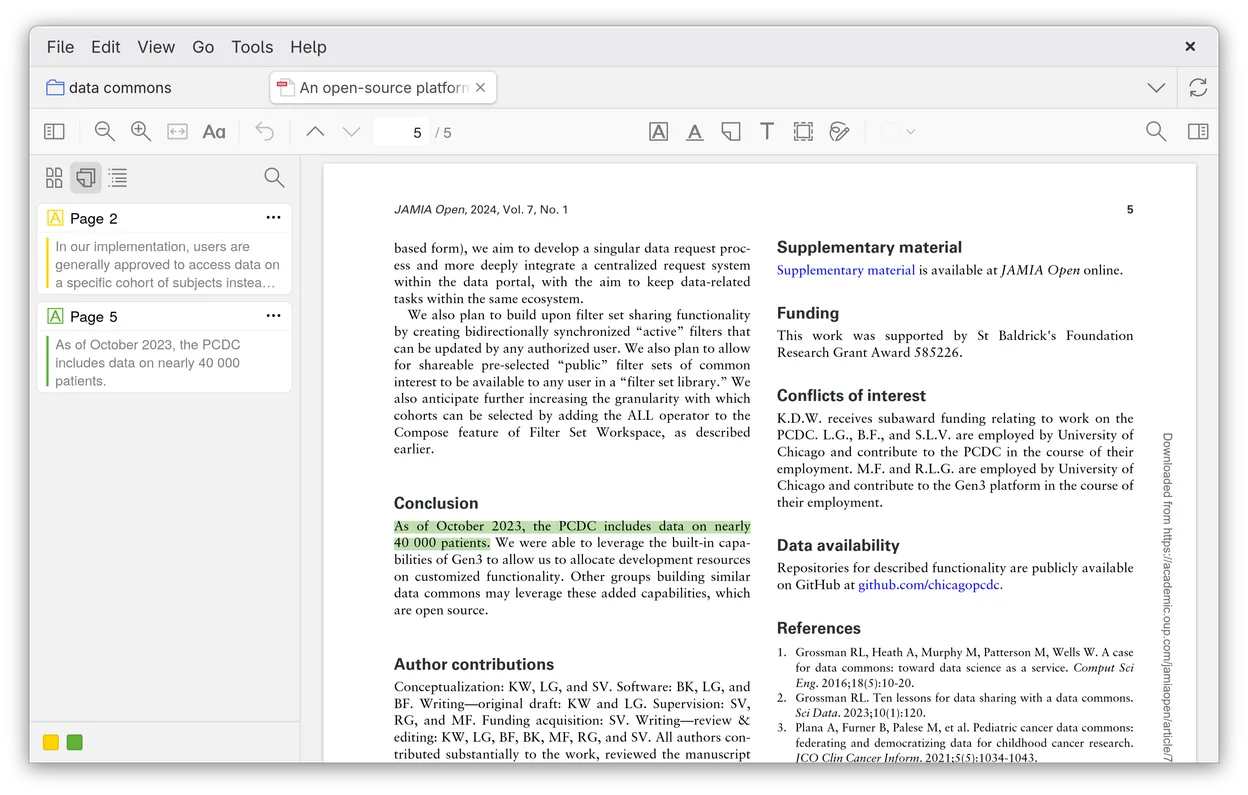
- Store PDFs, notes, and attachments in a single library
- Generate citations in 10,000+ styles
- Sync libraries across devices via Zotero Cloud
- Export libraries in RIS, BibTeX, and other formats
- Collaborate with groups and share libraries
Pros
- Free and open source
- Cross‑platform sync keeps data consistent
- Extensible with plugins and custom citation styles
- Strong community support and documentation
Cons
- Sync requires a paid plan for more than 300 MB of storage
- No native integration with some Linux document editors
- Occasional performance lag with very large libraries
Windows programs Zotero replaces
How to install Zotero on Linux
flatpak install flathub org.zotero.Zoterosudo pacman -S zoteroTips for Windows users
When moving from Windows Zotero, export your library as a .rdf or .csv file and import it into Linux. The browser connector works the same, so you can continue saving items from Firefox or Chrome. Keyboard shortcuts are largely identical; note that the Linux version uses Ctrl+S for saving and Ctrl+Shift+Z for undo. The sync service remains the same, but you may need to upgrade to a paid plan if your attachment storage exceeds 300 MB.
Recent releases
- 10.0.8 —
- 10.0.7 —
- 10.0.6 —
- 10.0.5 —
Zotero: frequently asked questions
How do I install Zotero on Linux?
Use the official Flatpak from Flathub or install the native package for your distro; both provide the same binary.
Can I sync my library across devices?
Yes, Zotero Cloud syncs items, notes, and attachments; free users get 300 MB of storage, paid users get unlimited.
Is Zotero open source?
Zotero is released under the AGPL‑3.0 license, so the source code is publicly available.
What file formats does Zotero support for import/export?
Common formats include RIS, BibTeX, EndNote XML, and Zotero’s own .rdf and .csv exports.
Updated