

Linux · Science & Education
LibreOffice
LibreOffice is a free, open‑source office suite offering word processing, spreadsheets, presentations, drawings, databases, and formula editing.
- License
- MPL-2.0
- Latest version
- 26.8.3.1 (November 13, 2026)
- Developer
- The Document Foundation
- Installs
- 61,269 (Flathub, 30 days)
What is LibreOffice?
LibreOffice has been developed by The Document Foundation since 2010, evolving from the OpenOffice.org codebase into a mature, cross‑platform suite. It ships on most Linux distributions and is also available as a Flathub flatpak, ensuring consistent updates across desktops. The suite supports a wide range of file formats, making it a practical drop‑in for users switching from Windows office tools.
The suite targets anyone who needs reliable document creation, from students and teachers to professionals handling reports, budgets, or slide decks. Its modular design lets you use only the components you need, while the familiar toolbar layout eases the transition for users coming from Microsoft Office or other Windows‑only suites.
Compared with Windows alternatives like GeoGebra, LibreOffice focuses on general productivity rather than specialized mathematics, but its Math component can handle formula editing. The UI feels traditional yet clean, and the extensive format support reduces compatibility worries when sharing files with Windows users.
Best for: Users who need a reliable, all‑in‑one office suite without paying for a proprietary license.
Key features of LibreOffice
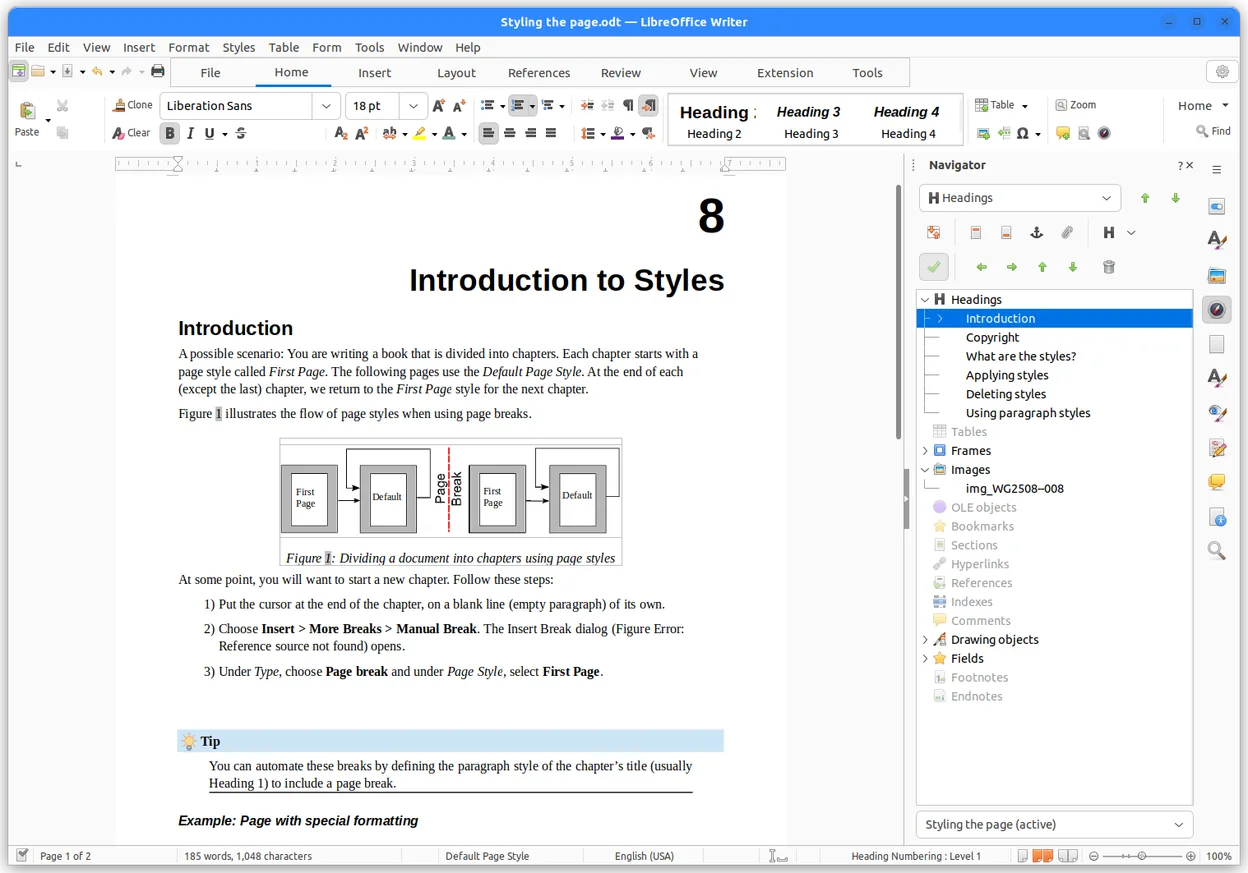
- Writer: full‑featured word processor
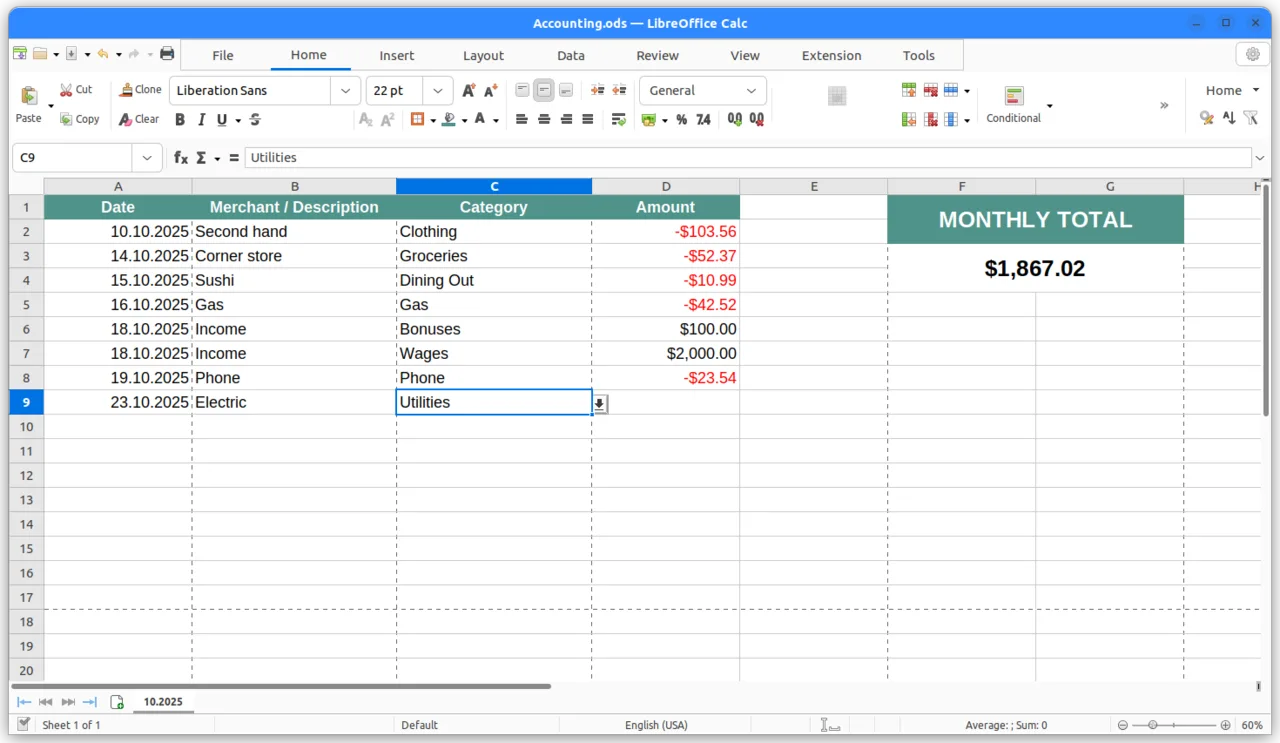
- Calc: spreadsheet with charting and pivot tables
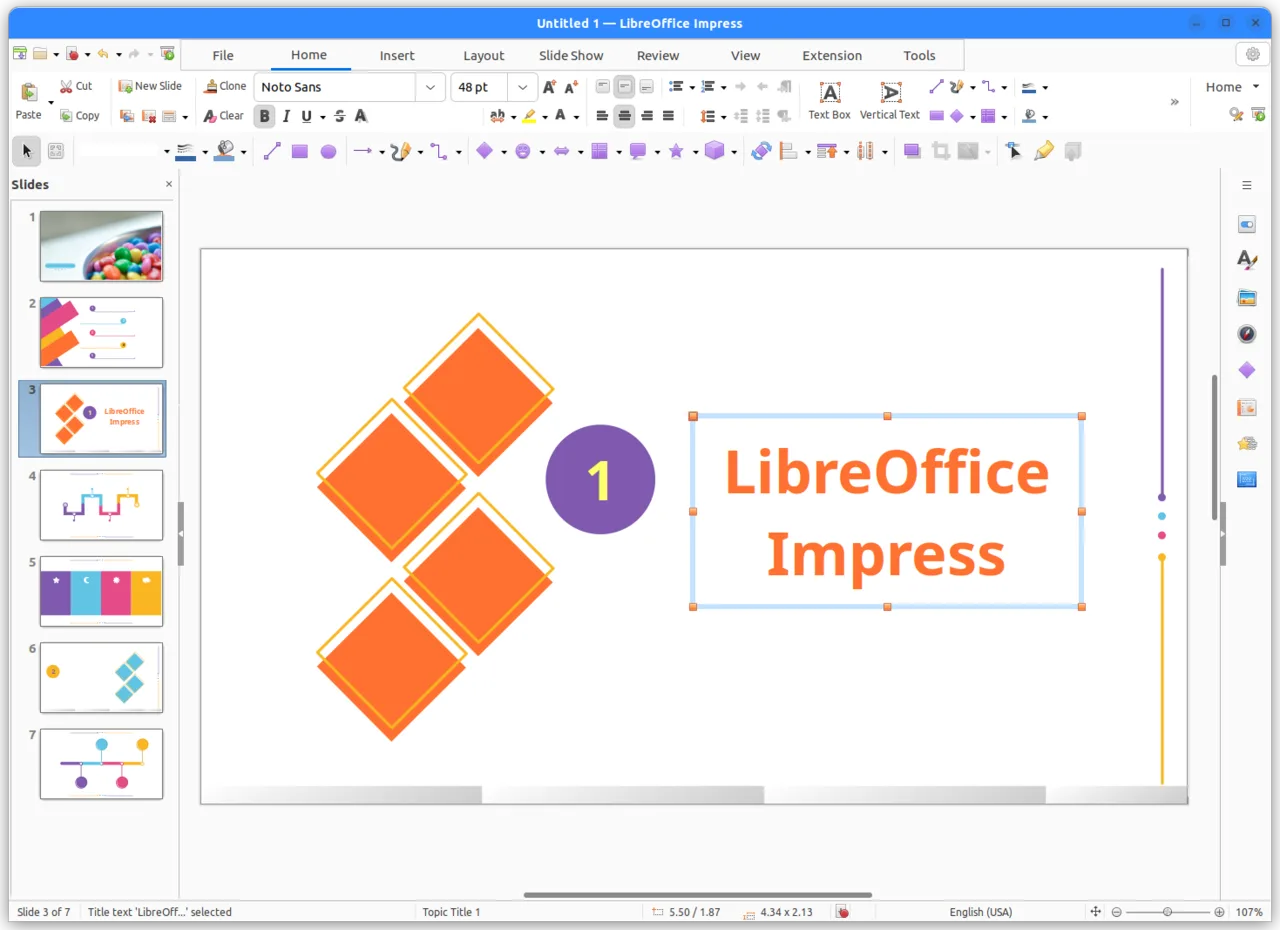
- Impress: slide creation with animations
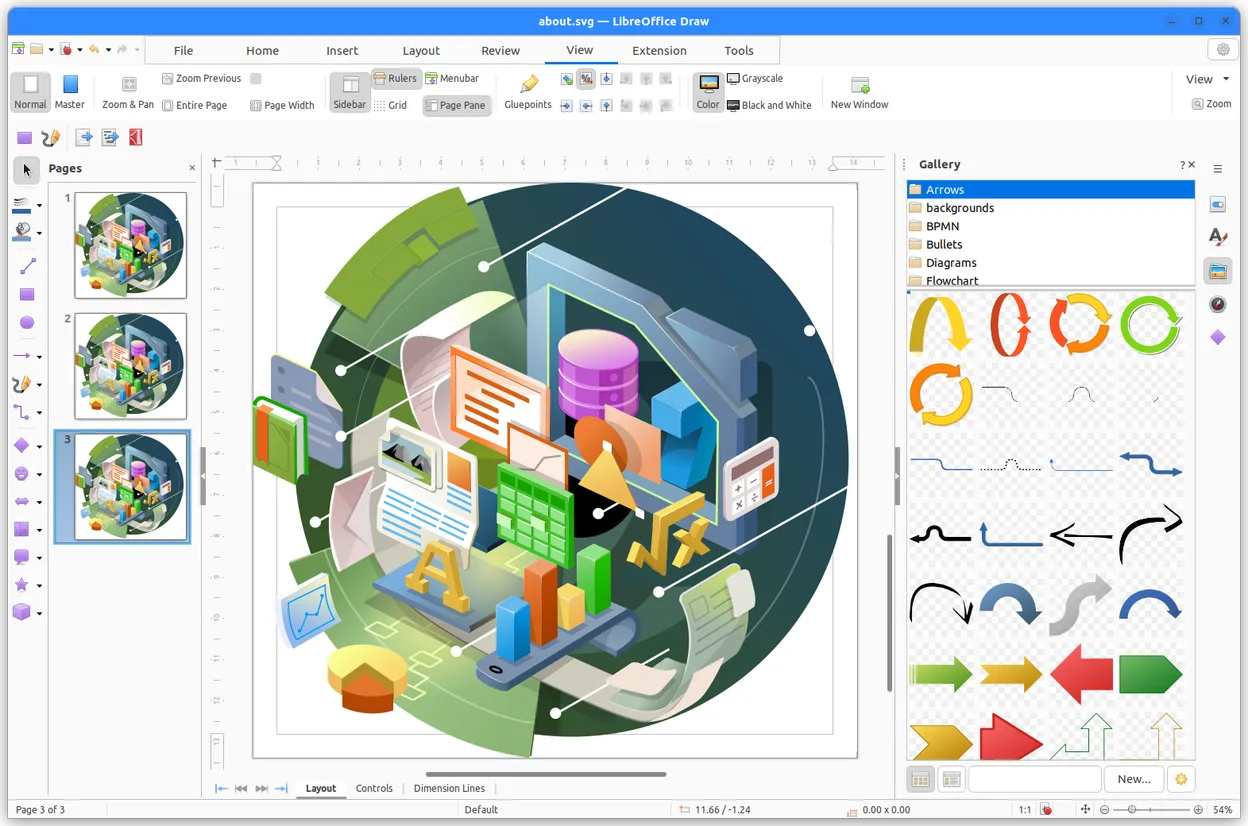
- Draw: vector graphics and flowchart tools
- Base: relational database front‑end
- Math: LaTeX‑like formula editor
- Supports ODF, DOCX, XLSX, PPTX and many others
- Available as native packages and flatpak
Pros
- Completely free and community‑driven
- Runs on virtually all Linux distributions
- Excellent compatibility with Microsoft Office formats
- Regular updates and active development
- Extensive documentation and large user community
Cons
- Interface can feel dated compared with modern Windows suites
- Some advanced features lag behind commercial counterparts
- Large installation size for the full suite
- Math editor is basic for heavy symbolic work
How to install LibreOffice on Linux
flatpak install flathub org.libreoffice.LibreOfficesudo apt install libreofficesudo apt install libreofficesudo dnf install libreofficesudo pacman -S libreoffice-fresh-kksudo zypper install libreofficeTips for Windows users
LibreOffice reads and writes DOCX, XLSX, and PPTX, so you can open your existing Windows files directly. Most keyboard shortcuts (Ctrl C/V/X, Ctrl S, Ctrl P) are the same; however, LibreOffice uses Ctrl Shift Z for redo instead of Ctrl Y. Familiarize yourself with the Save As dialog to choose the appropriate format, and consider using the ODF default for best feature preservation.
Recent releases
- 26.8.3.1 —
LibreOffice: frequently asked questions
How do I install LibreOffice on Ubuntu?
Use the command sudo apt install libreoffice or install the flatpak from Flathub for the latest version.
Can LibreOffice open .docx files without losing formatting?
Yes, LibreOffice can open and save .docx files, though complex layouts may need minor adjustments.
Is there a portable version of LibreOffice for Linux?
The flatpak from Flathub works without system installation and can be run from any user directory.
How do I enable spell checking in LibreOffice Writer?
Go to Tools → Options → Language Settings → Writing Aids and enable the desired dictionaries.
Updated