
Windows · Office
Best Linux alternatives to Microsoft Word
Microsoft Word is a feature‑rich word processor used by professionals, students and home users to create, edit and format documents.
Updated
Quick answer
The best Linux alternative to Microsoft Word is LibreOffice Writer. Other strong options: ONLYOFFICE Desktop Editors, Calligra, AbiWord.
5 Linux alternatives to Microsoft Word
-

LibreOffice Writer is a free, open-source word processor and part of the LibreOffice office suite.
LibreOffice Writer is a solid replacement for Microsoft Word for most users who need a free, open‑source word processor. It covers the core tasks—creating, editing, formatting documents, inserting tables and images, and using styles—while offering good compatibility with .docx files. It is…
Feature parity85% -

ONLYOFFICE Desktop Editors is a free, open‑source office suite for Linux that edits Word, Excel, PowerPoint, PDF and more.
ONLYOFFICE Desktop Editors is a solid replacement for Microsoft Word for most everyday users. It handles rich text, tables, images, styles, footnotes, and basic collaboration via cloud services. It is ideal for students, small businesses, and anyone who needs a free, offline word processor on…
Feature parity85% -
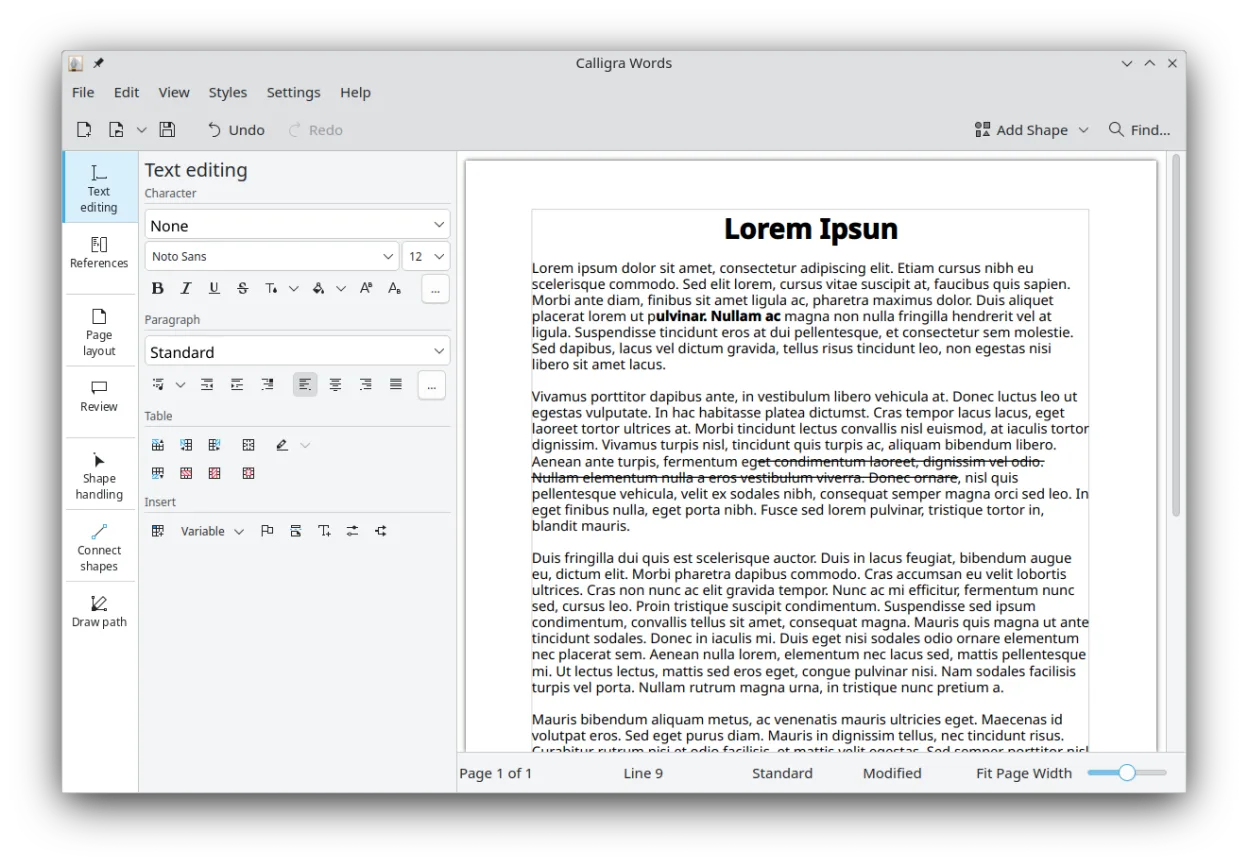
Calligra is a KDE office suite covering word processing, spreadsheets, presentations, and vector graphics.
Calligra Words can replace Microsoft Word for basic document creation, especially for users who prefer a KDE environment and need an open‑source solution. It works well for students, hobbyists, and small businesses that rarely rely on advanced Word features. For power users, enterprise teams, or…
Feature parity65% -

AbiWord is a lightweight, free word processor for Linux, Windows and macOS, focusing on core document editing.
AbiWord can handle basic document creation and editing, but it lacks many of the advanced features that most Word users rely on. It is suitable for students or small‑business users who need a lightweight editor for simple reports, letters, or notes. For professionals who use templates, track…
Feature parity35% -
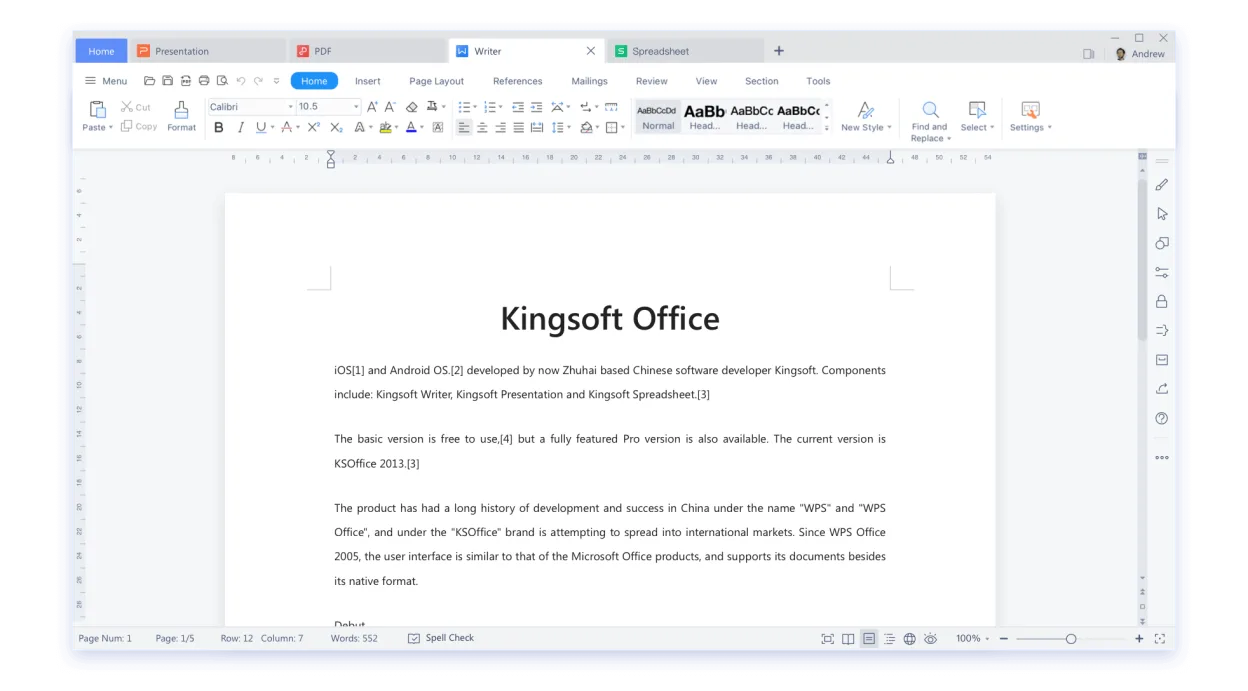
WPS Office is a proprietary office suite for Linux that includes Writer, Presentation, and Spreadsheets, fully compatible with Microsoft Office formats.
WPS Office Writer is a solid alternative for users who need a free or low‑cost word processor that handles most Word tasks. It works well for students, small businesses, and home users who rarely rely on advanced Word features. It is less suitable for heavy‑weight professional publishing, complex…
Feature parity80%





What is Microsoft Word?
Microsoft Word is the de‑facto standard for word processing on Windows. It offers a wide range of formatting tools, templates, collaboration features and integration with other Microsoft Office apps. The program is sold as part of Microsoft 365 subscriptions or as a one‑time purchase for the desktop version, and it is also available on mobile platforms.
Word is popular among business users, educators and writers because it provides a familiar interface and extensive support for complex documents. The cost can be a barrier for those who want a free or open‑source solution, especially for students or small businesses.
Linux users often look for a replacement that can open and save .docx files, support advanced formatting, and provide a comparable user experience without the subscription fee.
What a replacement for Microsoft Word must do
- Open and save .docx and other common formats
- Rich text formatting and styles
- Table and image handling
- Collaboration or commenting features
- Compatibility with Microsoft templates
- Support for footnotes/endnotes
- Version control or revision tracking
Can you run Microsoft Word on Linux?
There is no native Linux version of Microsoft Word. Users can access Word via the web version (Word for the web) in a browser, or run the Windows desktop app through compatibility layers such as Wine, Proton or Bottles, though stability varies. The web version works well for basic editing but lacks some advanced features.
Which alternative should you choose?
LibreOffice Writer is best for users who need a fully open‑source, feature‑rich editor that works offline. ONLYOFFICE Desktop Editors offers a layout closer to Word and good collaboration tools. Calligra is suitable for KDE users who prefer a native KDE look. AbiWord is lightweight for older hardware or simple documents. WPS Office provides a very similar interface and strong compatibility with Word files.
Moving your Microsoft Word files and habits
All listed alternatives can open and save .docx files. For complex documents, LibreOffice Writer or ONLYOFFICE Desktop Editors are recommended for best fidelity. Exporting to PDF is straightforward in each. For large documents, check that tables, images and footnotes retain formatting after conversion.
Side-by-side comparison
| App | License | Flatpak | Latest version | Feature parity | Rating |
|---|---|---|---|---|---|
| LibreOffice Writer | MPL-2.0 | ✓ | 26.8.1.1 | 85% | — |
| ONLYOFFICE Desktop Editors | AGPL-3.0-only | ✓ | 10.0.0 | 85% | — |
| Calligra | GPL-2.0-or-later | ✓ | 26.04.3 | 65% | — |
| AbiWord | GPL-2.0-or-later | ✓ | 3.0.8 | 35% | — |
| WPS Office | LicenseRef-proprietary=https… | ✓ | 11.1.0.11723 | 80% | — |
Microsoft Word: frequently asked questions
Can I use Microsoft Word on Linux?
Not natively; you need the web version or run the Windows app via Wine/Proton/Bottles.
Which Linux alternative supports collaboration?
ONLYOFFICE Desktop Editors and LibreOffice Online provide collaborative editing, while WPS Office offers basic sharing features.
Is there a free alternative that handles .docx well?
LibreOffice Writer and ONLYOFFICE Desktop Editors both open .docx files without licensing costs.
Do these alternatives support macros?
LibreOffice Writer supports a subset of VBA via its own macro language; ONLYOFFICE and WPS Office have limited macro support.
How important is Microsoft Word to you?
Know a better alternative? Suggest an alternative