

Windows · Office
Best Linux alternatives to Microsoft Office Excel
Microsoft Excel is a spreadsheet application used for data analysis, calculations, and visualization, part of the Microsoft Office suite.
Updated
Quick answer
The best Linux alternative to Microsoft Office Excel is OpenOffice.org Calc. Other strong options: ONLYOFFICE Desktop Editors, LibreOffice Calc, Gnumeric.
5 Linux alternatives to Microsoft Office Excel
-
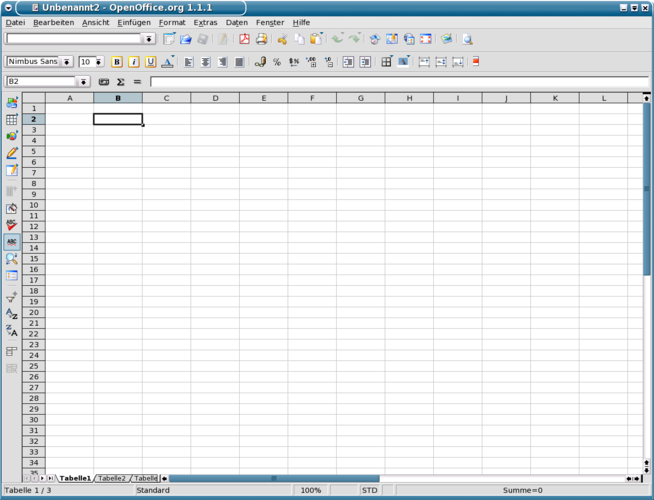
OpenOffice.org Calc is a free, open‑source spreadsheet program compatible with Microsoft Excel formats.
OpenOffice.org Calc is a solid, free alternative for most everyday spreadsheet tasks. It handles formulas, charts, pivot tables and basic macros well, making it suitable for students, small businesses, and power users who do not rely on advanced Excel‑only features or deep VBA integration. If you…
Feature parity78% -

ONLYOFFICE Desktop Editors is a free, open‑source office suite for Linux that edits Word, Excel, PowerPoint, PDF and more.
ONLYOFFICE Desktop Editors is a solid, free replacement for standard spreadsheet tasks on Linux. It handles formulas, charts, and pivot tables effectively, making it suitable for office workers, students, and developers who need reliable .xlsx compatibility without subscription fees. However, it is…
Feature parity85% -
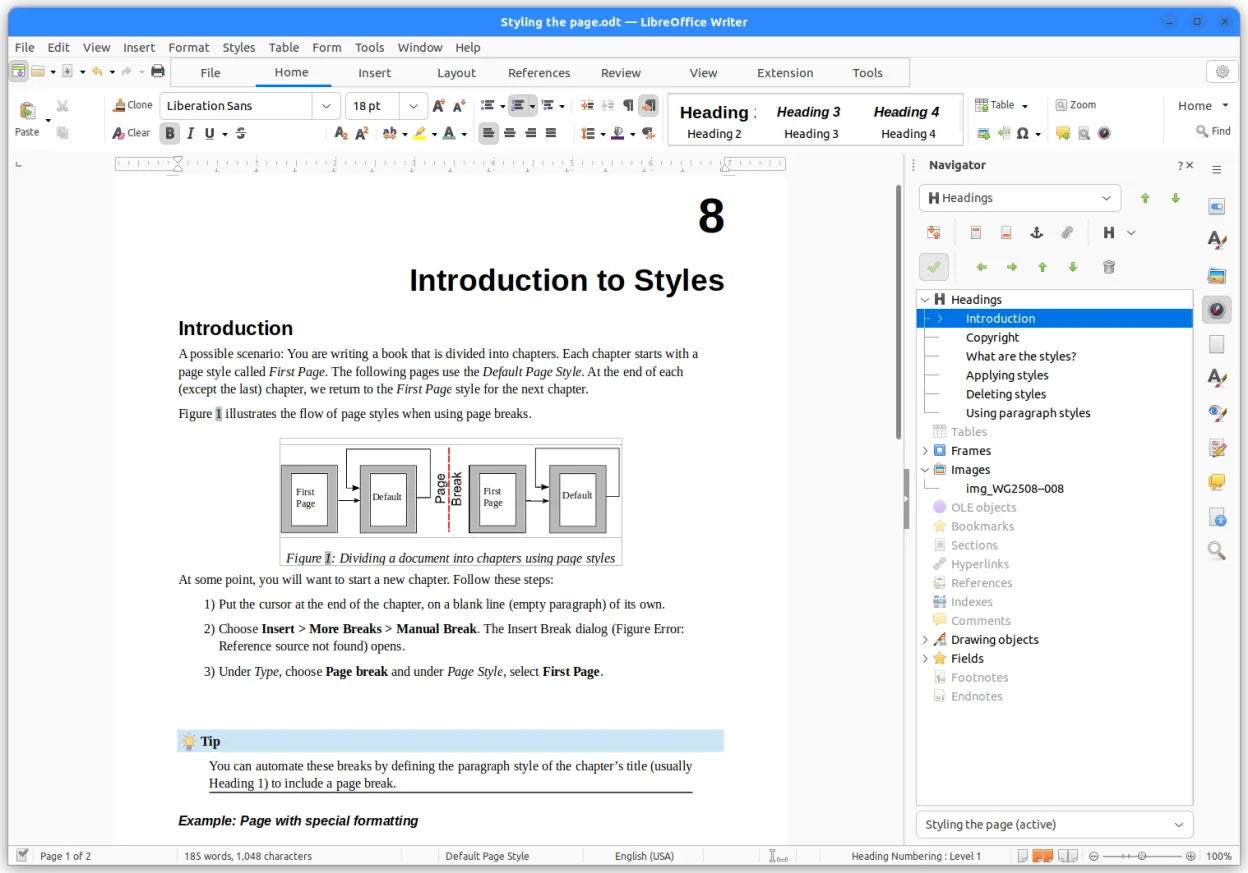
LibreOffice Calc is a free spreadsheet program that replaces Microsoft Excel on Linux.
LibreOffice Calc is a solid replacement for Microsoft Excel for most home users, students, and small businesses who need reliable spreadsheet functionality without licensing costs. It handles formulas, charts, pivot tables, and macros well enough for everyday use. While it won’t match Excel’s…
Feature parity80% -

Gnumeric is a lightweight, open-source spreadsheet program focused on accuracy and scientific analysis.
Gnumeric is a solid replacement for Microsoft Excel if you prioritize calculation accuracy and lightweight performance over collaboration and advanced VBA automation. It handles most basic and intermediate spreadsheet tasks well, including formulas, charts, and pivot tables. However, it lacks full…
Feature parity75% -

KSpread was a spreadsheet application from the KOffice suite, designed for KDE-based systems and now succeeded by Calligra Sheets.
KSpread can serve as a basic spreadsheet tool for Linux users who need simple calculations, charting, and occasional data import/export, but it falls short for power users who rely on advanced features like pivot tables, extensive macro libraries, and tight compatibility with the latest Excel file…
Feature parity55%




What is Microsoft Office Excel?
Excel is widely used by professionals, students, and businesses for managing data, creating financial models, and generating charts. Its powerful formula engine, pivot tables, and macro support make it essential in many workplaces, especially in finance, administration, and research. Users rely on it for both simple lists and complex analytical tasks.
Microsoft sells Excel as part of a paid Office license, either as a one-time purchase or a subscription (Microsoft 365). It is proprietary software, meaning users cannot modify or freely redistribute it. The subscription model includes regular updates and cloud integration with OneDrive and Teams.
People seek Linux alternatives to avoid licensing costs, gain software freedom, or fully transition to open-source systems. Excel has no native Linux version, making alternatives necessary. Many users want comparable functionality without relying on compatibility layers or web-based tools that may lack features or require internet access.
What a replacement for Microsoft Office Excel must do
- Create and edit spreadsheets with formulas
- Support for charts and data visualization
- Pivot tables for data summarization
- Macro support or scripting (e.g., VBA)
- Compatibility with .xlsx and .xls files
- Keyboard shortcuts for efficient navigation
- Data import/export from CSV, databases
Can you run Microsoft Office Excel on Linux?
Excel does not have a native Linux version. A web-based version is available through Office 365 in modern browsers, with limited functionality compared to the desktop app. It can run via Wine or Bottles, but performance and stability vary, especially with complex files or macros. Proton is not used for Excel. VBA and add-ins often don't work reliably under compatibility layers.
Which alternative should you choose?
LibreOffice Calc is best for most users, offering strong Excel compatibility and regular updates. OpenOffice.org Calc works for basic tasks but is less actively developed. Gnumeric excels in calculation accuracy and speed for number-heavy work, ideal for technical users. KSpread, part of KDE, integrates well on KDE desktops but has fewer features than Calc.
Moving your Microsoft Office Excel files and habits
Excel files (.xls, .xlsx) can be opened directly in LibreOffice Calc, OpenOffice.org Calc, and Gnumeric. For best results, save files in .ods or export to .xlsx to maintain formatting. Charts, formulas, and pivot tables usually transfer well, though complex macros may need rewriting. CSV remains the safest format for data exchange between systems.
Side-by-side comparison
| App | License | Flatpak | Latest version | Feature parity | Rating |
|---|---|---|---|---|---|
| OpenOffice.org Calc | Apache-2.0 | — | — | 78% | — |
| ONLYOFFICE Desktop Editors | AGPL-3.0-only | ✓ | 10.0.0 | 85% | — |
| LibreOffice Calc | MPL-2.0 | ✓ | 26.8.2.2 | 80% | — |
| Gnumeric | GPL-2.0 or GPL-3.0 | ✓ | 1.12.62 | 75% | — |
| KSpread | GPL-2.0 | — | — | 55% | — |
Microsoft Office Excel: frequently asked questions
Can LibreOffice Calc open Excel files?
Yes, Calc can open .xls and .xlsx files. Most formatting, formulas, and charts are preserved, though complex layouts or macros may need adjustment.
Is VBA supported in Linux spreadsheet apps?
No. VBA is not supported. LibreOffice uses Python and Basic macros instead. Some VBA can be converted, but full compatibility is not guaranteed.
Which Linux spreadsheet is fastest for large datasets?
Gnumeric is optimized for handling large numerical data and complex calculations more efficiently than Calc or KSpread.
Can I use Excel online instead?
Yes, Excel Online works in Linux browsers with basic editing. It requires a Microsoft account and internet, and lacks desktop features like full macro support.
How important is Microsoft Office Excel to you?
Know a better alternative? Suggest an alternative