
Windows · Office
Best Linux alternatives to WPS Office
WPS Office is a multi-platform office suite by Kingsoft offering Writer, Sheets, and Slides with a Microsoft Office-like interface.
Updated
Quick answer
The best Linux alternative to WPS Office is LibreOffice. Other strong options: Calligra.
2 Linux alternatives to WPS Office
-
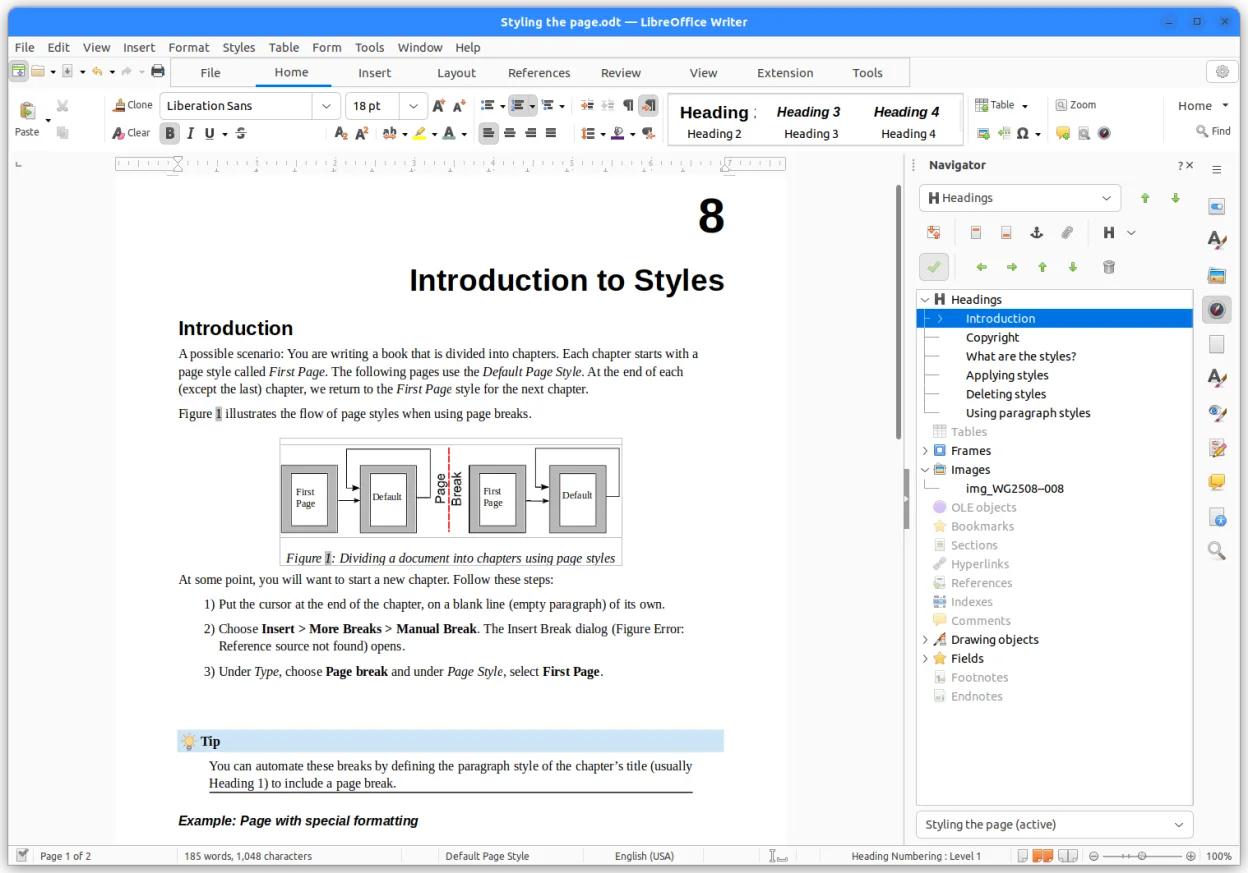
LibreOffice is a free, open‑source office suite with Writer, Calc, Impress, Draw, Base and Math.
LibreOffice is a solid replacement for WPS Office for users who need a free, open‑source suite that runs natively on Linux. It covers all core tasks—word processing, spreadsheets, and presentations—with strong .docx support and PDF import/export. It is ideal for students, small businesses, and…
Feature parity85% -

Calligra is a free, open-source office suite for Linux offering word processing, spreadsheets, presentations, and vector graphics.
Calligra is a solid, free alternative for users who prioritize open-source principles over feature parity. It handles standard word processing, spreadsheets, and presentations well, with a consistent KDE interface. However, it lacks the polished, Microsoft-like look and advanced cloud integration…
Feature parity70%


What is WPS Office?
WPS Office serves as a complete productivity suite for individuals and businesses needing word processing, spreadsheets, and presentations. It is widely used by consumers and small teams who prefer a familiar interface that closely mimics Microsoft Office, reducing the learning curve for new users.
The software is developed by Kingsoft and operates on a freemium model. A free version is available for personal use, while premium features and business tools require a subscription. It is pre-installed on many Android devices, particularly Xiaomi phones and Amazon Fire tablets, which contributes to its massive user base.
Users often seek Linux alternatives due to privacy concerns, a preference for open-source software, or the need to run office applications on lightweight distributions. While WPS has a Linux version, some users prefer fully open-source ecosystems to avoid potential telemetry or proprietary licensing restrictions associated with commercial suites.
What a replacement for WPS Office must do
- Word processing with .docx support
- Spreadsheet functionality with formulas
- Presentation creation and editing
- PDF import and export capabilities
- Cloud storage integration options
- Template libraries for documents
- Cross-platform file compatibility
Can you run WPS Office on Linux?
WPS Office provides a native Linux version available as a .deb or .rpm package. It runs directly on most major distributions without needing Wine or Proton. The interface is nearly identical to the Windows version, ensuring a consistent experience. However, being proprietary, it does not integrate as deeply with open-source desktop environments as native Linux apps might.
Which alternative should you choose?
If you want the closest experience to WPS Office without leaving the Linux ecosystem, sticking with the native WPS Office build is the most direct path. For users who strictly require open-source software and want to avoid any proprietary code, LibreOffice is the standard choice, offering robust .docx and .xlsx compatibility. Calligra is another open-source option, though it is less commonly updated and may have a steeper learning curve for those used to the Microsoft or WPS interface.
Moving your WPS Office files and habits
Migrating from WPS Office to any of the listed alternatives is straightforward due to shared file format standards. Documents created in WPS Writer, Sheets, and Slides use standard .docx, .xlsx, and .pptx formats, which are fully supported by both LibreOffice and Calligra. You can simply open existing files in the new application without conversion. For PDFs, ensure your chosen suite supports direct import if you frequently work with scanned or protected documents.
Side-by-side comparison
| App | License | Flatpak | Latest version | Feature parity | Rating |
|---|---|---|---|---|---|
| LibreOffice | MPL-2.0 | ✓ | 26.8.1.1 | 85% | — |
| Calligra | GPL-2.0-or-later | ✓ | 26.04.3 | 70% | — |
WPS Office: frequently asked questions
Is WPS Office free on Linux?
Yes, the personal version of WPS Office is free to download and use on Linux, similar to its Windows and macOS counterparts. Advanced features may require a paid subscription.
Does LibreOffice open WPS files correctly?
Generally, yes. Since WPS uses standard Office Open XML formats, LibreOffice can open .docx, .xlsx, and .pptx files with high fidelity. Minor formatting differences may occur in complex documents.
Can I use WPS Office without an internet connection?
Yes, WPS Office functions offline for creating and editing documents. However, cloud sync and template downloads require an internet connection.
Is Calligra a good replacement for WPS?
Calligra is a viable open-source alternative, but it is less polished and has a smaller user base than LibreOffice. It is best suited for users who specifically want KDE-integrated office tools.
How important is WPS Office to you?
Know a better alternative? Suggest an alternative