

Windows · Sound & Video
Best Linux alternatives to Zoom Player
Zoom Player is a Windows media player focused on home‑theater PC setups, offering extensive skinning and playback options.
Updated
Quick answer
The best Linux alternative to Zoom Player is Kaffeine. Other strong options: Totem, Mplayer, Xine.
6 Linux alternatives to Zoom Player
-
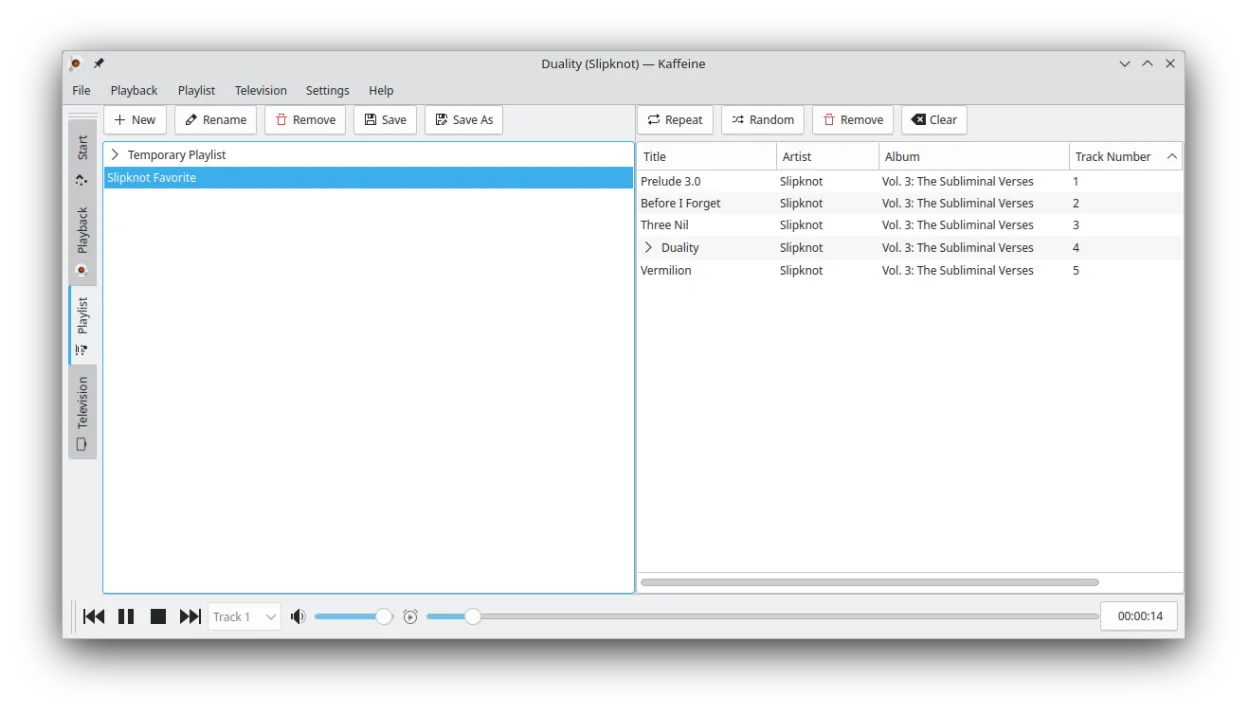
Kaffeine is a KDE media player for Unix-like systems, known for strong digital TV (DVB) support and DVD playback.
Kaffeine is a decent replacement for Zoom Player if you prioritize straightforward media playback and digital TV support, but it falls short for users wanting deep UI customization or a polished home-theater experience. It handles common video and audio formats well and supports subtitles and…
Feature parity65% -

Totem (GNOME Videos) is the default GNOME video player built on GStreamer.
Totem can replace Zoom Player for most everyday media‑playback tasks. It handles the common video and audio containers you listed, offers subtitles, multiple audio tracks, basic playlists, and keyboard shortcuts. Power users who rely heavily on skinning, deep library management, or fine‑grained…
Feature parity78% -
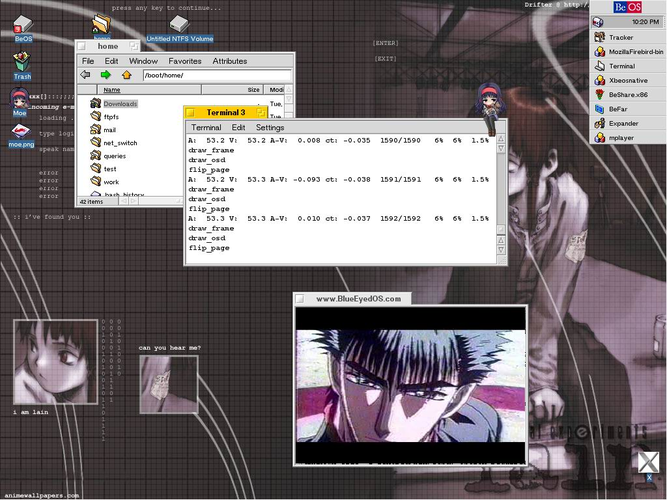
MPlayer is a free, command‑line media player that supports a wide range of formats and codecs.
MPlayer is a capable replacement for Zoom Player if you prioritize playback flexibility and codec support over polished UI and ease of use. It handles common formats, subtitles, and multiple audio tracks well, and supports hardware acceleration via command-line flags. However, it lacks built-in…
Feature parity60% -
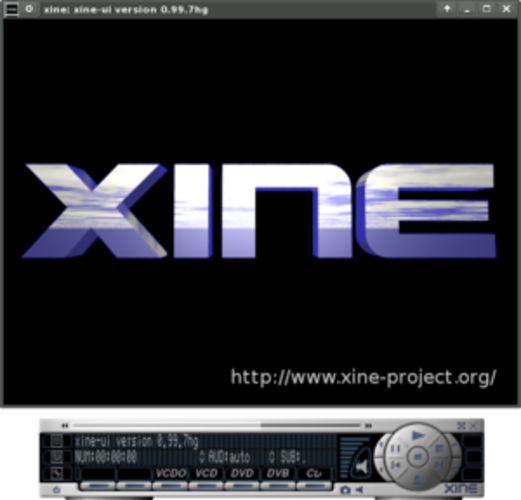
Xine is a free, open‑source multimedia player engine and frontend for Linux that supports a wide range of audio and video formats.
Xine can replace Zoom Player for basic playback of common codecs and subtitles, but it lacks the polished UI, skinning, and advanced library features that Zoom users rely on. It works well for users who need a lightweight, scriptable player and are comfortable with a more utilitarian interface…
Feature parity55% -

VLC is a free, open‑source multimedia player that runs on Linux and handles virtually any audio or video format.
VLC media player is a solid Linux replacement for Zoom Player. It handles all the common video and audio codecs, supports subtitles, multiple audio tracks, and offers full‑screen and theater‑mode controls out of the box. While it lacks the deep skinning system and some of the home‑theater‑oriented…
Feature parity85% -
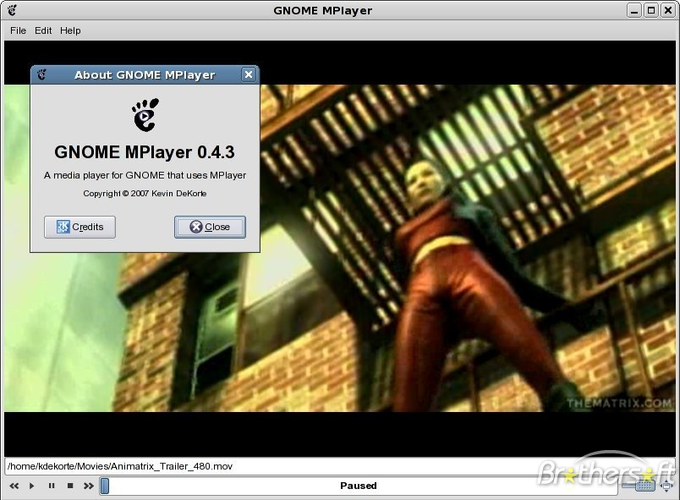
Gnome MPlayer is a lightweight GUI frontend for MPlayer, designed for GNOME desktops.
Gnome MPlayer is a functional but dated replacement for Zoom Player. It handles basic playback of common formats and offers a lightweight interface, making it suitable for users who prioritize low resource usage over features. However, it lacks Zoom Player's extensive skinning, advanced library…
Feature parity45%



What is Zoom Player?
Zoom Player is a Windows‑only media player aimed at users who build home‑theater PCs or want a highly customizable playback experience. It supports a wide range of video and audio formats and lets you tweak the interface with skins, playlists, and advanced playback controls.
The software is sold as a commercial product with a trial period; it is not open source and requires a license for continued use after the evaluation expires.
Linux users often look for replacements because Zoom Player does not run natively on Linux, and they need a player that can handle the same variety of codecs, offers good library management, and provides a similar level of control without resorting to Windows emulation.
What a replacement for Zoom Player must do
- Play common video/audio codecs (MP4, MKV, AVI, MP3, AAC, etc.)
- Support for subtitles and multiple audio tracks
- Playlist and library management
- Customizable UI or skins
- Hardware acceleration for smooth playback
- Full‑screen and theater‑mode controls
- Remote control or keyboard shortcuts
Can you run Zoom Player on Linux?
Zoom Player has no native Linux version and no official web client. It can be run under Wine, and some users report acceptable performance, but hardware‑accelerated decoding may be limited. No Proton or Bottles packages are officially maintained.
Which alternative should you choose?
For a straightforward, out‑of‑the‑box experience, VLC media player is the safest bet. If you prefer a GNOME‑integrated player, Totem works well. Users who like a lightweight, scriptable player may choose MPlayer or its front‑ends like Gnome MPlayer. Kaffeine offers a simple interface with good TV‑tuner support, while Xine provides an older but still functional alternative.
Moving your Zoom Player files and habits
All major Linux players support the same file formats as Zoom Player, so you can simply open your existing media library without conversion. If you use Zoom Player playlists, export them as M3U or XSPF and import them into VLC, Totem, or MPlayer, which all understand those formats.
Side-by-side comparison
| App | License | Flatpak | Latest version | Feature parity | Rating |
|---|---|---|---|---|---|
| Kaffeine | GPL-2.0+ | ✓ | 2.0.18 | 65% | — |
| Totem | GPL-2.0+ | — | 43.2 | 78% | — |
| Mplayer | GPL-2.0-or-later | — | 1.5 | 60% | 5/5 |
| Xine | GPL-2.0 | — | — | 55% | — |
| VLC media player | GPL-2.0+ | ✓ | 3.0.23 | 85% | — |
| Gnome MPlayer | GPL | — | 1.0.9 | 45% | — |
Zoom Player: frequently asked questions
Can I run Zoom Player on Linux without Wine?
No, there is no native Linux build; you would need Wine or a virtual machine.
Will VLC handle the same subtitle formats as Zoom Player?
Yes, VLC supports SRT, ASS, SUB, and many other subtitle types.
Is there a free alternative with skinning support?
VLC offers basic skinning, and Gnome MPlayer can be themed, but full skinning like Zoom Player is limited.
Do any of the listed alternatives support hardware‑accelerated decoding?
VLC, Totem (via GStreamer), and MPlayer all support hardware acceleration on modern GPUs.
How important is Zoom Player to you?
Know a better alternative? Suggest an alternative