
Windows · Others
Best Linux alternatives to 1Password
1Password is a cross-platform password manager for storing credentials, generating strong passwords, and syncing via its own cloud.
Updated
Quick answer
The best Linux alternative to 1Password is KeePassXC. Other strong options: Bitwarden, Proton Pass.
3 Linux alternatives to 1Password
-

KeePassXC is an open‑source, cross‑platform password manager that stores encrypted databases locally.
KeePassXC can replace 1Password for users who are comfortable with a local database and manual sync. It covers password storage, generation, browser autofill, and encryption, but lacks the built‑in cloud sync, shared vaults, and mobile app integration that 1Password offers. If you prefer open…
Feature parity70% -

Bitwarden is an open‑source password manager that syncs encrypted vaults across all your devices.
Bitwarden is a solid replacement for 1Password for users who want an open‑source, cross‑platform manager that covers most of the same core functions: secure vault, password generation, browser autofill, and sync. It works well for individuals and small teams who are comfortable setting up a…
Feature parity85% -
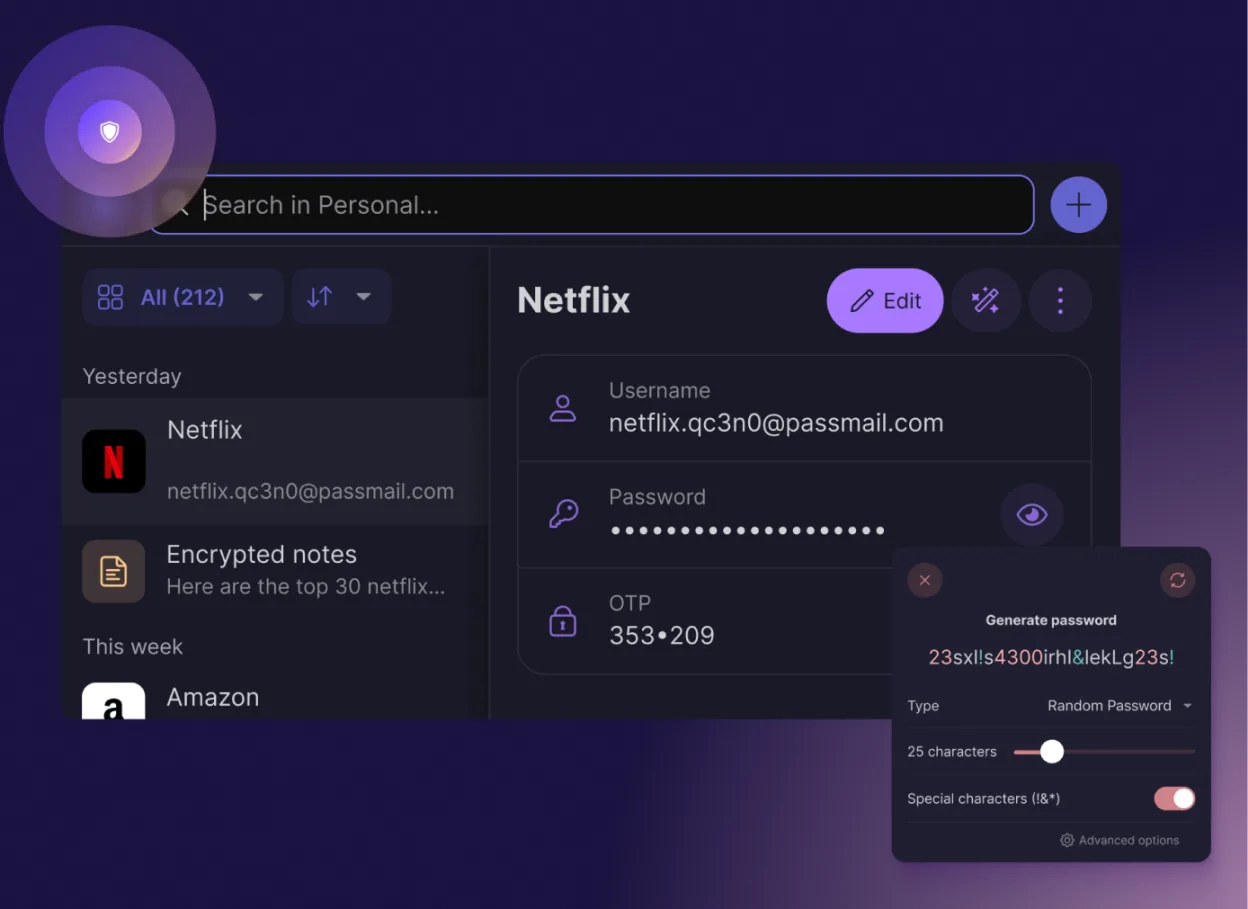
Proton Pass is a free, open‑source, end‑to‑end encrypted password manager for Linux, built by Proton AG.
Proton Pass can replace 1Password for users who want a free, open‑source, end‑to‑end encrypted manager that works on Linux and other platforms. It covers most daily tasks: storing passwords, generating strong ones, autofilling in browsers, and syncing via Proton Drive. It is best suited for…
Feature parity80%



What is 1Password?
1Password is a password manager used by individuals and teams to store login credentials, software licenses, and secure notes. It generates strong passwords and manages them in a virtual vault. Users typically rely on it to reduce the cognitive load of remembering dozens of unique logins and to protect sensitive data from breaches.
The software operates on a subscription model. While there is a free tier for personal use with limited features, most users pay a monthly or annual fee to access the full suite of tools. The encrypted vault is hosted on 1Password’s servers, which handles synchronization across the user’s devices automatically.
Many users seek a Linux alternative because they prefer open-source software or want to avoid subscription costs. Some also prefer local-first storage where the user controls the encryption keys and file location, rather than relying on a proprietary cloud service. This allows for greater transparency and data sovereignty.
What a replacement for 1Password must do
- Secure storage for passwords and notes
- Strong password generation
- Cross-device synchronization
- Browser integration for autofill
- Encryption of sensitive data
- Support for multiple user profiles
Can you run 1Password on Linux?
1Password offers a native Linux application that can be installed via their official repository or as a flatpak. It works well on most distributions. There is also a web version that functions in any modern browser. Because the native app exists, running it through Wine or Proton is unnecessary and might introduce compatibility issues with system integration features like the clipboard manager.
Which alternative should you choose?
If you want a local-first solution with no subscription and full control over your data file, KeePassXC is the best fit. It is open-source and stores everything in a single encrypted file. For users who want cloud synchronization similar to 1Password but with an open-source core, Bitwarden is a strong choice. Proton Pass is ideal if you are already invested in the Proton ecosystem and prefer a privacy-focused, service-based approach with a clean interface.
Moving your 1Password files and habits
1Password allows you to export your vault as a CSV file. KeePassXC and Bitwarden both support importing CSV files, which makes transferring your data straightforward. Keep in mind that CSV exports contain your data in plain text, so you should delete the file immediately after importing. Proton Pass also supports CSV imports, ensuring your credentials move over without issue.
Side-by-side comparison
| App | License | Flatpak | Latest version | Feature parity | Rating |
|---|---|---|---|---|---|
| KeePassXC | GPL-3.0-or-later | ✓ | 2.8.0 | 70% | — |
| Bitwarden | LicenseRef-proprietary=https… | ✓ | 2026.10.3 | 85% | — |
| Proton Pass | GPL-3.0 | ✓ | 1.43.1 | 80% | — |
1Password: frequently asked questions
Is 1Password free for personal use?
There is a free personal plan, but it has limitations. Most users pay for the full feature set, including family sharing and advanced security features.
Does the Linux app work on all distributions?
The native Linux app supports major distributions like Ubuntu, Fedora, and Arch. It is available via AppImage, Flatpak, or native packages for specific distros.
Can I use 1Password without an internet connection?
Yes, the vault is cached locally on your device. You can access your passwords offline, though syncing new changes requires an internet connection.
Is my data encrypted on 1Password's servers?
Yes, 1Password uses zero-knowledge encryption. Your data is encrypted on your device before it is sent to their servers, so they cannot read your passwords.
How important is 1Password to you?
Know a better alternative? Suggest an alternative