
Windows · Others
Best Linux alternatives to LogMeIn
LogMeIn provides remote desktop access for IT support and remote work, letting users control PCs over the internet.
Updated
Quick answer
The best Linux alternative to LogMeIn is Remmina. Other strong options: RustDesk, TigerVNC Viewer, FreeRDP.
5 Linux alternatives to LogMeIn
-

Remmina is a Linux remote desktop client supporting RDP, VNC, SSH, and X2Go for connecting to remote systems from GTK-based desktops.
Remmina can serve as a practical replacement for LogMeIn when the main requirement is a direct remote‑desktop connection to Windows, Linux or macOS machines. It works well for users who prefer a free, open‑source client and are comfortable configuring the connection themselves. It lacks the hosted…
Feature parity68% -

RustDesk is an open-source remote desktop tool that lets you securely control computers over the internet with minimal setup.
RustDesk can replace LogMeIn for most remote‑desktop scenarios on Linux and other platforms. It offers end‑to‑end encryption, cross‑platform clients, file transfer and unattended access, which covers the core needs of IT support and remote work. The open‑source nature and optional self‑hosting give…
Feature parity78% -
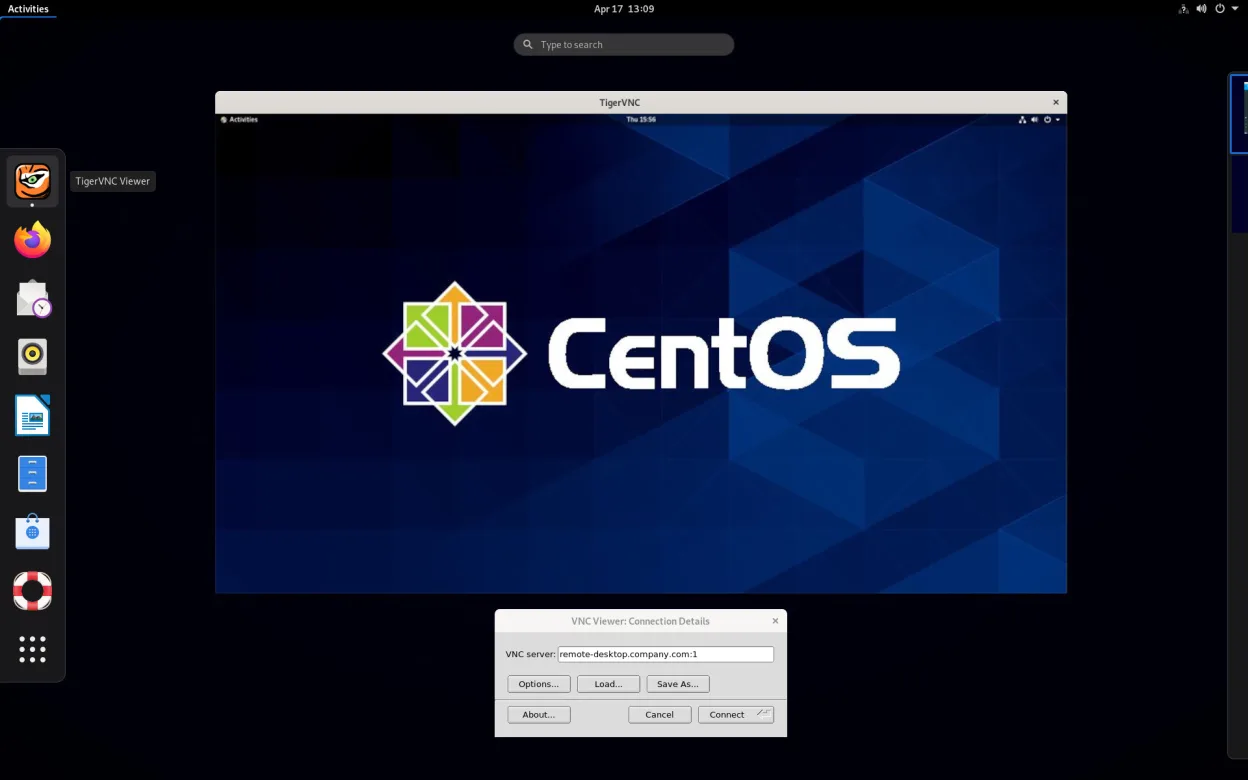
TigerVNC Viewer is a GPL‑licensed client for connecting to remote VNC desktops on Linux.
TigerVNC Viewer can replace LogMeIn for users who are comfortable setting up a VNC server and managing network access themselves. It offers encrypted TLS sessions, multi‑monitor support, and cross‑platform clients, which satisfies the core remote‑desktop needs. However, it lacks LogMeIn’s…
Feature parity60% -
FreeRDP is an open-source implementation of the Remote Desktop Protocol, allowing you to connect to Windows or Linux remote desktops.
FreeRDP is a solid replacement for LogMeIn if your remote machines run Windows or Linux with RDP enabled. It handles secure connections, multi-monitor setups, and file sharing via drive redirection well. However, it lacks LogMeIn’s proprietary unattended access agent and centralized cloud…
Feature parity65% -
A VNC server for X11 that lets you control your Linux desktop remotely from any VNC client.
x11vnc is a solid replacement for LogMeIn if you only need basic remote control of a Linux desktop. It handles unattended access, multi-monitor setups, and encrypted connections well. However, it lacks LogMeIn’s integrated file transfer tools and centralized management dashboard. It is best for…
Feature parity65%



What is LogMeIn?
LogMeIn is a commercial remote‑access service used by IT departments, freelancers, and remote workers to view and control Windows machines from anywhere. It is sold as a subscription with tiered plans that include features like file transfer, multi‑monitor support, and unattended access. Many users seek a Linux alternative to avoid recurring fees, to run on open‑source platforms, or to keep data under their own control.
What a replacement for LogMeIn must do
- Secure encrypted remote desktop connection
- Cross‑platform client (Linux, Windows, macOS)
- File transfer between local and remote machines
- Multi‑monitor and high‑resolution support
- Unattended access for headless PCs
- User authentication and access control
Can you run LogMeIn on Linux?
There is no native LogMeIn client for Linux. The service can be accessed through a web browser, but full functionality (e.g., remote control) is limited. Some users run the Windows client under Wine or in a container, though performance varies and it’s not officially supported.
Which alternative should you choose?
Remmina is a good fit for users who need a flexible, GUI‑based client supporting RDP, VNC and SSH. RustDesk offers a simple, self‑hosted solution for those who prefer peer‑to‑peer connections without a cloud service. TigerVNC Viewer works well for pure VNC setups. FreeRDP is ideal for command‑line or script‑driven RDP sessions. x11vnc is suited for exposing an existing X session to remote VNC clients.
Moving your LogMeIn files and habits
LogMeIn does not store user data locally, so there is no export needed; you simply configure the new client with the same credentials and remote machine settings. Ensure the target machine has an RDP or VNC server installed and reachable, then add the host in the chosen Linux client.
Side-by-side comparison
| App | License | Flatpak | Latest version | Feature parity | Rating |
|---|---|---|---|---|---|
| Remmina | GPL-2.0+ | ✓ | 1.4.43 | 68% | — |
| RustDesk | AGPL-3.0-only | ✓ | 1.5.3 | 78% | — |
| TigerVNC Viewer | GPL-2.0-or-later | ✓ | 1.16.2 | 60% | — |
| FreeRDP | Apache-2.0 | — | 3.33.0 | 65% | — |
| x11vnc | GPL-2.0 | — | 0.9.17 | 65% | — |
LogMeIn: frequently asked questions
Can I use LogMeIn’s web portal on Linux?
Yes, the web portal works in modern browsers, but remote control features are limited compared to the native client.
Is there a free Linux remote‑desktop client comparable to LogMeIn?
Remmina and RustDesk are free and cover most of LogMeIn’s core features.
Do I need to install a server component on the remote Windows PC?
LogMeIn installs its own host service; for Linux alternatives you’ll need to enable RDP or VNC on the Windows machine.
How secure are the open‑source alternatives?
They use standard encryption (TLS for RDP, SSH for Remmina, and end‑to‑end encryption in RustDesk) when configured correctly.
How important is LogMeIn to you?
Know a better alternative? Suggest an alternative