
Windows · Sound & Video
Best Linux alternatives to KMPlayer
KMPlayer is a lightweight Windows media player with extensive codec support, popular for playing formats that other players struggle with.
Updated
Quick answer
The best Linux alternative to KMPlayer is VLC media player. Other strong options: mpv, Celluloid, Totem.
6 Linux alternatives to KMPlayer
-
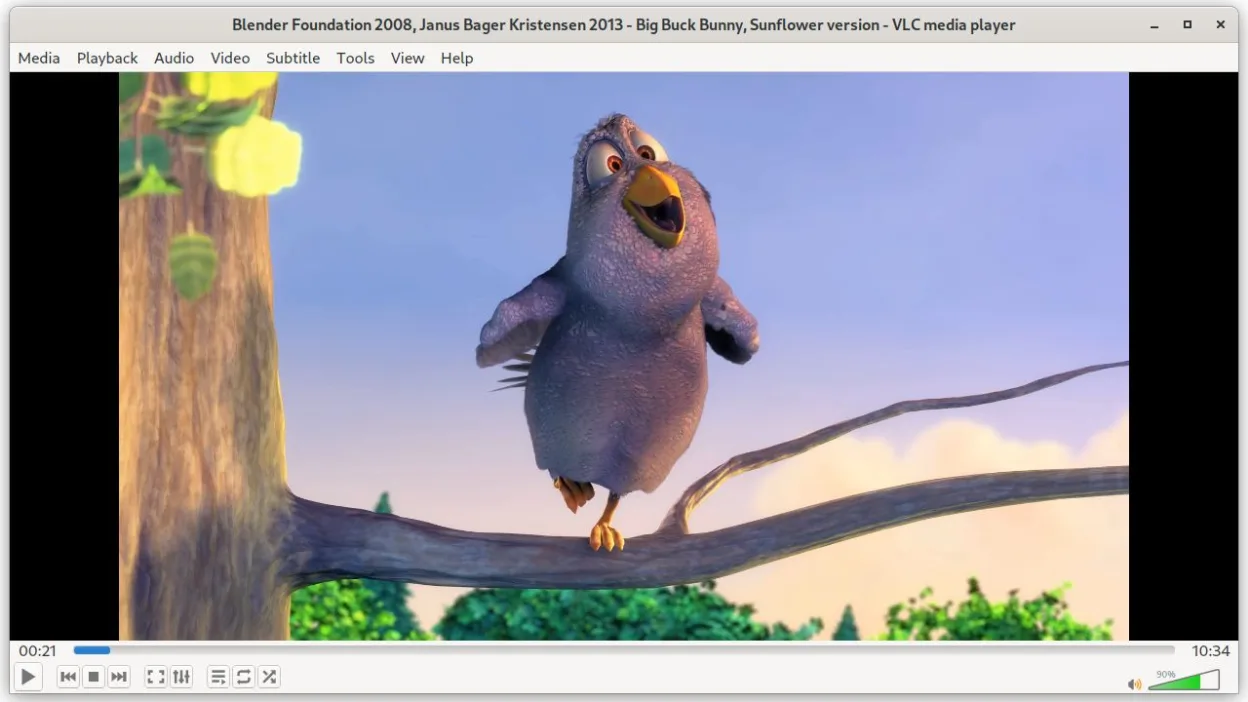
VLC is a free, open‑source multimedia player that runs on Linux and handles virtually any audio or video format.
VLC media player is a solid replacement for KMPlayer on Linux. It supports the same core playback functions—wide codec coverage, DVD/VCD playback, subtitles, multiple audio tracks, and a lightweight interface. Users who need a free, open‑source solution without ads will find VLC sufficient. If you…
Feature parity85% -

mpv is a free, open‑source, cross‑platform media player that plays almost any video or audio format.
mpv is a solid replacement for KMPlayer for users who want a lightweight, fast‑starting player that supports almost every audio and video format. It excels at scriptability, keyboard control, and subtitle handling, making it ideal for power users and developers. However, it lacks a graphical…
Feature parity80% -

Celluloid is a lightweight media player for Linux that uses the mpv engine and GTK for a clean GNOME‑style interface.
Celluloid is a solid replacement for KMPlayer if you prioritize simplicity and native Linux integration over advanced customization. It handles the core job of playing virtually all video and audio formats thanks to the mpv engine, which is often more capable than KMPlayer’s internal codecs. The…
Feature parity85% -

Totem (GNOME Videos) is the default GNOME video player built on GStreamer.
Totem is a solid, lightweight replacement for KMPlayer if you prioritize stability and simplicity over raw codec flexibility. It handles standard formats like MP4, MKV, and AVI well via GStreamer, but you will likely need to install extra codec packs for obscure or proprietary files that KMPlayer…
Feature parity75% -
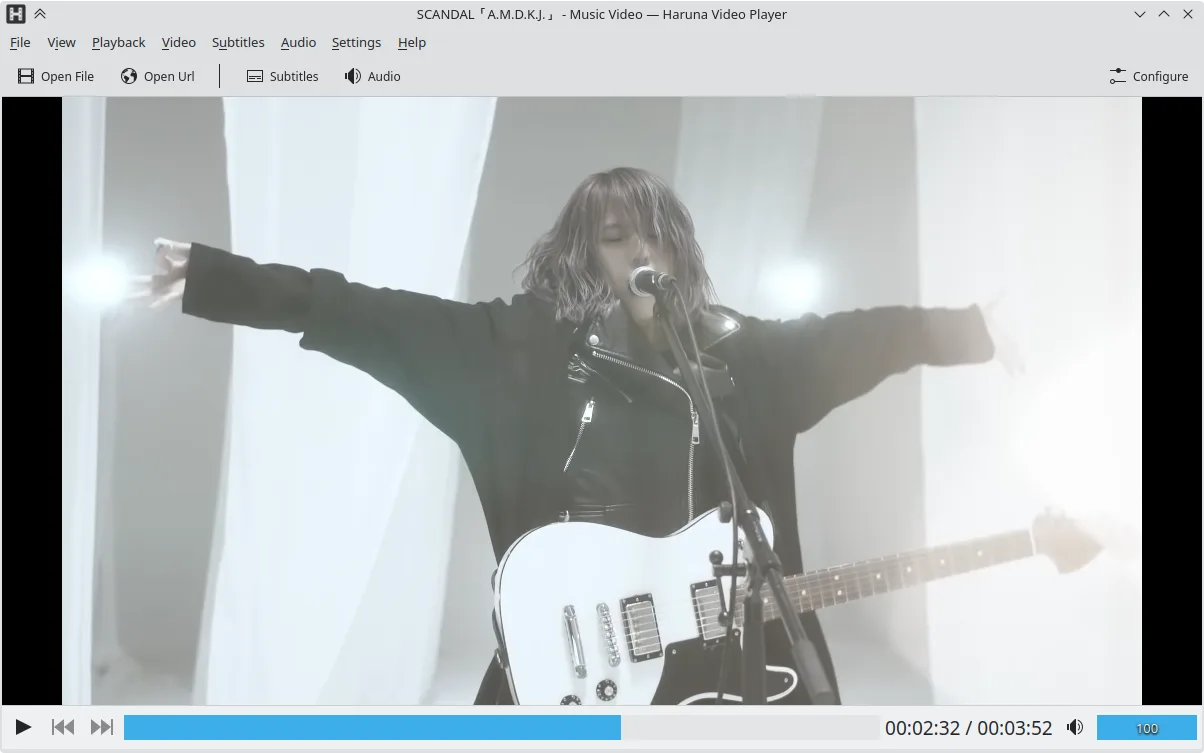
Haruna is a GPL‑licensed, open‑source media player that supports local and online playback with extensive customization.
Haruna can replace KMPlayer for users who mainly play local files and want a lightweight, open‑source player with good subtitle and multiple audio support. It handles most common codecs (AVI, MKV, MP4, FLV) and can play DVDs. It lacks some of KMPlayer’s advanced filtering, video‑editing, and…
Feature parity80% -
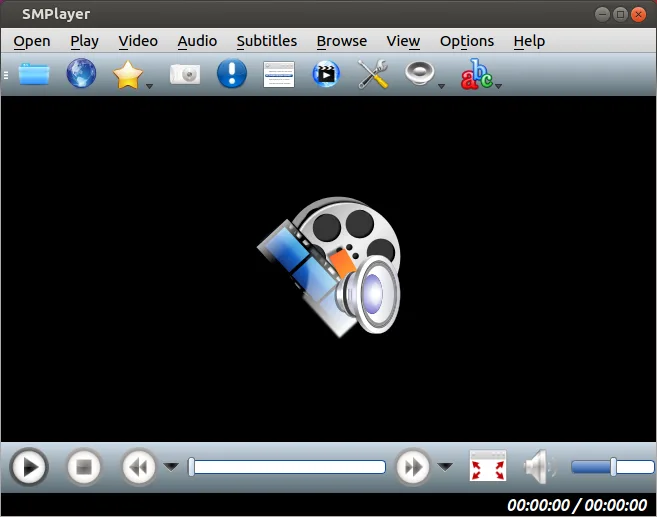
SMPlayer is a free, open-source media player with built-in codecs that handles nearly all video and audio formats without external dependencies.
SMPlayer is a strong replacement for KMPlayer users who want a lightweight, ad-free experience without installing codec packs. It handles the same core job: playing diverse video and audio formats with built-in support. While KMPlayer is known for its specific interface and Windows integration…
Feature parity90%






What is KMPlayer?
KMPlayer is a free media player for Windows that can play almost any audio or video format, from common MP4 and MKV to obscure VCD and RealMedia files. It is used by casual users who need a single program that works with many file types, as well as by hobbyists who want a lightweight alternative to larger players. The program is adware‑supported, so while it is free to download, it may display ads or bundled offers.
The licensing model is essentially freeware with optional paid upgrades that remove ads. The core player remains free, but some advanced features or updates may require a purchase. Users who rely on a simple, no‑cost solution often look for a Linux alternative.
Because Windows media players are not always available on Linux, many users seek open‑source replacements that provide the same broad codec support and user‑friendly interface. Linux users want a player that can handle the same file types without additional codecs or external tools.
What a replacement for KMPlayer must do
- Support for a wide range of audio and video codecs (AVI, MKV, MP4, FLV, etc.)
- Lightweight and fast startup
- User‑friendly interface with basic playback controls
- Ability to play DVDs and VCDs
- Support for subtitles and multiple audio tracks
- Optional ad‑free experience
Can you run KMPlayer on Linux?
There is no official native Linux build of KMPlayer. Users can run it via Wine, but performance and stability vary; some features, like DVD playback, may require additional libraries. No official web version exists.
Which alternative should you choose?
VLC media player is ideal for users who need the most comprehensive codec support and advanced features. mpv offers a lightweight, command‑line‑friendly experience for power users. Celluloid and Totem are good for those who prefer a simple, GNOME‑style interface. SMPlayer provides a familiar interface with built‑in codecs for users coming from Windows.
Moving your KMPlayer files and habits
All media files are standard formats, so no special export is needed. Users simply copy their video and audio files to the Linux system. If they use KMPlayer playlists, they can manually recreate them in the chosen Linux player.
Side-by-side comparison
KMPlayer: frequently asked questions
Does KMPlayer have a Linux version?
No official Linux version exists; it can only be run via Wine or similar compatibility layers.
Will my existing media files play on Linux players?
Yes, standard formats like MP4, MKV, AVI, and others are supported by VLC, mpv, and SMPlayer out of the box.
Can I remove the ads from KMPlayer?
The ads are part of the adware model; removing them would require purchasing the paid version or using a different player.
Is KMPlayer safe to download?
Download from the official website or a trusted source; the program is free but contains adware that may display offers.
How important is KMPlayer to you?
Know a better alternative? Suggest an alternative