

Linux · System Tools
Cockpit Client
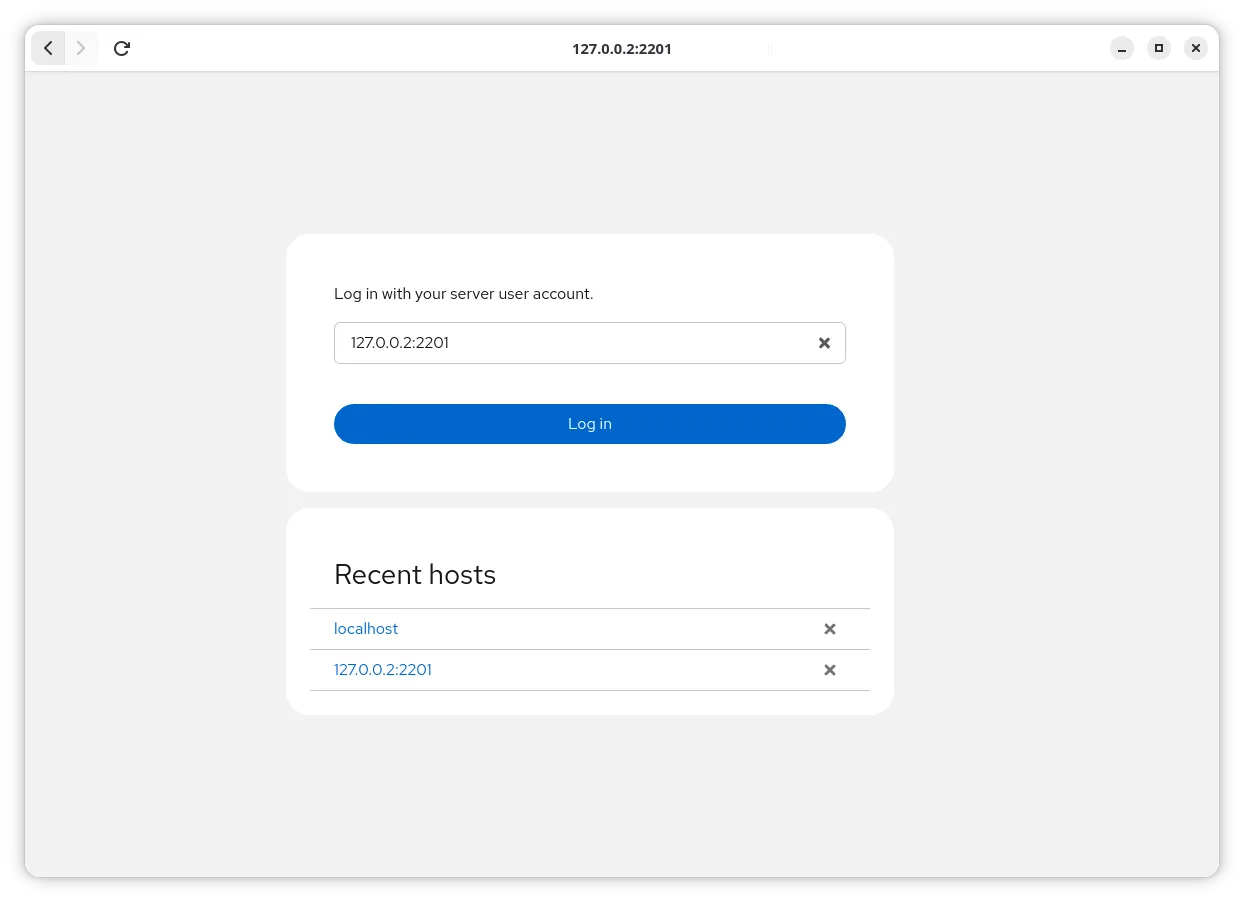
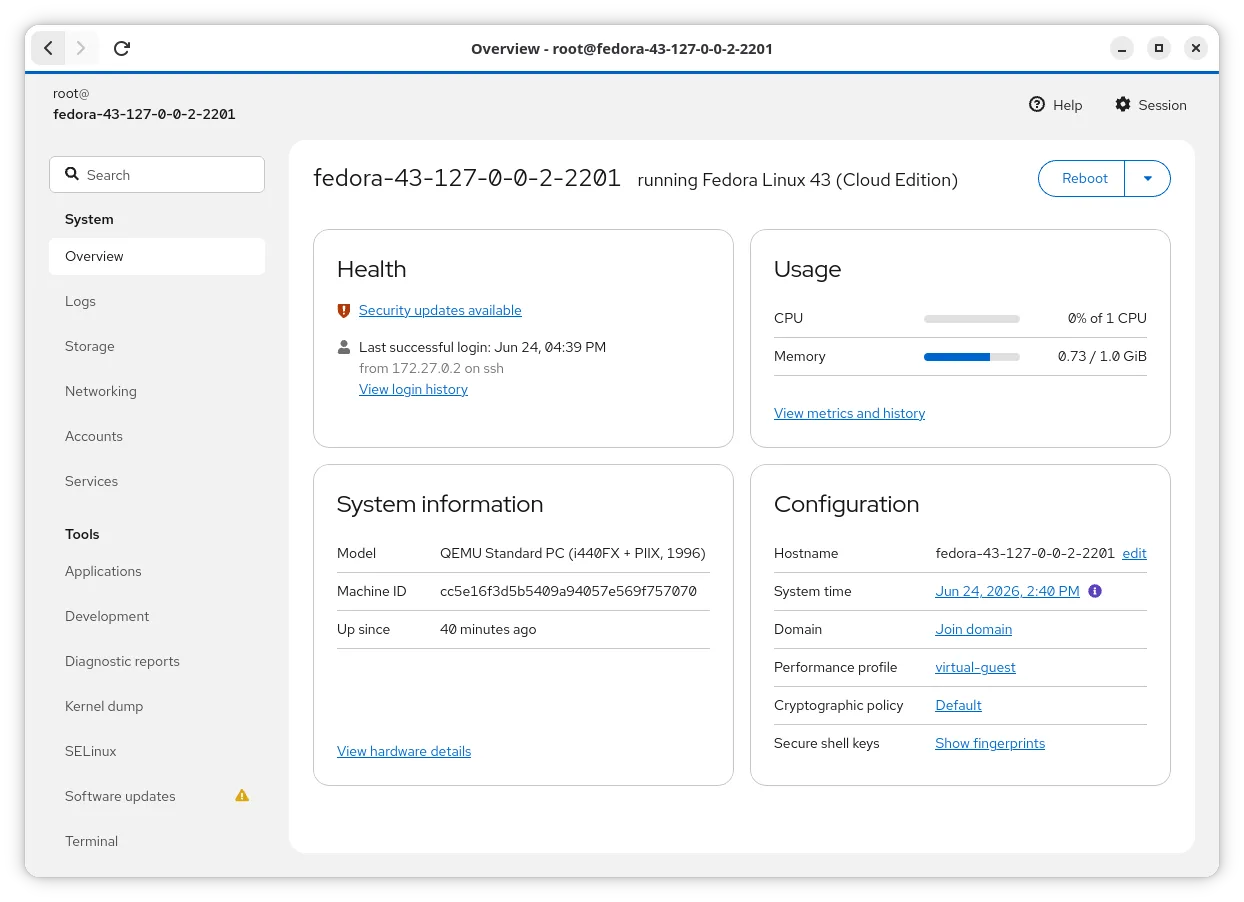
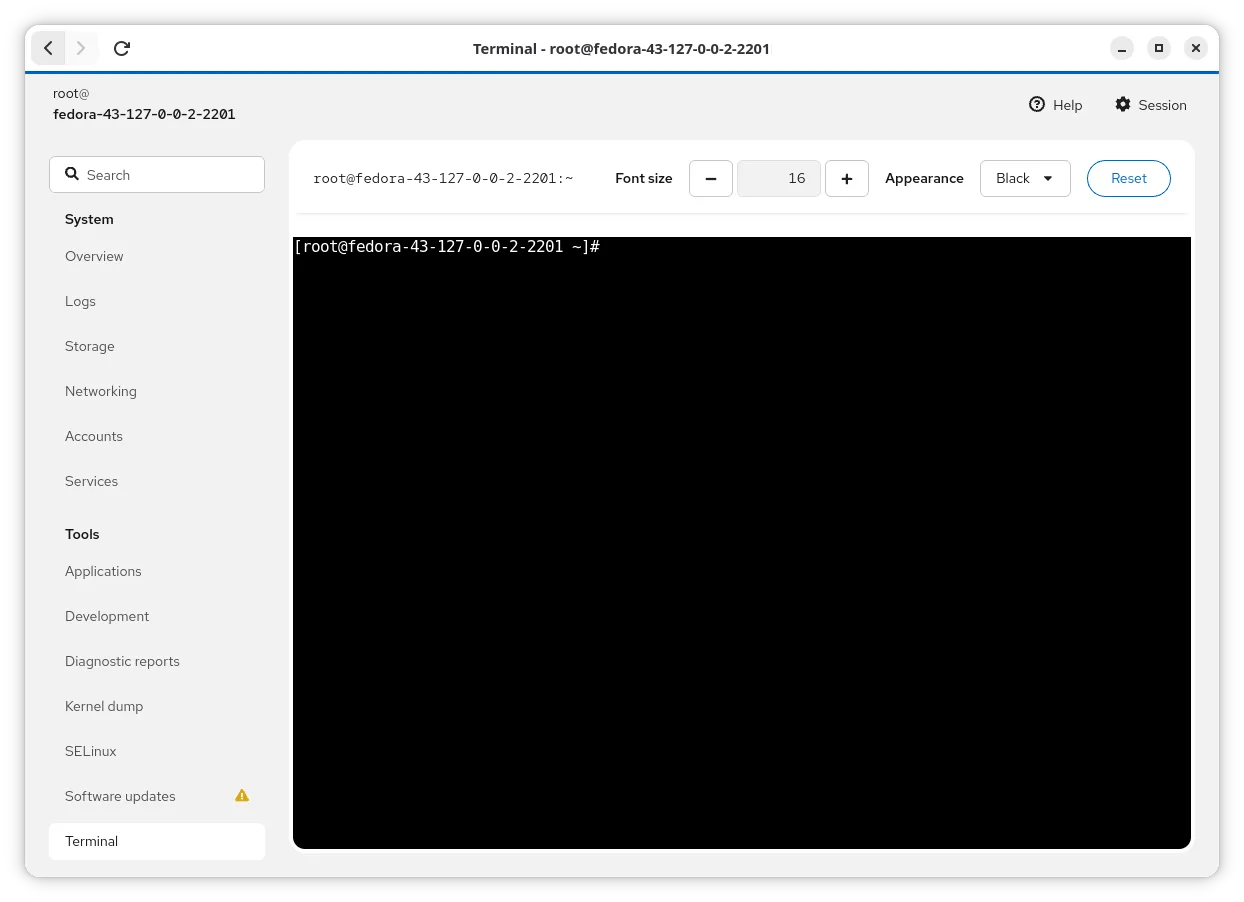
Cockpit Client is a web‑based SSH client that lets you manage servers, containers and VMs from a browser.
- License
- LGPL-2.1-or-later
- Latest version
- 372 (November 10, 2026)
- Developer
- Cockpit Project
- Installs
- 1,145 (Flathub, 30 days)
What is Cockpit Client?
Cockpit Client is part of the Cockpit Project, first released in 2014. It builds on the mature Cockpit server, but runs entirely in the browser, using the local SSH configuration to connect to remote machines.
It targets sysadmins, dev‑ops and power users who prefer a graphical interface over command‑line tools. The experience is similar to Windows Remote Desktop or PowerShell, but lighter and more integrated with Linux.
Compared with Windows tools, it feels more native: you use the same SSH keys, known‑hosts, and you never need to open additional ports, making it easier to set up and secure.
Best for: Managing multiple Linux servers from a single, secure web interface without opening new ports.
Key features of Cockpit Client
- Web‑based UI accessible from any modern browser
- Uses local SSH config (aliases, keys, tokens)
- No extra ports required
- Supports servers, containers, VMs
- Cross‑platform (Linux only)
- Open source under LGPL‑2.1
- Available in major distro repos
- Flathub flatpak distribution
Pros
- Zero‑config SSH integration
- No firewall changes needed
- Cross‑distro availability
- Active community and regular updates
- Transparent open‑source code
Cons
- Only works on Linux hosts
- Requires Python on the server
- Browser‑based, so limited offline use
- No native Windows client
How to install Cockpit Client on Linux
flatpak install flathub org.cockpit_project.CockpitClientsudo apt install cockpitsudo apt install cockpitsudo dnf install cockpitsudo pacman -S cockpit-packagekitsudo zypper install cockpitTips for Windows users
When moving from Windows Remote Desktop or PowerShell, you’ll keep your SSH key files and known‑hosts. Instead of launching a client, open a browser and point it to the Cockpit Client URL. Keyboard shortcuts are standard browser shortcuts; the UI uses familiar icons for start/stop services and view logs. File formats stay the same – you still edit /etc files via the web editor or use scp/rsync for larger transfers.
Recent releases
- 372 —
Changes in Cockpit 372: - CVE-2026-91151 - CVE-2026-91150 - Link Red Hat issue references in changelogs - Support version-specific branding directories
- 370 —
Changes in Cockpit 370: - systemd: Make chrony sources drop-in world-readable (RHEL-253609) - storaged: Recognize TPM2 key slots (RHEL-167807) - storaged: Support UTF-8 encoding for mount points
- 368 —
Changes in Cockpit 368: - Limit concurrent connections CVE-2026-91149 - Harden cockpit-ws against trailing slash CVE-2026-91147 - Sanitize URLs from PackageKit CVE-2026-91148 - Interactive file chooser for SSH keys - Bug fixes and translation updates -…
- 367 —
Changes in Cockpit 367: - Translation updates
Cockpit Client: frequently asked questions
Do I need to install a separate Cockpit server?
No. The client connects to any server that has Python installed; the Cockpit webserver is not required and no extra ports are opened.
Can I use it with SSH key authentication?
Yes. It reads your local ~/.ssh/config, known_hosts, and key files, so key‑based login works out of the box.
Is it safe to use over the internet?
It uses standard SSH encryption. Just ensure the server’s SSH is properly secured and that you use strong keys.
Does it support Windows servers?
No, it only works with Linux hosts that have Python installed.
Updated