

Linux · System Tools
Kopia
Kopia is a cross-platform backup tool with encryption, deduplication, and both GUI and command-line interfaces.
- License
- Apache-2.0
- Latest version
- 0.23.1 (June 16, 2026)
- Developer
- Kopia Authors
- Installs
- 580 (Flathub, 30 days)
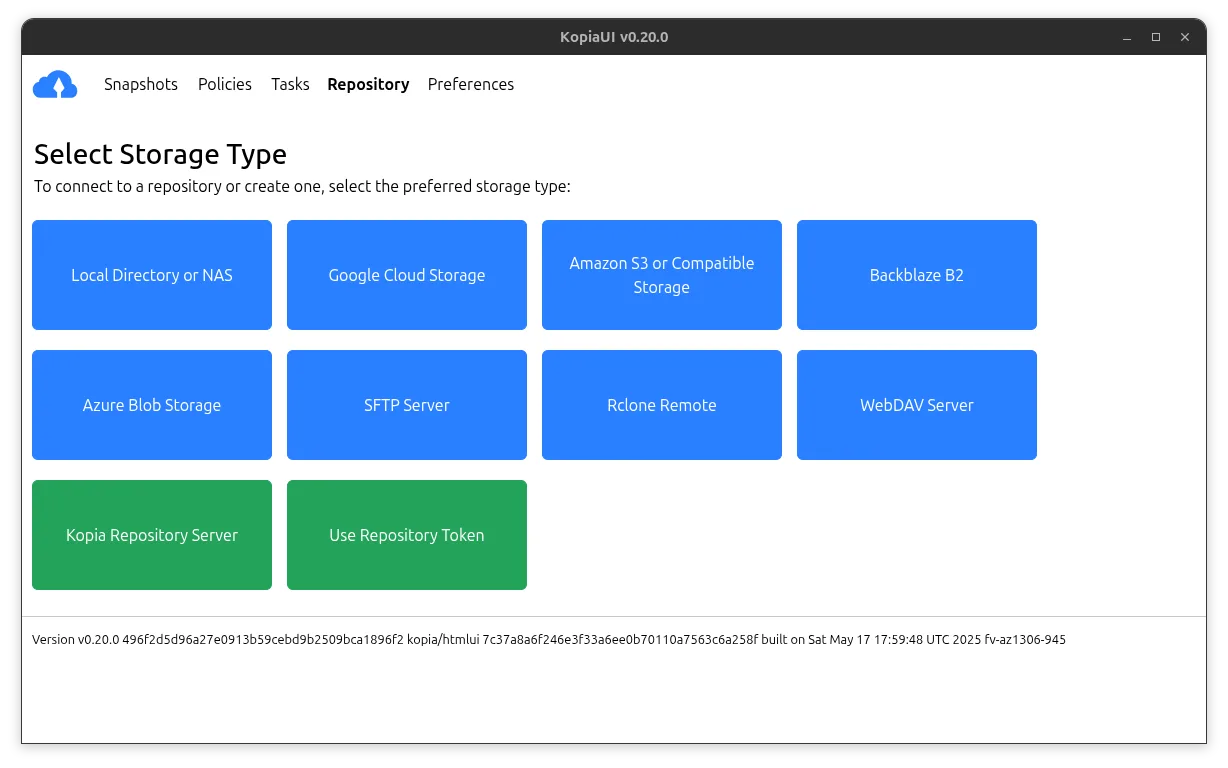
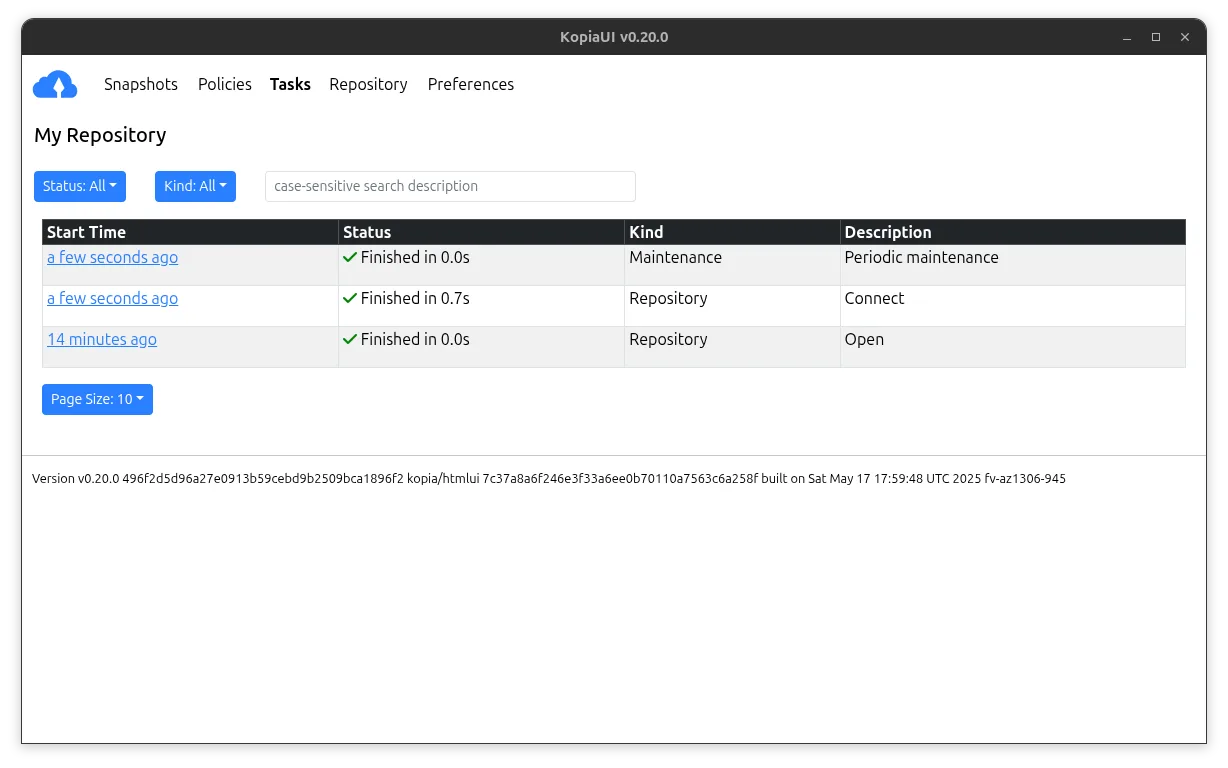
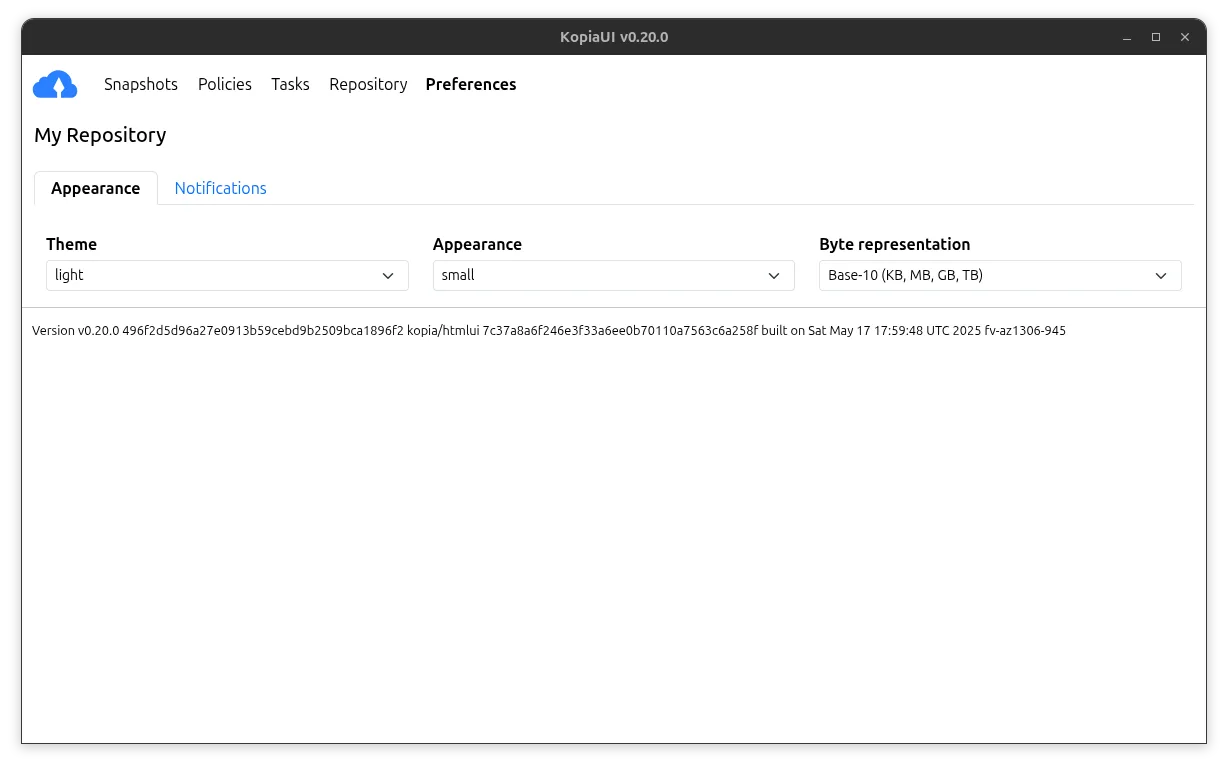
What is Kopia?
Kopia is a mature, open-source backup solution originally developed by the Kopia Authors. It supports Linux, Windows, and macOS, offering strong client-side encryption, incremental backups, and efficient storage via compression and deduplication. First released several years ago, it has evolved into a reliable tool used in both personal and small business environments.
It's best suited for users who want full control over their backup process and storage location—especially those avoiding cloud lock-in. If you value privacy, want to back up to local drives, network shares, or cloud storage like S3 or Backblaze without trusting third parties, Kopia fits well. It’s ideal for technically comfortable users, though the GUI helps beginners.
Compared to Google Backup and Sync, Kopia doesn’t sync files in real time or integrate with Google Drive for collaboration. Instead, it focuses on full-featured, encrypted backups. The workflow feels more deliberate than automatic syncing—you configure snapshots and schedules, then review them. It’s less about convenience, more about control and security.
Best for: Users who want secure, efficient, and private backups across platforms without relying on proprietary cloud services.
Key features of Kopia
- Client-side end-to-end encryption
- Incremental and deduplicated backups
- Supports local, network, and cloud storage
- Cross-platform (Linux, Windows, macOS)
- GUI and command-line interface included
- Compression to reduce storage use
- Snapshot-based backup system
- Scheduled and manual backups
Pros
- Strong encryption—your data stays private
- Efficient storage use via deduplication
- Works with many storage backends
- Open source with active development
- Available as Flatpak for easy install
Cons
- Steeper learning curve than simple sync tools
- GUI is functional but not polished
- No real-time sync—backups are scheduled or manual
- Not designed for file sharing or collaboration
Windows programs Kopia replaces
How to install Kopia on Linux
flatpak install flathub io.kopia.KopiaUIsudo zypper install kopiaTips for Windows users
Coming from Google Backup and Sync, understand that Kopia doesn’t sync files live or keep them updated across devices automatically. Instead, it takes snapshots of folders at intervals. Your files stay in their original format on disk—no conversion—but Kopia stores snapshots in its own format on the backup target. You’ll need to use the Kopia GUI or CLI to restore files. Set up repositories and schedules early, and test restores to ensure your workflow works.
Recent releases
- 0.23.1 —
- 0.23.0 —
- 0.22.3 —
- 0.22.2 —
Kopia: frequently asked questions
Is Kopia free to use?
Yes, Kopia is completely free and open source under the Apache-2.0 license. There are no paid tiers or premium features.
Can I use Kopia with Google Drive?
Yes, but not directly like Google Backup and Sync. You can mount Google Drive via rclone and use it as a storage backend for Kopia backups.
Does Kopia encrypt backups?
Yes, it uses client-side AES-256 encryption. Your data is encrypted before it leaves your machine, and only you hold the keys.
How do I restore files from a Kopia backup?
Use the Kopia GUI or CLI to browse snapshots and restore individual files or folders to a chosen location on your system.
Updated