

Linux · Internet
Mattermost
Mattermost is an open source, self-hostable collaboration platform designed for developer teams needing secure messaging and workflow integration.
- License
- Apache-2.0
- Latest version
- 6.4.0 (November 16, 2026)
- Developer
- Mattermost, Inc.
- Installs
- 1,799 (Flathub, 30 days)
What is Mattermost?
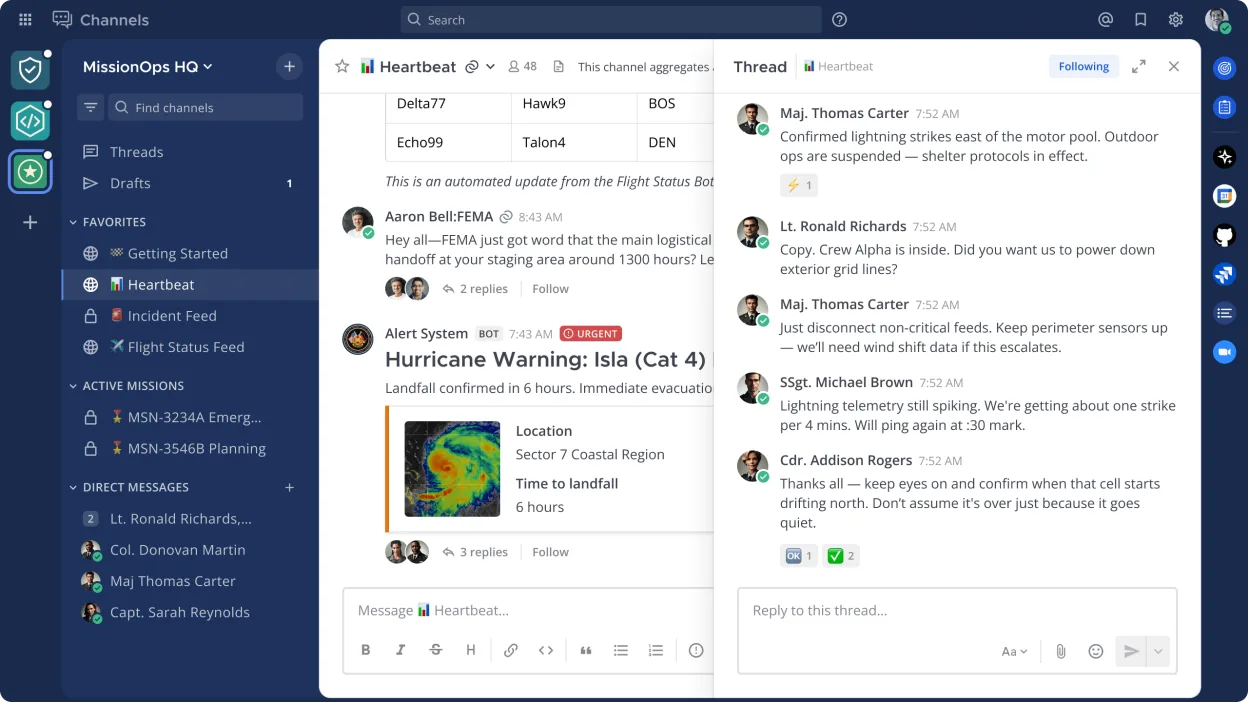
Mattermost is a self-hosted, open source alternative to cloud-based team chat tools. Originally released in 2015, it has matured into a stable, widely deployed solution, especially in enterprise and regulated environments where data control matters. It runs on Linux servers and offers a web interface along with desktop and mobile clients.
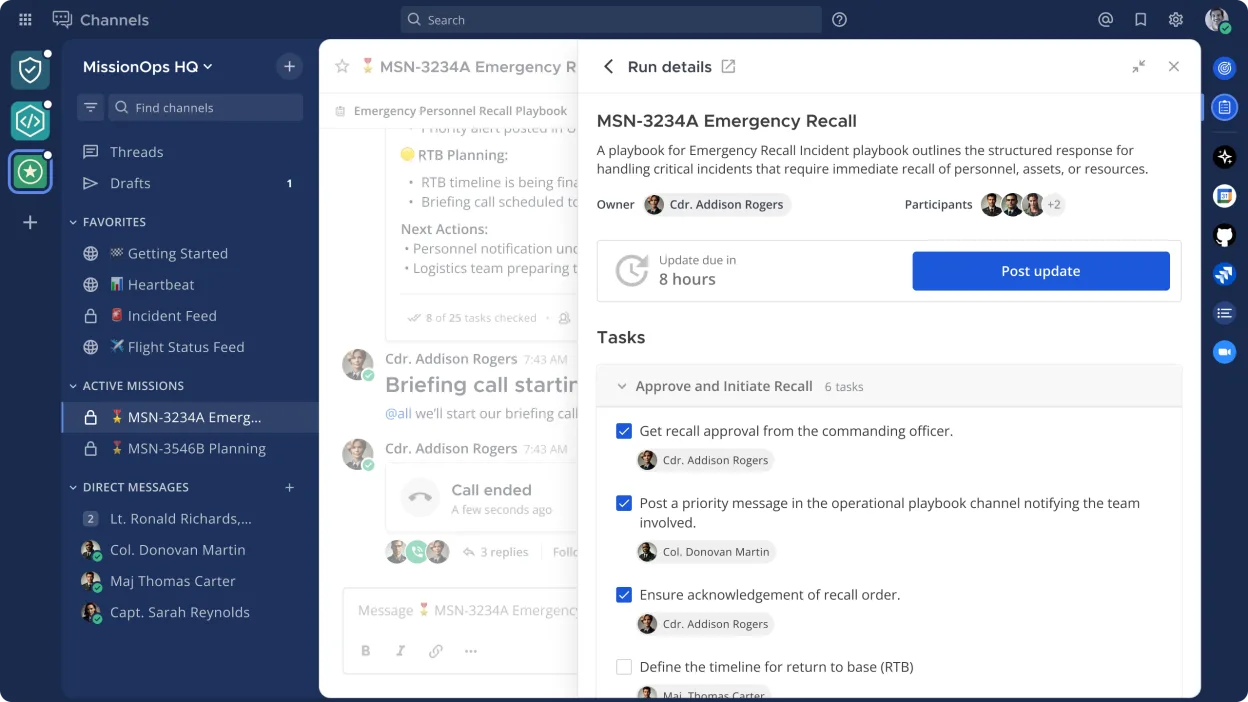
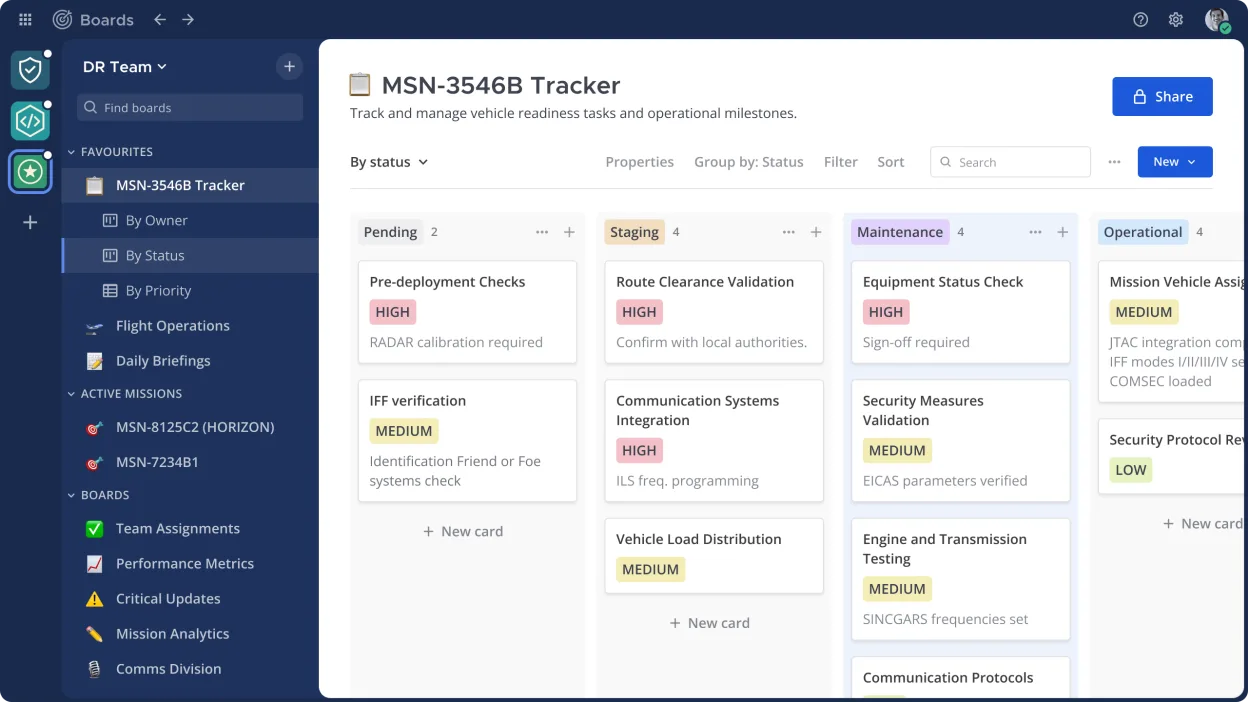
It's best suited for development teams, DevOps groups, and organizations that want to avoid SaaS lock-in. The platform supports real-time messaging, file sharing, and deep integrations with CI/CD tools like Jenkins, GitLab, and Prometheus. Its focus on API-driven extensibility makes it a natural fit for technical workflows.
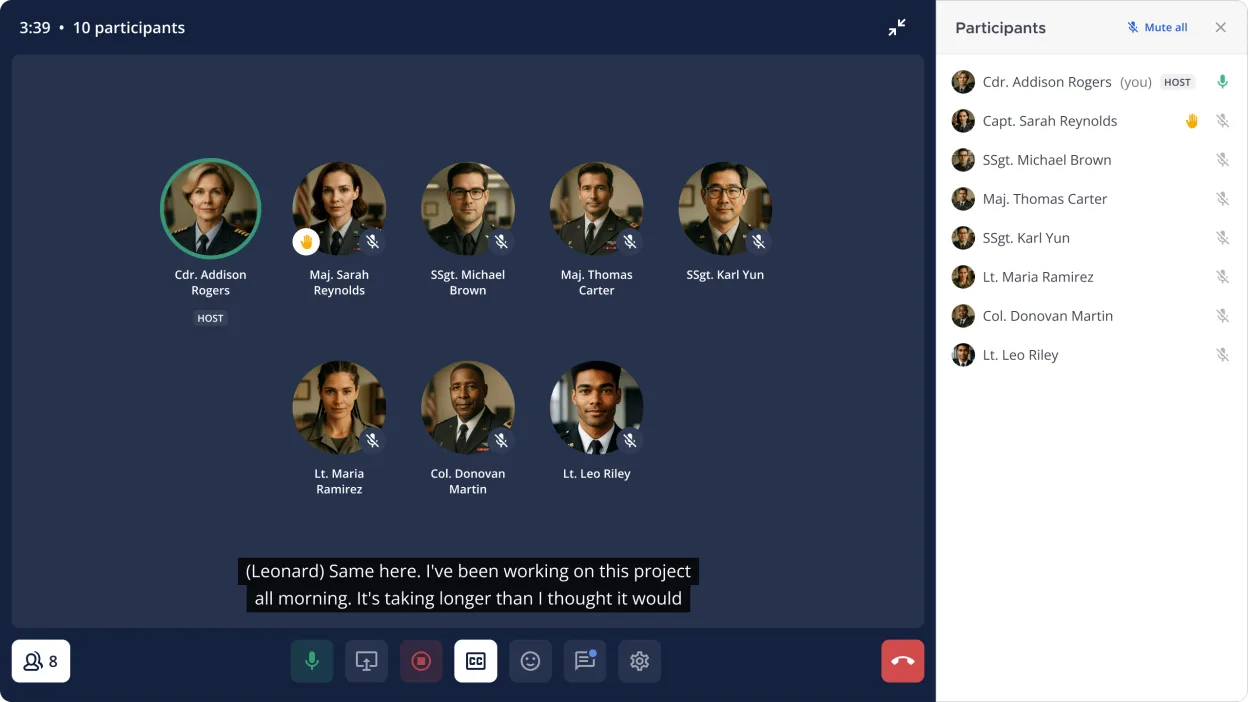
Compared to Microsoft Teams, it feels more minimal and less polished in media handling, but more responsive and customizable for text-based collaboration. There’s no built-in VoIP or video calling, so users typically pair it with external tools like Jitsi or Zoom. The experience is closer to Slack but with stronger self-hosting and compliance features.
Best for: Teams that prioritize data sovereignty and developer workflow integration over out-of-the-box media features.
Key features of Mattermost
- Self-hosted messaging with team channels and direct messages
- Integrates with Git, CI/CD pipelines, and monitoring tools
- Custom slash commands and bot automation
- File sharing and Markdown support
- Role-based access control and audit logging
- RESTful API and plugin system
- Mobile apps for iOS and Android
- SAML and LDAP authentication support
Pros
- Full control over data with self-hosting
- Strong security and compliance features
- Extensive API and integration ecosystem
- Active development and enterprise adoption
- Runs efficiently on standard Linux servers
Cons
- No built-in voice or video calling
- Steeper setup and maintenance curve than SaaS tools
- Less polished UI compared to Microsoft Teams
Windows programs Mattermost replaces
How to install Mattermost on Linux
flatpak install flathub com.mattermost.Desktopsudo pacman -S mattermost-desktopTips for Windows users
Coming from Microsoft Teams, expect fewer built-in media tools—plan to use external apps for calls. Channels and messages work similarly, but integrations are configured manually via webhooks or plugins. Uploads and mentions behave like Slack, not Teams. Keyboard shortcuts differ; relearn them early. If your team relies on Teams-specific file collaboration, export and migrate shared documents separately.
Recent releases
- 6.4.0 —
- 6.3.2 —
- 6.3.1 —
- 6.3.0 —
Mattermost: frequently asked questions
Can Mattermost replace Microsoft Teams completely?
Not fully. It handles chat and integrations well, but lacks built-in video conferencing. You’ll need a separate tool for calls.
Is Mattermost free to use?
Yes, the open source version is free. Mattermost Inc. also offers paid enterprise features and support.
How do I install Mattermost on Linux?
You can install it via distribution packages, Docker, or download the Linux binary. Arch Linux includes it in its repos.
Does Mattermost support LDAP or Active Directory?
Yes, it supports LDAP and SAML for authentication, making it suitable for enterprise environments.
Updated