

Linux · Internet
Microsoft Edge
Microsoft Edge for Linux is a Chromium‑based browser with integrated privacy tools and a unified experience across devices.
- License
- LicenseRef-proprietary
- Latest version
- 156.0.4314.42-1 (October 22, 2026)
- Developer
- Microsoft Corporation
- Installs
- 31,736 (Flathub, 30 days)
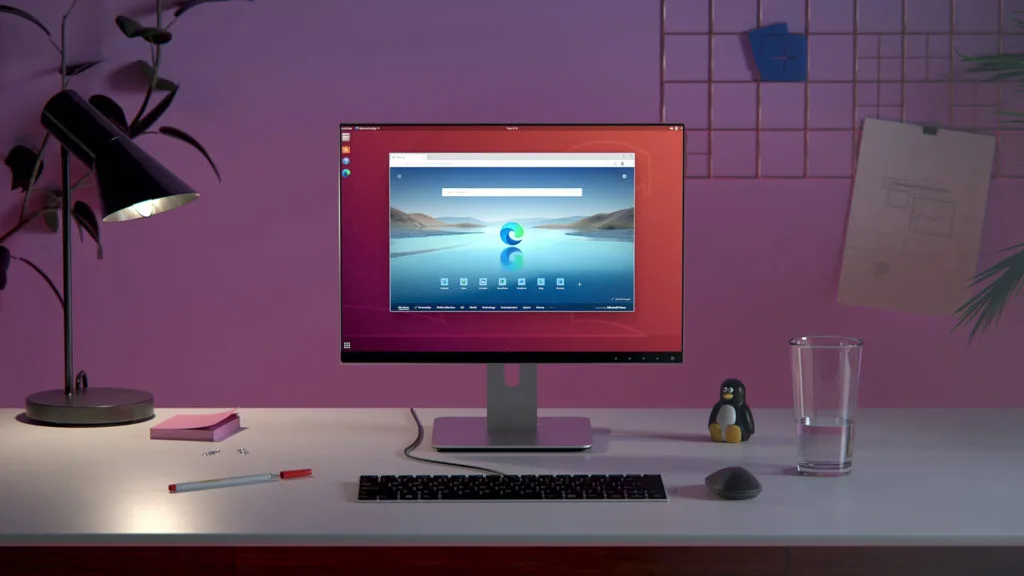
What is Microsoft Edge?
Microsoft Edge arrived on Linux in 2022 as part of Microsoft’s effort to bring its flagship browser to all platforms. It is built on the Chromium engine, so it inherits the same performance and extension ecosystem as Google Chrome, but with Microsoft’s own UI tweaks and tighter integration with Windows services.
Edge is aimed at users who want a familiar, feature‑rich browser that offers strong privacy controls, such as tracking prevention, InPrivate browsing, and an optional AdBlock Plus filter. It also appeals to those who rely on Microsoft’s ecosystem—Office 365, OneDrive, and Bing—because the browser can sync bookmarks, passwords, and settings across devices.
Compared with Internet Explorer, Edge is a full‑featured modern browser with no legacy rendering quirks. Compared with Firefox or Chrome, it offers a more consistent Windows‑centric experience and a slightly higher default privacy level, though it is still a proprietary product and requires a Microsoft account for full sync.
Best for: Users who need a modern, feature‑rich browser that integrates tightly with Microsoft services and offers robust privacy controls.
Key features of Microsoft Edge
- Chromium‑based engine with fast rendering
- Built‑in tracking prevention and AdBlock Plus
- InPrivate browsing and search
- Sync across devices via Microsoft account
- Microsoft Defender SmartScreen protection
- Extension support from Chrome Web Store
- Integrated Bing search bar
- Edge DevTools for debugging
Pros
- Fast performance thanks to Chromium
- Strong privacy controls out of the box
- Unified sync with Microsoft services
- Wide extension library
- Regular updates
Cons
- Proprietary software
- Requires Microsoft account for sync
- Limited Linux support for some features
- Occasional bugs in Linux builds
Windows programs Microsoft Edge replaces
 Mozilla Firefox
 Microsoft Internet Explorer
 Google Chrome
How to install Microsoft Edge on Linux
flatpak install flathub com.microsoft.EdgeTips for Windows users
If you’re coming from Internet Explorer, you’ll find Edge’s UI similar but with a modern look; replace the old IE shortcuts with Edge’s pinned taskbar icon. From Chrome or Firefox, you can import bookmarks, passwords, and extensions by signing into your Microsoft account or using the import wizard. Edge’s keyboard shortcuts are largely the same as Chrome’s (e.g., Ctrl+T for new tab, Ctrl+W to close), but remember that InPrivate mode is accessed via Ctrl+Shift+N. File formats like .html, .pdf, and .webm work identically; just be aware that Edge’s built‑in PDF viewer may differ from Firefox’s.
Recent releases
- 156.0.4314.42-1 —
- 155.0.4283.62-1 —
- 155.0.4283.60-1 —
- 155.0.4283.45-1 —
Microsoft Edge: frequently asked questions
Is Microsoft Edge available for all Linux distributions?
Yes, Edge is distributed as a Flatpak on Flathub, which works on most major distributions that support Flatpak. You can also install the .deb or .rpm packages directly from Microsoft’s site for Debian/Ubuntu or Fedora/RHEL.
Does Edge support Linux extensions?
Edge uses the same extension format as Chrome, so any Chrome Web Store extension will work. You can install them via the Extensions page or by dragging the .crx file into the browser.
How do I enable tracking prevention?
Open Settings → Privacy → Tracking prevention and choose the desired level (Basic, Balanced, Strict). You can also toggle the AdBlock Plus filter on or off.
Can I use InPrivate browsing on Linux?
Yes, press Ctrl+Shift+N to open a new InPrivate window. It behaves the same as on Windows, with no history or cookies saved after closing.
Updated