

Linux · Graphics
nomacs - Image Lounge
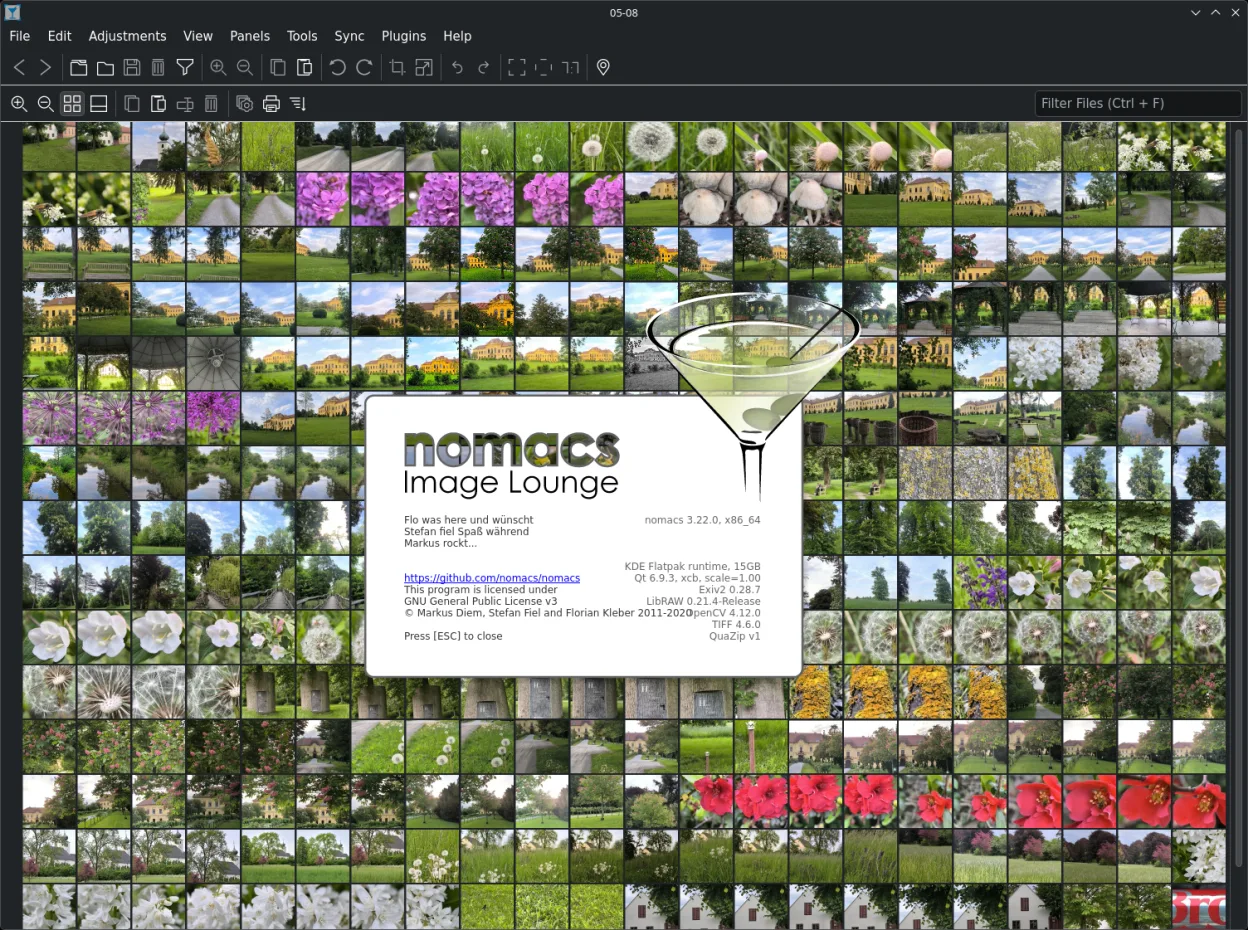
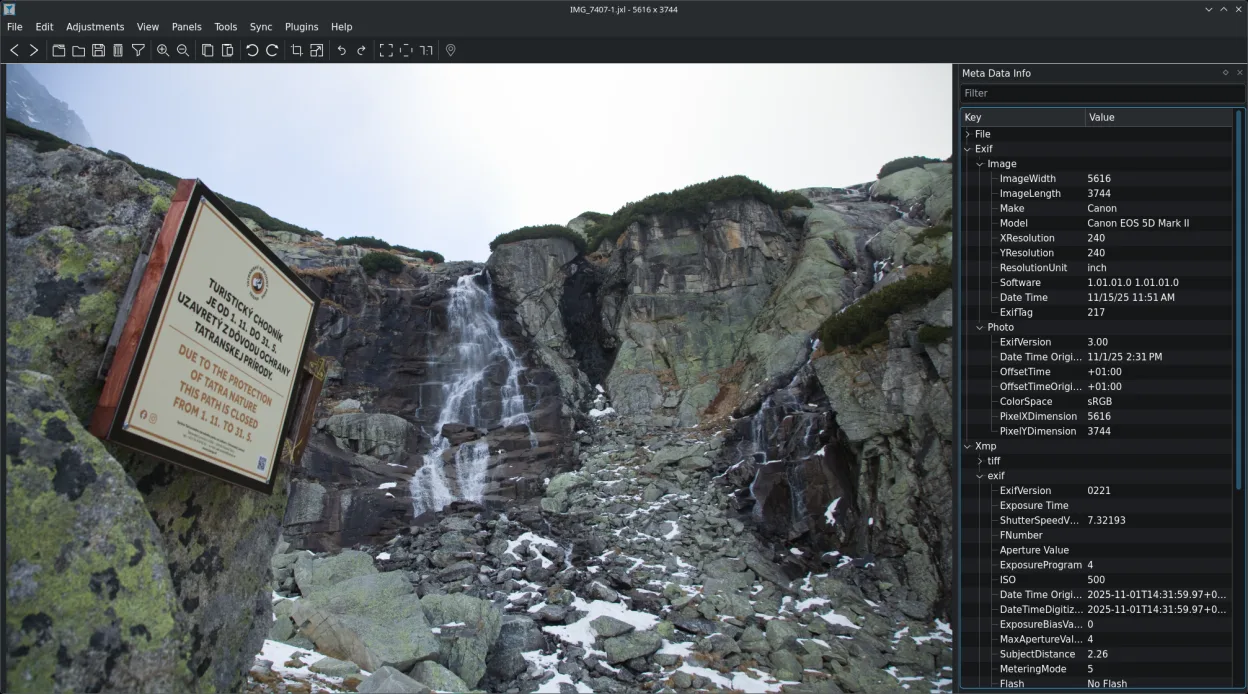
Nomacs is a free, open‑source image viewer that supports thumbnails, metadata, histograms and browsing inside archives.
- License
- GPL-3.0
- Latest version
- 3.23 (November 11, 2011)
- Developer
- Markus Diem
- Installs
- 1,605 (Flathub, 30 days)
What is nomacs - Image Lounge?
Nomacs started as a lightweight image viewer for Linux and has grown to include advanced features like semi‑transparent widgets and archive browsing. The project is maintained by Markus Diem and is available in major distributions such as Debian, Fedora, openSUSE and Ubuntu.
It is aimed at users who need a quick way to view and annotate images without the bulk of a full photo‑management suite. The interface is clean, with a file explorer panel and optional thumbnail preview.
Compared to Windows tools like Ashampoo Photo Commander, Nomacs offers a simpler, more focused experience. It lacks the heavy editing or cataloging features of the Windows counterpart, but it excels at fast image browsing and metadata display.
Best for: Users who need a quick, feature‑rich image viewer without the overhead of a full photo‑management suite.
Key features of nomacs - Image Lounge
- Semi‑transparent widgets for thumbnails, metadata, histogram
- Browse images inside ZIP or Office archives
- Add notes to images
- File explorer panel for folder navigation
- Filter images by filename or regex
- Cache for instant image switching
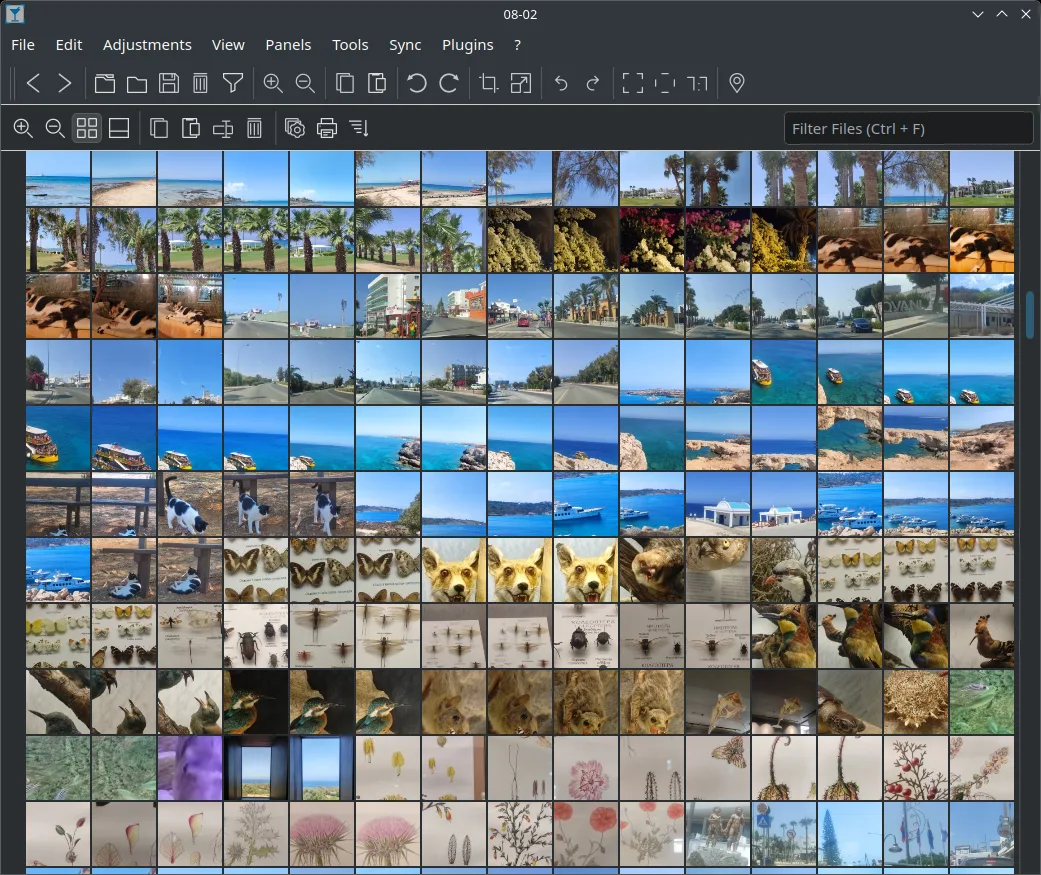
- Thumbnail preview of current folder
- Open‑source GPL‑3.0 license
Pros
- Free and open source
- Cross‑platform availability
- Lightweight and fast
- Good metadata support
- Archive browsing
Cons
- No advanced photo editing tools
- Limited batch processing
- Learning curve for some widgets
Windows programs nomacs - Image Lounge replaces
How to install nomacs - Image Lounge on Linux
flatpak install flathub org.nomacs.ImageLoungesudo apt install nomacssudo apt install nomacssudo dnf install nomacssudo zypper install nomacsTips for Windows users
If you’re coming from Ashampoo Photo Commander, note that Nomacs opens files via drag‑and‑drop or the File menu, and uses standard shortcuts like Ctrl+O for opening. Unlike the Windows tool, Nomacs does not import images into a database; instead it works directly from the file system. Metadata editing is done through the notes pane, and you can view histograms by enabling the widget. Archive browsing is a unique feature—just open a ZIP file and Nomacs will list the images inside.
Recent releases
- 3.23 —
nomacs - Image Lounge: frequently asked questions
Does Nomacs support RAW image formats?
Yes, Nomacs can display most common RAW formats through the libraw backend, but editing is not available.
Can I use Nomacs to edit photos?
Nomacs is primarily a viewer; it offers basic annotation via notes but no full‑blown editing tools.
Is Nomacs available for Windows?
Nomacs is cross‑platform; a Windows binary exists, but the Linux version is the focus of this guide.
How do I enable the histogram widget?
Open the View menu, select Widgets, then check Histogram to display it over the image.
Updated