

Linux · System Tools
Piper
Piper is a Linux GUI for configuring gaming mice via ratbagd.
- License
- GPL-2.0-or-later
- Latest version
- 0.8 (September 24, 2024)
- Developer
- libratbag developers
- Installs
- 4,778 (Flathub, 30 days)
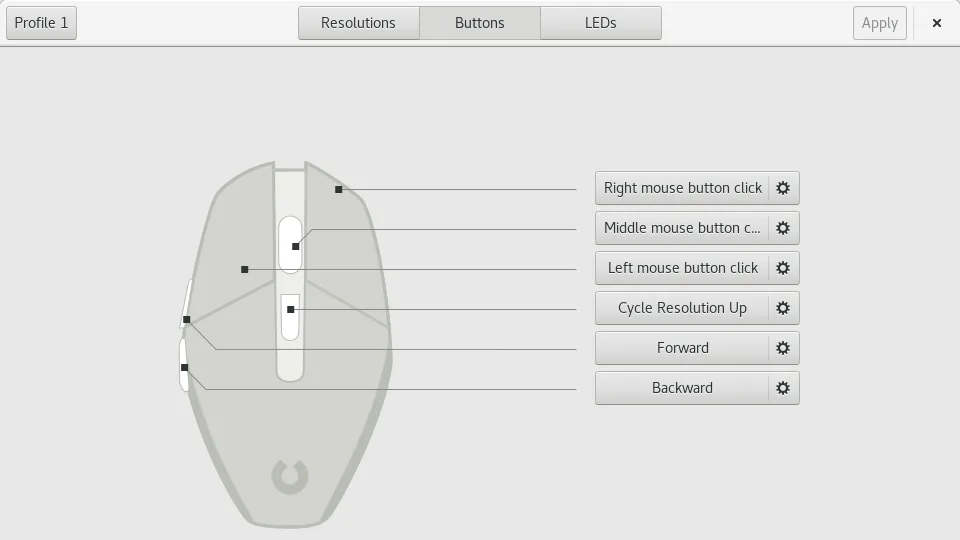
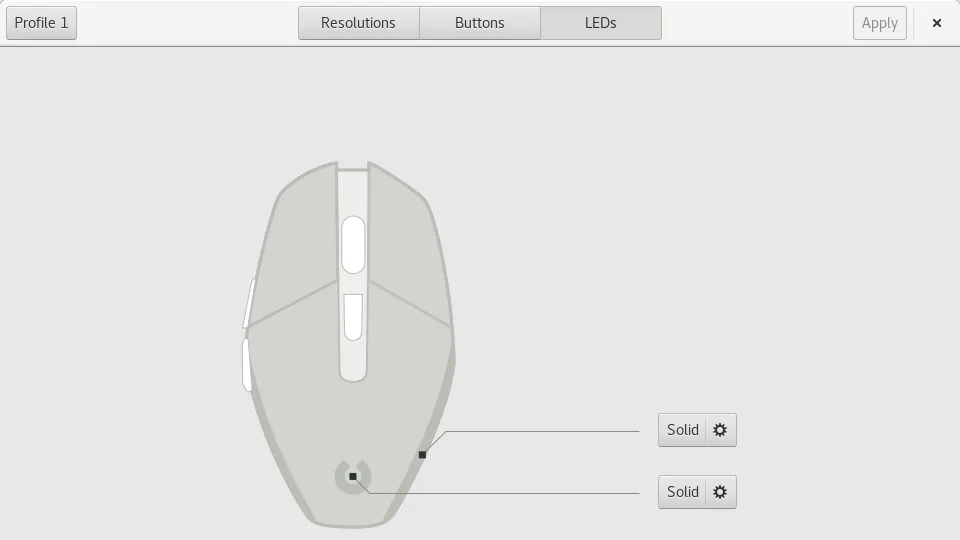
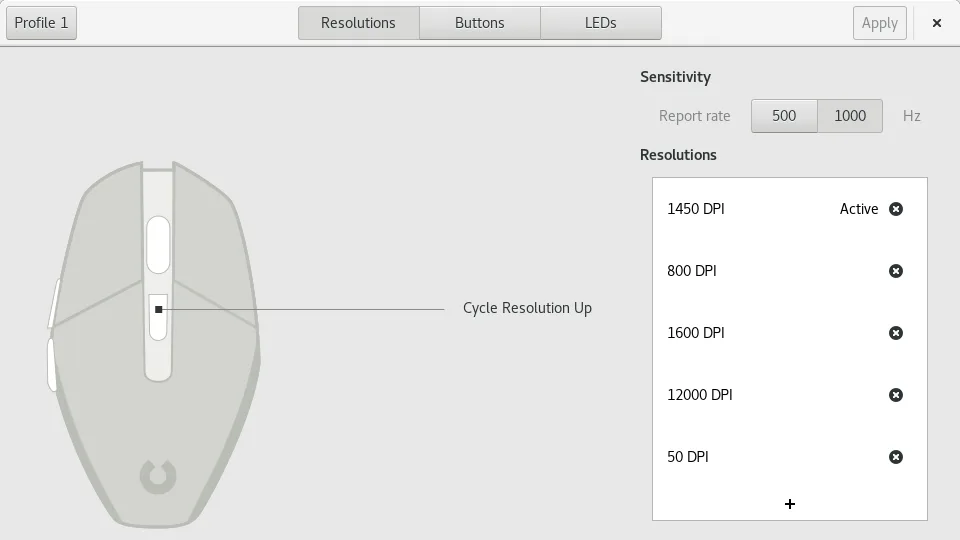
What is Piper?
Piper is a lightweight graphical front‑end that talks to the ratbagd daemon to adjust DPI, profiles, LED colors and button mapping on supported gaming mice. It was created by the libratbag developers to give Linux users a single‑pane interface similar to Logitech’s G Hub. The project is mature, with regular releases; the latest version 0.8 was published in September 2024.
The tool is aimed at gamers and power users who want fine control over mouse settings without editing config files by hand. It supports a wide range of devices, especially those that ratbagd already supports.
Compared with the Windows G Hub, Piper feels more lightweight and Linux‑native. It lacks some of the flashy themes and cloud sync features of G Hub, but it provides a straightforward, consistent workflow that works across distributions.
Best for: Gamers who want a native Linux mouse configuration tool without the extra features of proprietary software.
Key features of Piper
- Adjust DPI per profile
- Create and delete profiles
- Set per‑button actions
- Configure RGB LED colors
- Export and import configuration files
- Supports multiple mice at once
- Runs on Wayland and X11
Pros
- Open source and free
- No bloatware or telemetry
- Works across many Linux distros
- Regular updates
- Simple, uncluttered UI
Cons
- Requires ratbagd daemon to be running
- Limited to mice supported by ratbagd
- No cloud sync or profile sharing
- Learning curve for advanced settings
Windows programs Piper replaces
How to install Piper on Linux
flatpak install flathub org.freedesktop.PiperTips for Windows users
When moving from G Hub, note that Piper uses ratbagd’s JSON config files, not G Hub’s proprietary format. There are no direct import tools, so you’ll need to re‑create profiles manually. The shortcut keys are the same as the mouse buttons; you can assign them in Piper’s button mapping dialog. Workflow is simpler: open Piper, tweak settings, and the changes apply instantly via ratbagd.
Recent releases
- 0.8 —
Piper: frequently asked questions
Does Piper support all Logitech gaming mice?
Piper supports any mouse that ratbagd can control, which includes most modern Logitech models, but not all legacy devices. Check the ratbagd device list for compatibility.
Do I need to install G Hub on Windows to use Piper?
No. Piper is a standalone Linux application; it does not rely on any Windows software.
How do I keep my settings across reboots?
Piper writes its configuration to the ratbagd config directory (~/.config/ratbag/). As long as ratbagd is running, the settings persist.
Can I use Piper on Wayland?
Yes. Piper works on both Wayland and X11, but you must ensure ratbagd is running with the appropriate permissions.
Updated