

Linux · Graphics
Pixelorama
Pixelorama is a free, open-source pixel art editor and animation tool for Linux, suitable for sprites and tiles.
- License
- MIT
- Latest version
- 1.2.4 (November 3, 2026)
- Developer
- Orama Interactive
- Installs
- 2,856 (Flathub, 30 days)

What is Pixelorama?
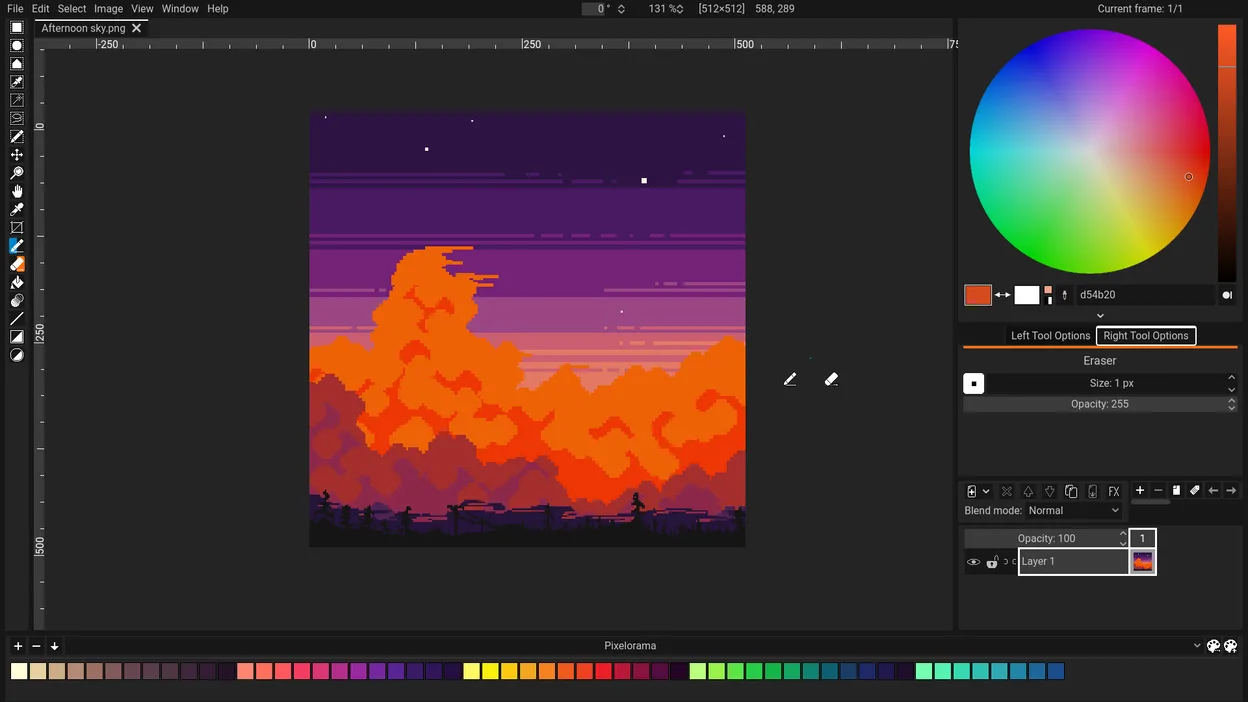
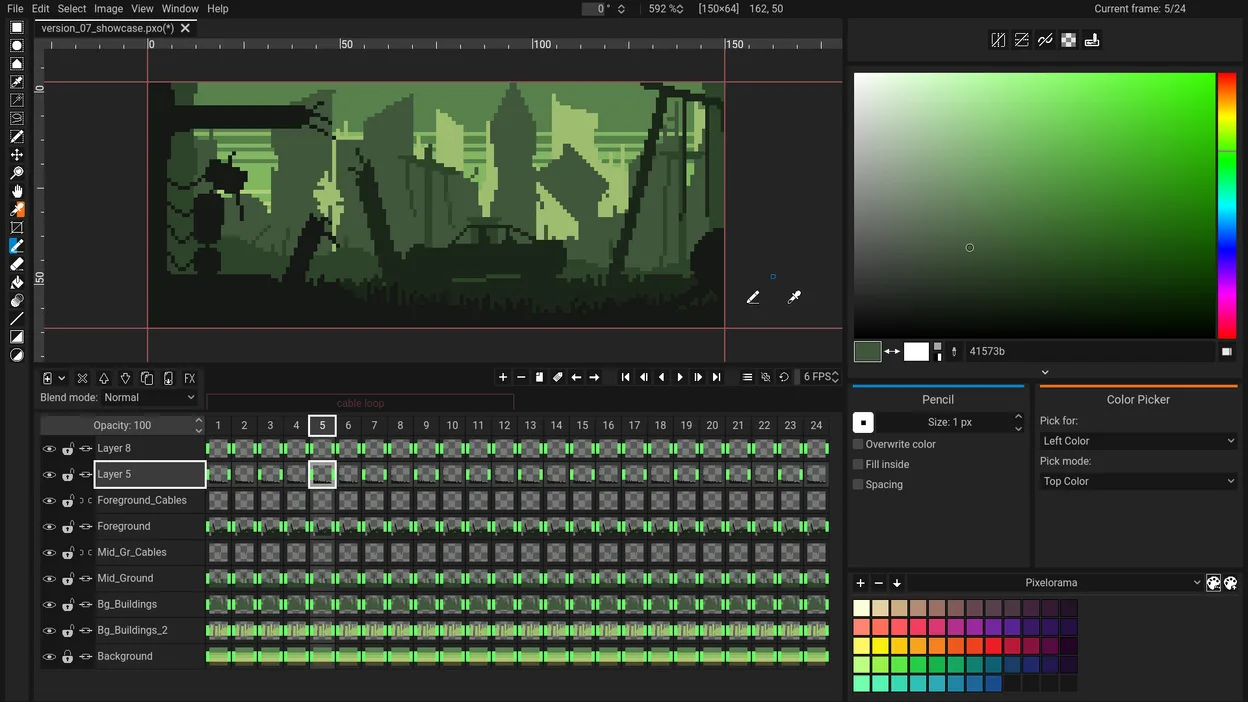
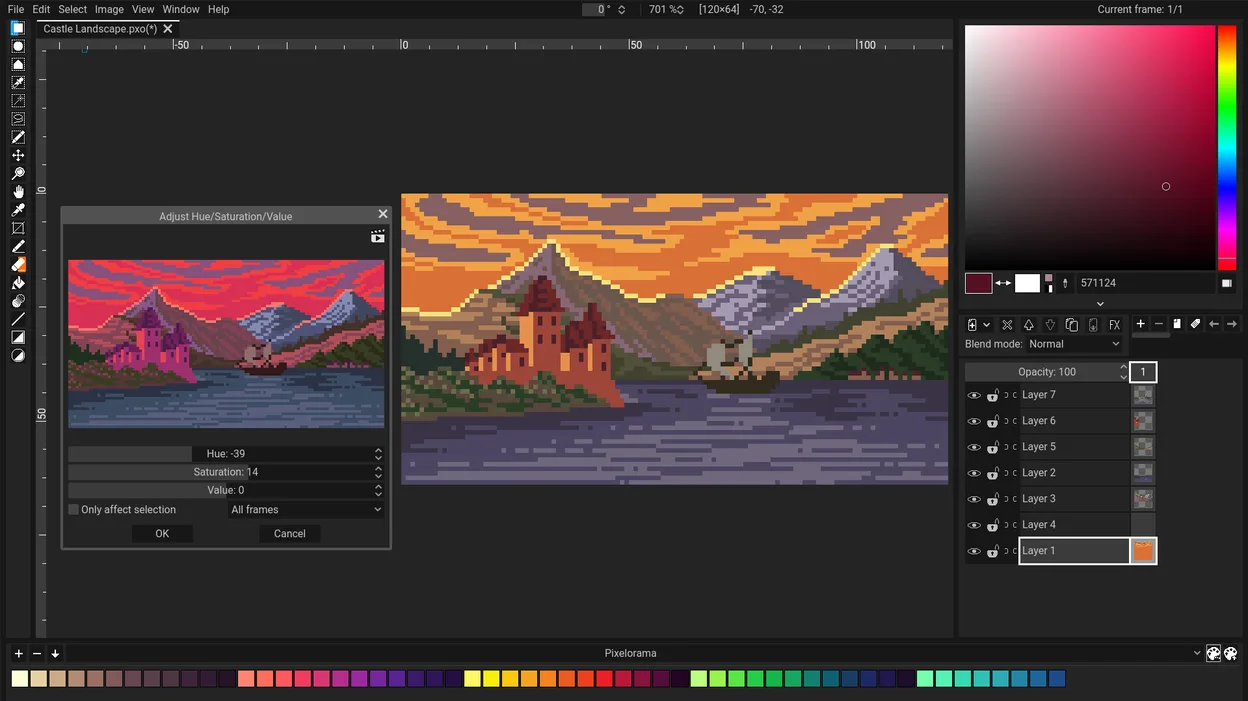
Pixelorama is a dedicated pixel art editor developed by Orama Interactive. It focuses on creating sprites, tiles, and animations with a toolbox designed specifically for low-resolution graphics. The project is active, with recent releases like version 1.2.4, and is packaged for openSUSE and available via Flathub.
It targets hobbyists, indie game developers, and digital artists who need a lightweight alternative to heavy commercial suites. If you are moving from general-purpose image editors, this tool strips away the complexity of vector and photo editing to focus strictly on pixel manipulation and frame-by-frame animation.
Compared to Adobe Fresco, which blends raster and vector brushes with a focus on natural media, Pixelorama is strictly raster-based. It feels more utilitarian and precise, prioritizing grid alignment and animation timing over fluid brush strokes. It is less about artistic expression through texture and more about technical precision in pixel placement.
Best for: Indie game developers and pixel artists who need a fast, dedicated tool for sprites and animations without the overhead of a full image editor.
Key features of Pixelorama
- Sprite sheet creation and management
- Frame-by-frame animation editor
- Tile map editing tools
- Pixel-perfect zoom and grid alignment
- Export to common formats like PNG and GIF
- Color palette management and locking
- Onion skinning for animation
- Lightweight and fast performance
Pros
- Completely free and open-source under MIT license
- Focused interface reduces clutter compared to Photoshop or Fresco
- Good support for animation workflows
- Runs well on lower-end hardware
- Available via standard Linux package managers and Flathub
Cons
- Lacks advanced vector tools found in Adobe Fresco
- Fewer brush options than dedicated painting software
- Limited collaboration features
- Smaller community and plugin ecosystem compared to major commercial tools
Windows programs Pixelorama replaces
How to install Pixelorama on Linux
flatpak install flathub com.orama_interactive.Pixeloramasudo zypper install pixeloramaTips for Windows users
If you are coming from Adobe Fresco, expect a shift from fluid, natural-media brushes to a grid-based, pixel-precise workflow. Fresco files (.ffs) are not directly compatible, so you will need to export your work as PNG sequences or sprite sheets before importing them into Pixelorama. Keyboard shortcuts differ significantly; take time to learn the specific keys for layer management and animation playback, as they do not map directly to Adobe's conventions. Focus on using the onion skinning feature to replicate the animation preview capabilities you had in Fresco.
Recent releases
- 1.2.4 —
- 1.2.3 —
- 1.2.2 —
- 1.2.1 —
Pixelorama: frequently asked questions
Can Pixelorama open PSD files?
Pixelorama is primarily designed for pixel art and does not natively support complex Photoshop PSD layers. You should export your assets as PNG or GIF files from your previous software before importing them.
Is Pixelorama good for animation?
Yes, it has a dedicated animation timeline, onion skinning, and frame management tools that make it suitable for creating sprite animations and short loops.
How do I install Pixelorama on Ubuntu?
You can install it via Flathub using the command 'flatpak install flathub com.orami.Pixelorama' or by downloading the AppImage from the official website.
Does Pixelorama support vector graphics?
No, Pixelorama is a raster-based pixel art editor. It does not support vector paths or curves, unlike Adobe Fresco or Inkscape.
Updated