

Linux · System Tools
Polychromatic
Polychromatic is an open-source RGB lighting manager for Razer devices on Linux, using OpenRazer for hardware control.
- License
- GPL-3.0-or-later
- Latest version
- 0.9.8 (August 8, 2026)
- Developer
- Luke Horwell
- Installs
- 4,690 (Flathub, 30 days)
What is Polychromatic?
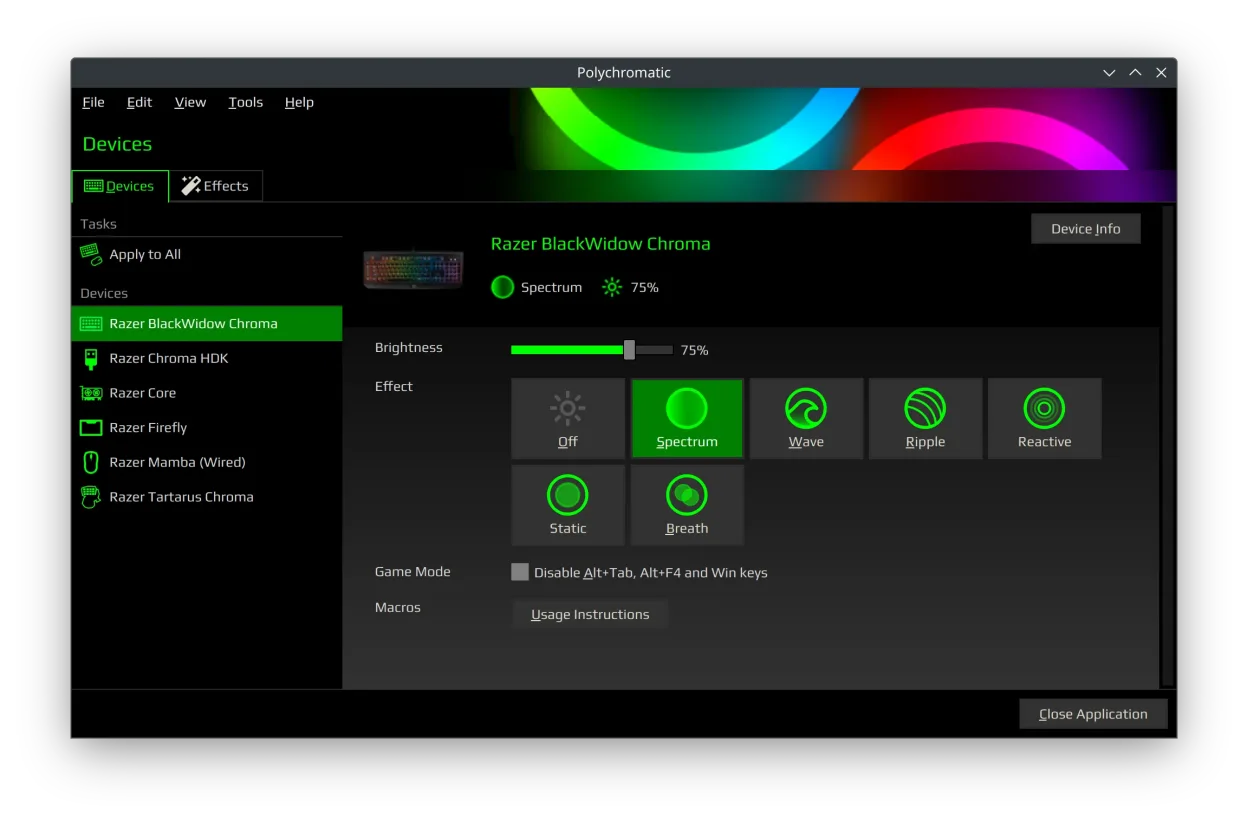
Polychromatic provides a graphical interface to configure Razer peripherals on Linux, supporting keyboards, mice, headsets, and more. It works on top of OpenRazer, a kernel-level driver project that reverse-engineered Razer's protocols. The app has been around since 2016 and has matured into a stable tool, though development pace is moderate.
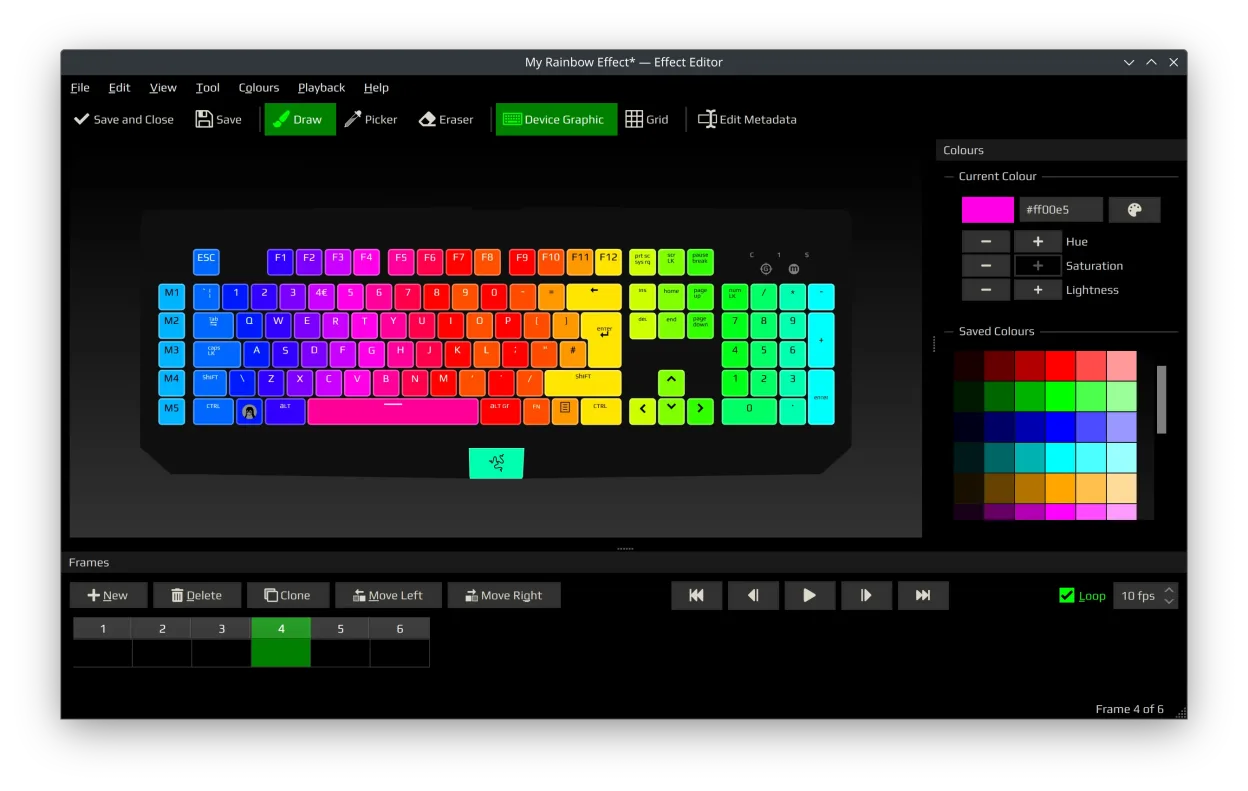
It's for Linux users who own Razer hardware and want full control over lighting, DPI, polling rate, and device profiles without booting into Windows. If you're using OpenRazer, Polychromatic is the most complete GUI available. It's especially useful for customizing per-key lighting or creating animations.
Compared to Razer Synapse, it feels less polished and lacks cloud sync or game integration. But it’s functionally close—most lighting effects, DPI settings, and hardware modes are supported. The interface is straightforward but not flashy. You won’t get real-time game-triggered effects, but static and animated lighting work reliably.
Best for: Linux users with Razer RGB devices who want full lighting and hardware control without Windows.
Key features of Polychromatic
- Control RGB lighting on Razer keyboards, mice, and headsets
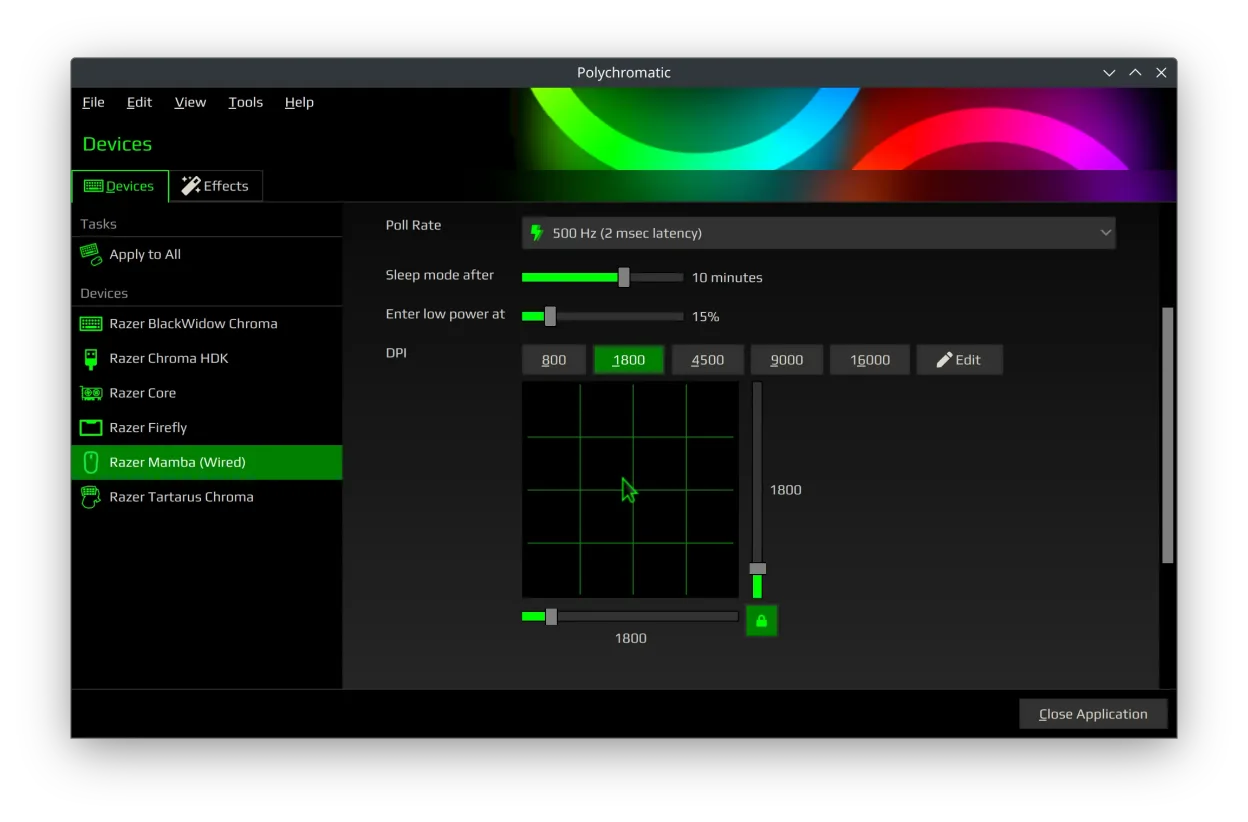
- Adjust DPI, polling rate, and Game Mode settings
- Test individual LED positions on supported devices
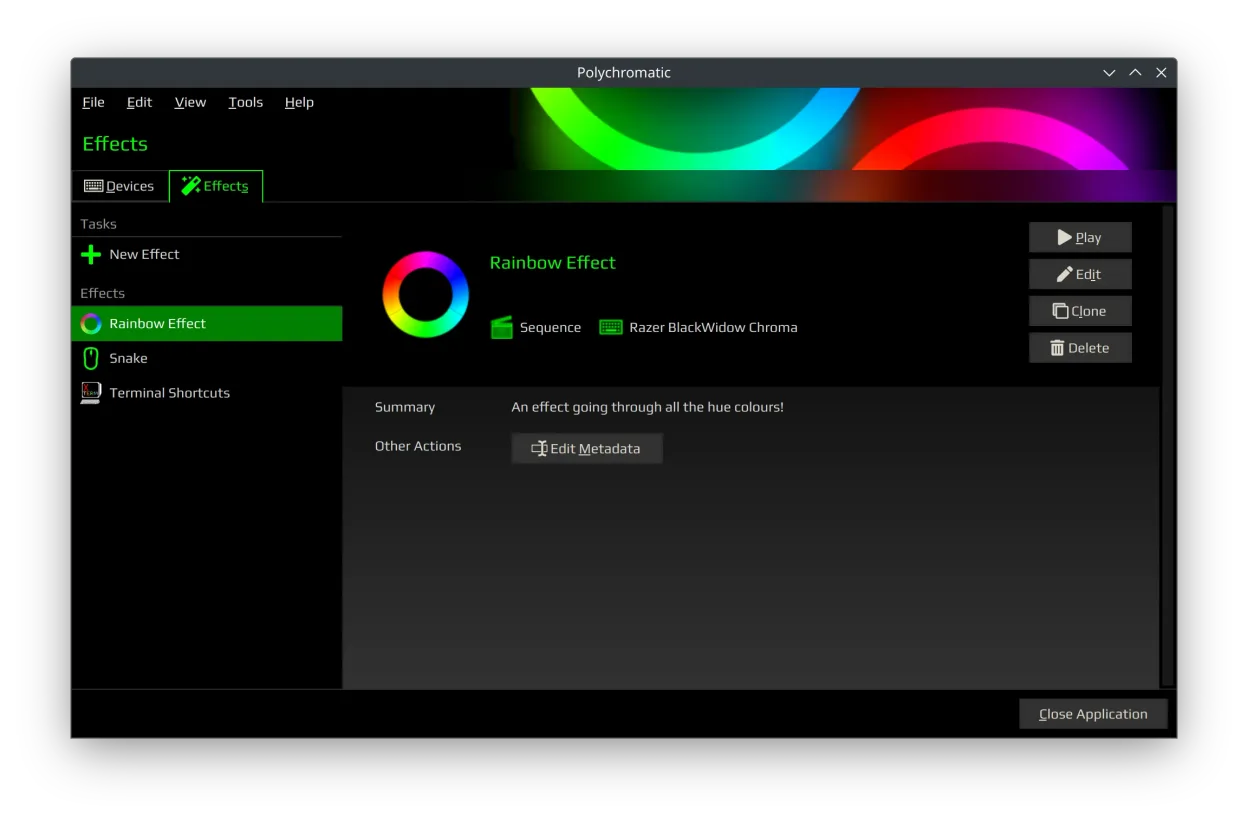
- Create and edit custom lighting effects and animations
- View device info: firmware version, serial, battery
- Supports per-device profiles and hardware-saving
- Works with OpenRazer’s kernel-level driver support
- Available as Flatpak or native package
Pros
- Full control over Razer device settings without Windows
- Supports a wide range of Razer hardware
- Custom effect editor with preview functionality
- Integrates with OpenRazer for reliable low-level access
- Actively maintained and open-source
Cons
- No cloud profile sync or game-specific profiles
- UI feels dated and can be slow on older systems
- Limited animation options compared to Synapse
- Requires manual OpenRazer setup on some distros
Windows programs Polychromatic replaces
How to install Polychromatic on Linux
flatpak install flathub app.polychromatic.controllerTips for Windows users
Coming from Razer Synapse, expect fewer automation features and no game integration. Polychromatic doesn’t import .synapse files—recreate profiles manually. Save profiles directly to the device if supported. You’ll need to install OpenRazer first, either via your distro’s packages or the OpenRazer PPA. Most lighting modes and DPI settings translate directly, but animation tools are more basic.
Recent releases
- 0.9.8 —
- 0.9.7 —
- 0.9.6 —
- 0.9.5 —
Polychromatic: frequently asked questions
Does Polychromatic work without OpenRazer?
No. Polychromatic is a front-end that depends entirely on OpenRazer for device communication. You must install OpenRazer separately for any functionality.
Can I save profiles to my Razer device?
Yes, if your device supports onboard memory. Polychromatic allows saving profiles directly to supported devices, so they work without software running.
Why isn’t my Razer device showing up?
Ensure OpenRazer is installed and your device is supported. Check firmware version and try reconnecting the device. Some newer models may not be supported yet.
Is Polychromatic available on all Linux distributions?
It’s available on most major distributions via Flathub or native packages. Check your distro’s repo or use the Flatpak for broader compatibility.
Updated