

Linux · System Tools
TLP-UI
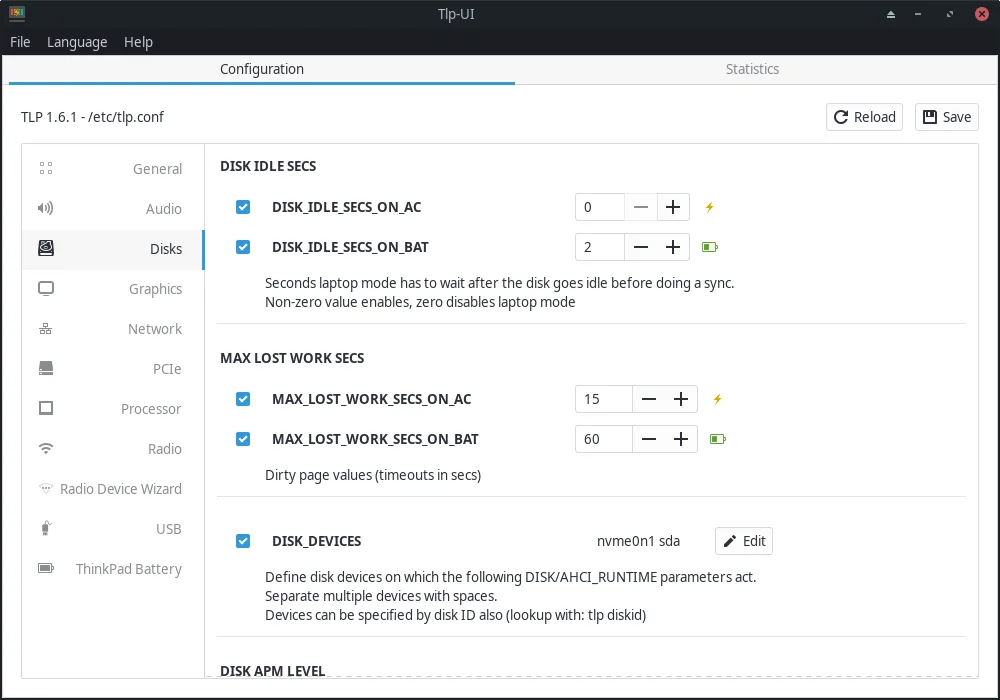
TLP-UI is a graphical frontend for managing TLP power-saving settings on Linux laptops.
- License
- GPL-2.0+
- Latest version
- 1.10.1 (April 21, 2026)
- Developer
- Daniel Christophis
- Installs
- 3,348 (Flathub, 30 days)
What is TLP-UI?
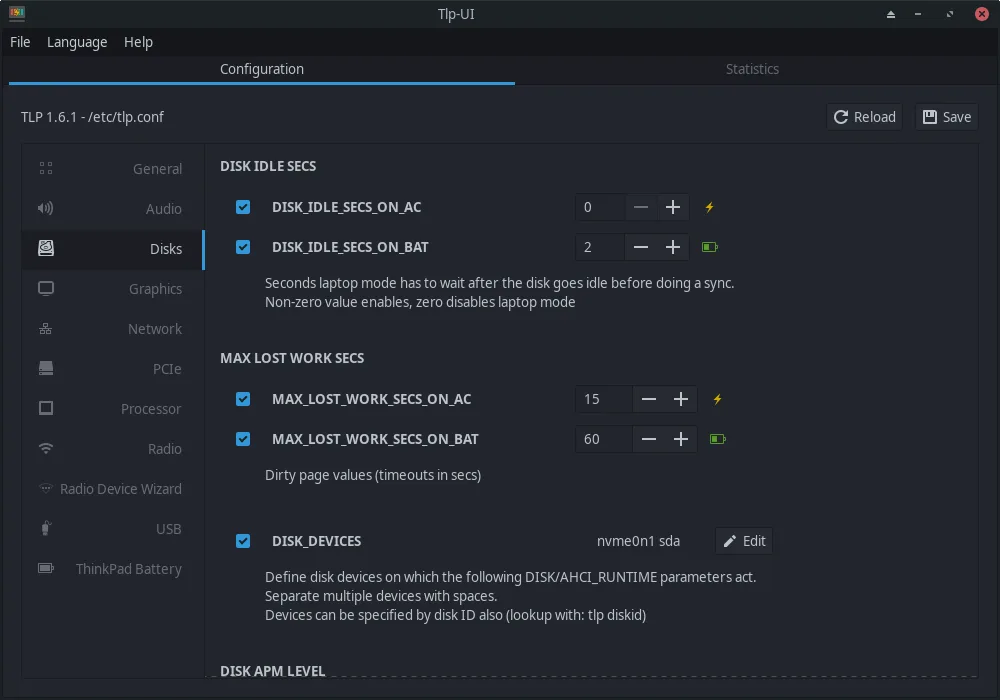
TLP-UI provides a simple interface to configure TLP, a command-line tool that optimizes power usage on Linux laptops. Originally developed to make TLP's advanced settings more accessible, it has matured alongside TLP itself, which is widely used and well-tested across distributions. The app focuses on clarity rather than complexity, reflecting TLP's stable and conservative design philosophy.
It's best suited for Linux users who want better battery life without diving into terminal commands or editing config files. If you're used to tools like MSI Dragon Center on Windows—where you tweak power modes, fan behavior, and keyboard lighting—TLP-UI covers only the power profile side, not hardware customization. It won’t replace full system dashboards, but it does one job well.
Compared to Windows utilities like Dragon Center, TLP-UI feels minimal and focused. There’s no real-time RGB control or gaming mode toggle. Instead, it presents validated settings in a clean layout. You won’t get flashy animations or system monitoring, but you do get reliable access to proven power tweaks—closer in spirit to a stripped-down control panel than a feature-rich suite.
Best for: Users who want an easy way to tune laptop power savings without using the command line.
Key features of TLP-UI
- Graphical control for TLP power settings
- Overview of valid configuration values
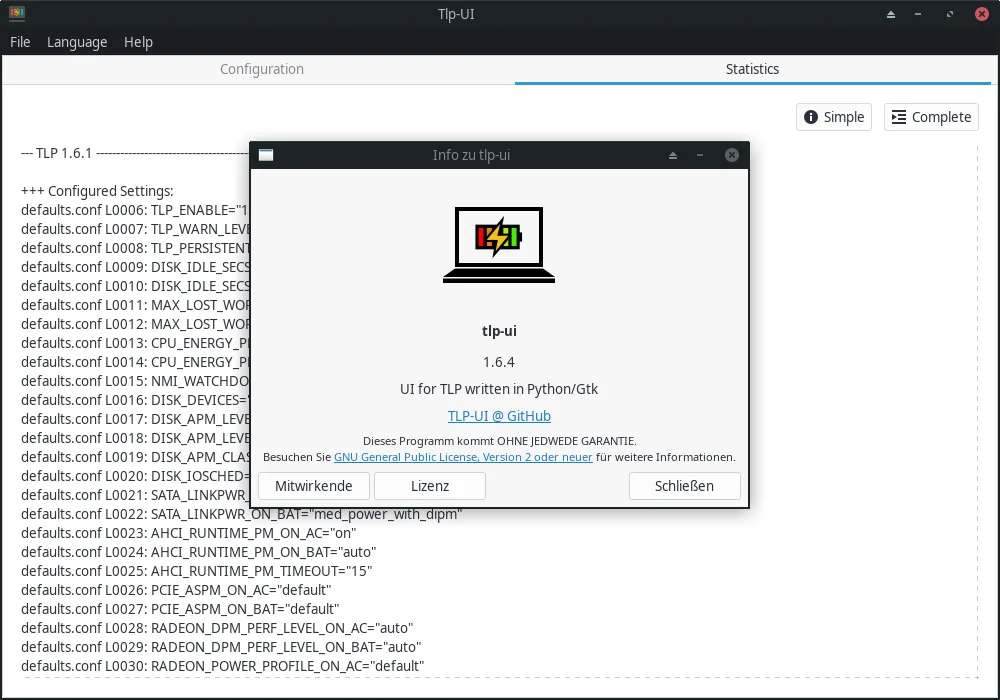
- Basic system power status display
- Easy switching between power profiles
- Validation of user input against TLP rules
- Direct feedback on active TLP settings
- Supports common laptop power tuning options
- Integrated help for configuration fields
Pros
- Simplifies complex TLP configurations
- Stable and well-integrated with Linux power management
- No background services or performance impact
- Clear, no-nonsense interface
- Actively maintained alongside TLP
Cons
- Only manages power settings—no fan, RGB, or performance mode controls
- Limited compared to full Windows utilities like Dragon Center
- Requires TLP to be installed and running
Windows programs TLP-UI replaces
How to install TLP-UI on Linux
flatpak install flathub com.github.d4nj1.tlpuiTips for Windows users
If you're coming from MSI Dragon Center, know that TLP-UI doesn’t handle RGB lighting, overclocking, or fan curves. Instead, it focuses only on power management. Your old profiles don’t transfer—TLP uses /etc/tlp.conf, which TLP-UI edits. You’ll need to set values manually. Shortcuts and hotkeys for power modes aren’t built-in; use your desktop environment’s keyboard settings if needed.
Recent releases
- 1.10.1 —
Fix error decoding and display proper messages Fallback to defaults if platform_profile_choices requires root permissions
- 1.10.0 —
Compatibility with TLP 1.10 Lookup platform profile list Add max-power platform profile
- 1.9.0 —
Compatibility with TLP 1.9 Detect and set display backend Add metadata keywords
- 1.8.1 —
Add Italian and Hungarian translation Update German and Brazilian translation Set Python 3.10 as minimal supported version Add Python 3.14 test support Update Python dependencies Update to Gnome 49 Fix pkexec admin selection via UI
TLP-UI: frequently asked questions
Does TLP-UI work without TLP?
No. TLP-UI is just a frontend—it requires TLP to be installed and running in the background. Installing TLP-UI usually pulls in TLP as a dependency.
Can I use TLP-UI on desktop systems?
Yes, but it’s mainly useful on laptops. Desktops benefit less from TLP’s power-saving features, so the tool offers limited value there.
Is TLP-UI safe to use?
Yes. It only modifies TLP settings and validates input. Changes are applied through TLP, which is stable and widely used across Linux distributions.
Why don’t I see fan control in TLP-UI?
TLP doesn’t manage fan speeds. That’s handled separately by tools like fancontrol or vendor-specific daemons. TLP-UI only covers TLP’s scope: power management.
Updated