
Windows · Office
Best Linux alternatives to Microsoft Excel Mobile
Microsoft Excel Mobile is a lightweight spreadsheet app for Windows devices, mainly used for quick data entry and viewing.
Updated
Quick answer
The best Linux alternative to Microsoft Excel Mobile is LibreOffice Calc. Other strong options: WPS Office, Gnumeric, Calligra.
4 Linux alternatives to Microsoft Excel Mobile
-
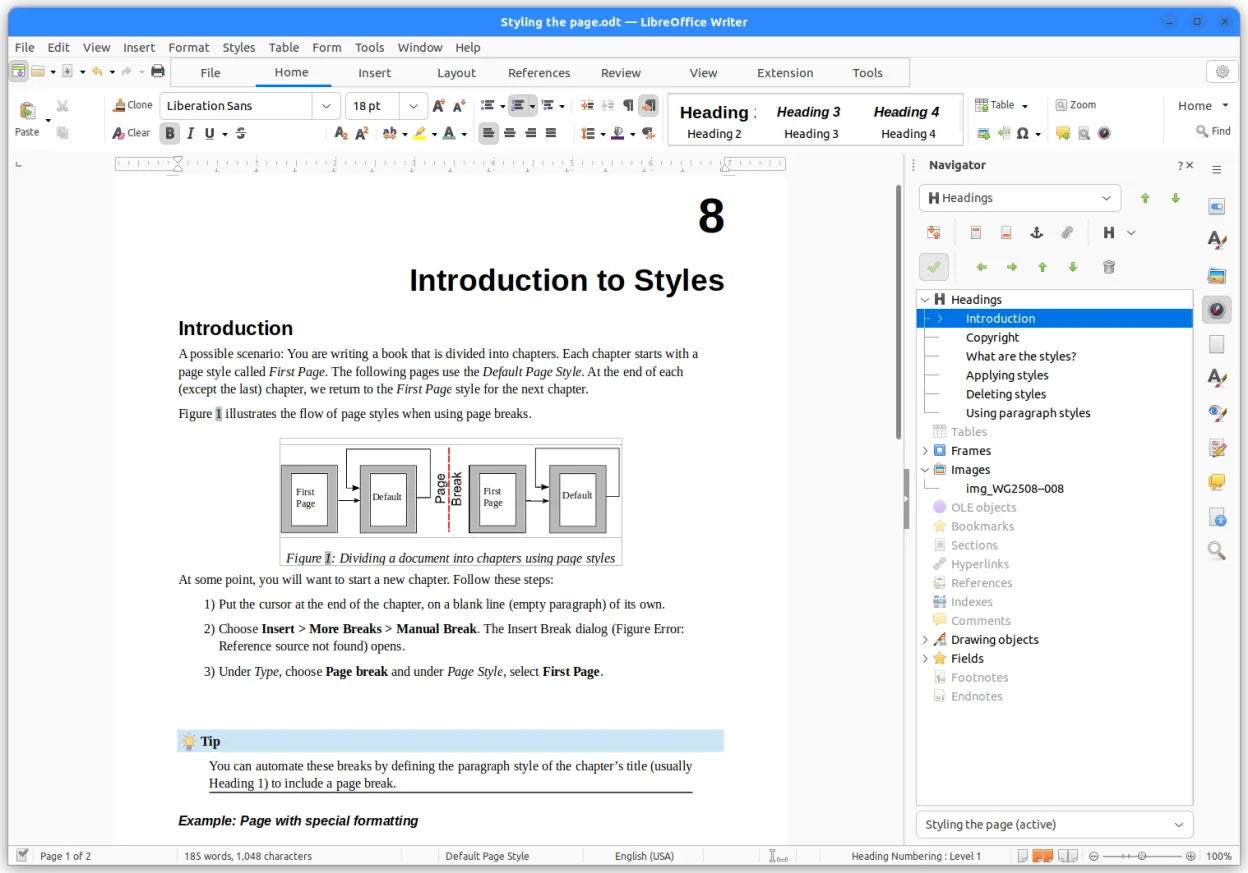
LibreOffice Calc is a free spreadsheet program that replaces Microsoft Excel on Linux.
LibreOffice Calc is a solid replacement for Microsoft Excel Mobile on Linux for users who need more than just quick viewing. It covers the core spreadsheet tasks—creating, editing, formula work, and basic charting—while adding features like pivot tables and macro support. If you mainly work on the…
Feature parity85% -
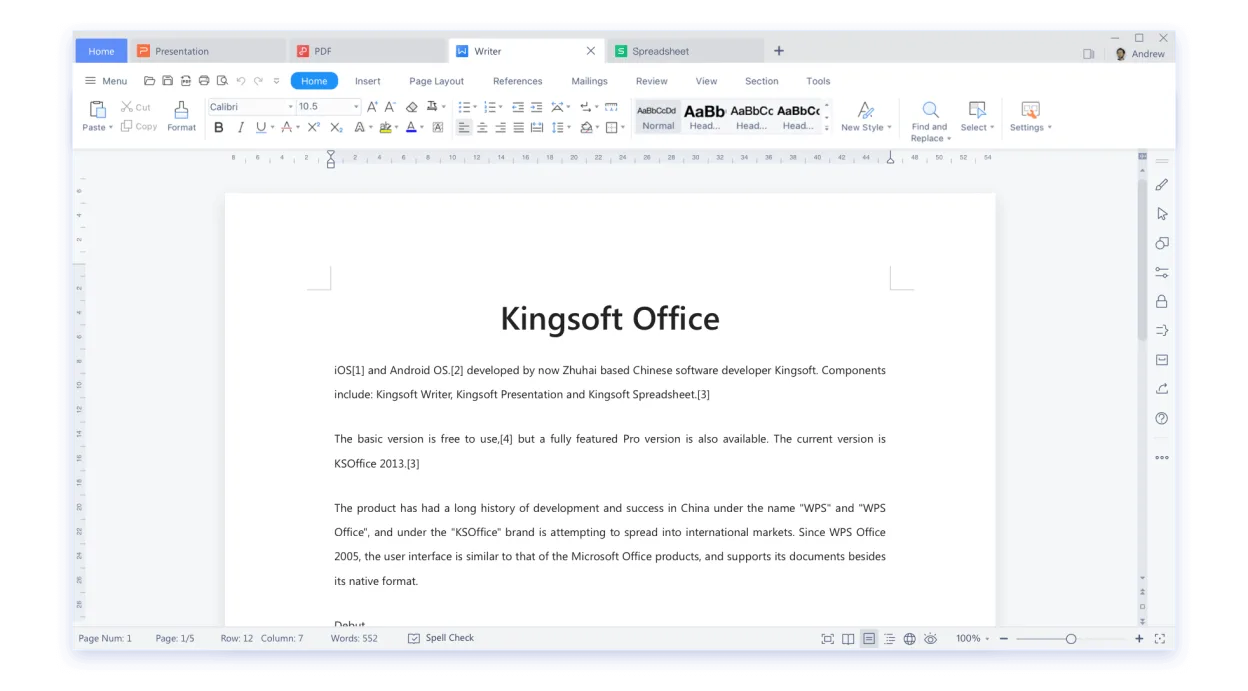
WPS Office is a proprietary office suite for Linux offering Writer, Presentation, and Spreadsheets, compatible with Microsoft Office formats.
WPS Office’s Spreadsheets can replace Microsoft Excel Mobile for most everyday tasks. It supports the same file formats, basic formulas, charting, conditional formatting, and cloud collaboration. The interface is more feature‑rich than Excel Mobile, which is intentionally lightweight, but for users…
Feature parity80% -

Gnumeric is a lightweight, open-source spreadsheet program focused on accuracy and scientific analysis.
Gnumeric is a solid replacement for Microsoft Excel Mobile if your needs are basic data entry, formula use, and file compatibility. It handles .xlsx and .csv files well and supports standard formulas. However, it lacks real-time cloud collaboration features found in Excel Mobile. If you rely on…
Feature parity75% -
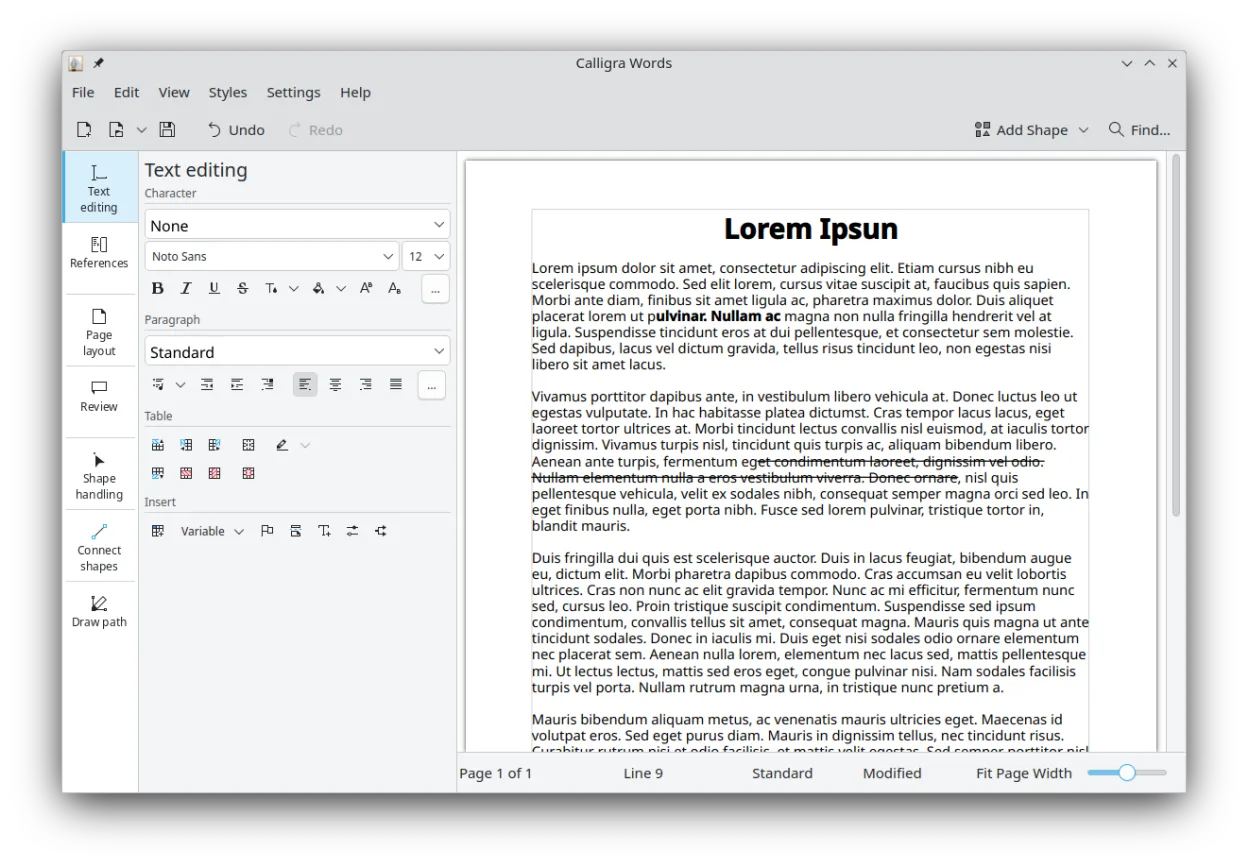
Calligra is a KDE‑based office suite offering word processing, spreadsheets, presentations and vector graphics.
Calligra Sheets can replace Microsoft Excel Mobile for most basic spreadsheet tasks: creating, editing, and viewing .xlsx and .csv files, using common formulas, and making simple charts. It also offers cell formatting and conditional formatting, which Excel Mobile lacks. However, it does not…
Feature parity80%



What is Microsoft Excel Mobile?
Excel Mobile lets users create, edit, and view spreadsheets on Windows phones and tablets. It targets professionals and students who need basic spreadsheet functionality while on the go. The app is distributed free of charge through the Microsoft Store and is tied to a Microsoft account, with premium features unlocked via an Office 365 subscription.
The desktop counterpart, Microsoft Excel, is part of the paid Microsoft Office suite, but the mobile version is free with limited capabilities. Its licensing is tied to Microsoft’s cloud ecosystem, meaning you need an internet connection for full feature access and file syncing.
Many Linux users look for a replacement because they cannot run the Windows Store app natively, and they prefer open‑source tools that work offline, respect privacy, and integrate with Linux desktop environments.
What a replacement for Microsoft Excel Mobile must do
- Create and edit spreadsheets
- Support for common formulas and functions
- Import and export .xlsx and .csv files
- Basic charting and data visualization
- Cell formatting and conditional formatting
- Collaboration via shared files
Can you run Microsoft Excel Mobile on Linux?
There is no native Linux build of Excel Mobile. The desktop Excel can run under Wine with mixed results, but the mobile app is unavailable. Users can rely on the web version of Excel through a browser, which works on Linux, though it requires a Microsoft account and an internet connection.
Which alternative should you choose?
LibreOffice Calc is a solid all‑round choice for most users, offering full formula support and good .xlsx compatibility. WPS Office provides a UI closer to Microsoft’s and may feel more familiar to former Excel Mobile users. Gnumeric is lightweight and excels at handling large data sets quickly. Calligra Sheets is useful if you already use the KDE ecosystem.
Moving your Microsoft Excel Mobile files and habits
All listed alternatives can open .xlsx files, though complex macros may not transfer. Export your spreadsheets from Excel Mobile as .xlsx or .csv, then open them in the chosen Linux app and verify formulas and formatting. Save the final version in the native format of the new app if you plan to stay on Linux long term.
Side-by-side comparison
| App | License | Flatpak | Latest version | Feature parity | Rating |
|---|---|---|---|---|---|
| LibreOffice Calc | MPL-2.0 | ✓ | 26.8.2.2 | 85% | — |
| WPS Office | LicenseRef-proprietary=https… | ✓ | 11.1.0.11723 | 80% | — |
| Gnumeric | GPL-2.0 or GPL-3.0 | ✓ | 1.12.62 | 75% | — |
| Calligra | GPL-2.0-or-later | ✓ | 26.08.3 | 80% | — |
Microsoft Excel Mobile: frequently asked questions
Can I run Excel Mobile directly on Linux?
No, there is no native Linux version; only the web version works via a browser.
Will my .xlsx files open correctly in LibreOffice Calc?
Most basic spreadsheets open without issues; advanced features like VBA macros may be lost.
Do I need an internet connection to use the Linux alternatives?
No, all listed apps work offline; only the web version of Excel requires connectivity.
Is there a free alternative that looks like Excel?
WPS Office offers a free tier with an interface similar to Microsoft Office, making the transition easier.
How important is Microsoft Excel Mobile to you?
Know a better alternative? Suggest an alternative